
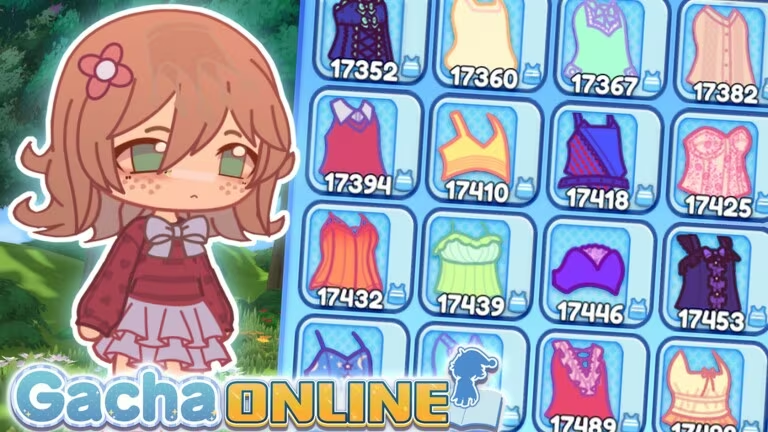
Gacha Online is the Roblox roleplay game where you build a character, decorate your space, and hang out with friends. Coins are the main currency, and codes are the fastest way to grab a batch of them for free.
Working Gacha Online Codes
There aren’t any active codes for Gacha Online right now. Codes tend to pop up around updates or milestones, so check back here and this list will be refreshed the moment a new one starts working.
How to redeem codes in Gacha Online
Redeeming a code in Gacha Online takes less than a minute once you’re loaded into the world. Here’s exactly where to go.

If you don’t see that confirmation message, the code has either expired or was typed incorrectly. Recheck the spelling and capitalization before trying again.
Expired Gacha Online codes
These codes used to work but no longer redeem anything if you try them.
CUSTOMCONTENT
Previously credited 600 Coins
THANKSGIVING
Previously credited 1,000 Coins
HELLOWORLD
Previously credited 1,000 Coins
How to get more Gacha Online codes
New codes for Gacha Online typically show up around content updates, so the best way to catch one early is to keep an eye on the game’s official channels. Joining the official Gacha Online Discord server is your best bet, since new codes are usually shared there first. You can also hop into the Gacha Online experience page on Roblox and check its update notes for anything new.
There’s no fixed schedule for when new codes drop, so checking in every so often is the most reliable approach.
Are Gacha Online codes free?
Yes. Every code redeems for free Coins with no purchase or sign-up required, as long as it’s still active.
Why didn’t my code work?
If the Redeem Codes box doesn’t show a confirmation message, the code is likely expired or was entered with a typo, extra space, or wrong capitalization. Codes are case-sensitive, so paste them exactly as shown.
Since there’s nothing active to redeem at the moment, bookmark this page and swing by again once a new update rolls out. As soon as a fresh code surfaces, it’ll be added here for you to try.






Leave a Reply