
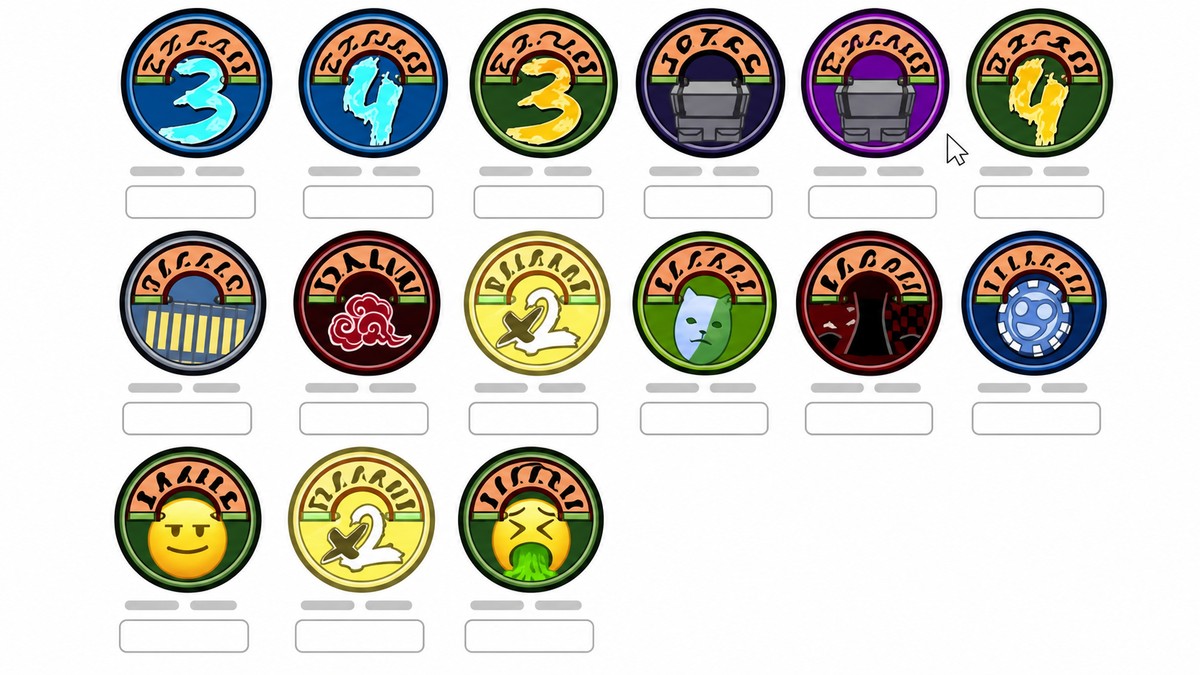
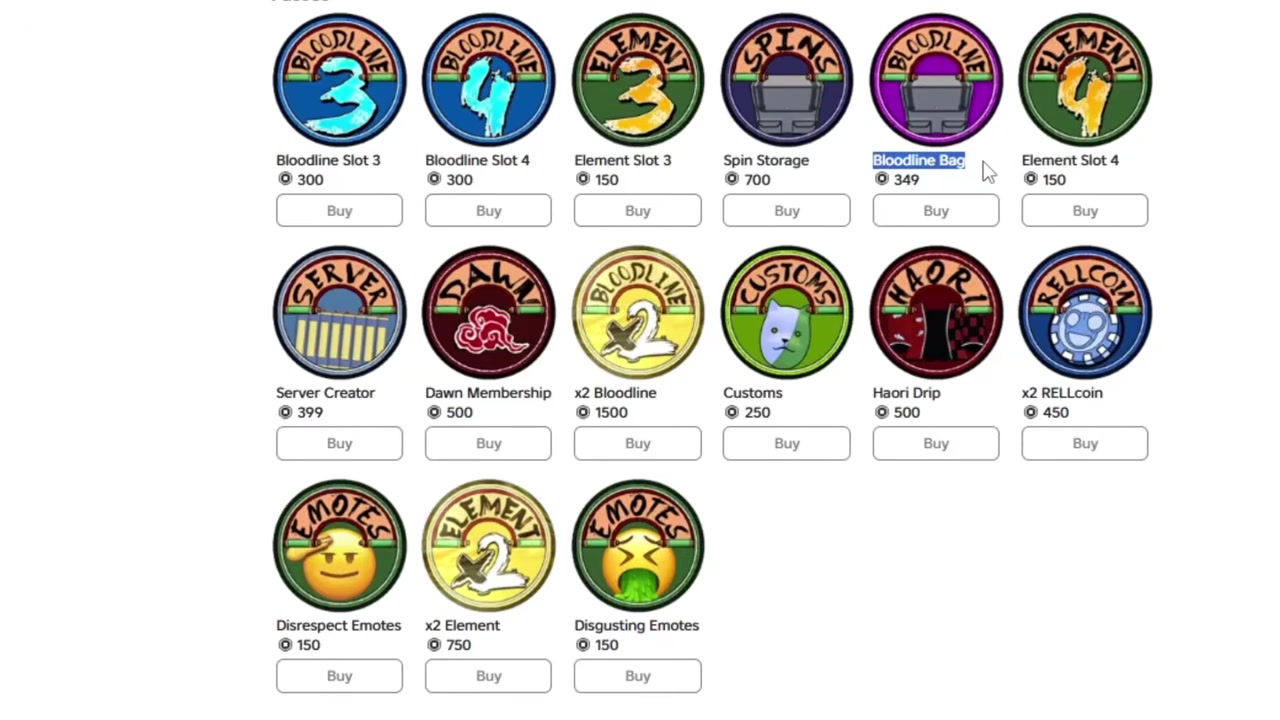
Use RELLGIFTbag! for the free Bloodline Bag and RELLGIFTsc! for the free Server Creator gamepass in Shindo Life, then redeem them from the Edit screen code box before they expire.
Shindo Life currently has two free gamepass codes that are worth claiming first because they unlock account convenience features, not just spins or coins. The important part is entering them in the right menu and keeping the punctuation exactly as shown, including the exclamation mark.
Free Bloodline Bag and Server Creator codes
| Code | Reward |
|---|---|
| RELLGIFTbag! | Free Bloodline Bag |
| RELLGIFTsc! | Free Server Creator |
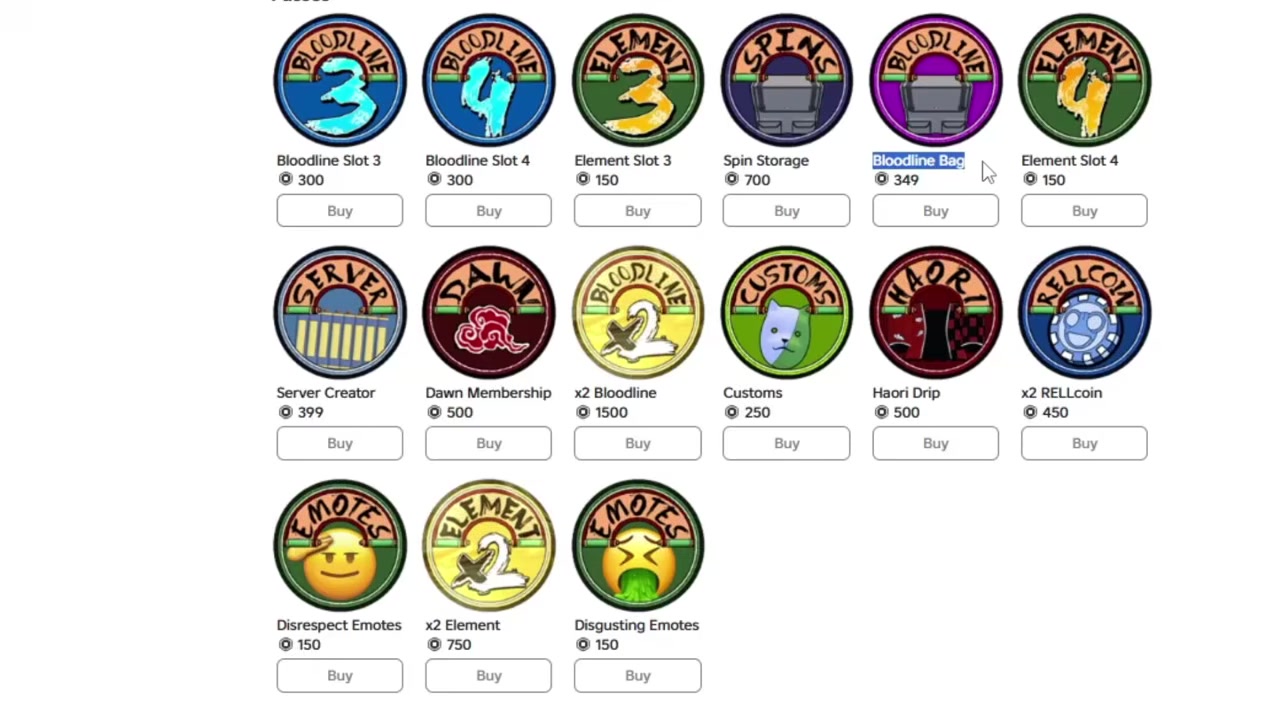
KEY!Bloodline Bag lets you re-equip bloodlines you have already unlocked or stored without spinning for them again. Server Creator unlocks private server creation and access, which is useful for farming, leveling, and playing away from crowded public servers.
How to redeem the free gamepass codes in Shindo Life
Redeem the Server Creator code first, then claim Bloodline Bag from the same code box.
STEP 1/5
Open the code box from Edit
From the main menu, switch from Play to Edit and use the code box in the top-right corner.
STEP 2/5
Enter RELLGIFTsc!
Type RELLGIFTsc! exactly, including the capital letters and exclamation mark.
STEP 3/5
Wait for the Server Creator gift
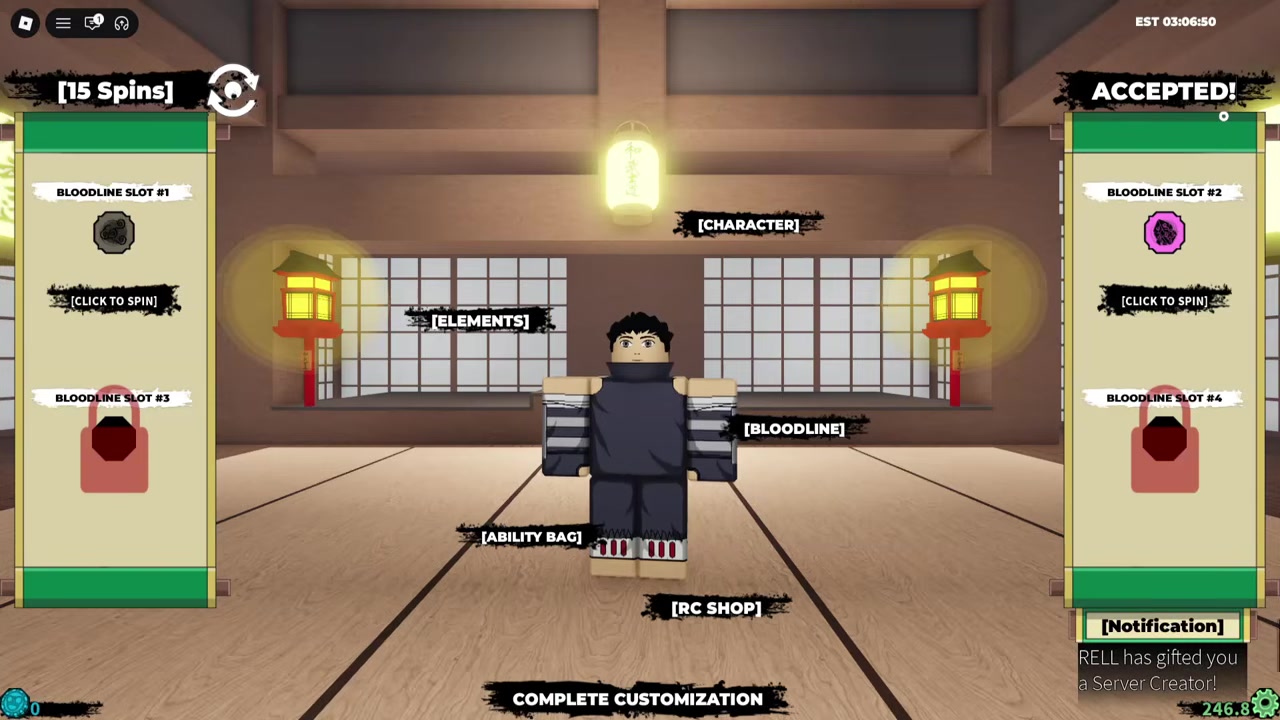
Let the accepted message appear before entering the next code.
STEP 4/5
Enter RELLGIFTbag!
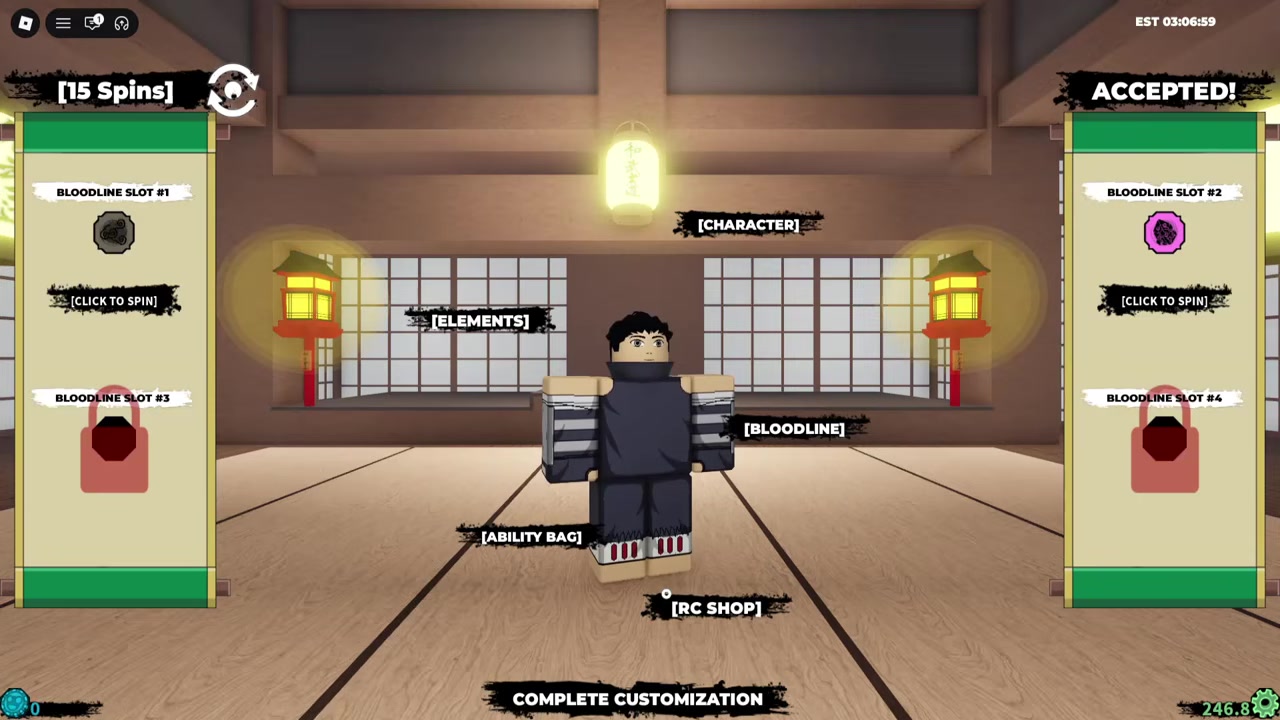
Type RELLGIFTbag! in the same box to claim the Bloodline Bag gamepass.
STEP 5/5
Wait for the Bloodline Bag gift
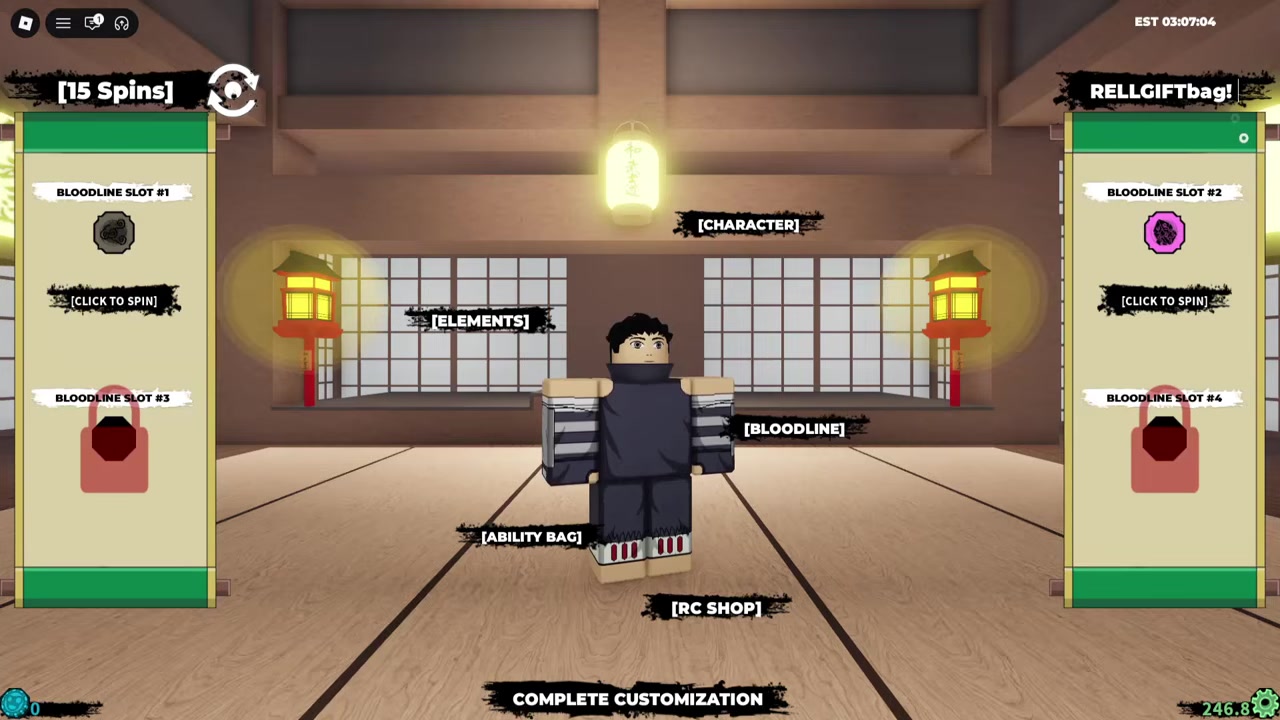
The second accepted message means the Bloodline Bag has been added to your account.
Paste each code exactly as written, because the capitalization and final ! are part of the code.
Video help
How to check that both gamepasses worked
For Server Creator, go back to Play, open the map or server selection screen, and use the Private Server option. If the gamepass applied, you can enter private server options instead of being limited to public servers.
For Bloodline Bag, check the Ability or Bloodline area after loading in. You should be able to pick a bloodline you previously unlocked and equip it again, which is the main advantage of the bag.
Why the Shindo Life gamepass codes may fail
| Problem | Fix |
|---|---|
| Wrong menu | Use the Edit screen, not regular gameplay. |
| Wrong code box label | Use YouTube Code or Creator Code. |
| Mistyped code | Match uppercase, lowercase, and spelling exactly. |
| Missing punctuation | Keep the final ! on both codes. |
| Code no longer accepts | It may have expired. |
Most failed redemptions come down to the wrong screen or a typo. The code box can appear as YouTube Code or Creator Code depending on the UI version, but it still works as the Shindo Life code entry box.
These codes are active in current code lists, but Shindo Life codes can expire without a fixed warning window. If the entry is exact and the correct menu still rejects it, the code may have been removed.
Other Shindo Life codes to claim after these
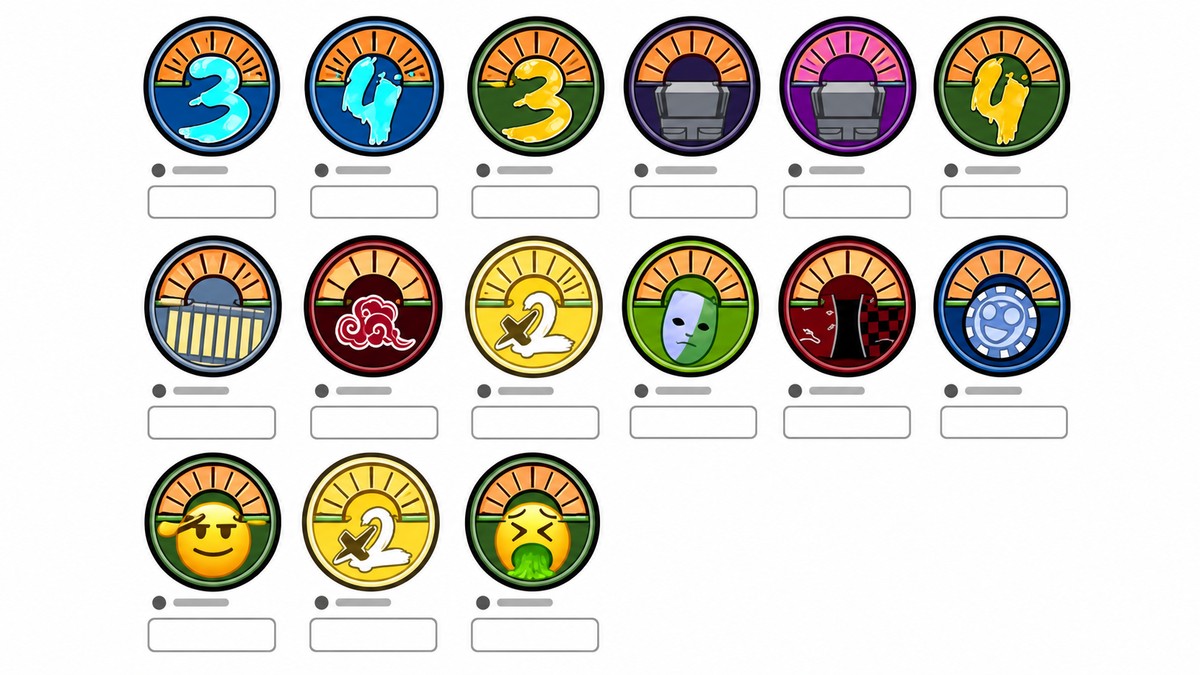
After claiming the two gamepass codes, it is worth checking the current spin and RELLcoin codes as well. Codes such as ShindoDownAGAIN2x!, ShindoLifeTakenDown!, and 2mLikesC0d3d! have been listed for spins and RELLcoins, but those rewards are separate from the Bloodline Bag and Server Creator unlocks.
Frequently Asked Questions
Is the Bloodline Bag code still working?
The Bloodline Bag code is RELLGIFTbag!. If it stops accepting even when typed exactly from the Edit screen, it has likely expired.
What is the free Server Creator code in Shindo Life?
The free Server Creator code is RELLGIFTsc!. Redeem it before the Bloodline Bag code so the private server unlock is applied first.
Where do I enter Shindo Life codes?
Enter Shindo Life codes from the main menu by switching to Edit, then using the code box in the top-right corner.
Why is my Shindo Life gamepass code not working?
Check that you are not adding spaces, changing letter case, or dropping the exclamation mark. If all of that is correct, try pressing Enter after typing the code.
Do these codes give spins or actual gamepasses?
RELLGIFTbag! and RELLGIFTsc! give actual gamepass unlocks. They are not spin codes.






Leave a Reply