
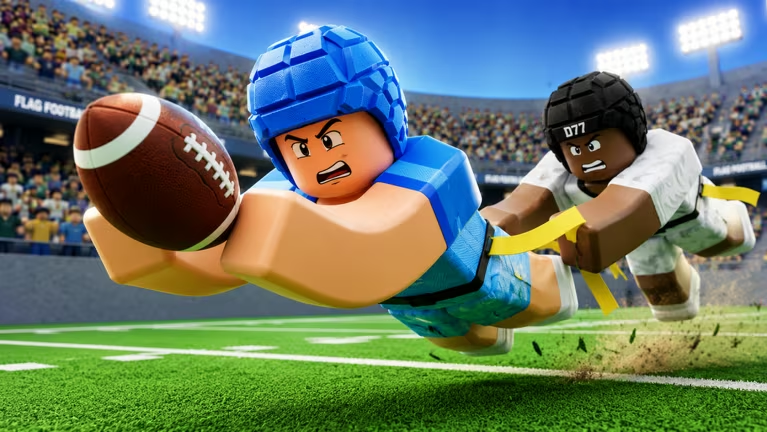
Flag Football is a Roblox experience where you can trade codes for Coins, the in-game currency used to unlock gear and upgrades on the field. Punching in a fresh code takes seconds and can hand you tens of thousands of Coins at once, so it’s worth running through the list below before you head into a match.
Working Flag Football codes
Every code below is confirmed to work right now. Type them in carefully since a single typo or extra space will stop the redemption from going through.
THANKSFORWAITING
100,000 Coins
New
WMONSTER
50,000 Coins (capped at the first 10,000 people to redeem it)
FINALLYANUPDATE
250,000 Coins
WEARESOBACK
100,000 Coins
14KLIKES
110,000 Coins
13KLIKES
100,000 Coins
12KLIKES
120,000 Coins
11KLIKES
110,000 Coins
FRIENDPASSING
100,000 Coins
10KLIKES
100,000 Coins
9KLIKES
90,000 Coins
8KFOR80
80,000 Coins
7KFOR70
70,000 Coins
6KOR67
50,000 Coins
ROADTO6K
50,000 Coins
MOBILEFIX
25,000 Coins
How to redeem codes in Flag Football
Redeeming a code takes place inside the Shop menu rather than a dedicated settings tab, so you’ll want to follow these steps exactly.
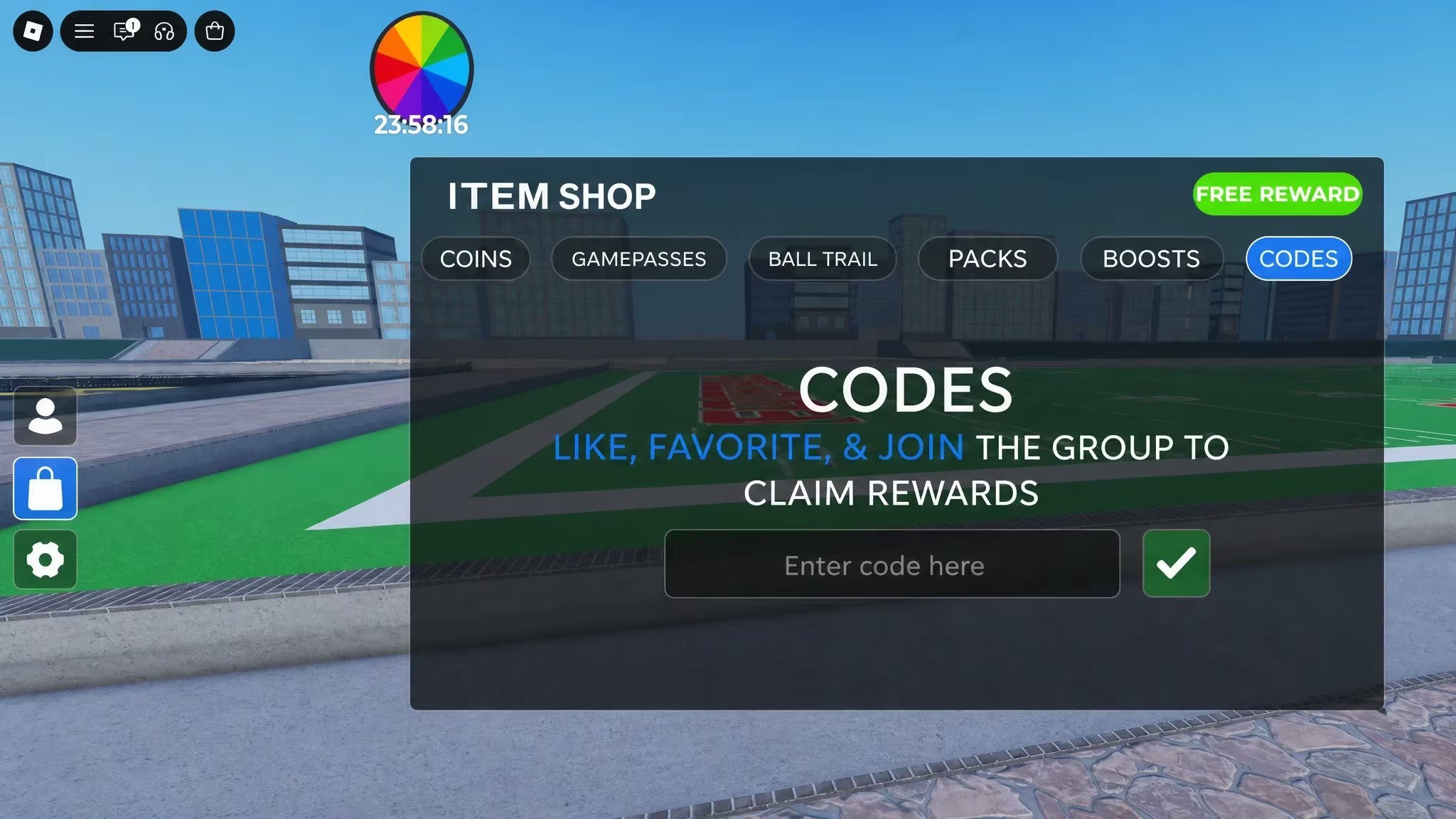
If nothing changes after you press the arrow, double-check the spelling and make sure the code hasn’t already been used on your account, since most codes can only be claimed once per player.
How to get more Flag Football codes
New codes tend to show up around milestones, like the game hitting a certain number of likes or an update dropping, which is why you’ll notice several codes named after like counts and patch announcements. The developer shares them through the game’s official Discord server, so joining the Flag Football Discord is the most direct way to catch a new code as soon as it’s posted.
You can also keep an eye on the CFB College Football community page on Roblox, and jump straight into a match through the Flag Football experience page once you’ve got a code ready to redeem.
Why didn’t my code work?
A code usually fails because it was typed incorrectly, already redeemed on that account, or capped like WMONSTER, which stops working once 10,000 people have claimed it.
Stock up on Coins while these codes are live, since Flag Football’s code list tends to shift as the game hits new like milestones and rolls out updates.






Leave a Reply