

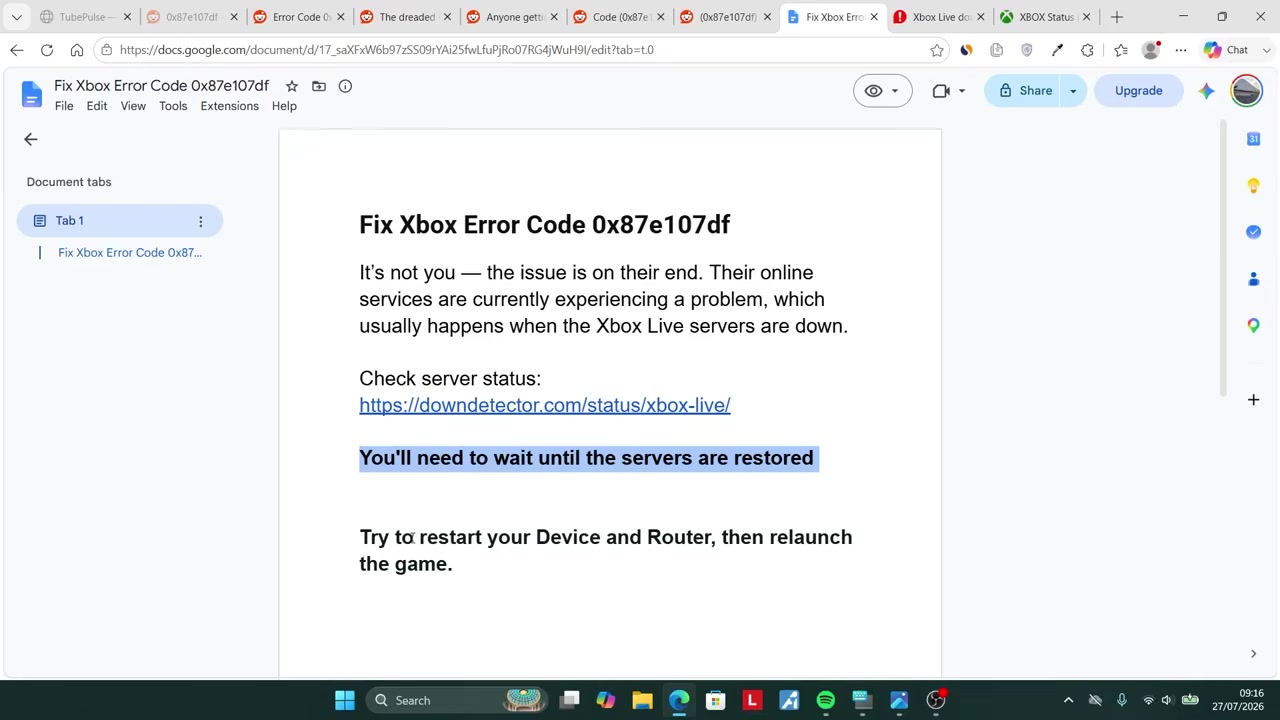
Xbox error 0x87e107df usually means Xbox Network licensing is temporarily failing, so check service status first, restart once, try offline play if eligible, and wait if outage reports are spiking.
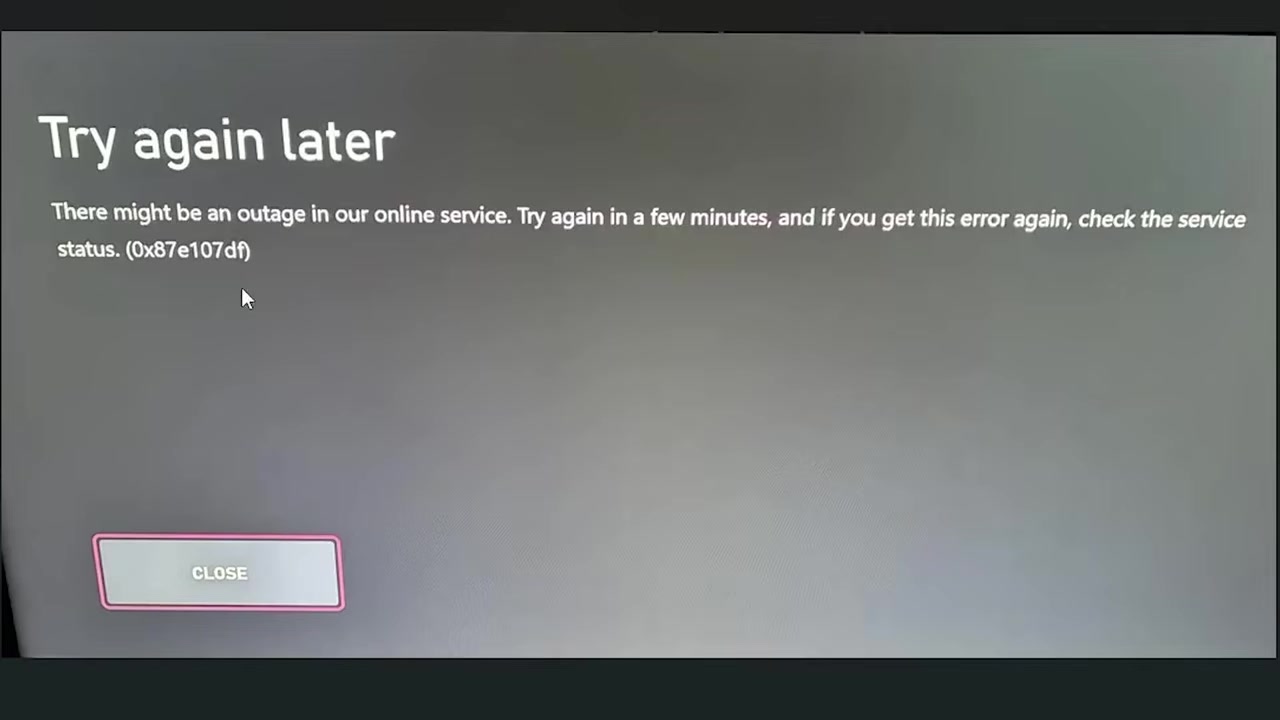
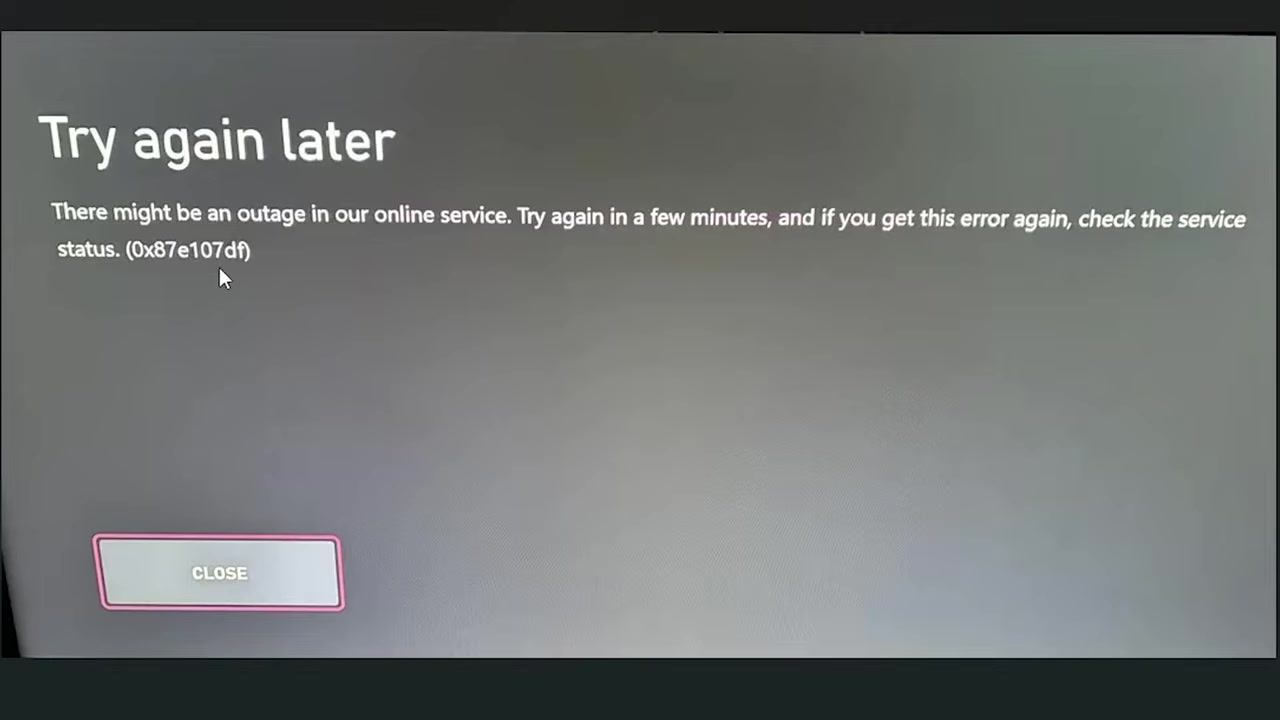
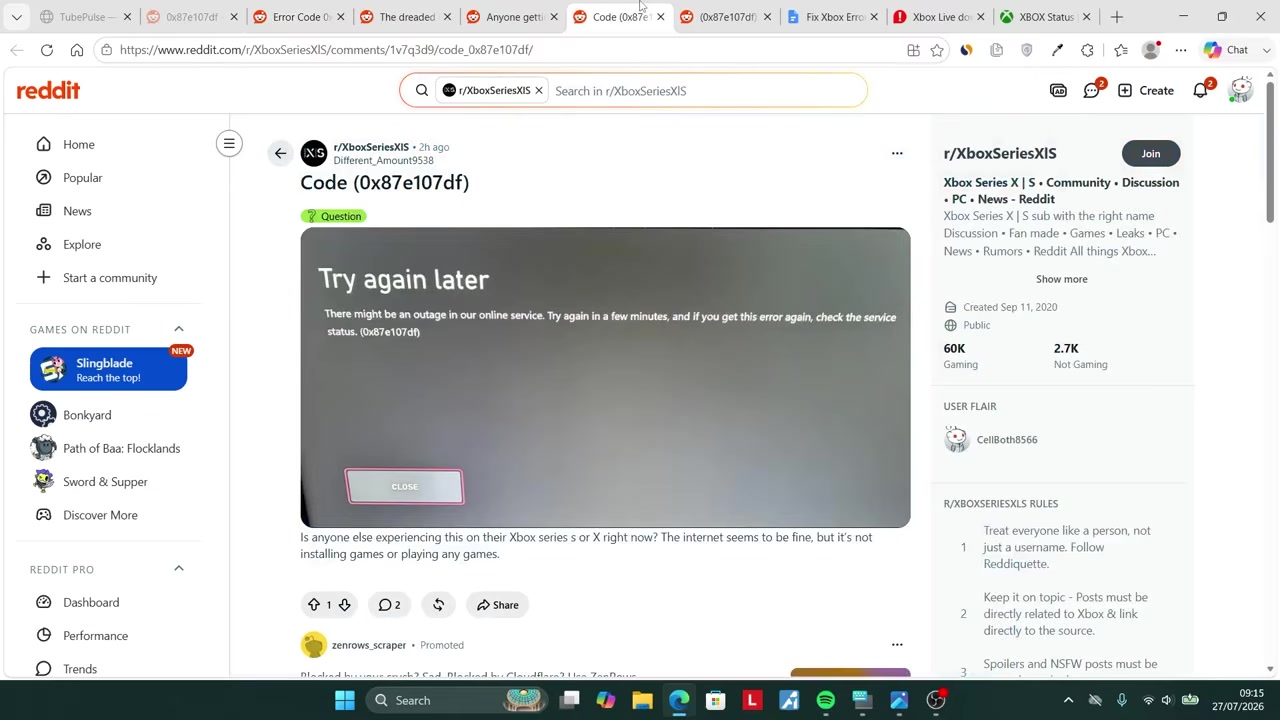
Xbox error code 0x87e107df usually appears right when a game is trying to launch, with a message telling you to try again later and check service status. Treat it as a service and licensing check problem first, then run only a short local retry flow before making any bigger change.
What Xbox error 0x87e107df means

When you start a digital Xbox game, the console may need to validate your license with Xbox Live. Error 0x87e107df means that validation is hitting a temporary problem while the service is attempting to launch the game.
That is why the same code can appear across owned games, purchased digital games, or Game Pass titles. It is usually not a bug in the specific game you clicked; the console is failing the online entitlement check before the game gets a normal start.
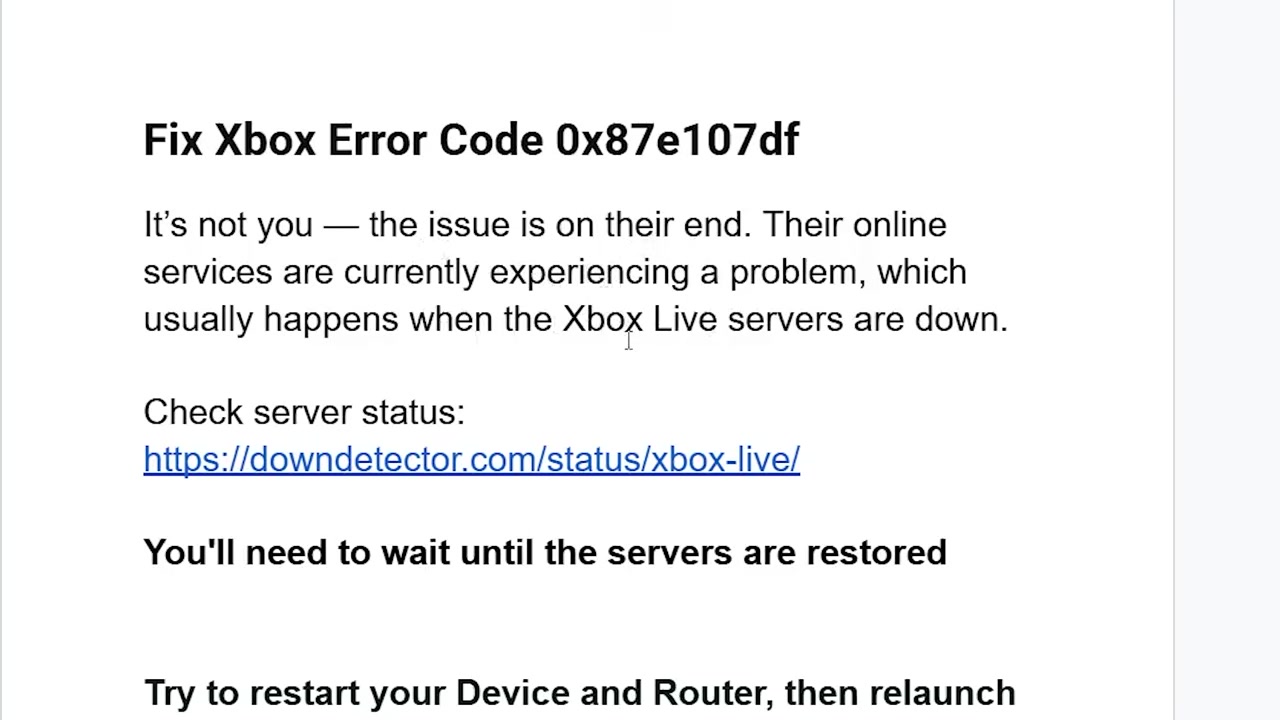
Check Xbox service status before changing settings
| Check | What it tells you |
|---|---|
| Official Xbox Status | Whether Xbox Network, game launch, or licensing services are limited or down. |
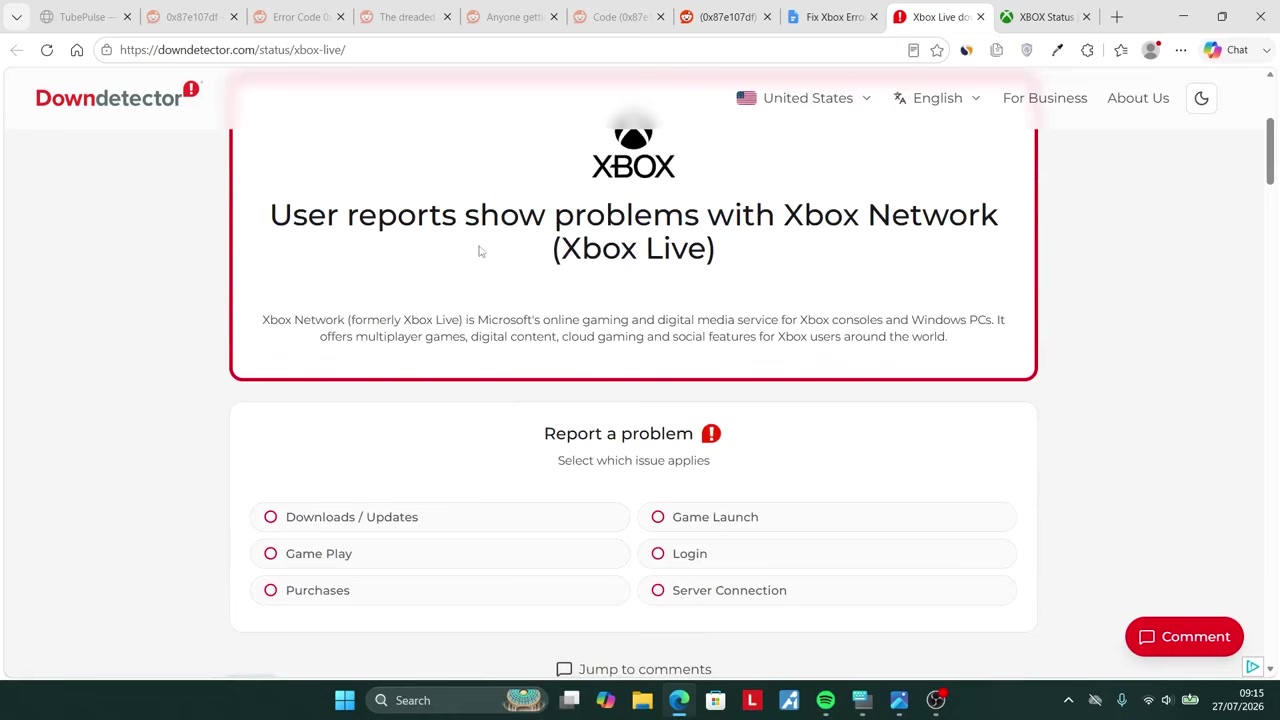
| Downdetector report spikes | Whether many users are hitting Xbox Network problems at the same time. |
| Another game or app | Whether the failure is limited to one title or affects more launches. |
| Same-account sign-in test | Whether the account can still sign in through the Xbox app or website. |
Then compare that with Downdetector and active Xbox community threads. The official page can still look normal while user reports are rising, so use the table below to decide whether you are seeing a local issue or a wider Xbox Network problem.
Check status from a phone or PC before touching your Xbox settings; if reports are climbing across games, wait before making account, install, or reset changes.
Fix flow for Xbox error 0x87e107df
Check Xbox service status
Open Xbox Status, then compare Downdetector and community threads for Xbox Live game-launching spikes.
Restart the Xbox
Use a normal console restart, then wait for the dashboard to reload fully.
Restart the router
Reboot the router once so the console gets a fresh connection without changing account or game files.
Relaunch the game
Start the same game again and see whether the license check clears.
Wait during an active outage
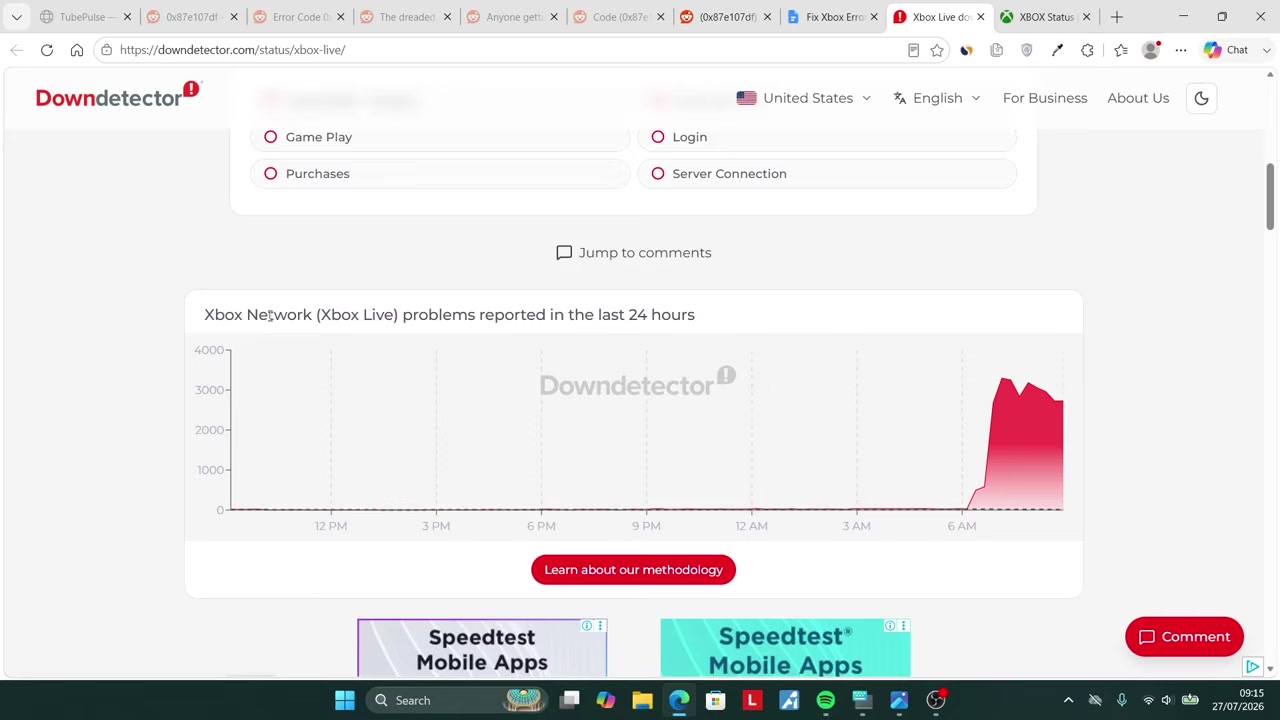
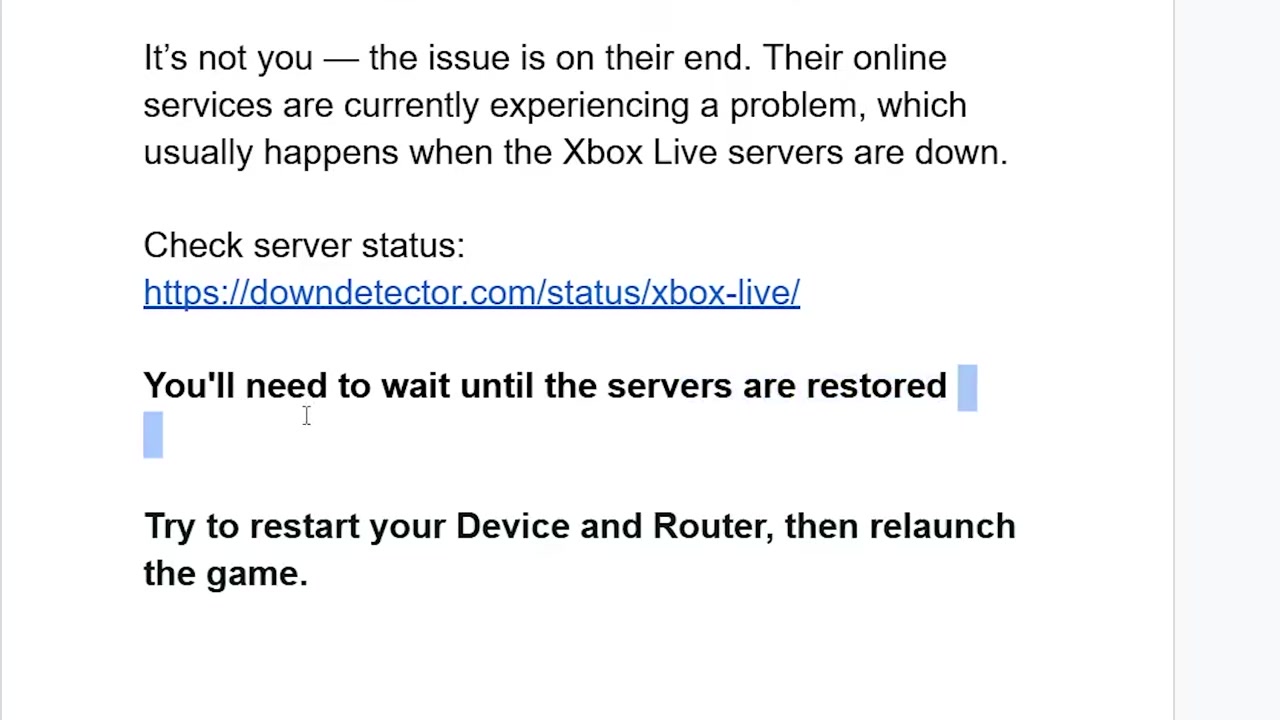
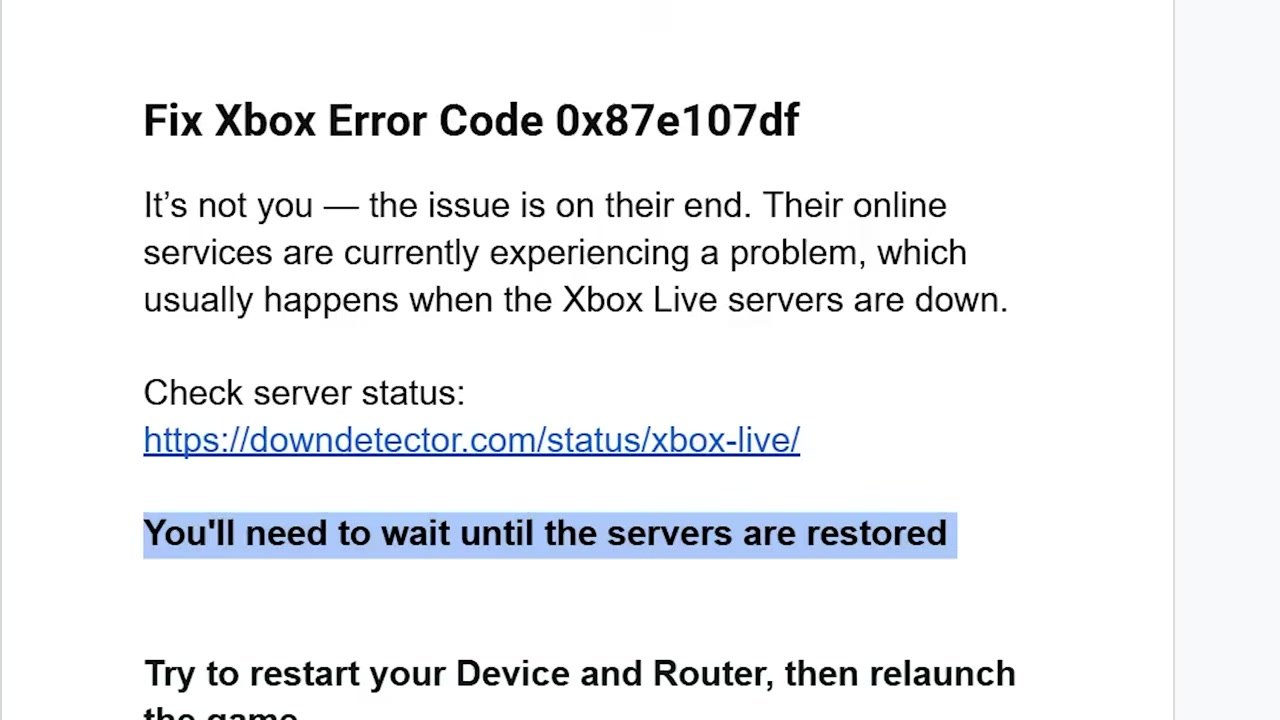
If multiple games or services still fail while outage reports are active, give Xbox services time to recover.
Use offline mode during an Xbox Network outage
Open Network settings
Go to Settings > General > Network settings.
Choose Go offline
Select Go offline to disconnect the console from Xbox Network.
Restart the Xbox
Restart the console once before trying to launch the game offline.
Launch an offline-capable game
Open a game that can run without an online connection or a fresh server license check.
Avoid destructive fixes during an Xbox outage
If status checks point to a wider outage, avoid deleting games, removing your account, or factory resetting the console just to chase 0x87e107df. Those changes do not repair a remote licensing service, and they can create extra restore work after Xbox services come back.
Repeated power cycling is also a poor use of time once you have already restarted the console and router once. At that point, the useful action is to keep an eye on service recovery and try the launch again later.
Wait for Xbox service recovery

KEY!Wait when the pattern is broad: more than one game fails, Xbox apps and services behave oddly, and outage trackers show active Xbox Live spikes. In that situation, 0x87e107df is most likely a licensing validation failure that needs service recovery, not a console repair job.
Contact Xbox Support if Xbox Status looks normal, outage reports are calm, and the same account or console still fails after one clean restart cycle. That is the point where account-specific or console-specific troubleshooting makes more sense.
Frequently Asked Questions
Is Xbox error 0x87e107df caused by my internet connection?
Sometimes a weak connection can make launch checks fail, but 0x87e107df is often tied to Xbox Network licensing. If your dashboard loads and other online services work while many Xbox users are seeing the same launch error, your home internet is probably not the main problem.
Why does Xbox Status say everything is fine when I still get 0x87e107df?
Status pages can update after a problem begins, and a licensing issue may affect some regions or services before every indicator changes. That is why it helps to compare the official page with live outage spikes instead of reading a green status page as the whole answer.
Can restarting my router fix Xbox error 0x87e107df?
It can help if the console has a stale connection to Xbox Network, which is why one router restart belongs in the flow. If the error continues during an outage, further router restarts are unlikely to change the licensing result.
Can I play Xbox games offline during this error?
Yes, but only for games that can run offline and already have a usable local license on your console. Games that need an active Xbox Network check at launch will keep failing until the licensing service responds normally.
Should I reinstall the game or factory reset the Xbox?
No, not during a suspected Xbox outage. Reinstalling wastes bandwidth, and a factory reset can remove settings you did not need to touch; save those options for a support-directed fix after service and account checks look clean.
Video help



Leave a Reply