
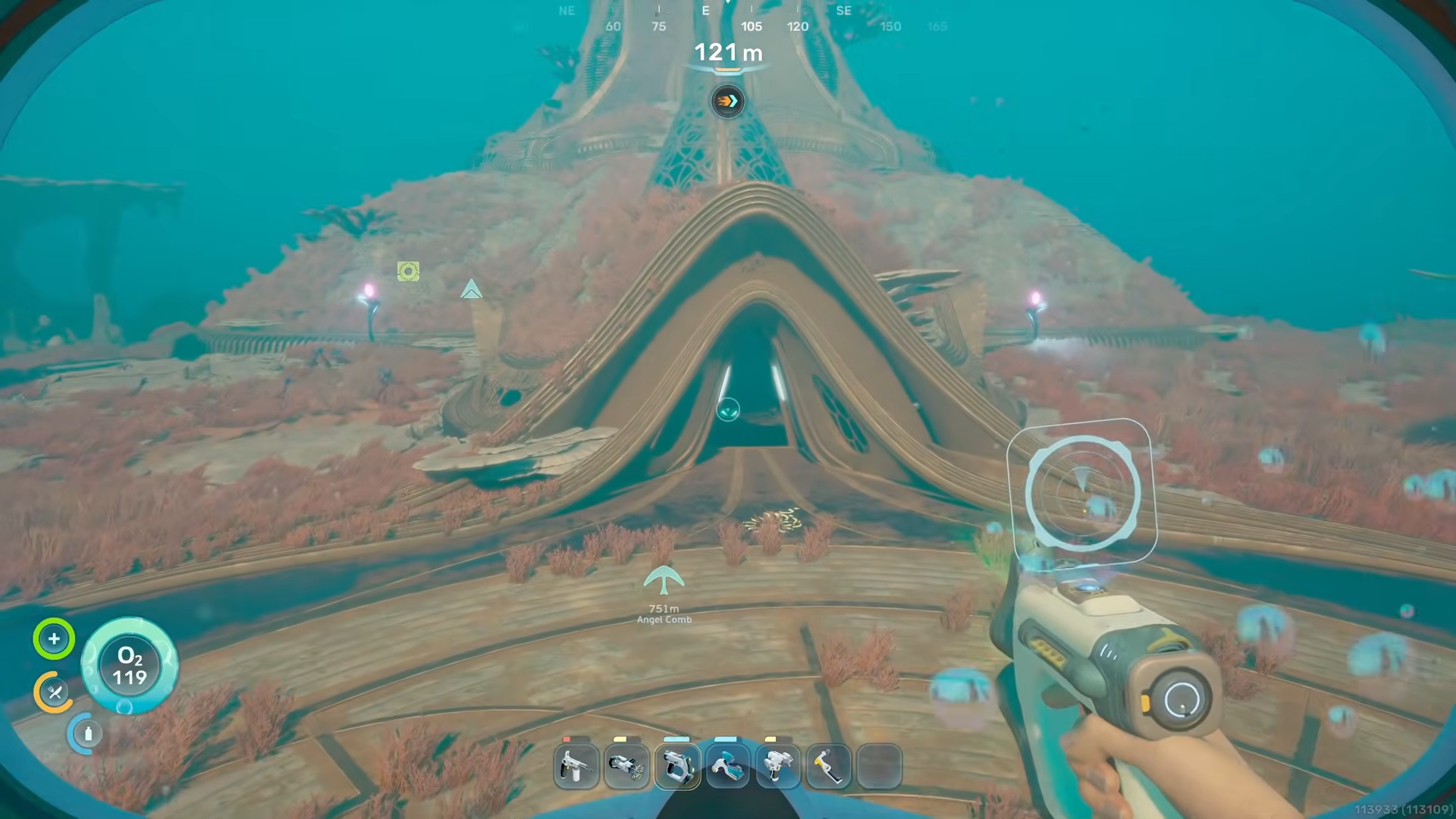
To unlock the Subnautica 2 Early Access ending, you must craft the Feedback Resonator and Bioscanner, clear the Axum Angel Comb near the alien ruins, fully repair and restart the alien turbine, scan the Rosetta Stone, then activate the observatory inside the ruins to trigger the final cutscene.**
What the early access “ending” actually is
Subnautica 2’s Early Access does have a proper story ending, but it’s a cliffhanger that marks the end of the current chapter, not the full game. You restore an ancient alien power plant, bring an orrery‑style observatory online, then receive a transmission from the Axum asking you to save the “World Tree” at a future location called Xanadu.
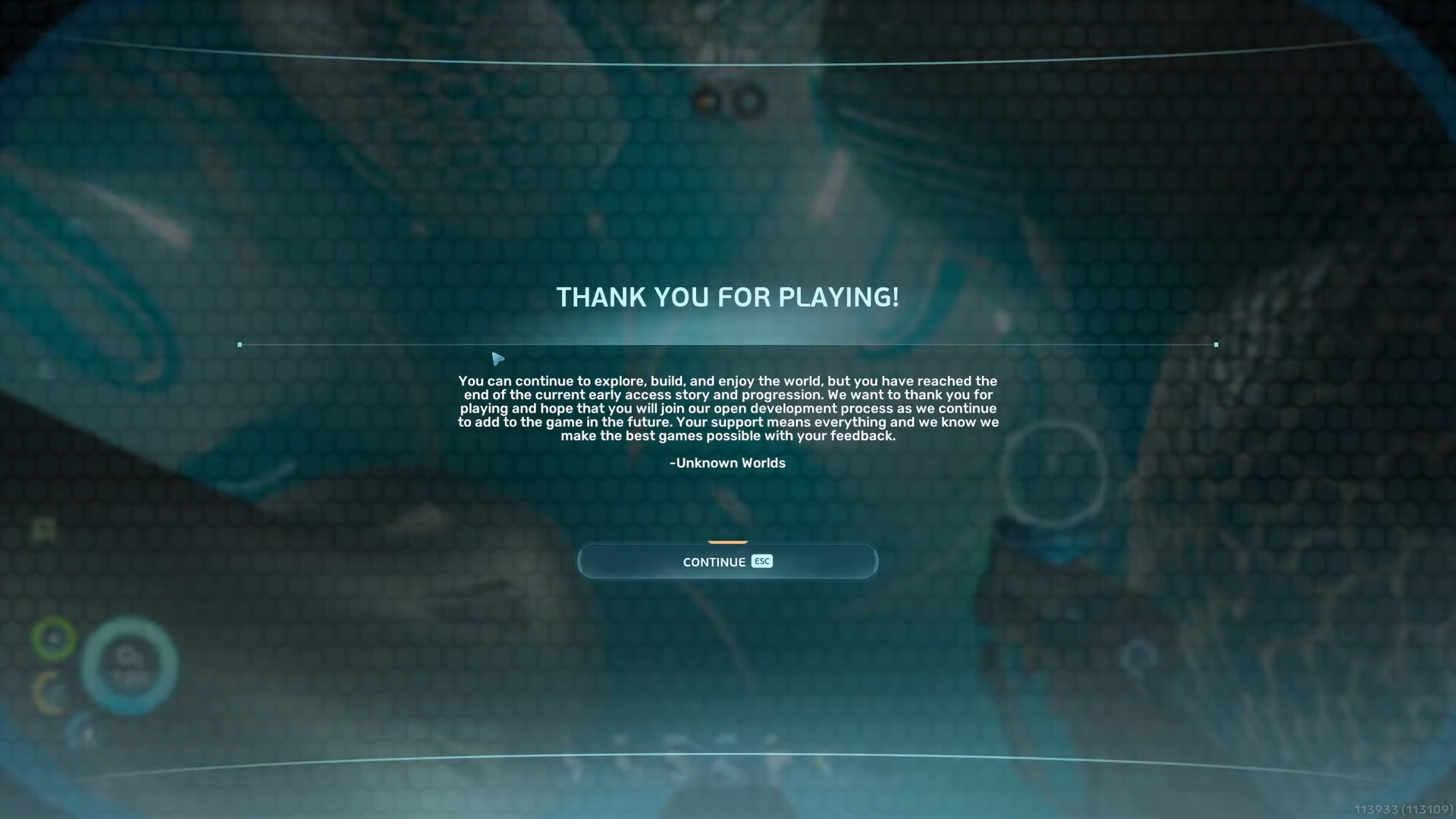
Once you trigger the observatory’s final lever, you get a thank‑you message that explicitly confirms you have reached the end of Early Access story and progression, but you can keep playing in the open world as long as you like.
How to unlock the Early Access ending in Subnautica 2
Step 1: Make sure you’re actually endgame‑ready
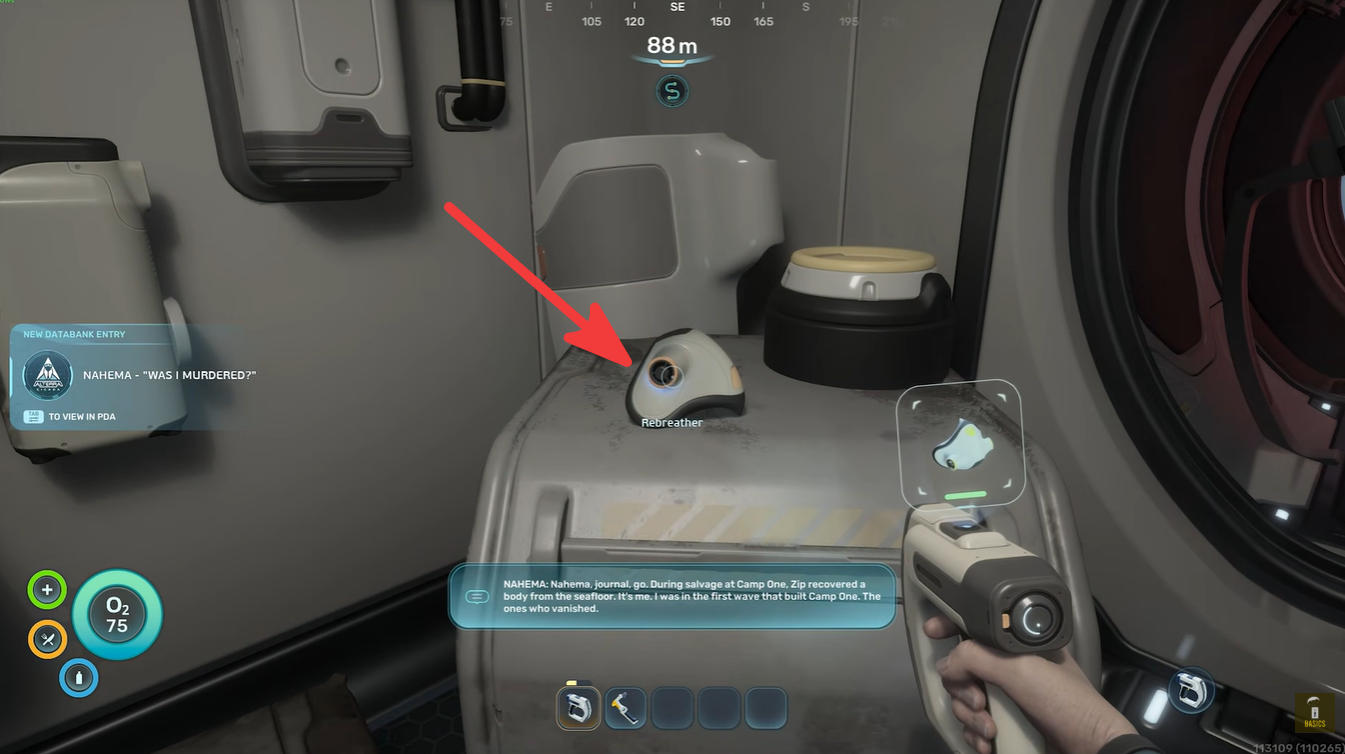
Before pushing for the ending, ensure your Tadpole can hit around 400 m depth, and you have a Rebreather plus upgraded oxygen tank so you are not constantly surfacing during long ruin dives. Focus your upgrades and resources at a main base fairly close to the alien ruins region so repeated trips for crafting are painless.
Step 2: Grab both Feedback Resonator blueprint fragments
Head to the very edge of the map near the green pools biome, hugging the seafloor; the Collector Leviathan patrols the open water here, so staying low and using terrain cover keeps you alive. Scan both Feedback Resonator blueprint fragments in this region until the tool is unlocked in your blueprint list, then retreat before you get greedy with exploration.
Step 3: Farm Celestine, Troilite, and other Resonator mats
While you’re in the green pool edge area, mine Celestine and Troilite aggressively; you’ll need at least 24 Celestine and around 10 Troilite to cover both the Resonator and other late‑game builds. If inventory fills up, make multiple cargo runs back to base instead of pushing on under‑stocked, because you’ll burn time returning later anyway if you under‑farm now.
Step 4: Unlock the Bioscanner blueprint and Conduit Crystals
Next, head to the alien ruins region and nearby hotspots to scan the Bioscanner blueprint, which shows up in a specific high‑tech area close to the main structure. While in this zone, start collecting Conduit Crystals, which appear along the edges of the ruins; these rare materials gate several of the advanced alien tech builds needed for the end sequence.
Step 5: Collect Atacamite and Creature Enamel for late crafting
From the ruins area, move along the nearby seafloor to find Atacamite deposits, and farm at least 10 units to satisfy endgame crafting requirements. You’ll also need Creature Enamel to create enameled glass components, so hunt appropriate fauna or loot sources that drop the enamel, keeping a stockpile ready before committing to the turbine grind.
Step 6: Craft the Feedback Resonator and Bioscanner at your base
With both blueprints and all core materials, return to your base and craft the Feedback Resonator and Bioscanner at the Fabricator. From this point on, keep the Resonator favorited and bound, because it’s essential for clearing the Axum Angel Comb viral blooms and is basically your “key” to the late‑game alien tech chain.
Step 7: Locate the Axum Angel Comb near the alien ruins
Travel to the Angel Comb structure close to the main alien ruins; visually it looks like a massive organic formation with embedded alien tech and multiple access routes. This is the heart of the Axum Vision questline, and you are not just scanning it—you’ll be methodically cleaning corruption out of it using the Resonator in several sub‑areas.
Step 8: Use the Resonator to clear all four viral bloom segments
Inside and around the Angel Comb are four distinct viral bloom zones; use the Feedback Resonator to pulse and destroy the viral growths in each area following the layout of the structure. Expect this section to take roughly 20 minutes of careful diving, as some bloom pockets are buried deeper or tucked into side tunnels that force you to manage oxygen and depth limits smartly.
Step 9: Claim the Axum Vision adaptation from the comb
Once all viral blooms are cleared, return to the central Angel Comb core and interact with it directly—you literally insert your hand into the main node to take a sample. This rewards you with the Axum Vision adaptation, a key narrative and progression flag that tells the game you’ve “purified” the area and are ready to start powering up the larger alien infrastructure.
Step 10: Activate switches in the two alien outposts
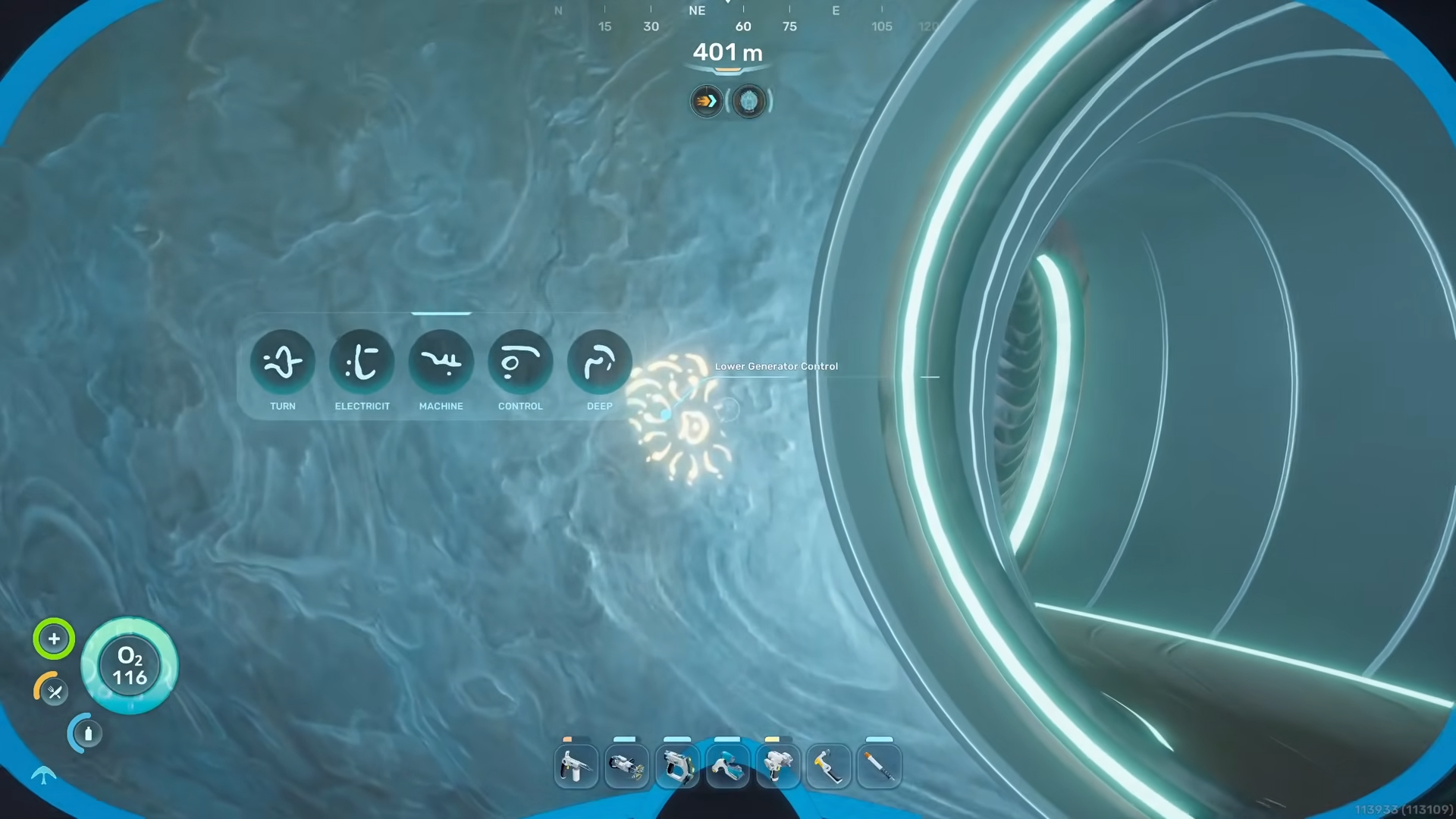
From the comb, head straight into the nearby lower alien outpost and flip the main switch to bring that station online.
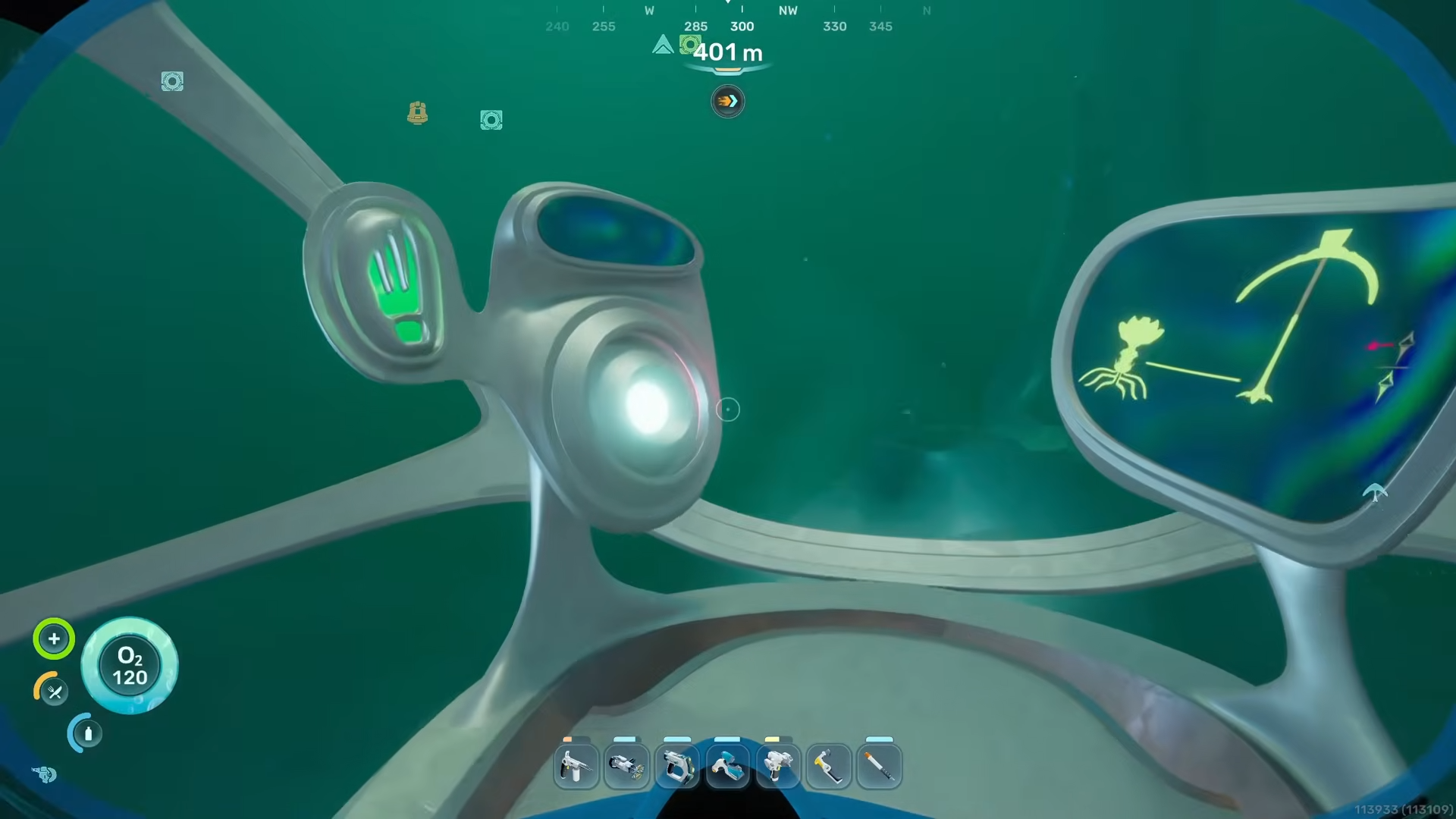
Then move up to the second outpost higher in the same ruins complex and hit every switch in that room as well.
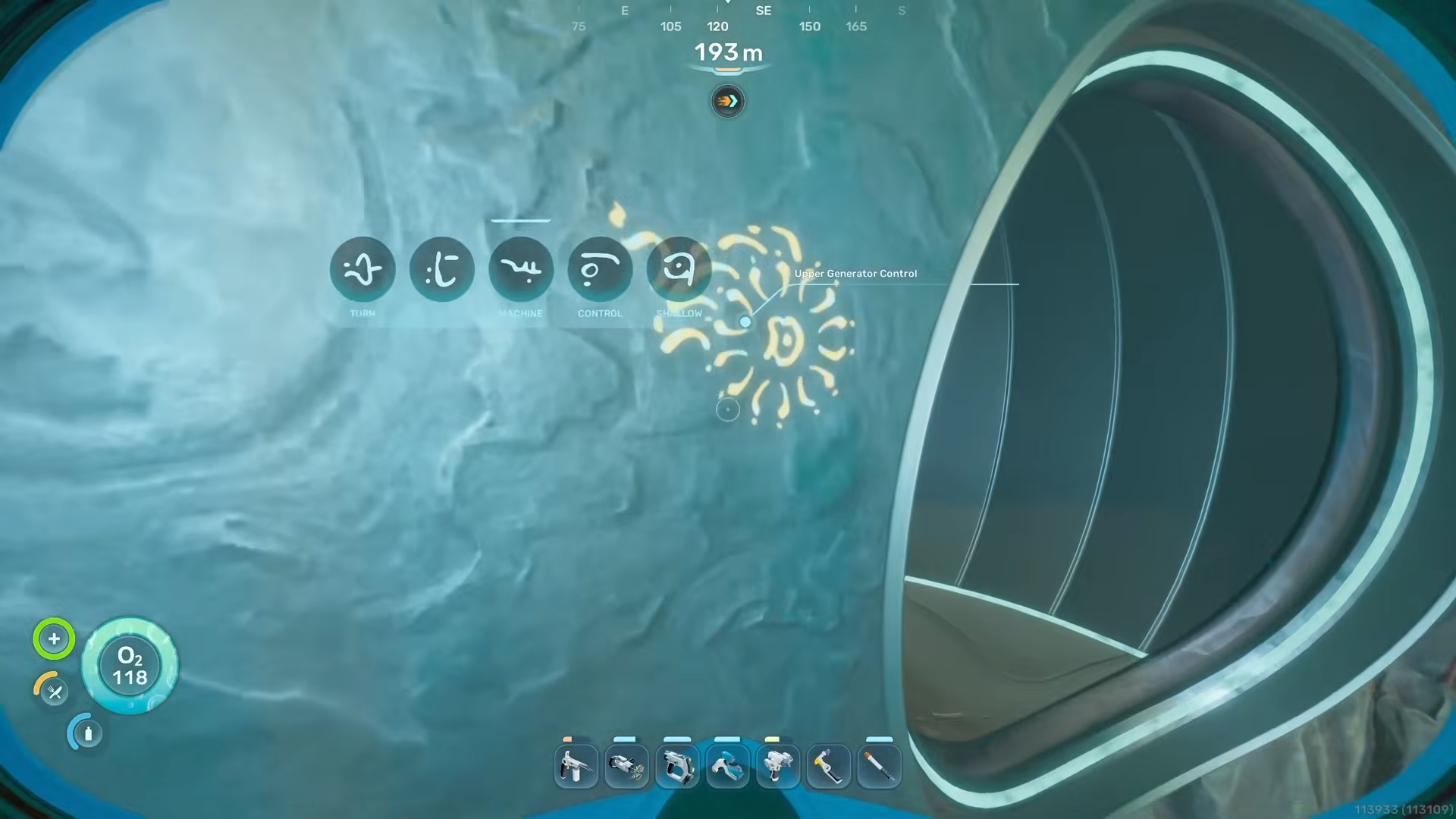
Missing a switch here is a common reason players find the later turbine and observatory states bugged or inactive.
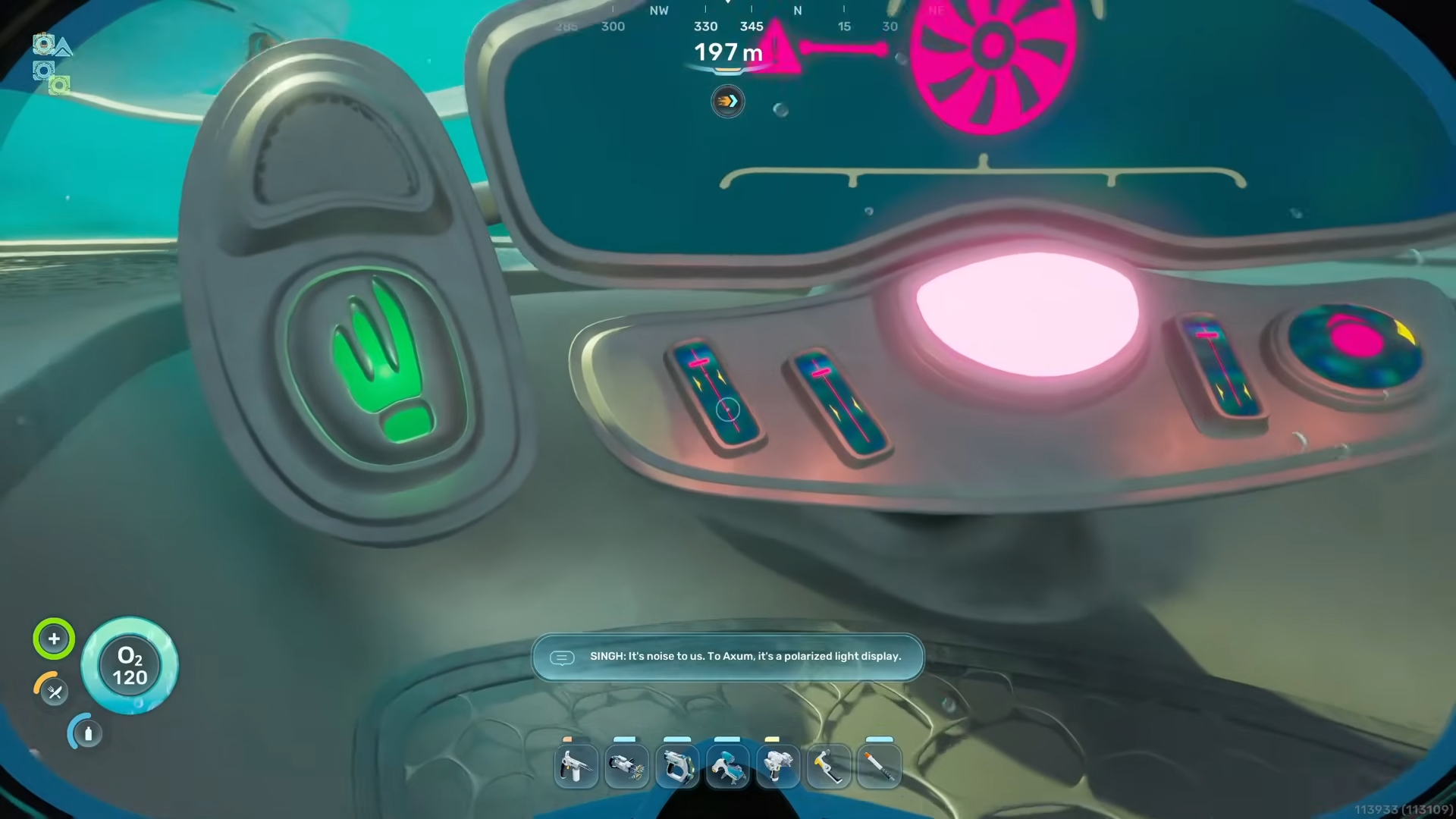
Step 11: Scan the main alien turbine to reveal repair requirements
Go deeper into the ruins until you reach the generator turbine chamber and scan the massive turbine assembly to log its full blueprint and repair bill of materials.
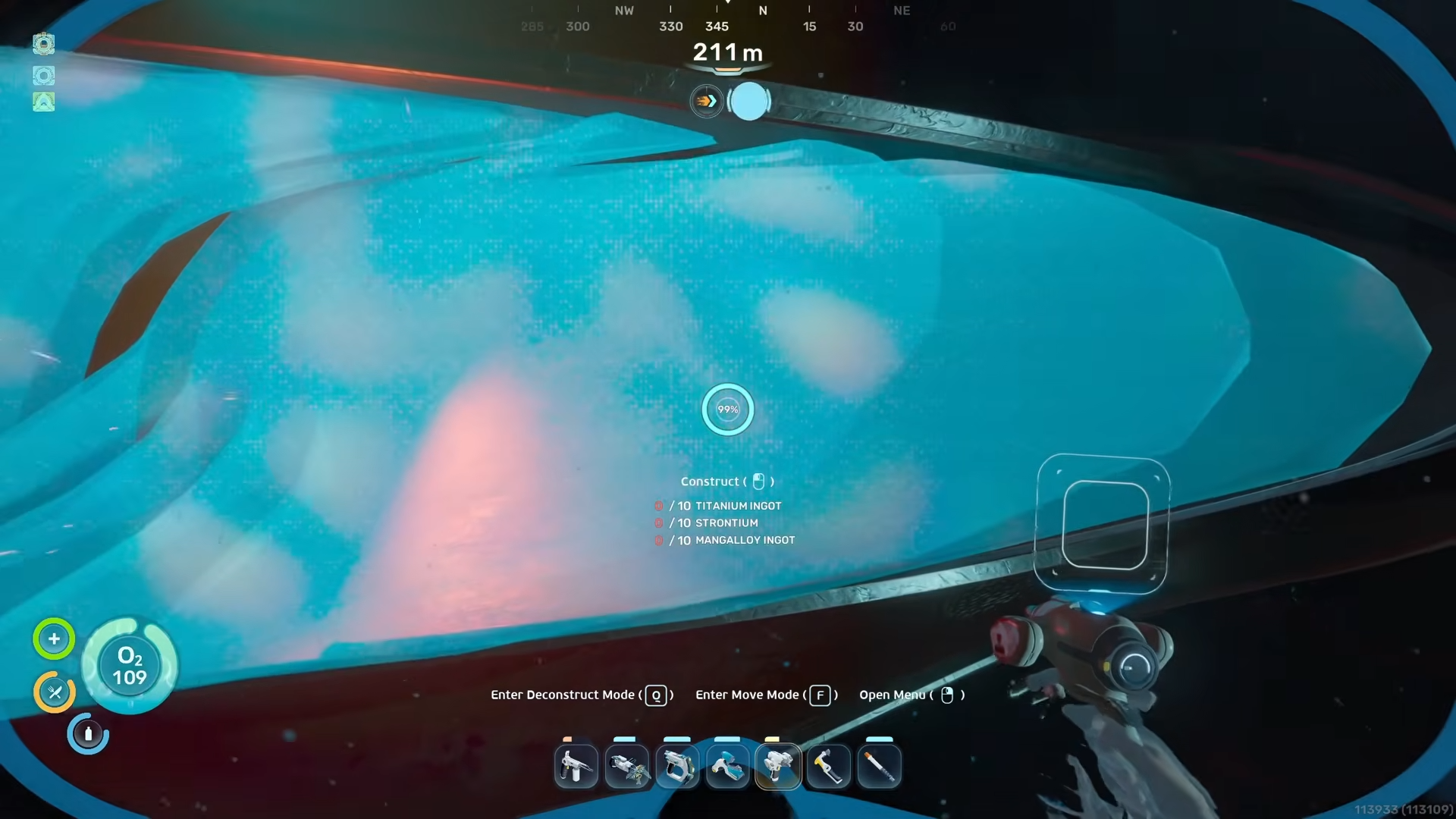
The scan reveals that you need a significant amount of industrial resources, including roughly 10 Titanium Ingots, 10 Strontium Ingots, and 10 Mangalloy Ingots, which together consume around 60 Titanium plus other metals.
Step 12: Farm the huge titanium field west of the ruins
To avoid a painful slow farm, head a few hundred meters west of the alien ruins, where there is a dense field of titanium intentionally placed as a late‑game stockpile. Strip‑mine this area with multiple Tadpole cargo trips until you have enough Titanium and related metals to meet the turbine’s ingot demands in a single go, rather than bouncing back and forth constantly.
Step 13: Craft all required ingots and repair the generator
Back at your base or a nearby outpost, craft the 10 Titanium Ingots, 10 Strontium Ingots, and 10 Mangalloy Ingots listed in the turbine repair UI, double‑checking counts before returning.
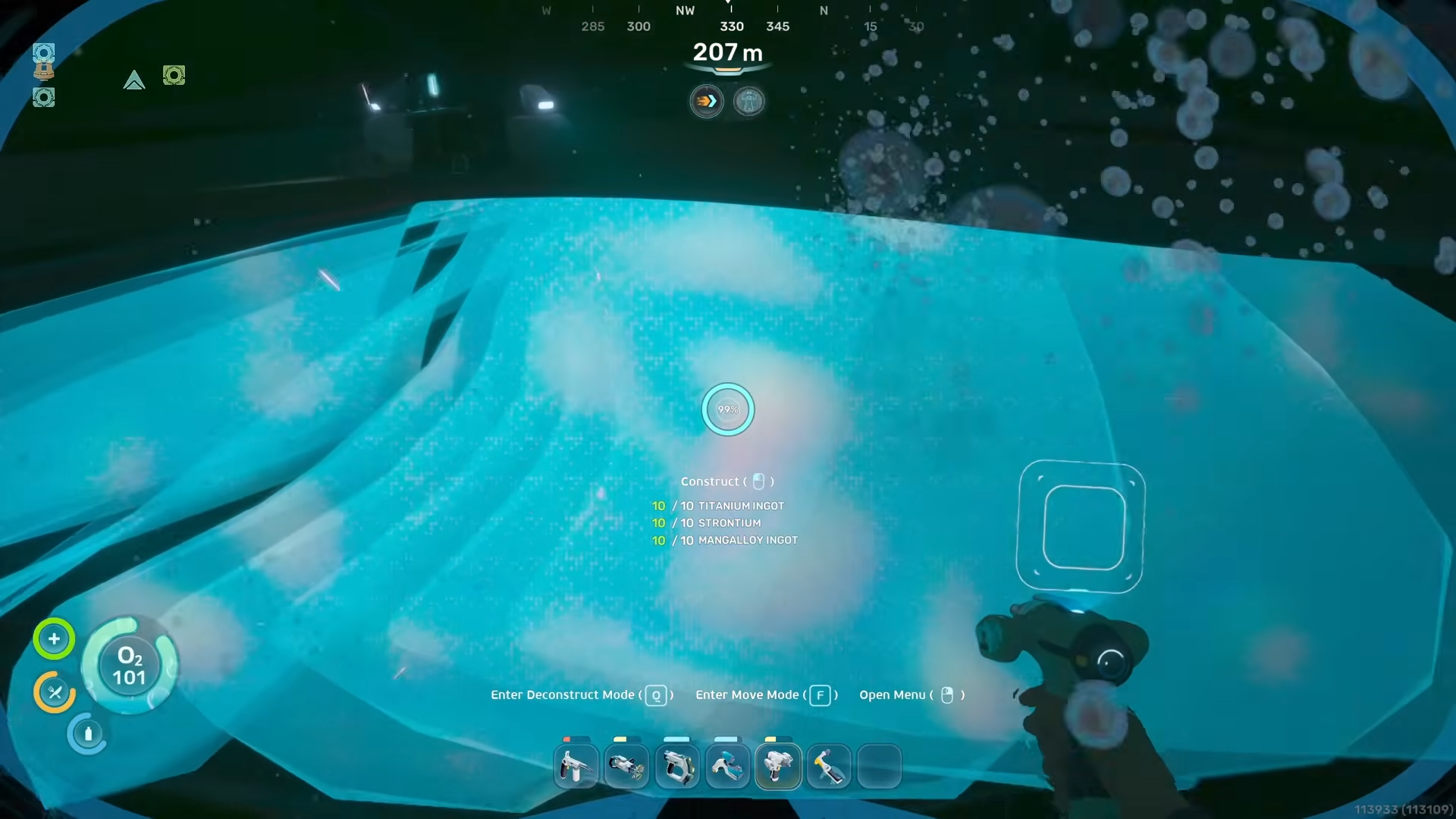
Take everything to the turbine room and interact with the repair nodes until the power plant announces that structural repairs and overhaul are complete, confirming that mechanical restoration is finished.
Step 14: Dive down to the turbine controls and restart the power plant
After repairs, swim down beneath the generator to the submerged turbine control section and activate the necessary switches and consoles to start water flow and spin‑up. Once done correctly, in‑world messages confirm that the turbine is rotating and power output is restored, which in turn powers the observatory and marks a major story milestone.
Step 15: Return to the alien base and scan the Rosetta Stone
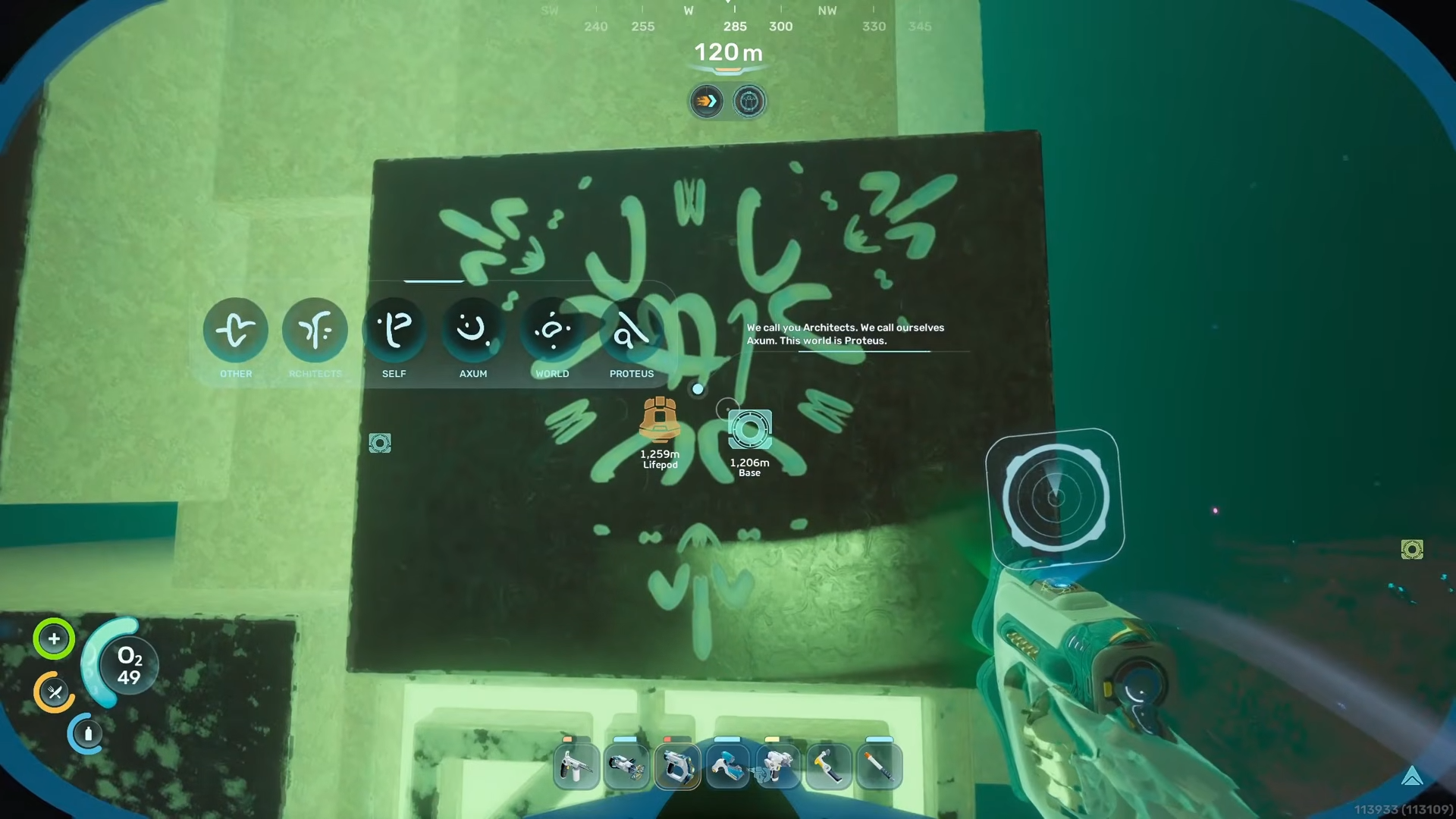
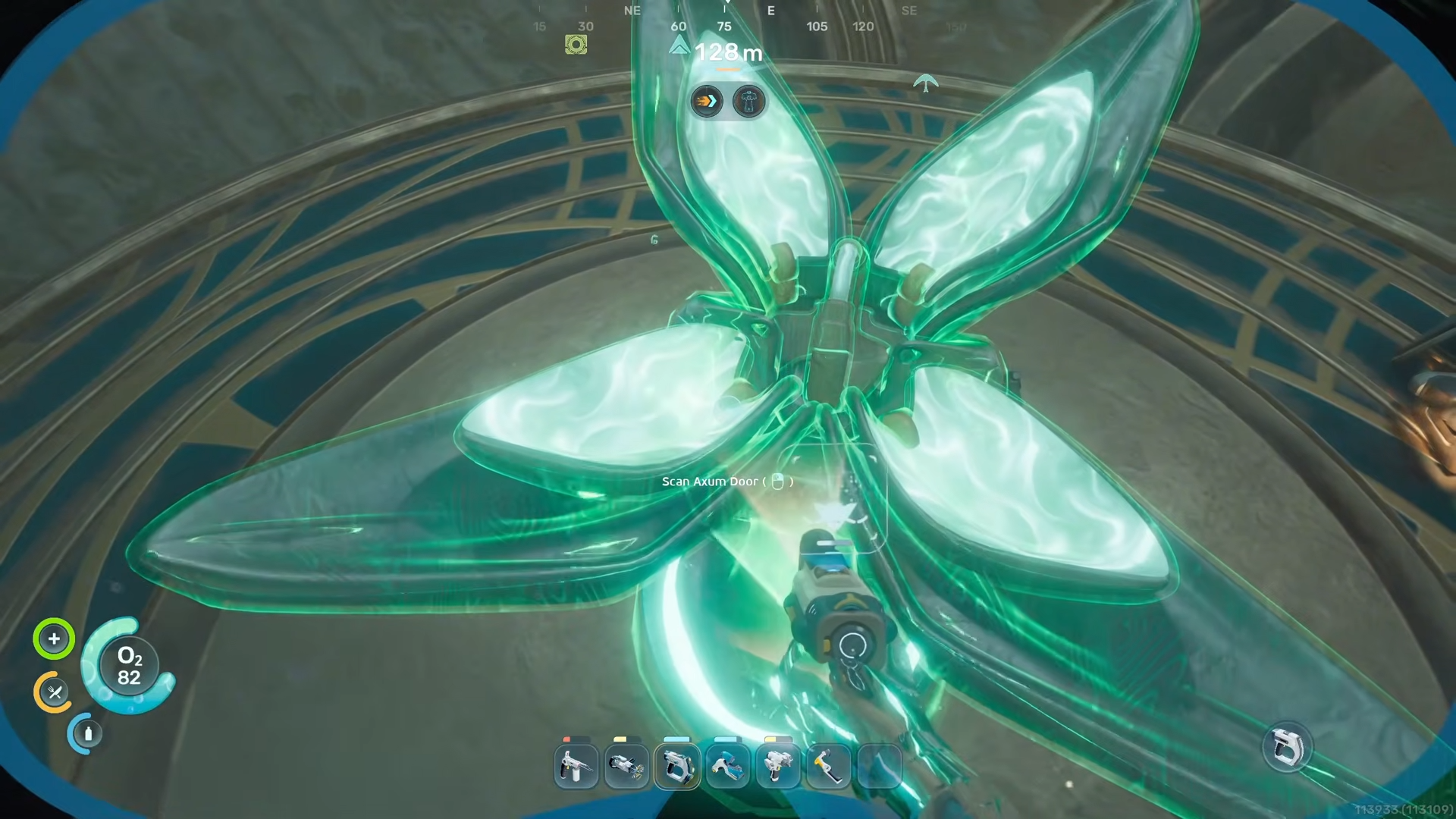
Head back towards the main alien base and look for a monolith covered in dual‑language glyphs—this is effectively the Rosetta Stone for Axum language.
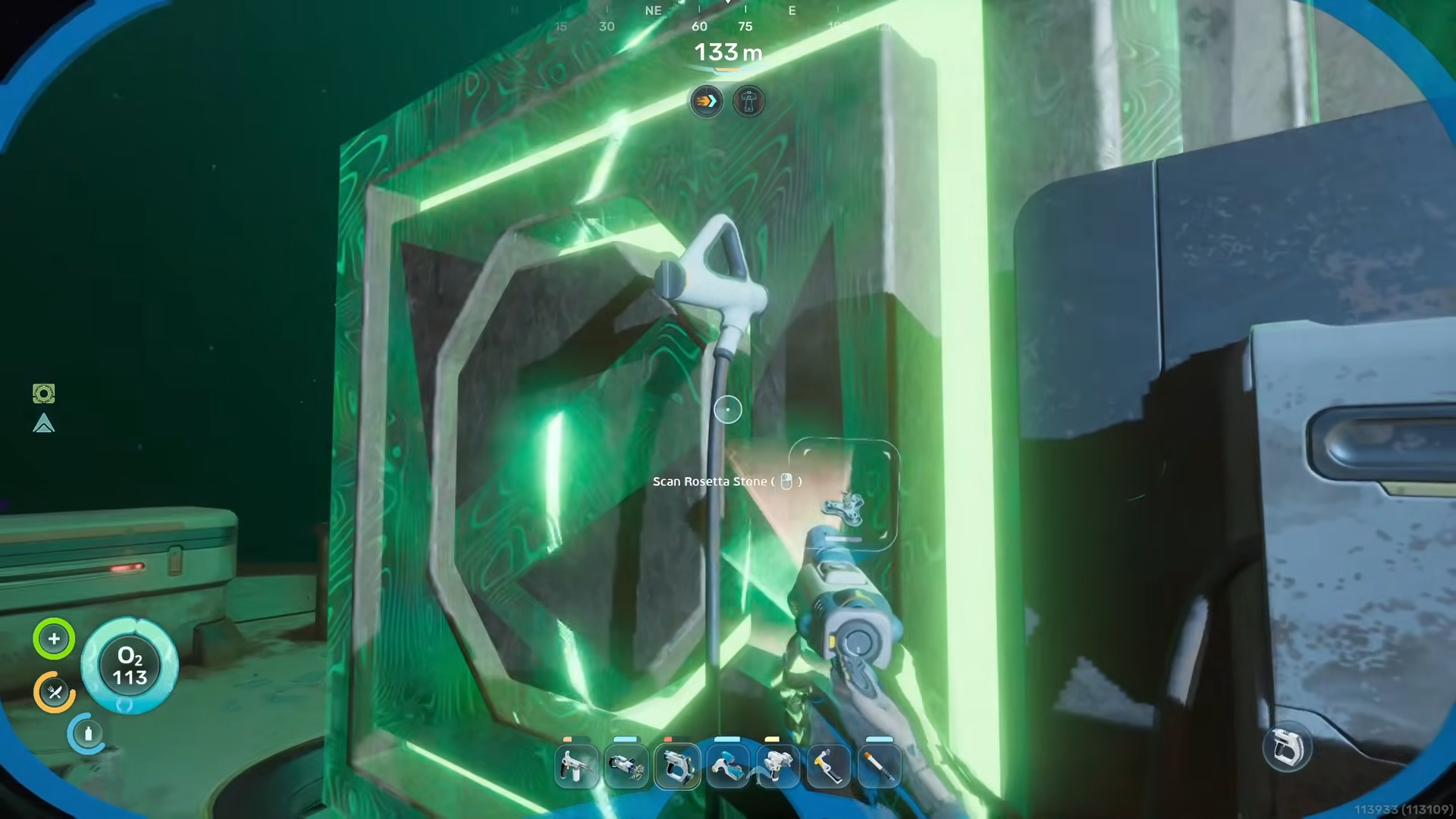
Scanning it teaches your systems to interpret the alien symbols, letting you fully understand later story messages and confirming that you’ve ticked off another required condition for the ending sequence.
Step 16: Enter the observatory and climb to the hidden upper chamber
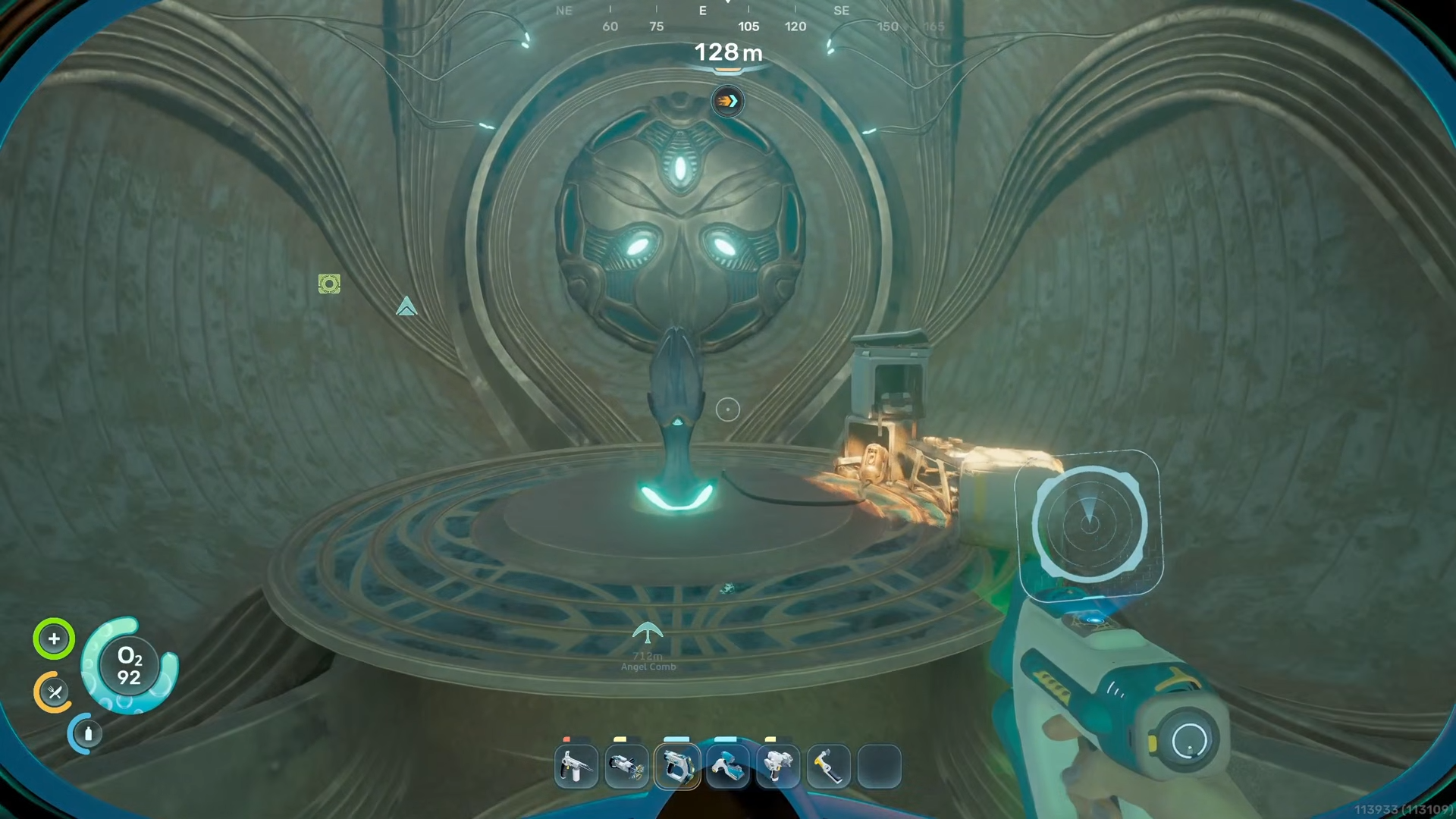
With the power plant online, approach the now‑active observatory structure, then swim up through tubes and passages to a second, upper chamber that is easy to miss on first visit. In this top area is a crucial console/lever; many players think they’re done after simply seeing the orrery spin, but the actual Early Access completion trigger is up here.
Step 17: Pull the final lever to play the Axum message and roll the ending
Interact with the upper chamber control to trigger a detailed orrery of the local star system.
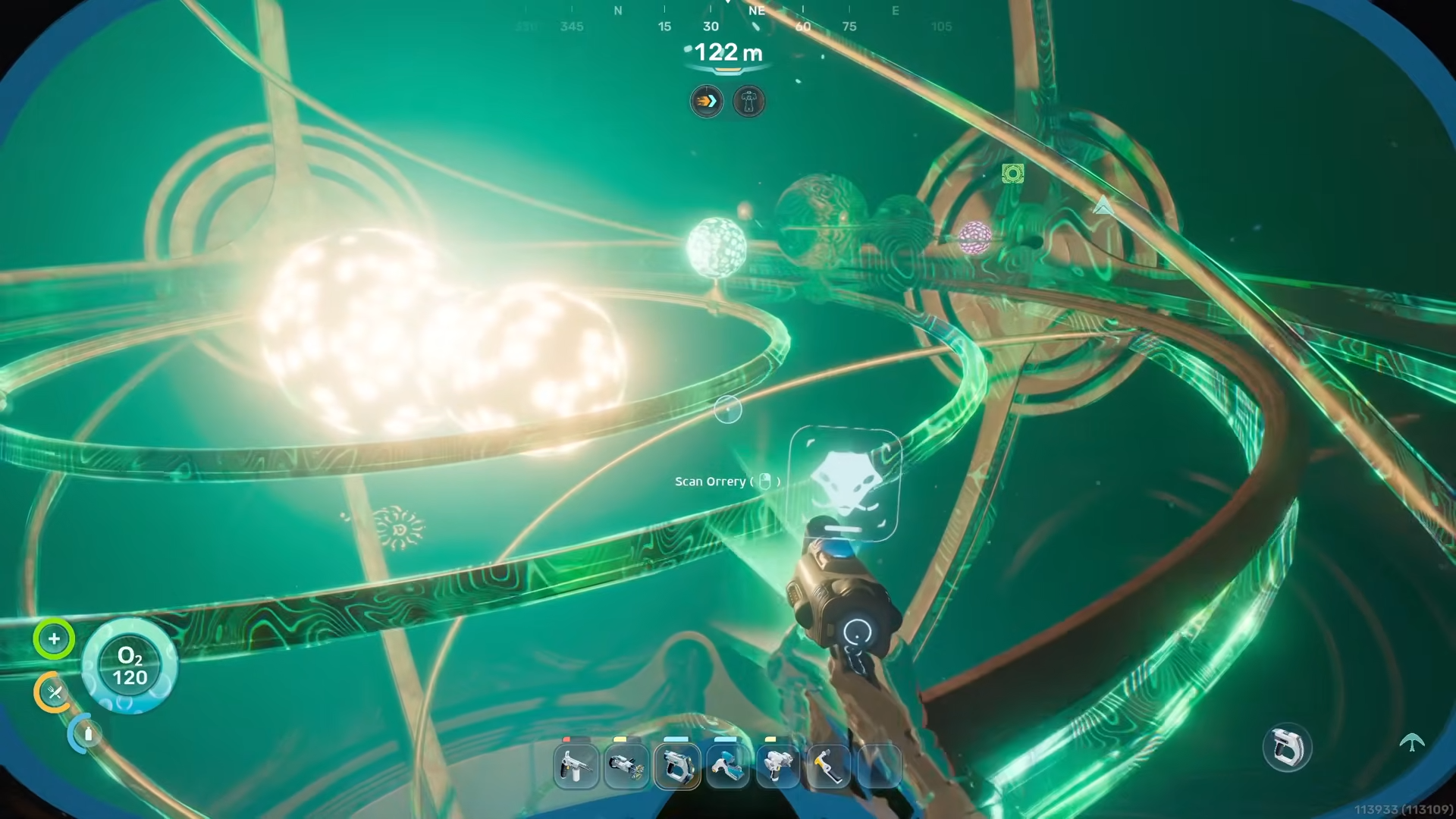
Followed by a recorded Axum plea describing the dying World Trees, the region of Xanadu, and the dangerous Crypters beneath the roots. After the message, your AI explains the context and the game displays a clear notification that you have reached the end of the current Early Access story and progression, while still allowing free exploration afterward.
Critical mistakes to avoid while chasing the ending
-
Ignoring depth prep: Rushing the ruins without at least 400 m Tadpole depth and solid O2 often leads to panicked retreats, wasted time, and avoidable deaths in the deeper Angel Comb routes.
-
Half‑farming materials: Under‑collecting Celestine, Troilite, or Titanium forces multiple long runs back to edge‑of‑map zones instead of one focused farm.
-
Missing outpost switches: Failing to flip all switches in both alien outposts can leave turbine or observatory interactions inactive or seemingly “bugged”.
-
Skipping the upper observatory lever: Many players stop after activating the orrery and leave, not realizing the true ending trigger is in the upper chamber reached by swimming up.
-
Leaving Angel Comb blooms uncleared: If you don’t fully clear all four viral bloom areas, you won’t unlock Axum Vision and can stall the entire endgame chain.
Key late‑game items, locations, and rewards
FAQ: Subnautica 2 Early Access ending
Does Subnautica 2 Early Access actually have a full ending?
Yes, the Early Access build includes a story ending tied to restoring the alien power plant and activating the observatory, capped by an Axum transmission and a clear “end of current story” message. It is a chapter ending, not the final story of the full game.
Can I keep playing after I trigger the Early Access ending?
You can continue exploring, building, and farming even after the ending sequence; the game simply stops adding new story beats beyond the observatory event. Think of it as a soft cap on narrative progression, while the sandbox remains wide open.
How fast can I unlock the ending if I rush?
Players who beeline main objectives, ignore base‑building fluff, and ruthlessly farm required resources can reach the ending in well under 15 hours, with experienced runs going even shorter. The main bottlenecks are resource farming for the turbine and getting your vehicle deep‑ready.
What is the World Tree and Xanadu the Axum mention?
The ending transmission identifies a Titan‑class “World Tree” visible on the horizon and references Xanadu, a deep region containing an alien hibernation crypt beneath the tree. Those locations are teased for future chapters; their full content is not yet available in Early Access.
Is more story confirmed beyond this Early Access ending?
Developers have confirmed that Early Access would “have an ending” but explicitly stated it “won’t be the ending” of Subnautica 2, and community roadmaps point to more biomes and future story chapters. The current ending is designed as a launch‑window hook for long‑term narrative expansion.
Why unlocking the ending early is worth it
Pushing straight for the Subnautica 2 Early Access ending gives you a complete narrative arc, a deep dive through the most complex alien structures available right now, and a clean flag that you’ve fully “beaten” the launch build while still leaving the sandbox open for co‑op bases and future updates. For trophy hunters, content creators, and survival diehards alike, it’s the most efficient way to see every scripted story beat on offer while setting up a maxed‑out save file for the next major patch.





Leave a Reply