
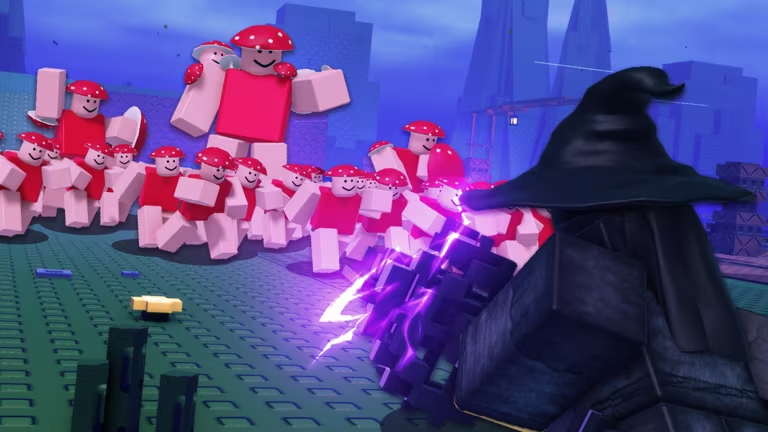
Fantasy Arena is a Roblox PvP experience where Burgers act as the in-game currency, and codes are the fastest way to stack up a pile of them without grinding matches.
Working Fantasy Arena codes
Type these in exactly as shown, since a stray space or capital letter will stop them from registering.
frost crate
100 Burgers
New
update!
100 Burgers
New
new maps
100 Burgers
New
SignUpForAdminAbuse
100 Burgers
King
100 Burgers
750Likes
100 Burgers
Magma
100 Burgers
HardMode
100 Burgers
Gullible
100 Burgers
FakeUpdate
300 Burgers
Tip: Redeem FakeUpdate first since it hands over 300 Burgers, the biggest single payout on the list right now.
How to redeem codes in Fantasy Arena
You don’t redeem codes through a menu button here. Fantasy Arena uses a physical board sitting inside the lobby, right next to the class reroll and traits stand, so you’ll need to walk over to it before typing anything in.
Expired Fantasy Arena codes
These two no longer work at the codes board, so don’t waste time typing them in.
Release
HardModeSoon
How to get more Fantasy Arena codes
New codes usually go out around updates, map drops, or milestone celebrations like like counts, so keeping an eye on the developer’s own channels is your best bet. Join the official Fantasy Arena Discord server for announcements straight from the team, and follow the game’s Roblox community page for any posts tied to new releases. You can also jump into the Fantasy Arena experience page directly to check for update announcements posted by the creators.
Why didn’t my code work?
Double check the spelling and capitalization against the list above, since the board reads codes exactly as they’re written. If a code isn’t listed as working, it has already expired and won’t be accepted anymore.
Checking back after every content update is the simplest habit to build, since that’s typically when Burgers get handed out through fresh codes.






Leave a Reply