
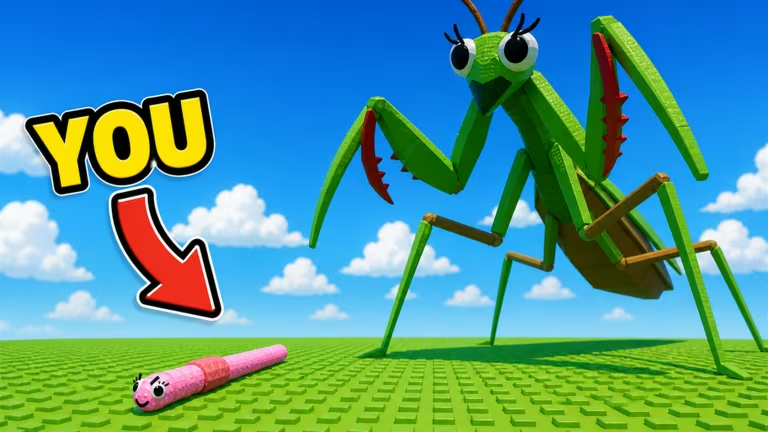
Evolve & Survive is a Roblox survival game where staying alive and racking up kills earns you Gold to spend on upgrades. Codes hand you a shortcut to some of that progress, dropping extra Gold, Kills, Revives, or Spins straight into your save without any extra grinding.
Working Evolve & Survive codes
Type each of these into the codes box exactly as shown, since a stray capital letter or space will stop the redemption from going through.
Update3
100 Gold and 1 free Revive
New
2kLikes
2 free Revives
New
1kLikes
2 free Revives
New
500Likes
25 Kills and 1 free Revive
SpinTheWheel
3 Spins
Update2
50 Gold, 75 Kills, and 2 free Revives
You’ll know a code went through when the Gold, Kills, Revives, or Spins total updates right there in the codes menu. If nothing moves after you hit Enter, check your spelling and capitalization before trying again.
How to redeem codes in Evolve & Survive
You redeem codes from inside the game itself rather than on a separate website, so you’ll need to have Evolve & Survive open before any of these work.
How to get more Evolve & Survive codes
New codes tend to show up around game updates or when the developer hits engagement milestones like likes or visits, so it’s worth checking back after either of those happen. The most reliable place to catch new drops is the game’s official Discord server, where announcements usually post before they make it anywhere else.
Codes in Evolve & Survive don’t come with an expiration date listed upfront, so redeem them while they’re live rather than waiting, since a code can stop working the moment the developer decides to retire it.






Leave a Reply