
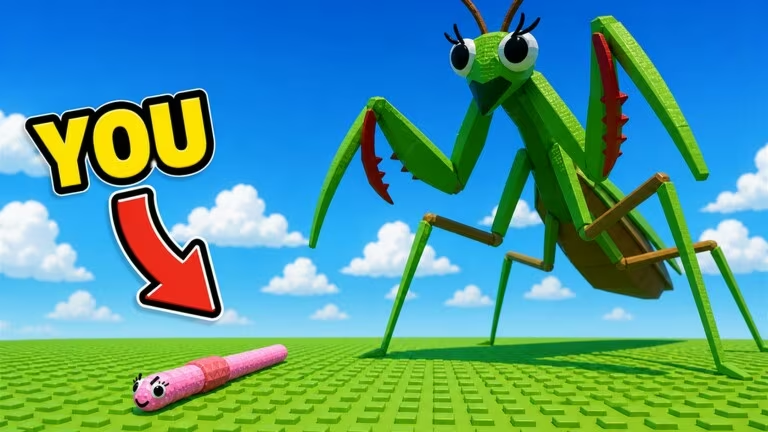
Evolve and Survive is a Roblox creature-growth game where you build up your survivor and cash in Gold to speed up progress. Codes are the developer’s way of handing you free Gold and Revives so you can stay in the fight longer without grinding for every resource.
Working Evolve and Survive Codes
Both of these codes are redeeming successfully right now, so get them in while they last.
5KIKES
50 Gold and 3 Revives
New
5KLIKES
50 Gold and 3 Free Revives
How to redeem codes in Evolve and Survive
You won’t find a redemption page anywhere on the web for this one. Everything happens inside the game itself, so pull it up on Roblox before you start typing.
You’ll know it worked when a confirmation pops up on screen and your Gold or Revives update right away. If nothing happens, double-check your spelling and capitalization before trying again.
Expired Evolve and Survive codes
These codes have stopped working, so don’t waste time trying to enter them.
1klikes
2klikes
Update3
500Likes
Update2
SpinTheWheel
How to get more Evolve and Survive codes
New codes usually go out around milestones like likes on the game page or content updates, so it’s worth checking back after either of those happens. The developer’s official Discord server is where new codes tend to get posted first, and it’s also a good spot to catch update announcements. You can also keep the Evolve and Survive Roblox page bookmarked, since the game’s description and updates section sometimes reflect the latest code drops.
Why didn’t my code work?
The most common reason is a typo. Codes are case-sensitive, so an extra space or a lowercase letter where a capital should be will stop it from redeeming. If you’ve copied a code exactly and it still won’t go through, it’s likely expired.
Keep this page in mind when you next log in, since fresh codes tend to show up without much warning and don’t stick around forever.






Leave a Reply