
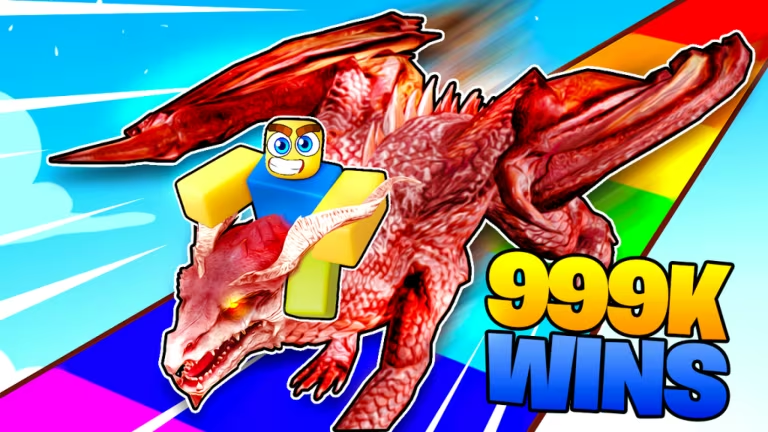
Dragon Training is a Roblox racing and training experience where you build up your dragon’s stats and race against other players. Codes here hand you free spins, potions, and bonus wins that speed up your progress without extra grinding.
Working Dragon Training Codes
Type these in exactly as shown, since the code field is case-sensitive.
30MVISITS
Free spins
UPDATE6
Free potions
20MVISITS
One Luck Potion
UPDATE4
One free spin
UPDATE3
One Speed Potion
5MVISITS
One Strength Potion
1MVISITS
One Luck Potion
DRAGONS
Three spins
RELEASE
25 wins
You’ll know a code worked when your spin count, potion inventory, or win total updates right after you hit claim, so check that number before you close the redeem window.
How to redeem codes in Dragon Training
Dragon Training doesn’t put codes behind a settings menu button. Instead, you need to walk your character to a marked spot in the lobby before the redeem box even shows up on your screen.
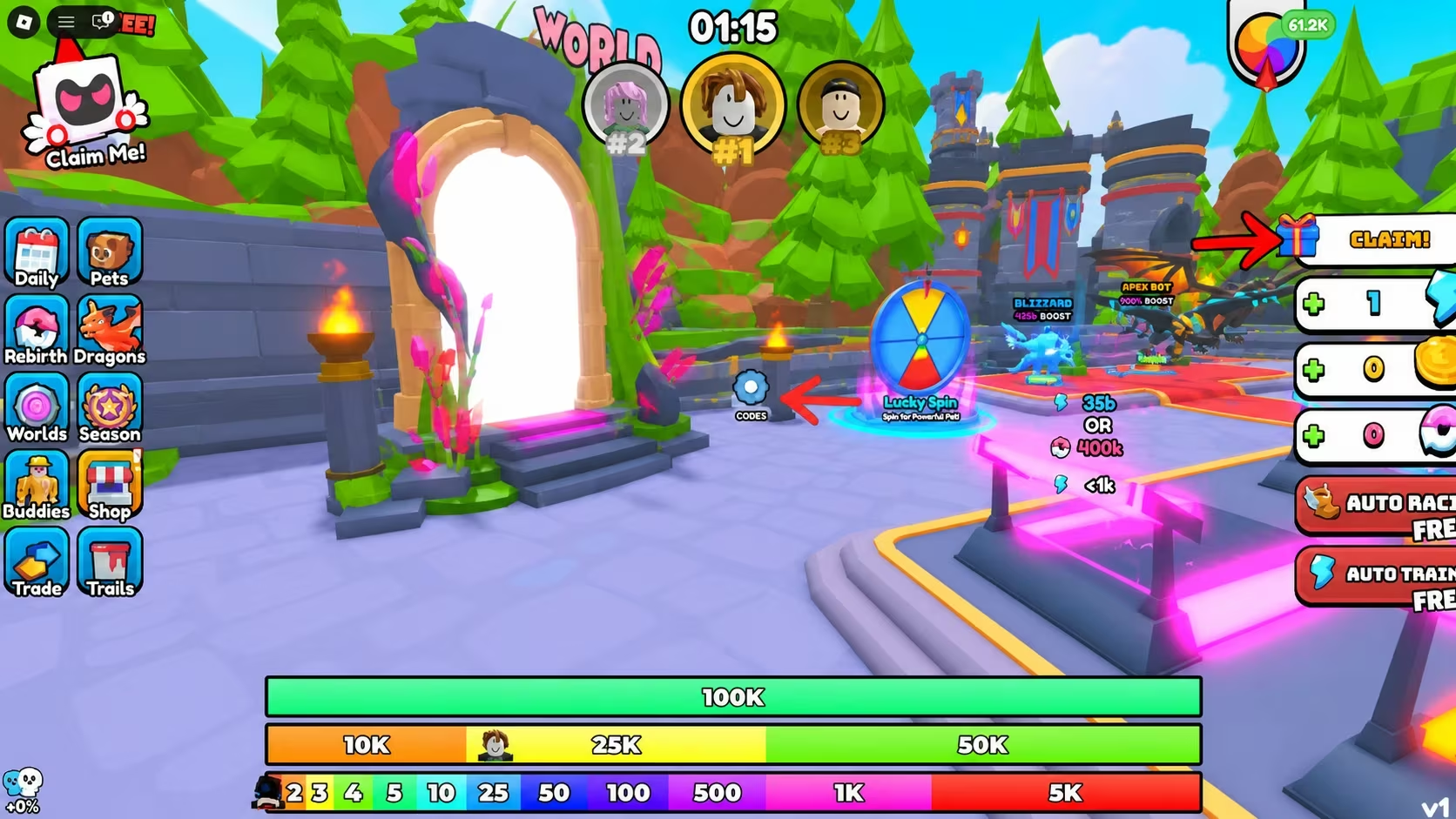
You can find Dragon Training on Roblox through its official experience page if you need to jump back in.
How to get more Dragon Training codes
New codes for Dragon Training tend to show up around visit milestones and content updates, which explains why several current codes are tied to visit counts and update numbers. Keep an eye on the game’s official social channels for announcements, and check the Codes area in the lobby every so often since that’s where you’ll redeem anything new as soon as it drops.
Why didn’t my code work?
Double-check your spelling and capitalization first, since the Enter Code field is case-sensitive and won’t accept a code that’s typed slightly off. If the code is correct and it still doesn’t apply, it’s likely no longer active.
Redeem these while they’re live, since spins and potions add up quickly if you claim them all in one trip to the Codes area.


Leave a Reply