

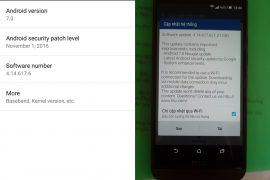
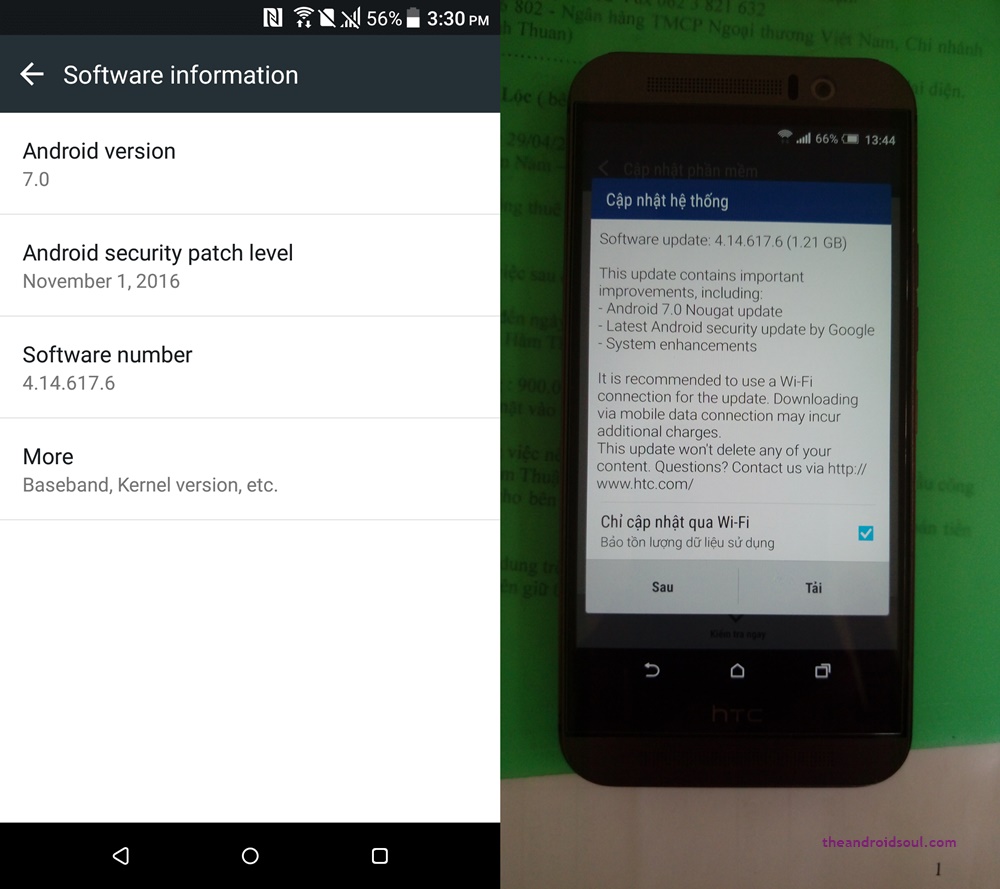
Earlier today, HTC released the One M9 Nougat update for carrier-free unlocked sets around the world. The update is being pushed out gradually to all such One M9 sets world over, but if you don’t like waiting for it too much, then you can download the OTA file of the update from below and upgrade to Android 7.0 and Sense 8 yourself right away.
First things first though, for this to happen successfully, you must be on software version 3.35.617.31 right now, as this is the base version for the update. Also, in case you are on 3.35.617.21, not on .31, then you can use this OTA file (size: 91.17MB) to update from .21 to .31, on which Nougat OTA would work. Install the OTA file the same way as provided below for the Nougat OTA version 4.14.617.6.
Further, your One M9 shouldn’t be rooted or doesn’t have any changes made to system partition. If there were any changes made or something, then you need to go back to stock first. And of course, you are gonna need stock recovery for this.
However, if you never installed TWRP recovery or never rooted your One M9, you are good to go. Just make sure you are on software version 3.35.617.31. If not, then check for the update now, and you should receive the .31 update immediately as it’s quite old now.
How to update One M9 to Nougat and Sense 8 manually
Method 1: Using Install update via storage option
That’s it. If you like this, sure share with your friends.
Method 2: Using Install update via ADB option
You have to go to the folder where you have the OTA file, and use shift + right click to get a pop-up, form which you have to choose the option ‘open command windows here’. Ignore other files in the screenshot below.

adb reboot recovery
adb sideload ota_file_name.zip
Replace the ota_file_name.zip in the above command with the actual file name of the OTA file. You can copy the filename and paste it on the command window. Use mouse right click for paste.
That’s it.
Let us know if you need any help in this regard.

12 responses to “Download One M9 Nougat OTA update 4.14.617.6, Android 7.0 + Sense 8”
My M9 is S OFF, unlocked bootloader and official RUU, but not rooted.
Will this method work?
Thanks in advance.
My M9 is S OFF, unlocked bootloader and official RUU, but not rooted.
Will this method work?
Thanks in advance.
error in sideload status 7
error in sideload status 7
I couldn’t update the OTA with this method. any suggestions please?
I couldn’t update the OTA with this method. any suggestions please?
HTC ONE M9U
Official Firmware
S-On
Never rooted
No OTA update
Software 3.36.709.3
Please help to manually update
Thank you.
HTC ONE M9U
Official Firmware
S-On
Never rooted
No OTA update
Software 3.36.709.3
Please help to manually update
Thank you.
Please suggest me some ways to root my Xolo Era X mobile
Please suggest me some ways to root my Xolo Era X mobile
I failed to update too, is there a clear method, guys?
I failed to update too, is there a clear method, guys?