
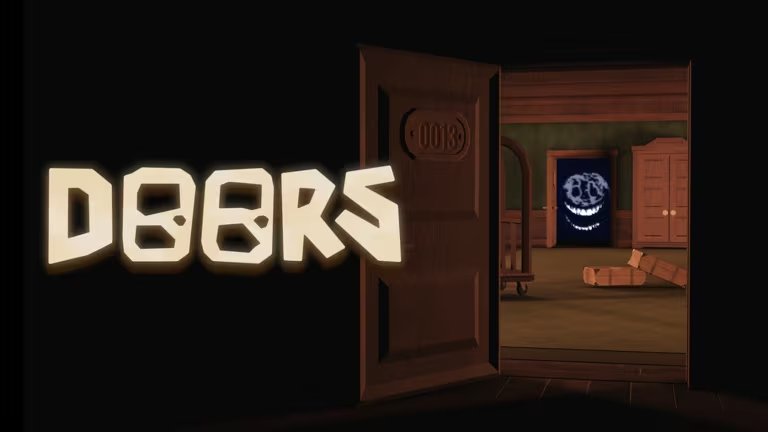
Doors is the Roblox horror experience where you creep through a hotel full of rooms, each hiding something that wants to kill you. Codes are the game’s way of handing out free currency like Knobs and Stardust, plus the occasional Revival, without making you grind for every last coin.
Working Doors Codes
Type these into the game exactly as shown below, since Doors codes are case sensitive and some include spaces or symbols.
REPRESSED
10 Stardust
New
777
777 Knobs, 7 Stardust, and 1 Revival
NO_DATA
50 Knobs
LAZYDEVS
50 Knobs
3rd
33 Knobs
SCREECHSUCKS
25 Knobs
FE4R_RBX
5 Knobs
41
5 Knobs
54
5 Knobs
67
5 Knobs
ABCDEFGHIJKLMNOPQRSTUVWXYZ
5 Knobs
RAGDOLL MAYHEM
5 Knobs
RAGDOLL UNIVERSE
5 Knobs
LORE
5 Knobs
FIND THE TROLLFACES
5 Knobs
8BITRYAN
5 Knobs
ISHOWSPEED
5 Knobs
BIJUU MIKE
5 Knobs
DANTDM
5 Knobs
KUBZ SCOUTS
5 Knobs
KREEKCRAFT
5 Knobs
PENGUINZ0
5 Knobs
THINKNOODLES
5 Knobs
W
5 Knobs
XQC
5 Knobs
CRUSADERS
5 Stardust
PATHSWAP
1 Stardust
RAGDOLL COMBAT
1 Stardust
JUMP OVER THE BRICK
1 Stardust
VOCAB HAVOC
1 Stardust
/E FREE
1 Knob
CHEDDAR BALLS
1 Knob
L
No reward, just a joke code
PRESSURE
No reward
Gullible
Free reward
E FREE
1 Knob
How to redeem codes in Doors
Codes in Doors go through the in-game shop rather than a separate codes page, so you’ll need to be inside the experience first.
Note: spacing and capitalization matter here. A code like RAGDOLL COMBAT will fail if you forget the space or change the casing, so type it exactly as it’s written above.
Expired Doors codes
These codes no longer work if you try to redeem them, so don’t waste time typing them in.
GRACE
1000
THEHUNT
SIX2025
5B
THREE
4B
2BILLIONVISITS
SORRYFORDELAY
SORRYBOUTTHAT
ONEBILLIONVISITS
psst
500MVISITS
LOOKBEHINDYOU
100MVISITS
TEST
How to get more Doors codes
New codes usually show up around big milestones, like visit counts or content updates, so they don’t drop on a fixed schedule. Your best bet is to keep an eye on the official Doors Discord server, where the developers share new codes directly. You can also check the shop inside the experience itself, since that’s where every code ultimately gets typed in anyway.
If you haven’t joined the experience yet, you can find it on Roblox through the official Doors page.
Why didn’t my code work?
The most common reason is a typo in spacing or capitalization, since Doors codes are case sensitive and some contain spaces that are easy to miss. If you’ve double-checked the exact text and it still fails, the code itself has likely expired.
Run through the working list above whenever you load into Doors, since a few of these codes stack small rewards that add up fast if you redeem them all in one sitting.






Leave a Reply