
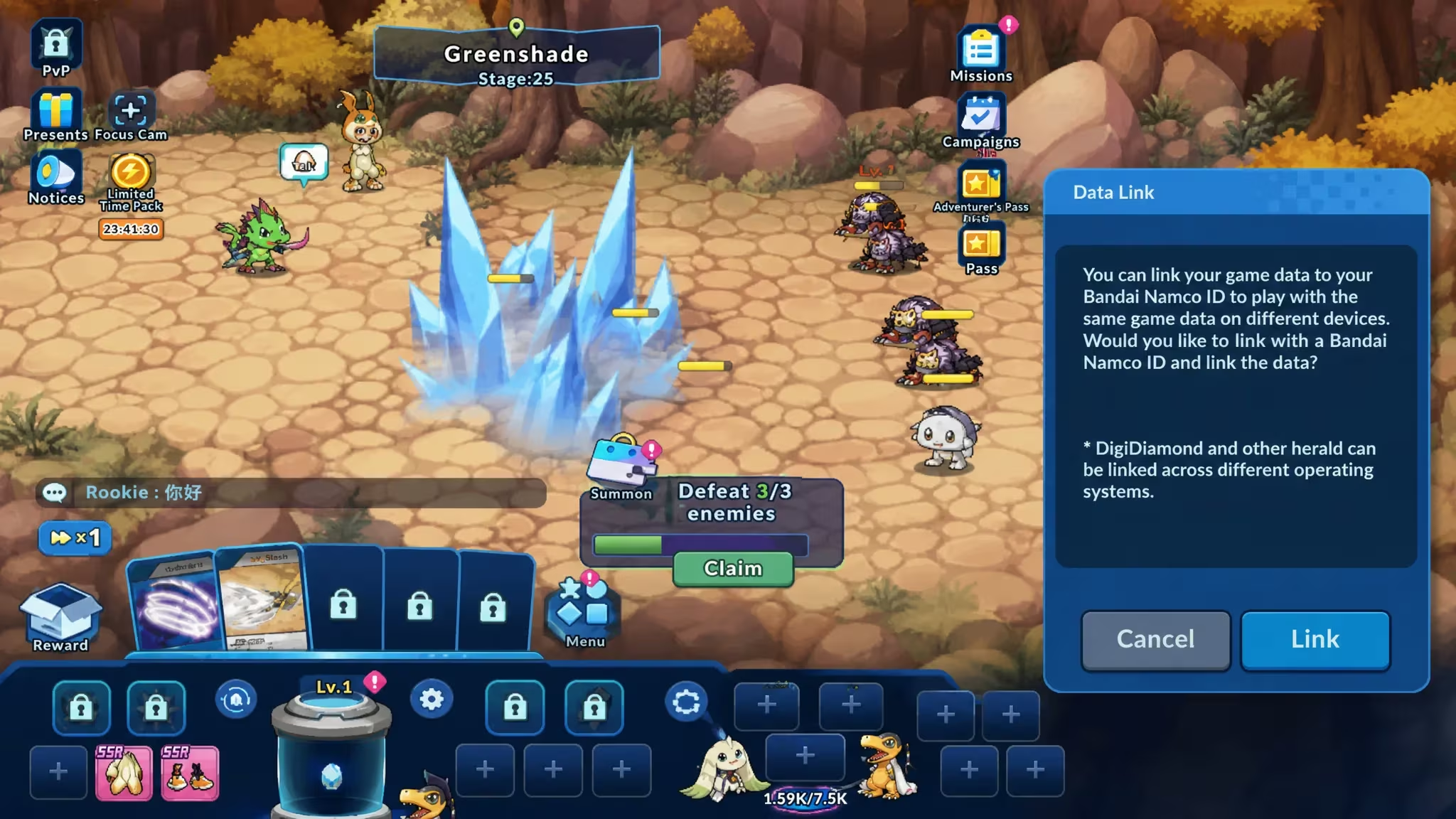
Digimon Up is a Bandai Namco mobile game built around raising and battling Digimon, and its codes hand out digiemeralds, the premium currency you’d otherwise have to grind or pay for. Redeeming one takes a bit more setup than tapping a code button in the app, but it only takes a minute once your account is linked.
Working Digimon Up codes
Here’s the code that’s currently redeemable, along with what it gets you.
UPSTART394649
600 digiemeralds
How to redeem codes in Digimon Up
You won’t find a code-entry box anywhere inside Digimon Up itself. Bandai Namco handles redemption through a separate web page, so the first thing you need to do is connect your save file to a Bandai Namco account. Once that’s linked, the rest of the process happens in your browser.
How to get more Digimon Up codes
New codes for Digimon Up tend to show up around in-game events, anniversaries, and collaborations, and Bandai Namco distributes them through the game’s own official channels rather than through the code redemption page alone. Keeping an eye on in-app announcements and any official Digimon Up social accounts you’ve linked through Data Link is the most reliable way to catch a fresh code close to when it drops. We’ll keep this page updated with any new code we come across, and remove ones that stop working.
Why didn’t my code work?
The most common issue is submitting the code while signed into a Bandai Namco account that isn’t linked to the game save you’re actually playing on. Confirm the account shown on the redemption page matches your Data Link account before you try again, and make sure you’ve typed the code exactly as shown, without extra spaces.
If you’ve linked everything correctly and the reward still hasn’t shown up, check your Gift Box again after fully restarting the app.





Leave a Reply