
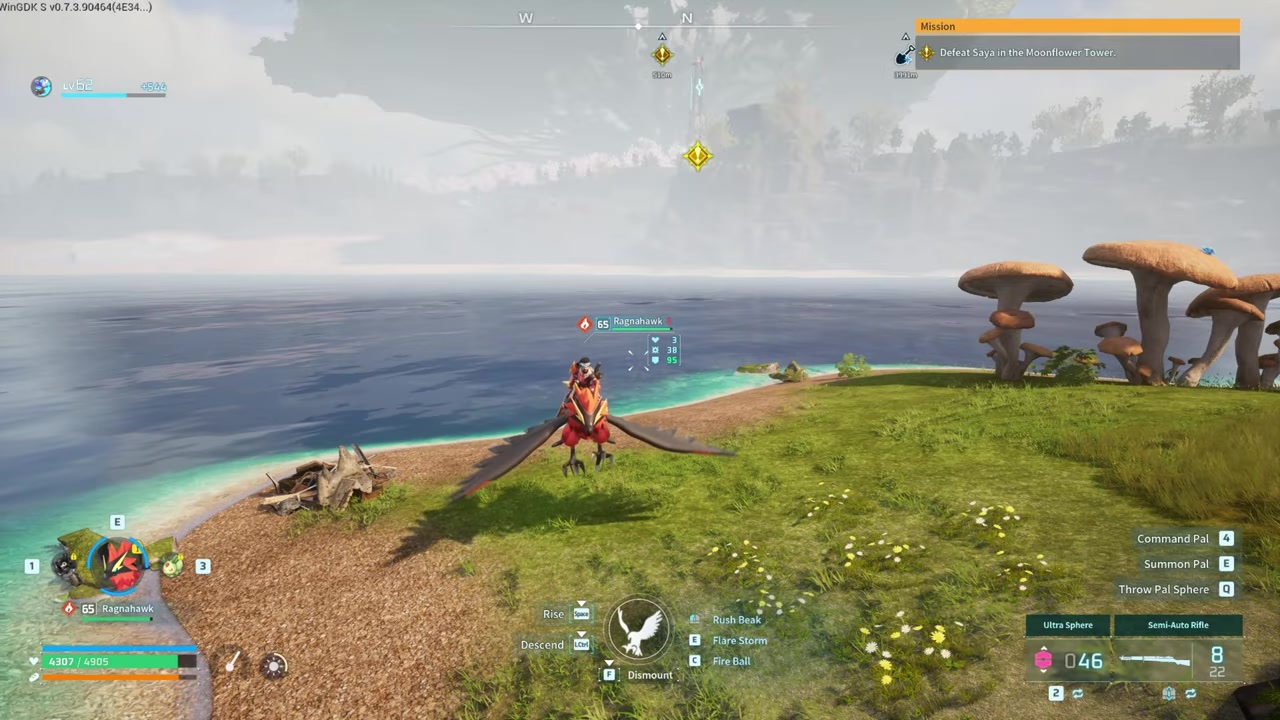
Open the Global Palbox, highlight the Pal DNA you want to remove, and press R to delete it — but if the Pal is favorited, you must first unfavorite it in your standard Palbox by pressing M before the deletion will go through.
The Global Palbox in Palworld is a special tab inside your regular Palbox that stores Pal DNA, letting you recreate specific Pals across different worlds or servers. When you move a Pal into this tab, the game saves a snapshot of its genetic data at that exact moment. Deleting an entry from this tab only removes that saved DNA template; it does not release, kill, or sell the original Pal currently living in your world.
| Property | Detail |
|---|---|
| What it stores | Pal DNA templates for cross-world restoration. |
| What deletion does | Permanently removes the saved DNA template from the Global tab. |
| Effect on the original Pal | None. The live Pal in your standard Palbox remains completely unaffected. |
How to delete a Pal from the Global Palbox
STEP 1/4
Open the Palbox
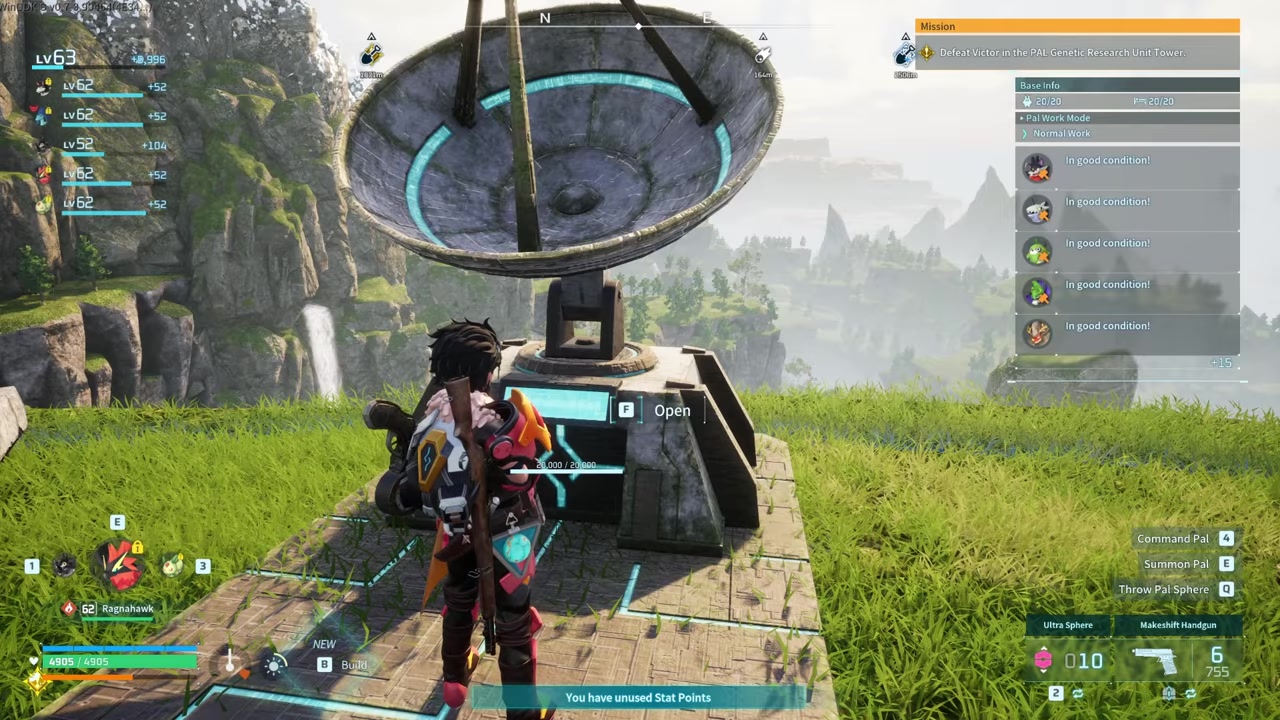
Interact with the Palbox at your base and switch to the Global Palbox tab.
STEP 2/4
Press R for deletion mode
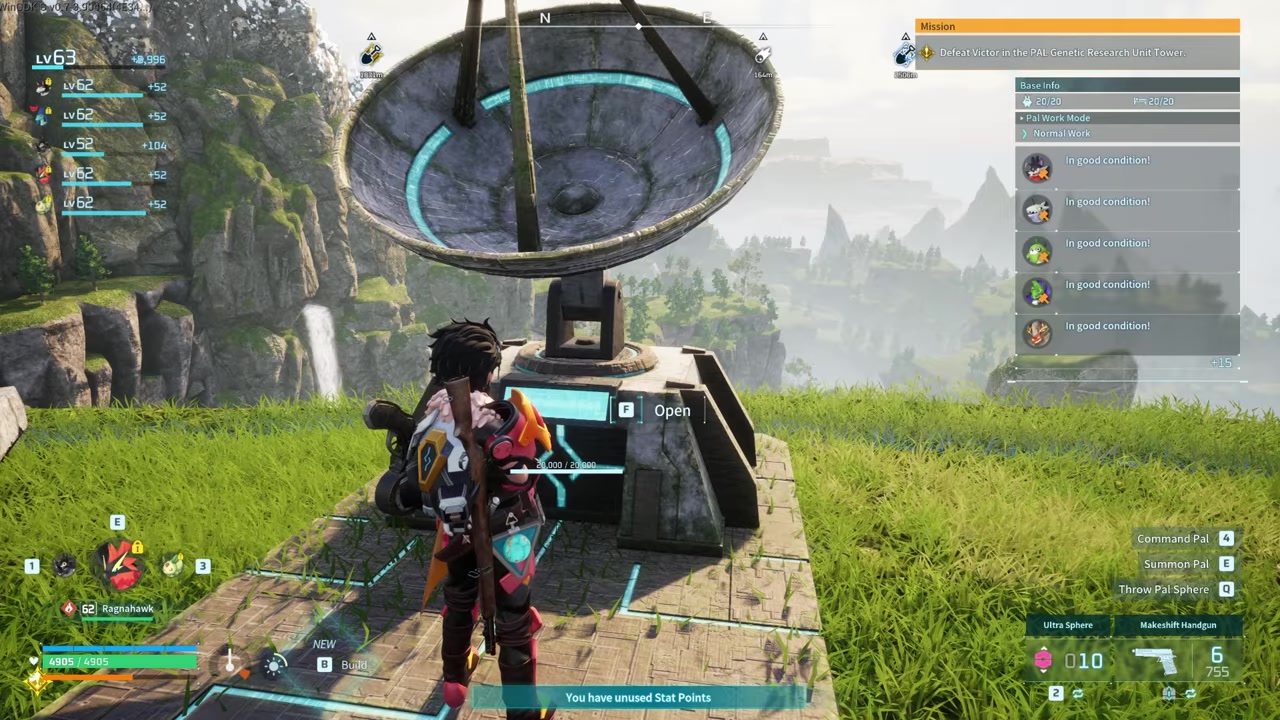
Press R to choose the highlighted Pal DNA entry for deletion.
STEP 3/4
Select the Pal
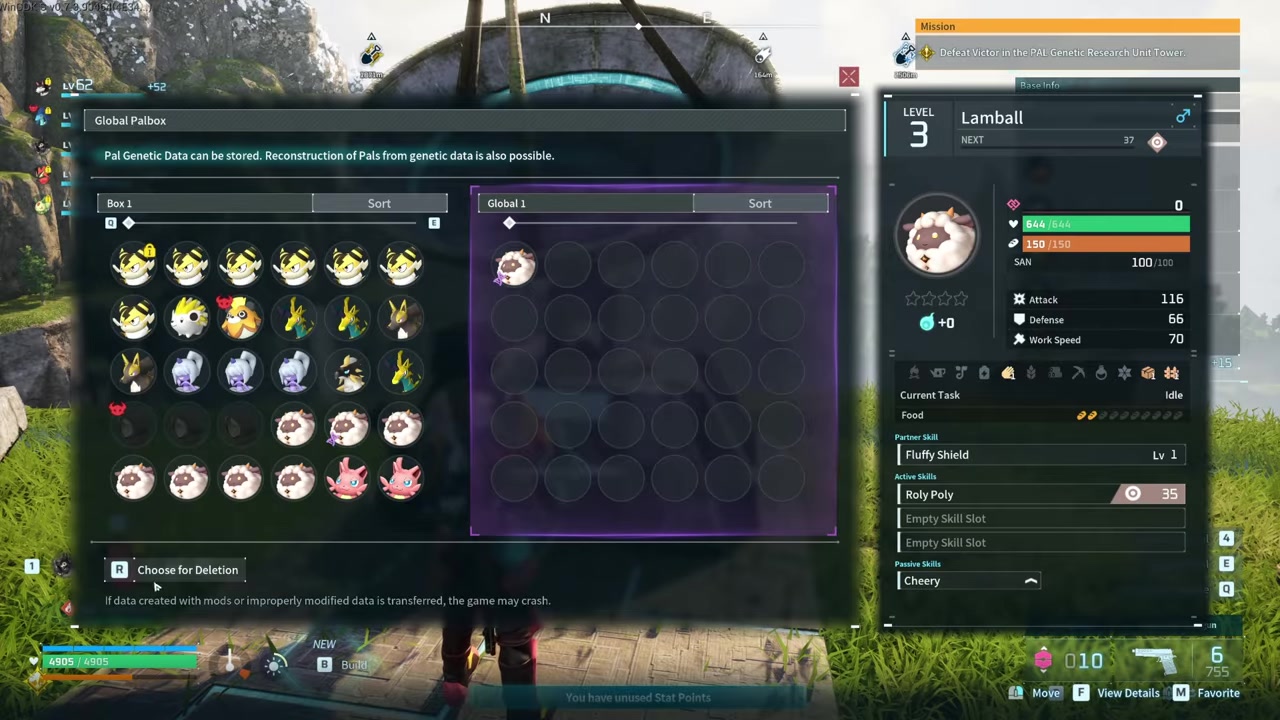
Hover your cursor over the specific Pal DNA template you want to remove.
STEP 4/4
Press delete and confirm
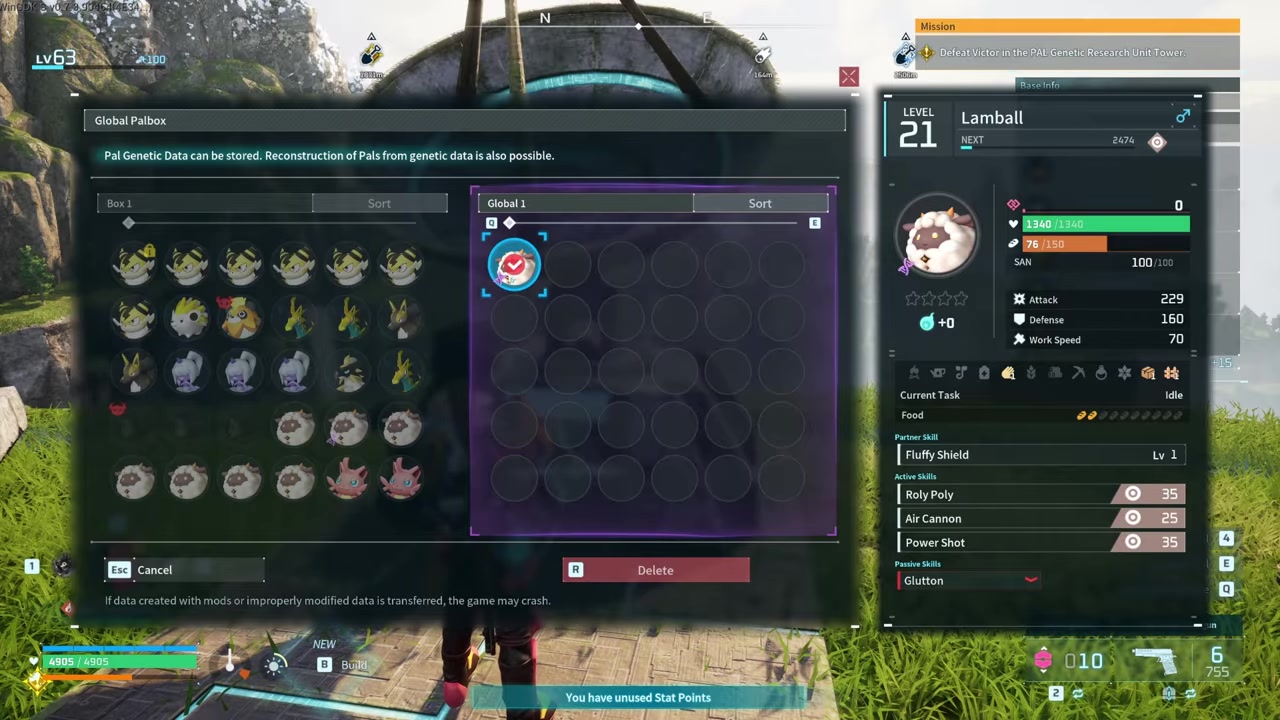
Press the delete prompt and confirm your choice to clear the DNA slot.
There is some community disagreement about this favorite-lock behavior. Some players report you can simply press M directly inside the Global Palbox tab to unfavorite the DNA and delete it, while others claim favorited Pals cannot be unflagged or deleted at all. The most reliable, video-confirmed method is to unfavorite the base Pal in your standard Palbox first, then return to the Global tab to clear the entry.
If pressing R won’t delete a Pal DNA entry, check your standard Palbox tab and press M on the Pal to remove the automatic favorite flag before trying again.
Video help
Frequently Asked Questions
Does deleting a Pal from the Global Palbox also delete or release the original Pal in my world?
No. Deleting an entry from the Global Palbox only removes the saved DNA template. The original live Pal remains safely in your standard Palbox, completely unaffected by the deletion.
Why can’t I delete a Pal from the Global Palbox — it won’t let me press R?
The Pal is likely marked as a favorite, which happens automatically when you use a Pal for an extended period. You must go to your standard Palbox, select the Pal, and press M to unfavorite it before the Global Palbox will allow you to delete its DNA.
Can I mass-delete or auto-purge all Global Palbox entries at once?
No. There is currently no official in-game setting to auto-purge old Pal DNA, and no confirmed method to mass-wipe all Global Palbox entries simultaneously. You must delete entries one by one.
How do I get rid of surplus live Pals in my standard Palbox?
You can sell surplus live Pals to Pal traders at the Small Settlement or Desert Refuge, or butcher them using the Pal Disassembly Conveyor, which unlocks at Technology level 54 and yields items like Gold Coin and Training Manual XL.






Leave a Reply