
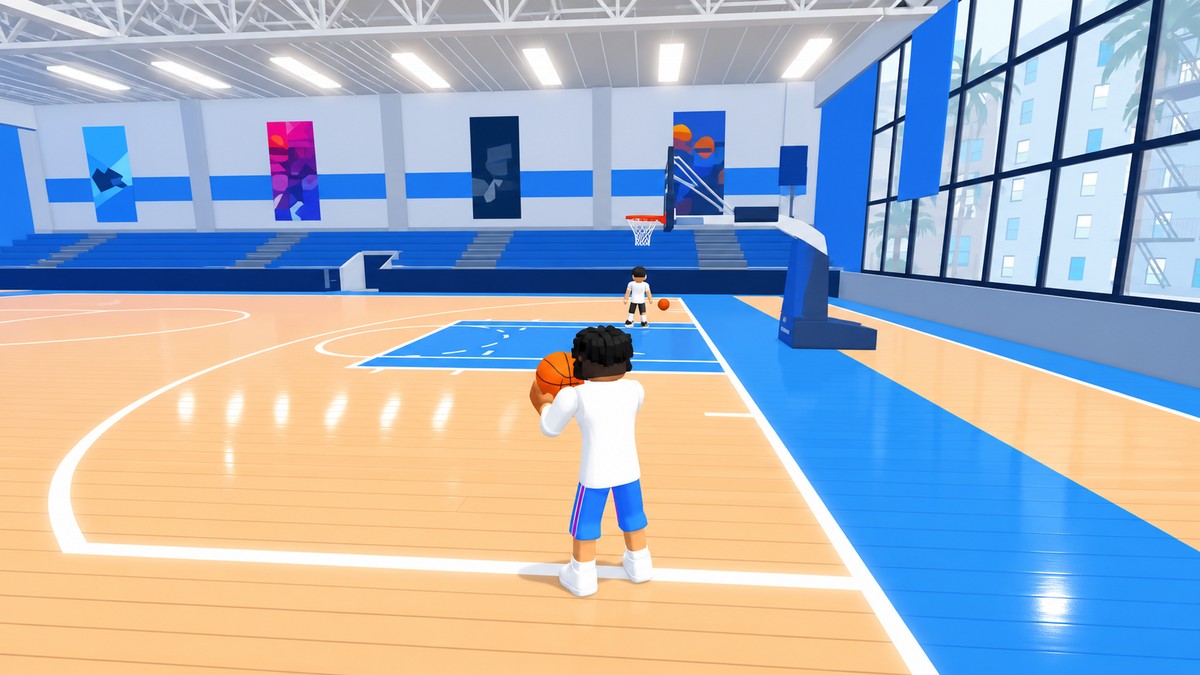
To customize your character in Practical Basketball, press Play and choose the Plaza instead of a match, then use the clothing, hair, and color shops there to buy and equip cosmetics with your in-game cash.
Changing how your player looks in Practical Basketball doesn’t happen on the court — it happens in the Plaza, the game’s social hub. When you launch the game and hit Play, the option to enter the Plaza sits alongside the option to jump straight into a basketball game, and it’s easy to miss if you’re only there to hoop. Every clothing, hair, and color shop lives inside that area, so that’s where you spawn in and start browsing.
How to customize your character from the Plaza in Practical Basketball
The whole process comes down to reaching the Plaza and walking into the right shops, so follow these steps in order and keep some in-game cash on hand.
Launch and press Play
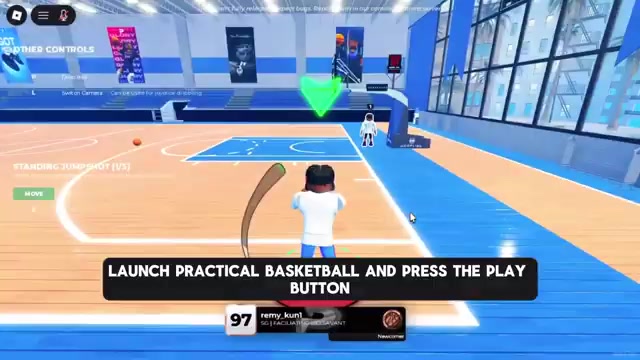
Open Practical Basketball from Roblox and press the Play button to bring up your starting options.
Choose the Plaza
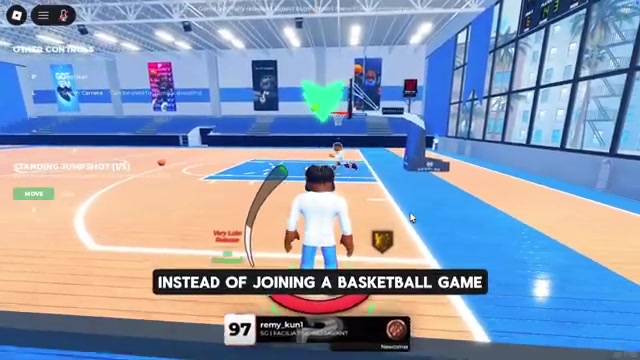
Instead of joining a basketball game, select the option that sends you to the Plaza, the main social area that holds every customization feature.
Look around after spawning
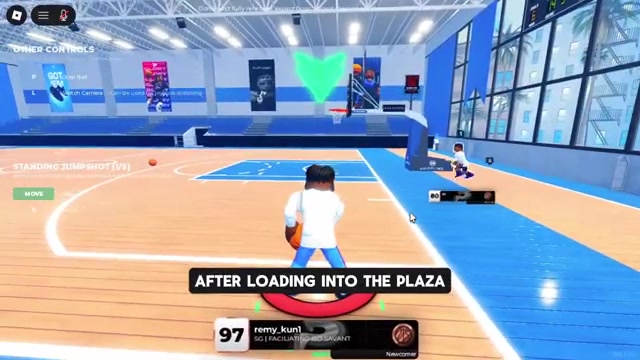
You’ll drop into a random spot on the map, so take a moment to scan the buildings — several of them are dedicated to changing your character’s appearance.
Enter the clothing shop
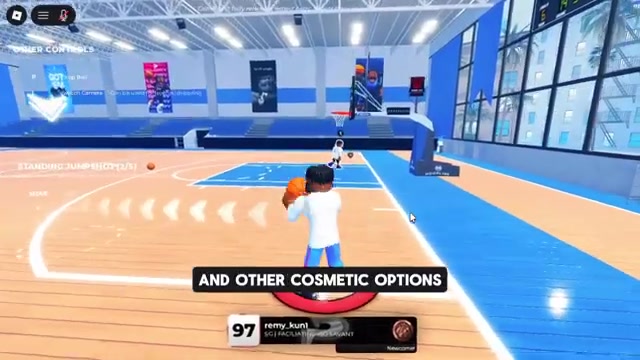
Walk into the shop that displays clothing and cosmetic options to browse the outfits available for purchase.
Browse and buy outfits or shoes
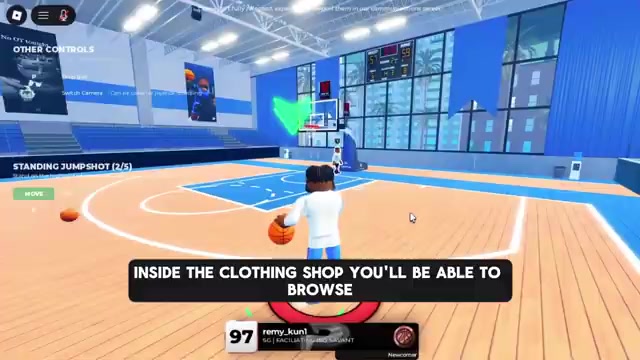
Pick out an outfit, swap your shoes, or grab other clothing-related items, then buy and equip them using your in-game cash.
Check the hair and color shops
Visit the nearby shops to change your hairstyle and facial hair in one, and recolor your clothing in another, for a completely different look.
Video help
What each Plaza shop handles
| Shop type | Use |
|---|---|
| Clothing / outfits | Browse and buy full outfits for your character |
| Shoes | Swap your footwear for a different pair |
| Hair & facial hair | Change your hairstyle and facial hair |
| Clothing color | Recolor the clothing you’re wearing |
The Plaza splits appearance changes across a few different buildings rather than one big menu, so it helps to know what you’re walking into before you commit any cash. There’s a clothing store for outfits and footwear, and separate spots for grooming and recoloring. Exact shop inventory and prices shift with the current build, but the categories below are the ones you’ll be shopping across.
Appearance changes versus your player build
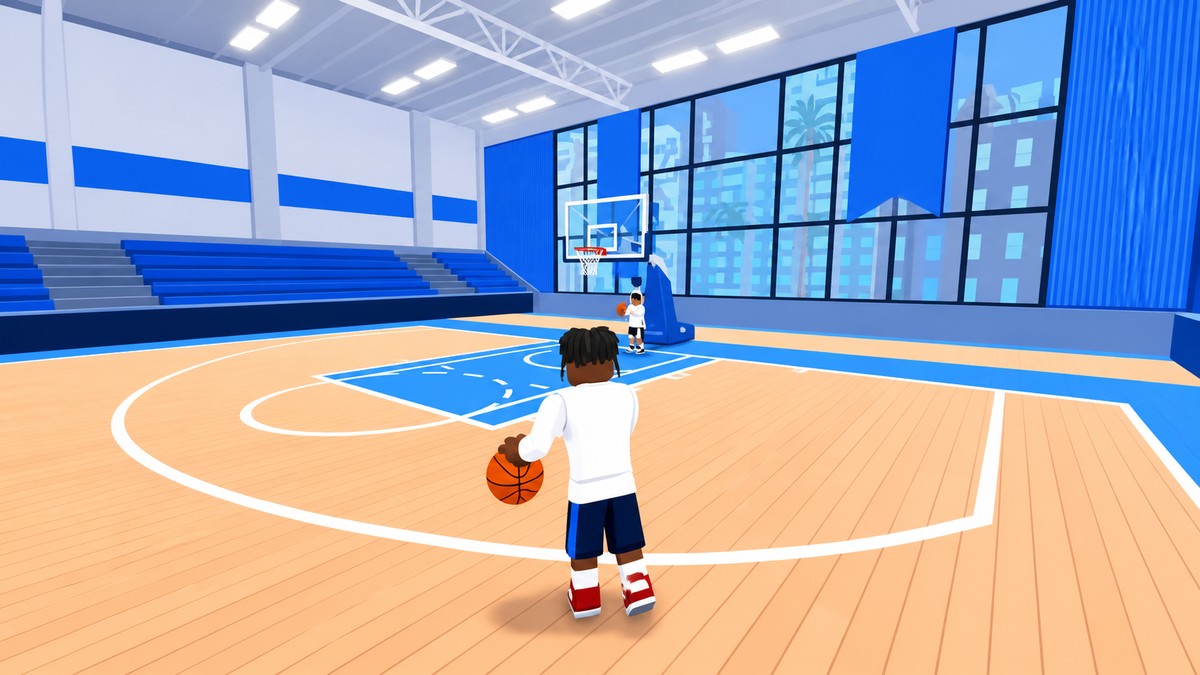
It’s worth separating two things that both get called “customization.” Everything above is cosmetic — how your character looks. That’s different from your player build, which is the basketball archetype you configure through the in-game Build Creator around the four pillars of shooting, finishing, defense, and playmaking, along with badges and animations.
If you’re chasing stats, a shooting-focused guard, or a specific meta setup, that lives in the Build Creator, not the Plaza. So if you came here to change your look, the Plaza is the answer; if you came to change how your player performs, that’s a separate menu entirely.
Before you spend your cash
The single most useful habit is to look before you buy. Since the shops are scattered across the Plaza and each one covers a different category, walk the whole area first so you know what’s on offer — you don’t want to blow your balance on the first outfit only to find shoes or a hairstyle you’d rather have spent on.
None of these cosmetics are free, so make sure you’ve got enough in-game cash before you head in to buy and equip anything. And keep in mind these visual changes are separate from your build’s stats and animations, so a new outfit won’t touch how your player actually performs on the court.
Explore every Plaza shop before buying anything — clothing, shoes, hair, and color each sit in different buildings, so scout them all first and spend your cash where it counts.
Frequently Asked Questions
Can you customize your build separately from your outfit?
Yes. Your outfit, shoes, hair, and clothing color are cosmetic and handled in the Plaza shops. Your player build — the archetype you shape through shooting, finishing, defense, and playmaking, plus badges and animations — is configured in the separate in-game Build Creator. Changing one doesn’t affect the other.
Do you need in-game cash for cosmetics?
Yes. Outfits, shoes, hairstyles, and color changes in the Plaza all cost in-game cash, so you’ll need enough saved up before you can buy and equip them. Build up a balance first, then shop.






Leave a Reply