
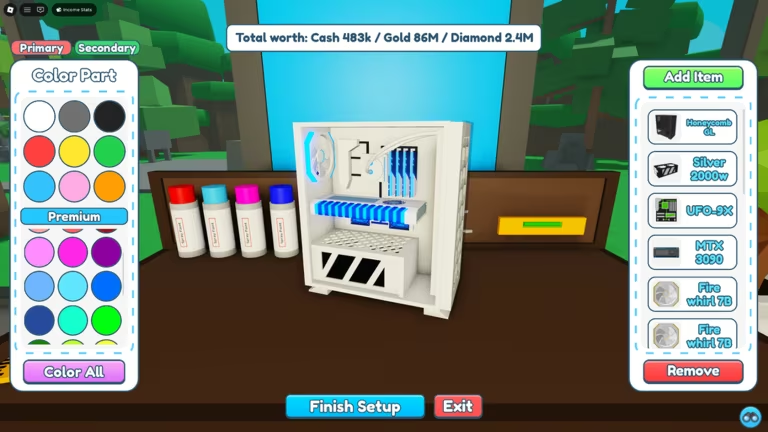
Custom PC Tycoon puts you in charge of building and selling gaming rigs, and the developer hands out codes every so often that speed up your progress with free cash, part unlocks, and timed boosts on your production line.
Working Custom PC Tycoon Codes
Type these into the game exactly as shown below, since codes are case-sensitive and each one only works once per account.
AfterrFluff
Free rewards (you must follow @AfterrFluff on Roblox first)
New
90mVisits
Free rewards (you must follow @AfterrFluff on Roblox first)
New
80mVisits
Free rewards
Xmas2024
Free rewards
BeachTime
Activates every boost at once
easter2024
Adds 10 minutes to all boosts
frontpage
Adds 5 minutes to all boosts
150klikes
Adds 5 minutes to all boosts
70m Visits
Adds 5 minutes to all boosts
viperclipz
Free reward
fallenworlds
Adds 5 minutes to all boosts
downtime2024
Adds 30 minutes to all boosts
135kLikes
Adds 5 minutes to all boosts
likeTheGame
Adds 10 minutes to all boosts
newyear2024
Adds 10 minutes to all boosts
christmas2023
Adds 5 minutes to all boosts
GamerFleet
15,000 Cash
120klikes
Adds 5 minutes to all boosts
60m visits
Adds 10 minutes to all boosts
Supportive
Nightcore Case
FirstMilestone
A free part
LikePower
Thumbs Up CPU
Fan Power
2x Woosh Cooling
GamingDan
2,000 Cash
FluffyBunny
1,500 Cash
5M visits
2x Fusion Cooler
30K Likes
6Bit V0 CPU
7M Visits
SP 5CE Motherboard
Lunar
3000W Tiger PSU
70K Likes
Radon RT 6600 GTU
Chapter2
5,000 Cash
How to redeem codes in Custom PC Tycoon
The code box in Custom PC Tycoon isn’t tucked behind a big “Codes” button on the main screen, so it helps to know exactly where to look once you’ve loaded into the Custom PC Tycoon experience on Roblox.
How to get more Custom PC Tycoon codes
New codes tend to show up around visit and like milestones, holidays, or special shoutouts from the developer, so checking back after the game hits a big number is a good habit. The fastest place to catch an announcement is the game’s own Discord server, where new codes are typically posted first. The Fallen Worlds official Roblox group is also worth joining, since group-related codes and updates get shared there as well.
Are Custom PC Tycoon codes free to use?
Yes. Every code above is free to redeem and simply hands out cash, boosts, or parts without costing you Robux or anything else.
Why didn’t my code work?
If nothing happens after you press Enter, double-check the spelling and spacing against the list above, since codes like “70m Visits” and “5M visits” include a space that’s easy to miss. A code also won’t work a second time on the same account, and the two follow-gated codes only pay out if you’re already following @AfterrFluff on Roblox.





Leave a Reply