
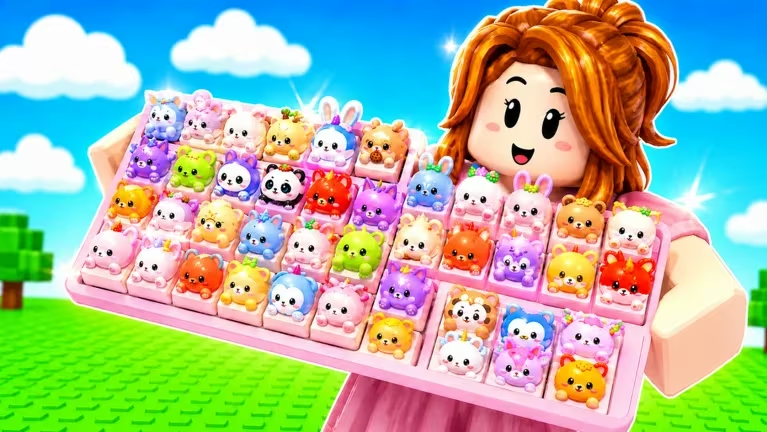
Custom Keyboards is a Roblox experience where you build and customize your own keyboard setup, and the developer hands out codes every so often that give you a head start with cash, item packs, and short-term boosts.
Working Custom Keyboards Codes
Type these in exactly as shown, since a single typo will stop the code from going through.
PETS
Reward not specified
New
STICKERS
Reward not specified
New
BOBA
20k Cash, a Boba Pack, and 2x Luck for 20 minutes
650LIKES
A Legendary Pack, a Boba Pack, 2x Luck for 10 minutes, and 2x Kick Power for 20 minutes
1000LIKES
3 Legendary Packs, a Boba Pack, 3 Wheel Spins, 2x Kick Power for 20 minutes, and 10k Cash
You’ll know a code worked the moment you confirm it, since the cash total, the pack, or the boost timer shows up right away in your inventory or on your HUD.
How to redeem codes in Custom Keyboards
Codes don’t go through a website here, so you’ll need to be inside the game itself to redeem anything.
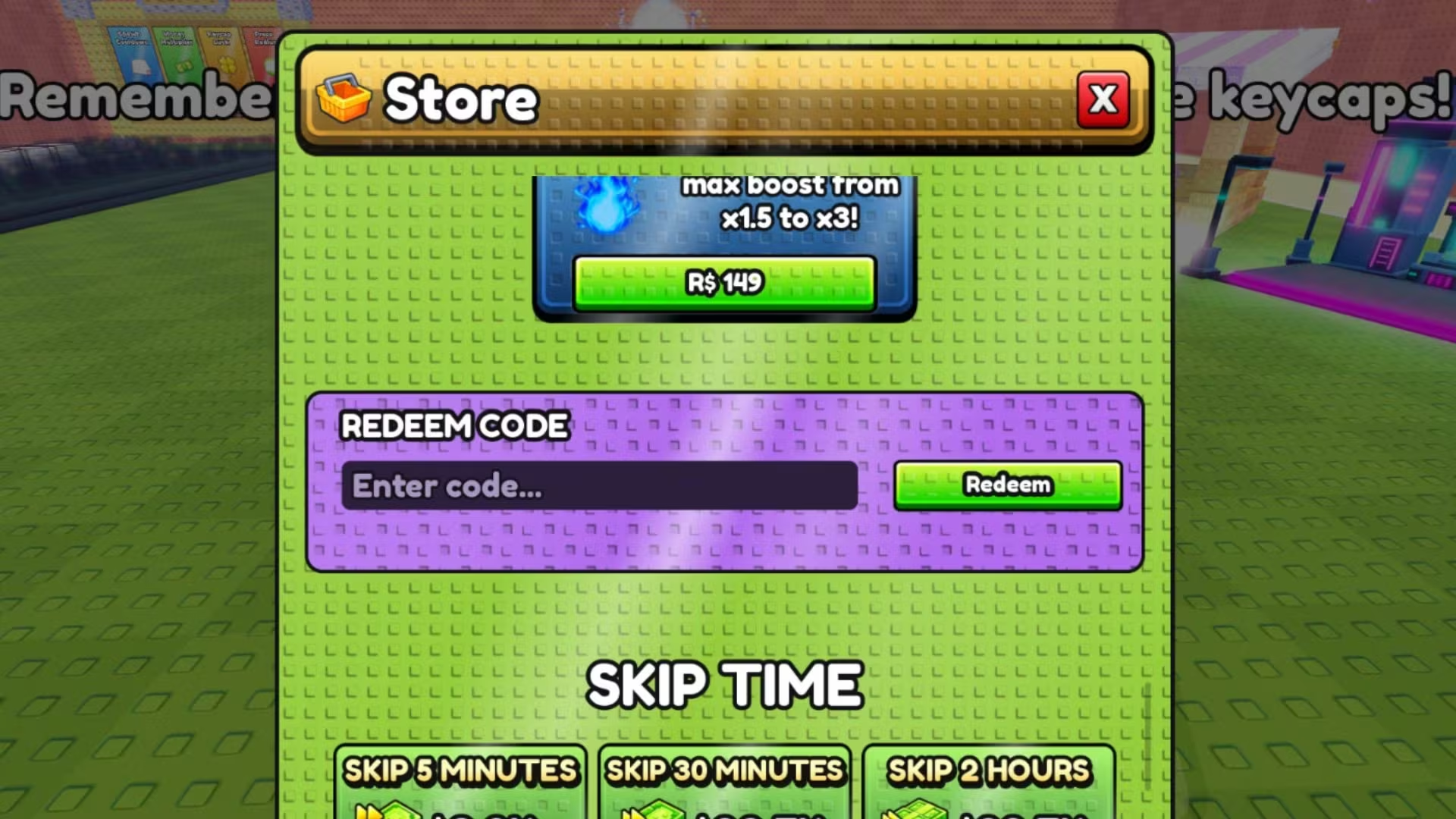
Tip: If nothing changes after you confirm a code, double-check the spelling against the list above before trying another one.
How to get more Custom Keyboards codes
New codes for Custom Keyboards tend to show up around like or follower milestones, similar to how 650LIKES and 1000LIKES were tied to community engagement goals. Keep an eye on the developer’s official social channels and any in-game announcements, since that’s where new codes get posted first. Checking back periodically is your best bet for catching one before it expires.
Are Custom Keyboards codes free to use?
Yes, every code above is free and gives you cash, packs, or temporary boosts at no cost beyond typing it in correctly.
Why didn’t my code work?
Recheck the spelling against the list above and confirm you’re entering it in the code box inside the Shop panel, since even a small typo will stop the redemption from going through.






Leave a Reply