
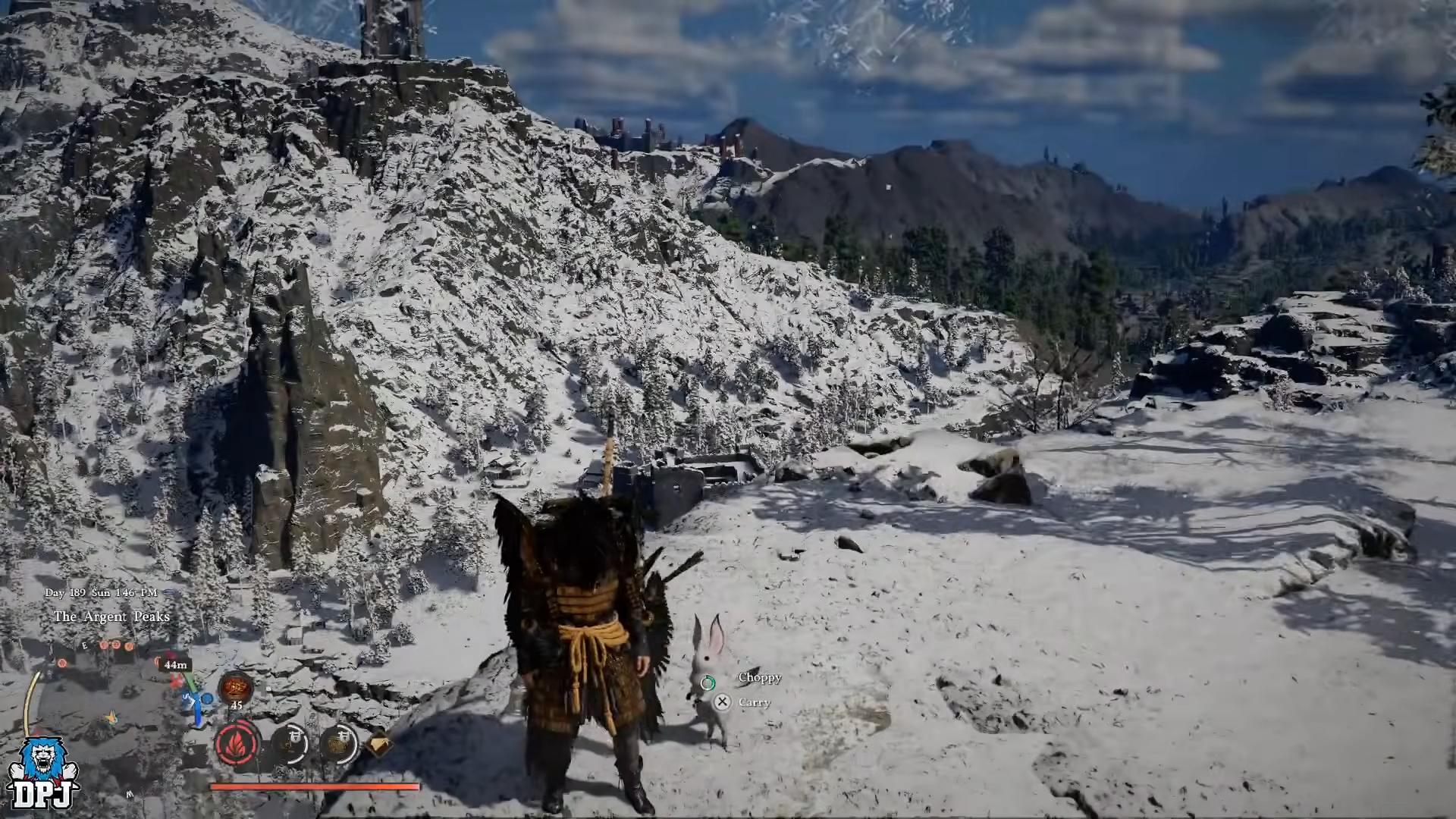
To get BDO CHOPPY the White Rabbit pet in Crimson Desert, you must bring carrots to a specific cliff north of Pailune, locate the group of white rabbits there, grab one, then feed it carrots three times to reach 100 Trust and unlock the “Take In” pet option.
Choppy the White Rabbit explained
Choppy is a special white rabbit pet in Crimson Desert that directly references Black Desert Online’s pet system and branding. It was locked until the 1.08.00 patch, which switched the rabbit from a background critter to a fully tameable Trust-based pet.

Mechanically, Choppy behaves like other pets in Crimson Desert’s Trust system: you build Trust through feeding, then finalize adoption with the “Take In” interaction prompt, registering the rabbit in the Pets tab of your inventory.
How to get BDO CHOPPY the White Rabbit pet in Crimson Desert
Step 1: Make sure your game is updated
Update Crimson Desert to at least patch 1.08.00, because Choppy is only tameable from that version onward. Check your platform’s game details screen or patch notes and confirm the build number before hunting for the White Rabbit.
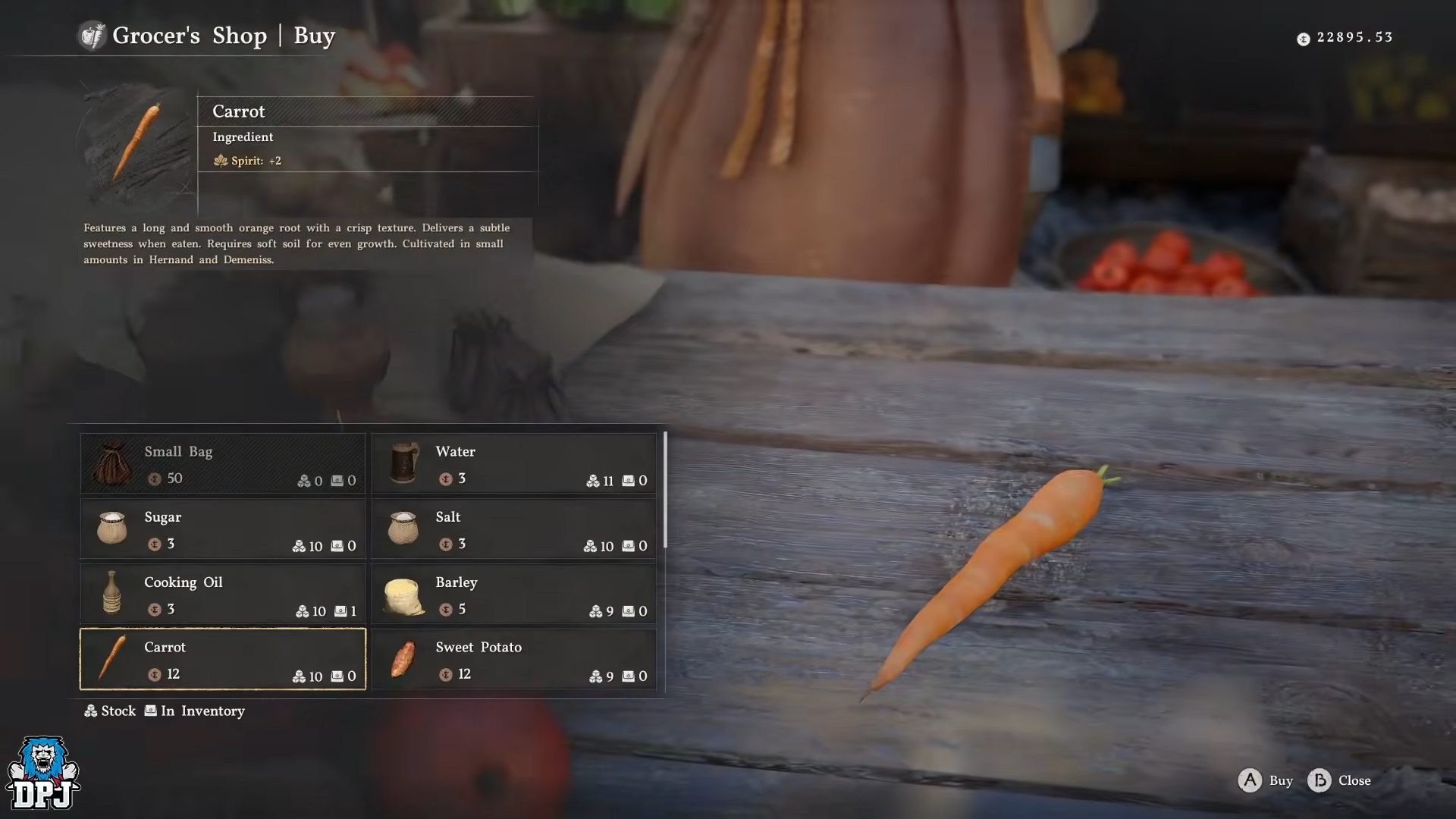
Step 2: Buy enough carrots from a grocer
Before heading out, stock up on carrots. Travel to any major town and go to the main Grocer NPC in the central marketplace.

Then buy at least 3–5 carrots from their wares to safely cover Choppy’s Trust requirement.
Step 3: Travel to Pailune
With carrots in your inventory, ride or fast travel toward the town of Pailune. Keep an eye on your world map and set a waypoint directly to the Pailune icon so you can clearly position yourself just north of it later.

Step 4: Move to the cliffside west of Pailune
Once you reach Pailune, open the map, find the Pailune marker, then move your cursor slightly to the left (west) and set a manual waypoint toward the nearby cliffs. Ride out of town in that direction until you see a rocky ledge above you that overlooks the area.

Step 5: Climb up to the rabbit ledge
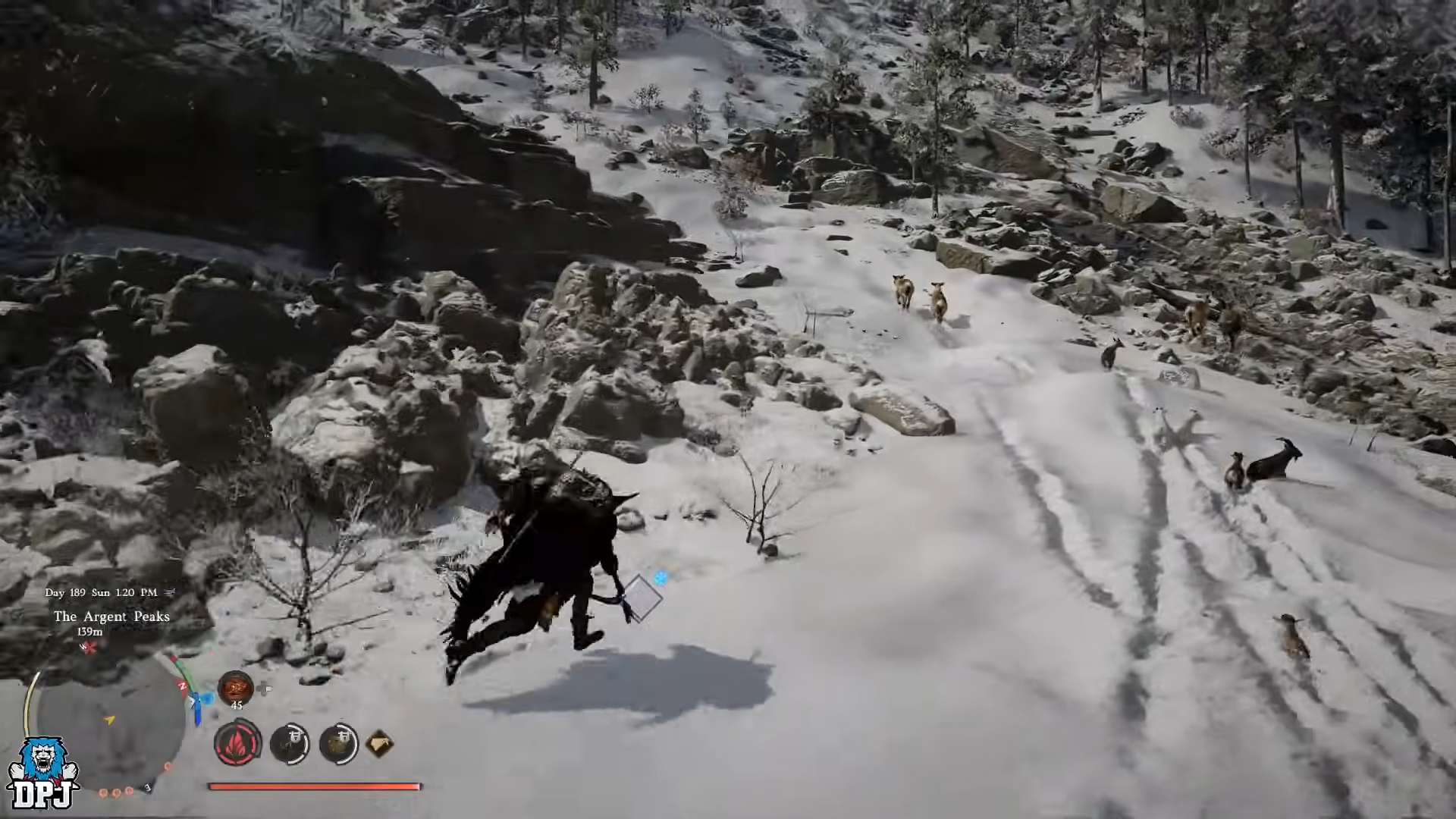
From the base of the cliff, circle around until you find an accessible slope, then sprint and jump your way up onto the ledge directly above Pailune’s left side. Manage your stamina so you can climb in short bursts rather than failing jumps and sliding back down.
Step 6: Identify the Choppy rabbit cluster
When you reach the top, look for a small, flat platform populated by white rabbits clustered together along the edge of the cliff. Move slowly into the group so you do not accidentally slide off or scatter the rabbits too far to grab one easily.

Step 7: Grab a white rabbit to target Choppy
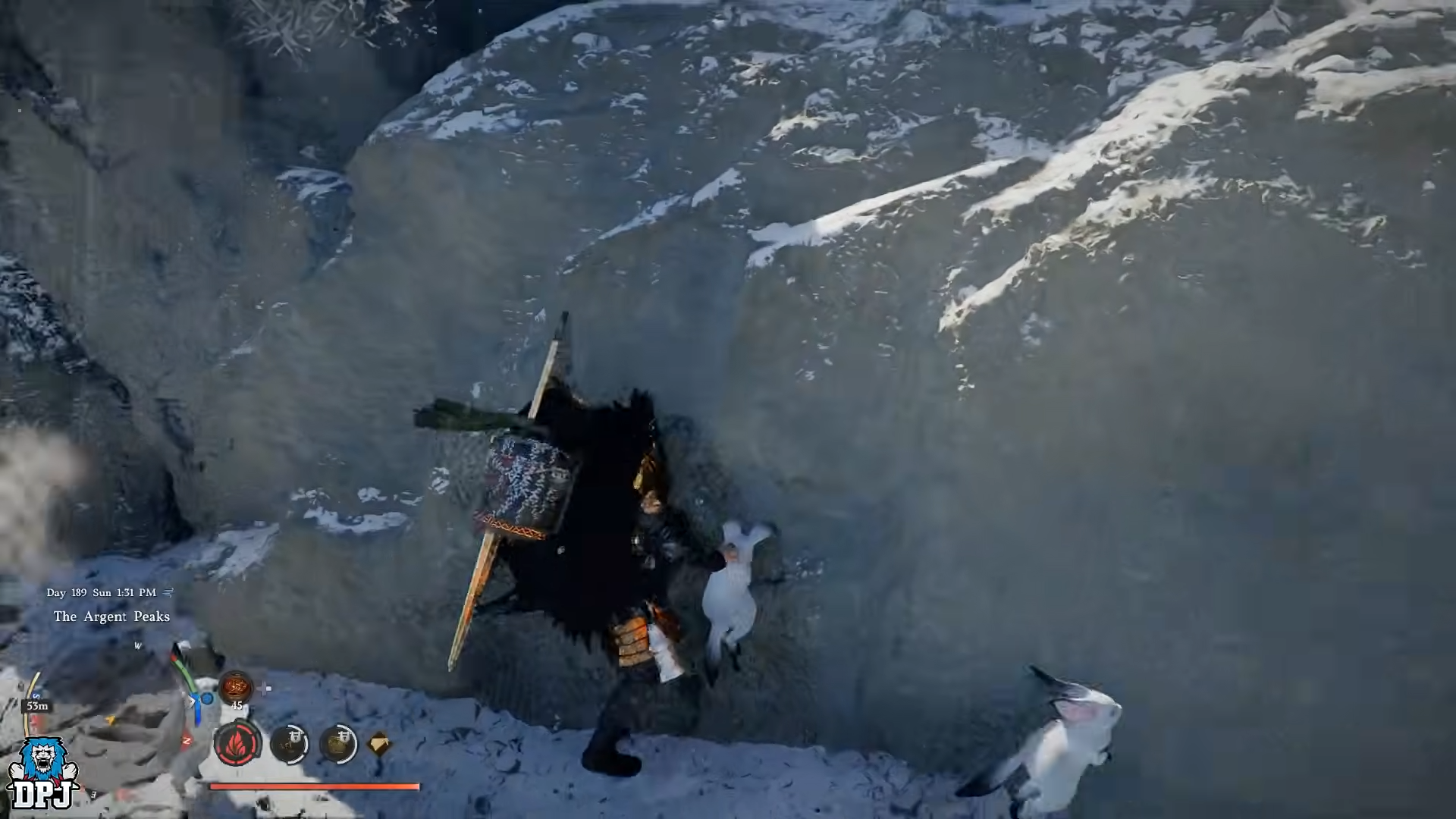
Stand next to a rabbit and interact to “grab” it, locking your character into the holding animation with the white bunny in your arms. This ensures you are targeting a single rabbit cleanly and sets you up for the Trust-feeding sequence with your prepared carrots.
Step 8: Open inventory and start feeding carrots
With the rabbit held, open your inventory, scroll down to the carrot stack, then press and hold the “Use” button to bring up the interaction options, choosing the “Feed” command to give the rabbit one carrot. Watch the Trust value increase after each feeding.
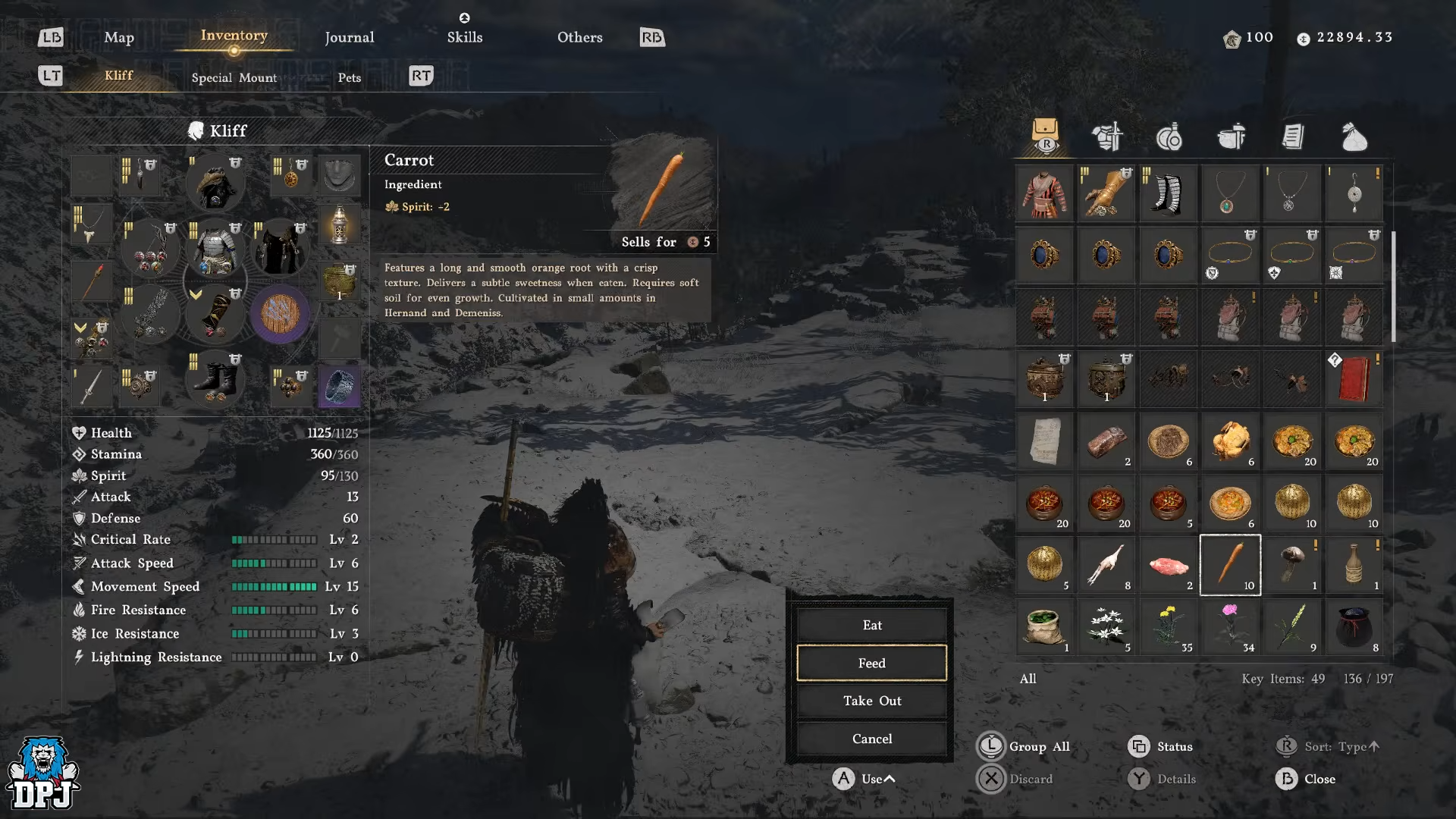
Step 9: Feed three times to reach 100 Trust
Each carrot grants around 35 Trust, so repeat the Feed action at least three times, monitoring the Trust meter each time you confirm the use. Aim to push the bar all the way to or above 100 Trust, which is the global threshold that unlocks adoption for pets.

Step 10: Use the “Take In” prompt to adopt Choppy
Once the rabbit hits 100 Trust, look at the bottom-right of your HUD for the “Take In” prompt and press the indicated button (Y on Xbox, Triangle on PlayStation, or the PC keybinding). This confirms adoption, names the pet Choppy, and registers it as your new pet.

Step 11: Equip and manage Choppy in the Pets tab
After adoption, open your inventory and switch to the dedicated Pets tab, then select Choppy and choose the option to summon or bring it out. From here you can manage Choppy like other companions, toggling its presence while exploring or engaging in content.

Critical mistakes to avoid when taming Choppy
-
Do not attempt this on a pre‑1.08 build, or the rabbits will not behave as a tameable pet and you will waste time climbing Pailune cliffs.
-
Do not go without carrots; relying only on petting is slow and may not even be available for this rabbit interaction, blocking Trust gain.
-
Avoid climbing with low stamina; repeated failed jumps can cause falls and potentially despawn or scatter the rabbit cluster.
-
Be careful when holding a rabbit near the ledge; moving too close to the edge while in the grab animation can slide you off and break the interaction.
-
Do not leave after one or two carrots if Trust is still below 100; confirm the final Trust tick to ensure the “Take In” prompt appears before you move on.
Choppy rewards and pet utility
Choppy’s main value is as a unique cosmetic crossover pet with the charm of the BDO Choppy rabbit, adding personality to your Crimson Desert companion roster. While the showcased footage focuses on looks, the rabbit still plugs into the Trust-based pet system used by all animals in Crimson Desert, meaning it functions as a standard pet once adopted.
Since the general system allows pets to follow, provide companionship, and integrate with your broader pet collection across Pywel, Choppy serves as a stylish complement to dogs and cats earned in places like Hernand.






Leave a Reply