

To get a pet wombat in Crimson Desert, find it in the Crimson Desert region (north side near Varnia and the Trader’s Expanse oasis), then build 100 Trust by petting and feeding it vegetables like sweet potatoes or carrots until you can “Take In” the wombat.
Quick Overview: Wombat Pet Essentials
How to Get a Pet Wombat in Crimson Desert
Step 1: Travel to the Crimson Desert Region North of Varnia
Open your map and head to the Crimson Desert region on the north side of the map. Travel south of the Trader’s Expanse, near Varnia and the small oasis where wombats patrol. The wombat spawns in this desert area near the oasis—look for it running around the sandy terrain.
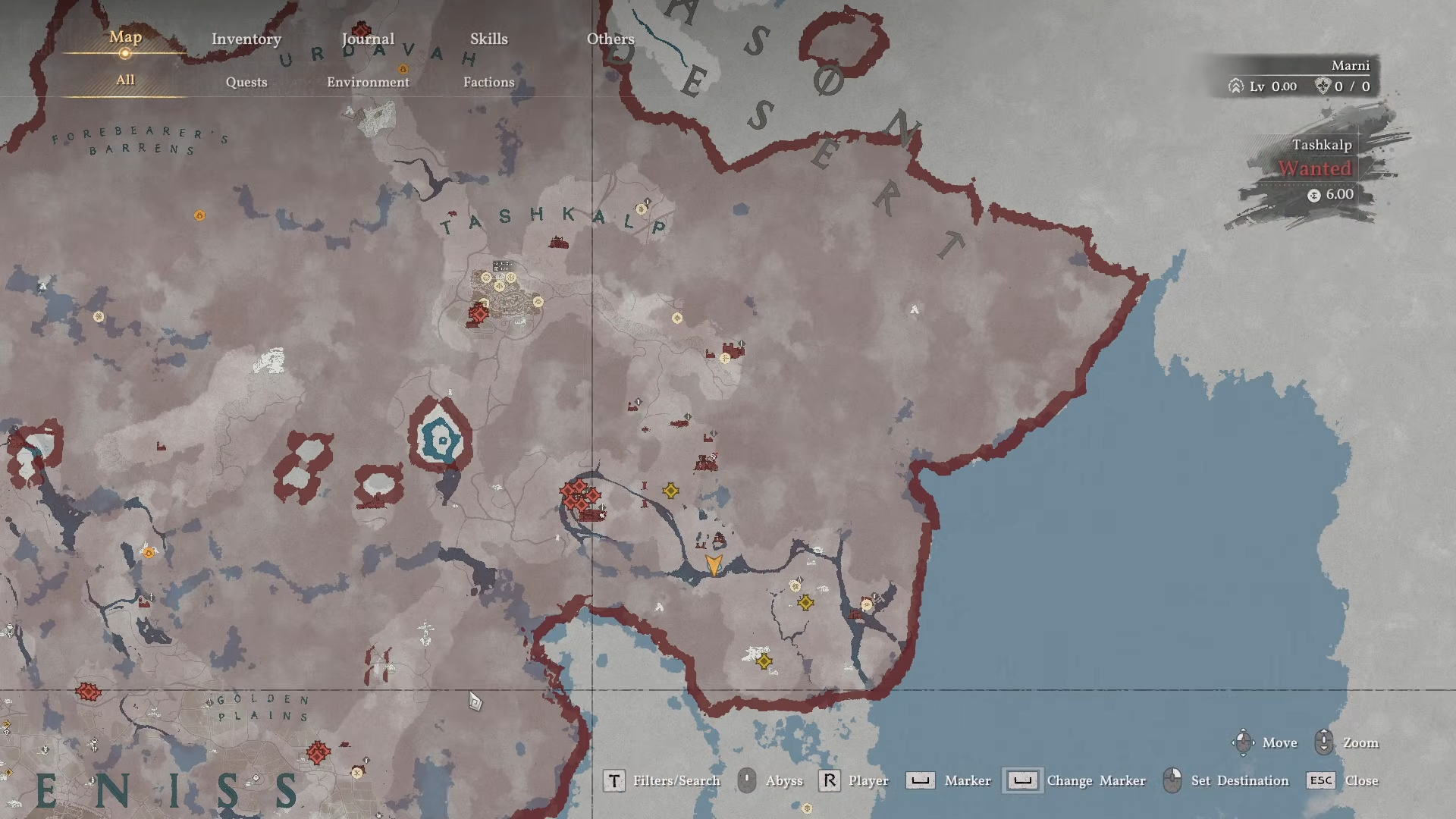
Use the nearest teleport waypoint (Delesyia South Gate area) to speed up travel.
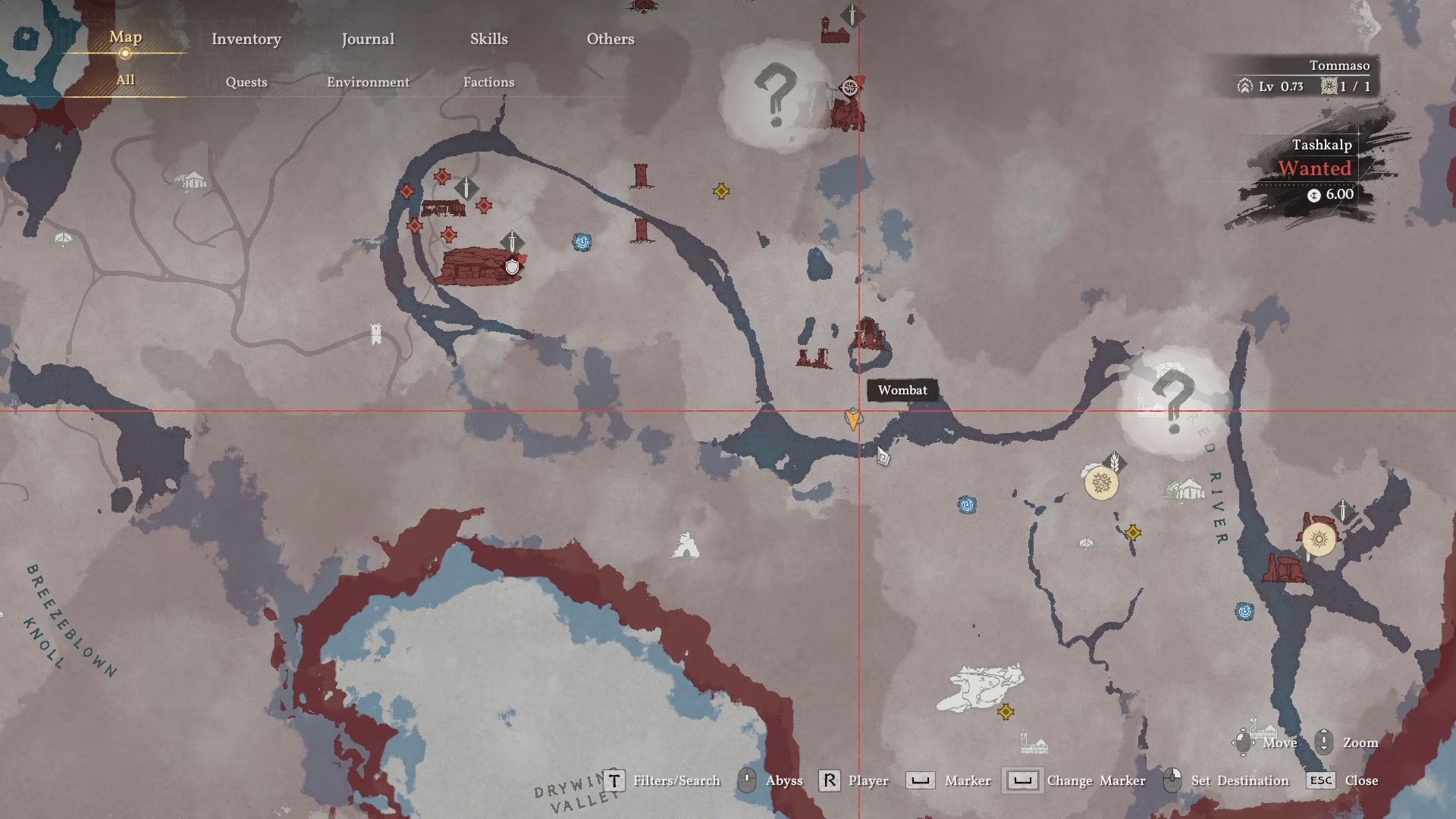
Step 2: Approach Slowly and Start Petting
Walk up to the wombat slowly to avoid startling it. When you’re close enough, a hold button prompt (E on PC / Square on PlayStation) will appear. Hold the button to pet the wombat, which grants +5 Trust per pet. You can pet it 5 times per day for a maximum of +25 Trust daily.
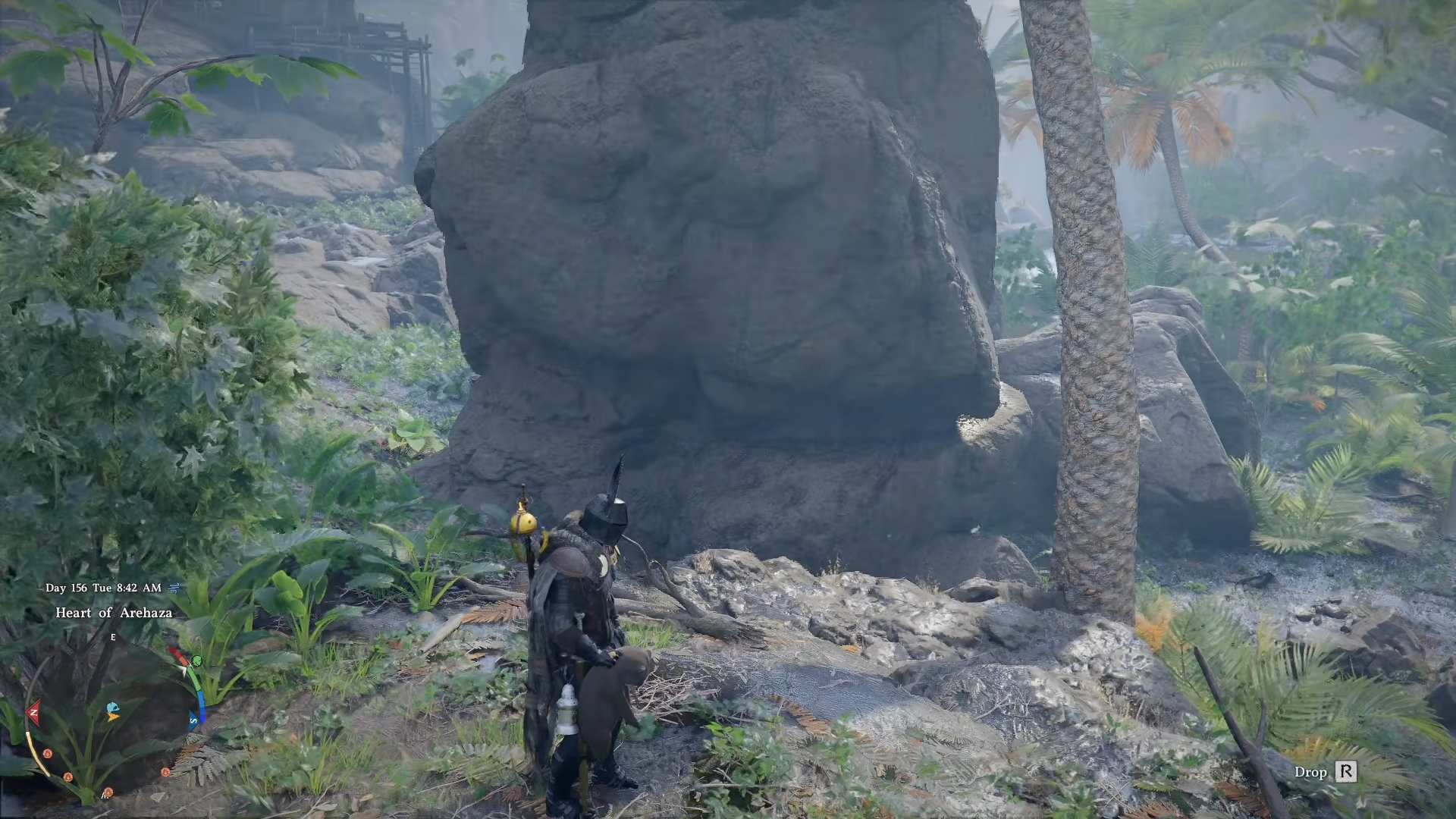
Step 3: Feed the Wombat Vegetables to Boost Trust Faster
Open your inventory and feed the wombat vegetables. The wombat eats sweet potatoes, carrots, or other vegetables. Feeding gives +10 Trust per vegetable, with a 35 Trust/day feeding cap (3 feeds).
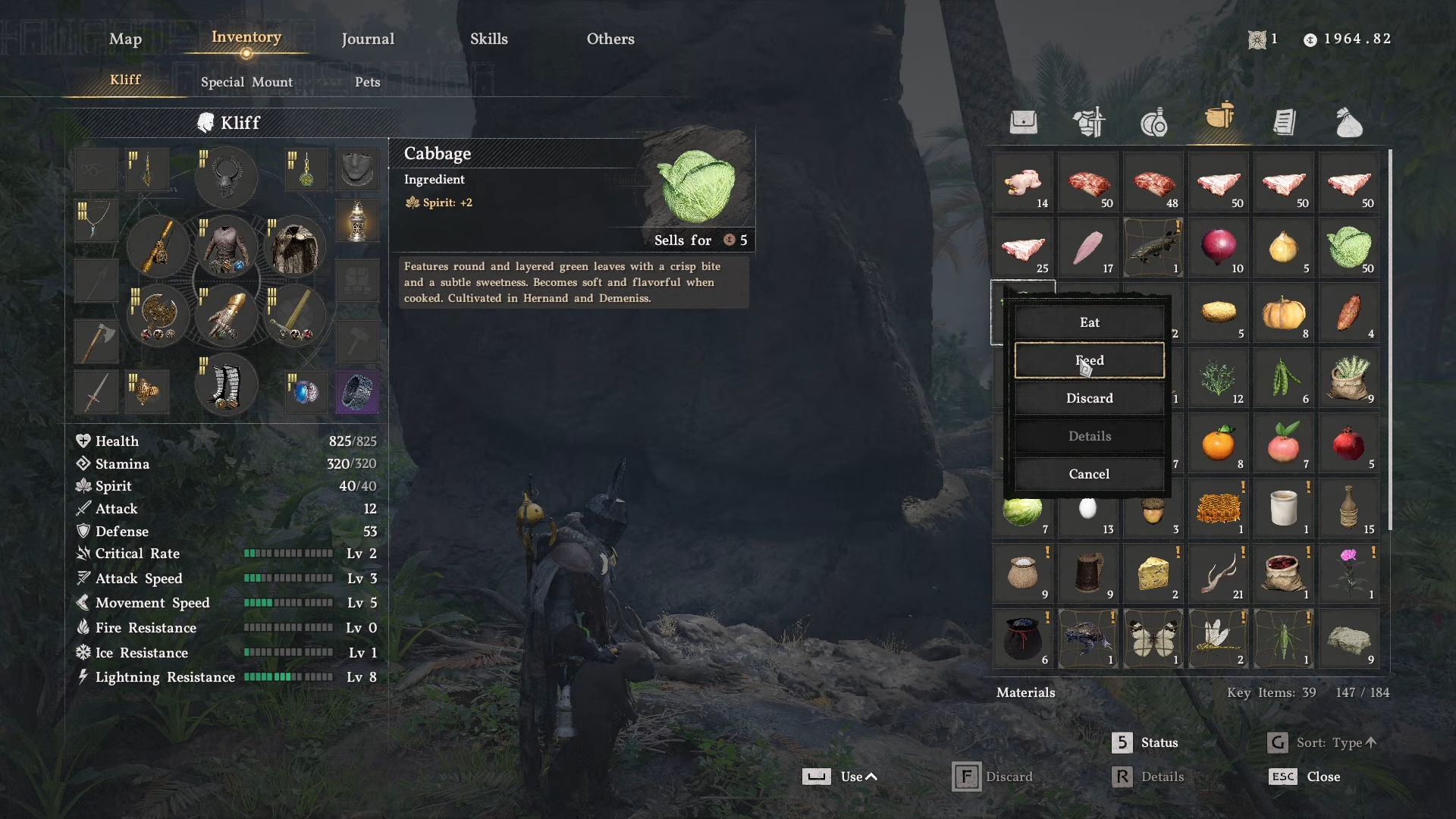
Step 4: “Take In” the Wombat to Register It as Your Pet
Once the wombat reaches 100 Trust, approach it again and hold the interaction button.
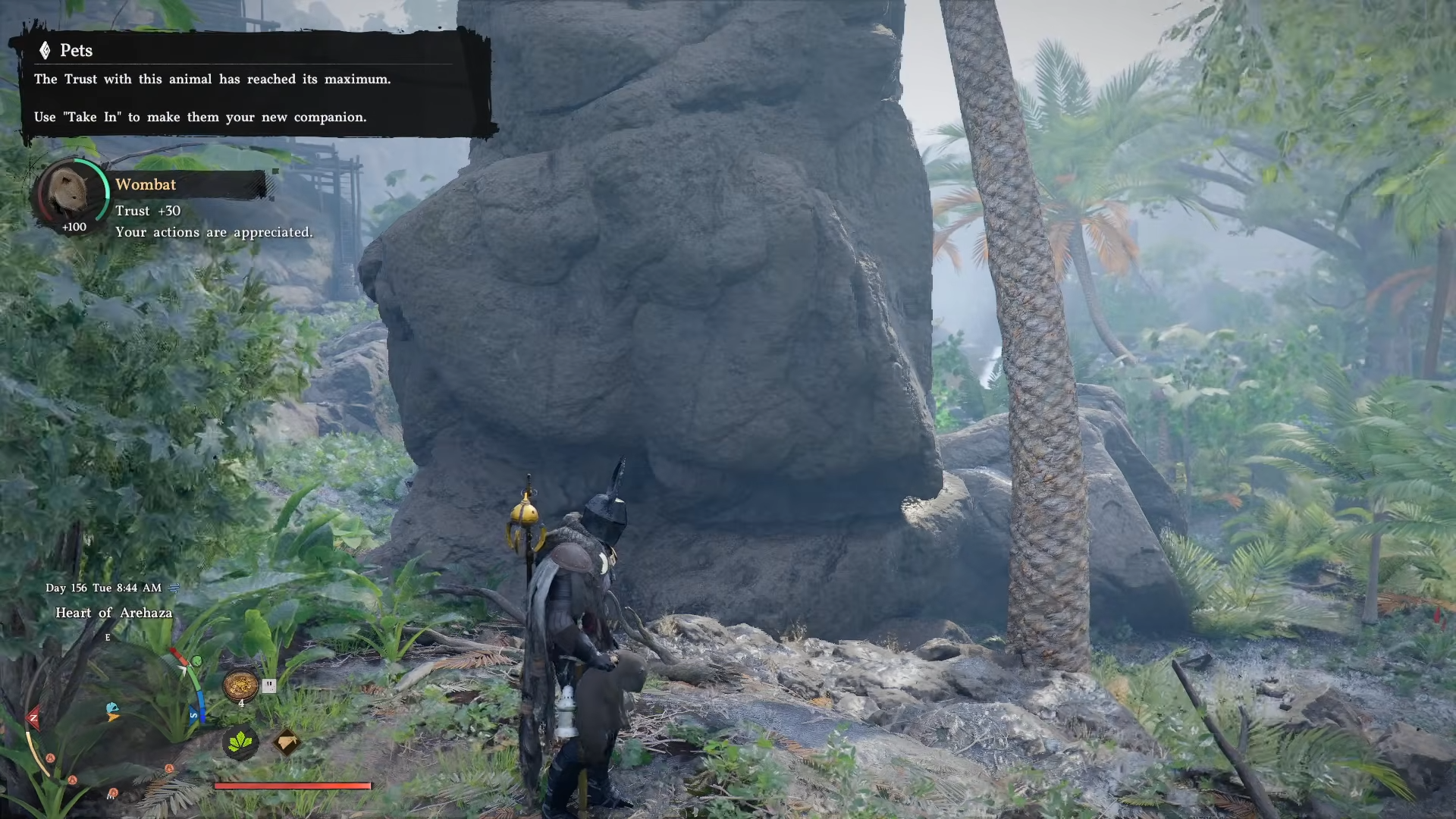
A new “Take In” prompt will appear—select it to officially register the wombat as your pet. The wombat will now appear in your Inventory > Pets tab.
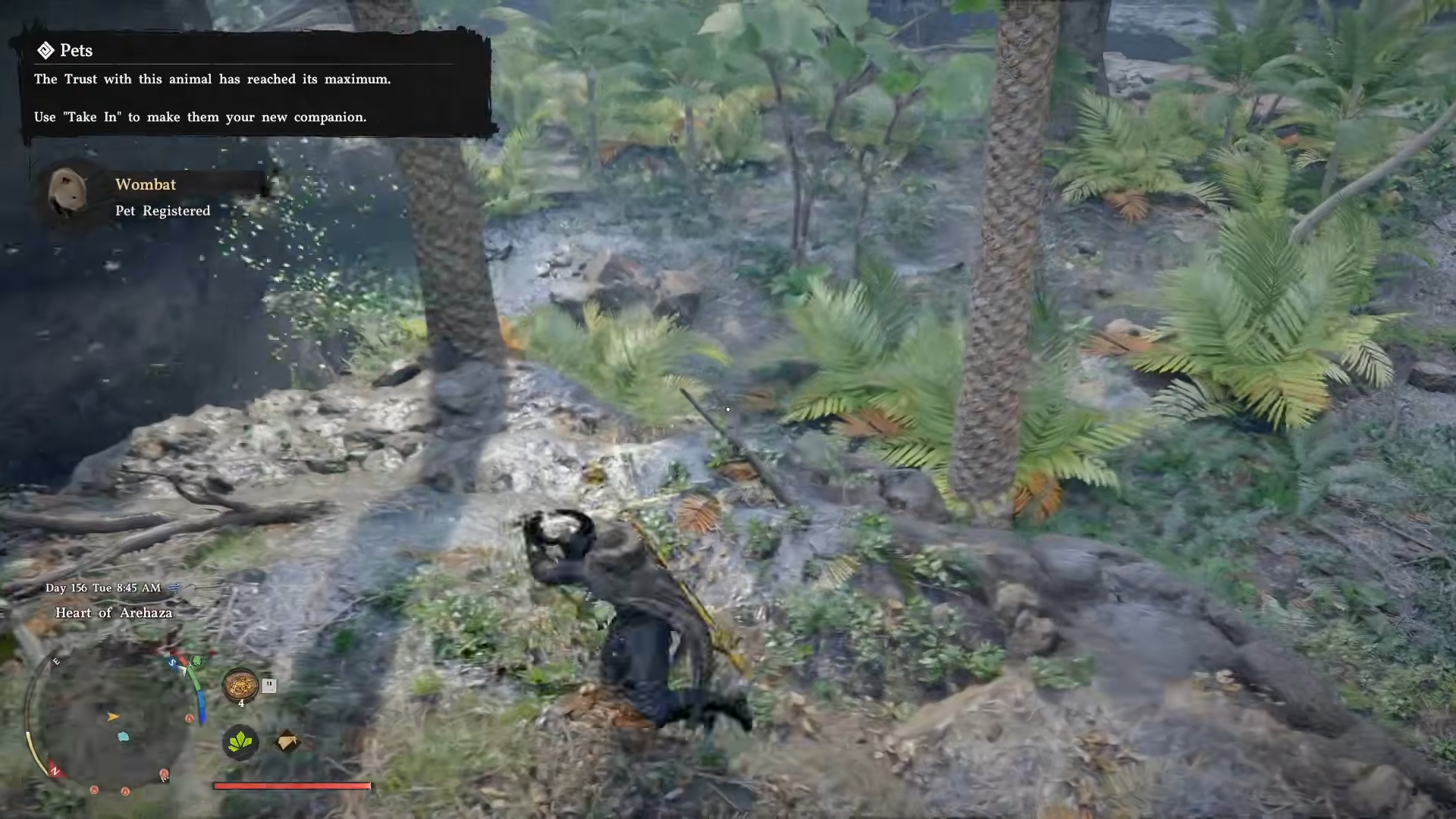
Step 5: Summon Your Wombat Pet
Open your Inventory, navigate to the Pets tab, and click on the wombat to summon it beside you. When summoned during combat, the wombat will auto-loot items from fallen enemies (just make sure you have open inventory space).
Critical Mistakes to Avoid When Taming a Wombat
-
Don’t chase too aggressively—wombats (like cats) can run away if startled. Approach slowly and calmly
-
Don’t skip the vegetable feeding—pure petting takes 4 days (25 Trust/day). Feeding cuts it to 2–3 days
-
Watch for other animals nearby—if you drop food, other animals might eat it first. Drop food when the area is clear
-
Ensure inventory space—pets stop looting if your inventory is full. Expand inventory via Notice Board quests if needed
-
Don’t assume it spawns near Hernand—wombats are desert-exclusive; they won’t appear in Hernand City like dogs/cats






Leave a Reply