
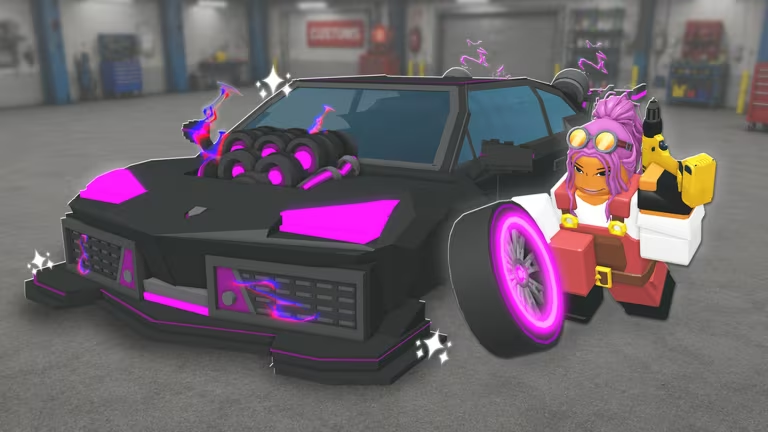
Create a Car puts you in charge of designing and racing your own vehicles on Roblox, and the developers hand out codes every so often to help you stock up on Cash without grinding for it. Redeeming a code takes less than a minute, and the rewards go straight toward upgrading your garage or buying new parts.
Working Create a Car codes
Here’s every code that’s redeeming rewards right now. Type each one exactly as shown, since a stray space or wrong letter will stop it from going through.
CONVEYOR
Cash
New
GRIND
Cash
FIXES
50,000 Cash
MERGER
50,000 Cash
INDEX
Free reward
DEALER
50,000 Cash
How to redeem codes in Create a Car
Codes in Create a Car live inside the in-game Shop, not a separate menu, so you’ll need to open that first.
You’ll know a code worked when a confirmation message pops up on screen and your Cash total updates right away. If the code came with a Box or another item, that shows up in your inventory too. Nothing changing after you hit Verify usually means the code was typed wrong, so check the spelling against the list above before trying again.
Expired Create a Car codes
These codes stopped working, so don’t waste time trying to type them in.
UPDATE2
Lava Race Prep Box
UPDATE1
50,000 Gold
How to get more Create a Car codes
New codes tend to show up around updates, milestones, or special events, so keeping an eye on the game’s official channels is your best bet for catching them early. The developers post announcements on the official Create a Car Discord server, and the Roblox community page is worth a look too. You can also jump into the game directly through its Roblox experience page and check the Shop’s Codes section yourself, since that’s where every redeemable code ultimately gets used.
Are Create a Car codes free?
Yes. Every code listed above comes from the developers and costs nothing to redeem, they just hand out Cash or other in-game rewards.
Why didn’t my code work?
Most failed redemptions come down to a typo or an extra space in the code field. Double-check the exact spelling above, and if it still doesn’t go through, the code has likely expired.
Check back on the Codes section in the Shop every so often, since that’s the fastest way to grab fresh Cash the moment a new code drops.






Leave a Reply