
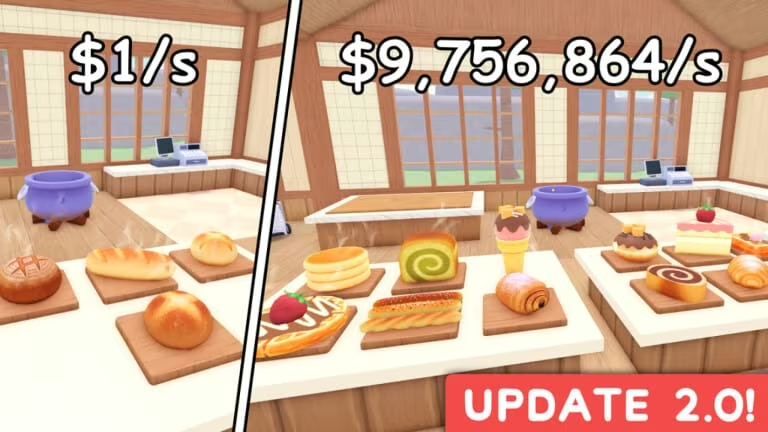
Cook and Sell is a Roblox cooking and shop simulator where you prepare dishes, serve customers, and grow your business. The developers hand out codes every so often that drop free Cash straight into your balance, letting you skip some of the grind and buy upgrades sooner.
Working Cook and Sell codes
Type these in exactly as shown, capitalization included, since a mistyped code won’t go through.
MONEYBAG
299 Cash
New
BONUS
200 Cash
YUM
150 Cash
How to redeem codes in Cook and Sell
Redeeming a code only takes a few taps once you’re inside the game.
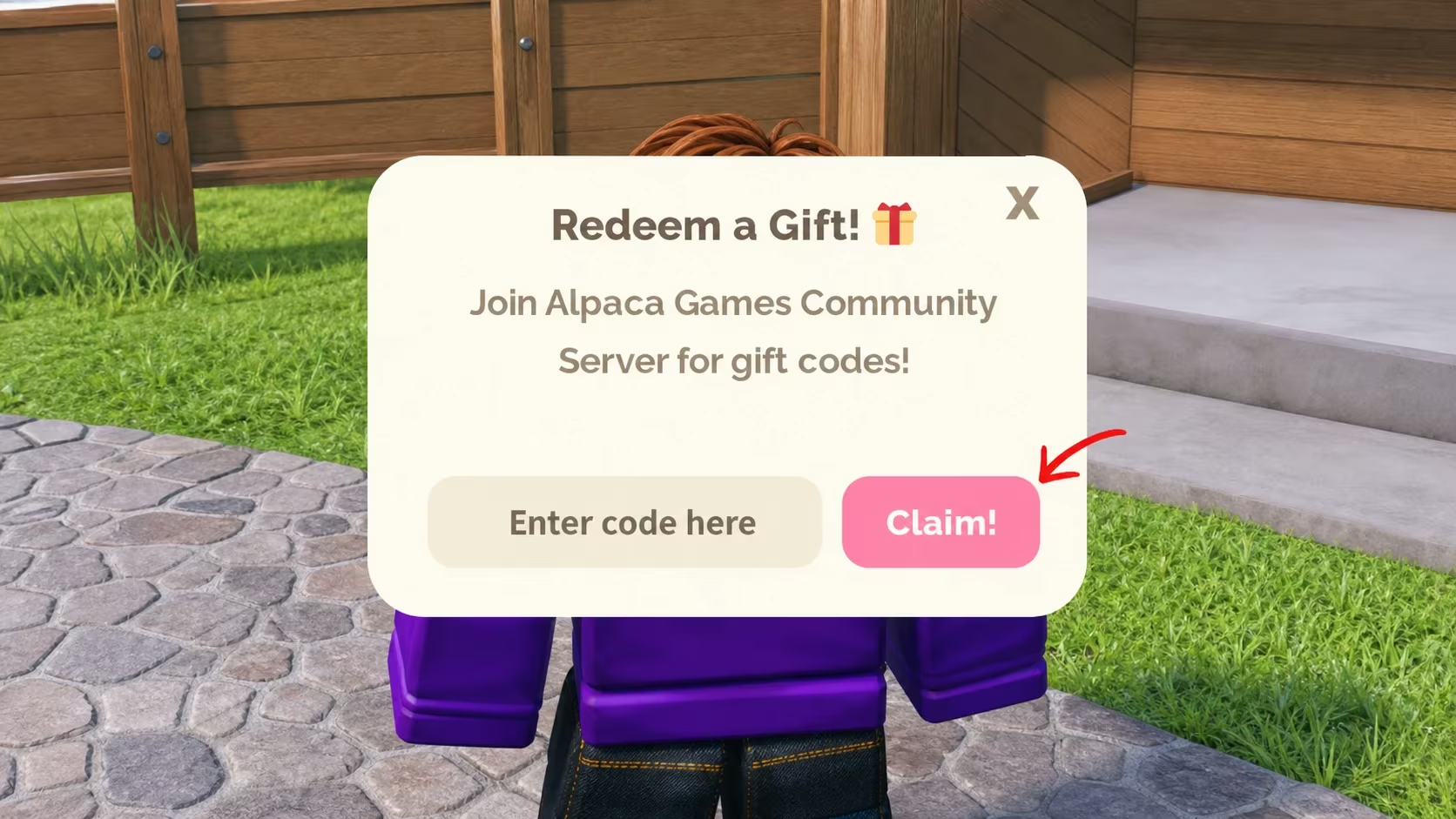
Note: If nothing changes after hitting Claim, double-check for extra spaces or a swapped letter before trying again, since Cook and Sell codes are case-sensitive.
How to get more Cook and Sell codes
New codes for Cook and Sell tend to show up around updates, milestones, or special events, and the developer, Alpaca Games, shares them through its official channels rather than in-game announcements alone. Joining the Cook and Sell Discord server puts you closest to any fresh drops, and following the Alpaca Games Roblox community is another reliable way to catch them early. You can also head straight to the Cook and Sell Roblox page to jump into the game and redeem whatever you’ve collected.
Are Cook and Sell codes free?
Yes. Every code listed above is free to redeem and only requires an account in Cook and Sell, no purchase needed.
Why didn’t my code work?
A code usually fails to redeem because it was typed incorrectly or has already expired. Retyping it carefully in the ENTER CODE field solves most of these cases.
Redeem MONEYBAG, BONUS, and YUM soon since Cash codes in Cook and Sell don’t stay active forever, and check back after major updates for new ones.






Leave a Reply