
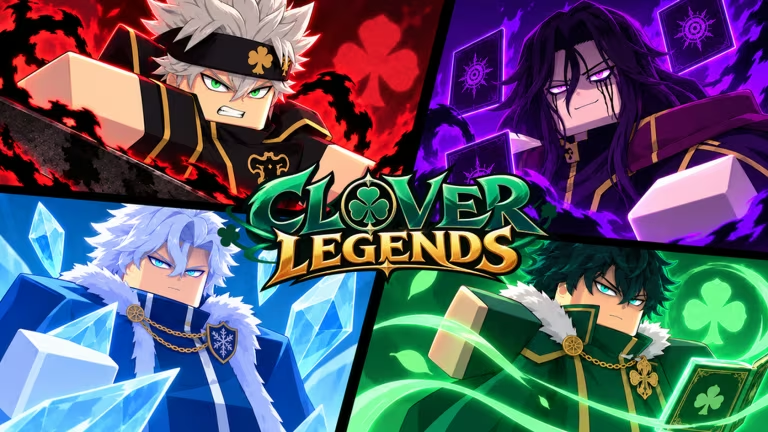
Clover Legends is a Roblox adventure game built around races, dungeons, and boss fights, and the developers hand out codes that convert into Gems, Yul currency, race rerolls, and dungeon or boss keys. Redeeming them costs you nothing but a few taps in the in-game menu.
Working Clover Legends codes
Type each code exactly as shown below, since Clover Legends checks capitalization and spelling when you submit it.
20KSQUAD
2,000 Gems
New
TREASURE20K
10,000 Yul and 1 Boss Key
New
REROLL10K
5 Race Rerolls
10KSQUAD
1,000 Gems
TREASURE10K
10,000 Yul and 1 Boss Key
UPDATE320
320 Gems
NEWRACE
5 Race Rerolls
TREASURE5K
5,000 Yul
5KSQUAD
500 Gems
MIDNIGHTSUN
Eye of the Midnight Sun mask
YUNO
320 Gems
ROLLIT
160 Gems
AWAKEN
1 Spell Page
EXPLORER
1 Dungeon Key
FIGHTON
1 Boss Key
GAMERS
200 Gems
FREEGEMS
500 Gems
How to redeem codes in Clover Legends
You’ll redeem every code from inside a dedicated Codes panel, not from a website or a chat command. Follow these steps once your character is in the game world.
How to get more Clover Legends codes
New codes for Clover Legends tend to show up around content updates, milestone player counts, and special events, so checking back after a patch is a good habit. The developers post codes through the game’s own official channels rather than anywhere else.
Join the official Clover Legends Discord server for the fastest updates, and follow the Flecks Labs Legends Roblox community for group announcements. You can also jump straight into the Clover Legends experience page to launch the game and redeem codes as soon as they’re released.
Tip: Redeem Gem and Yul codes before spending on rerolls or gear, since a fresh batch of codes can stack up a meaningful head start early on.





Leave a Reply