
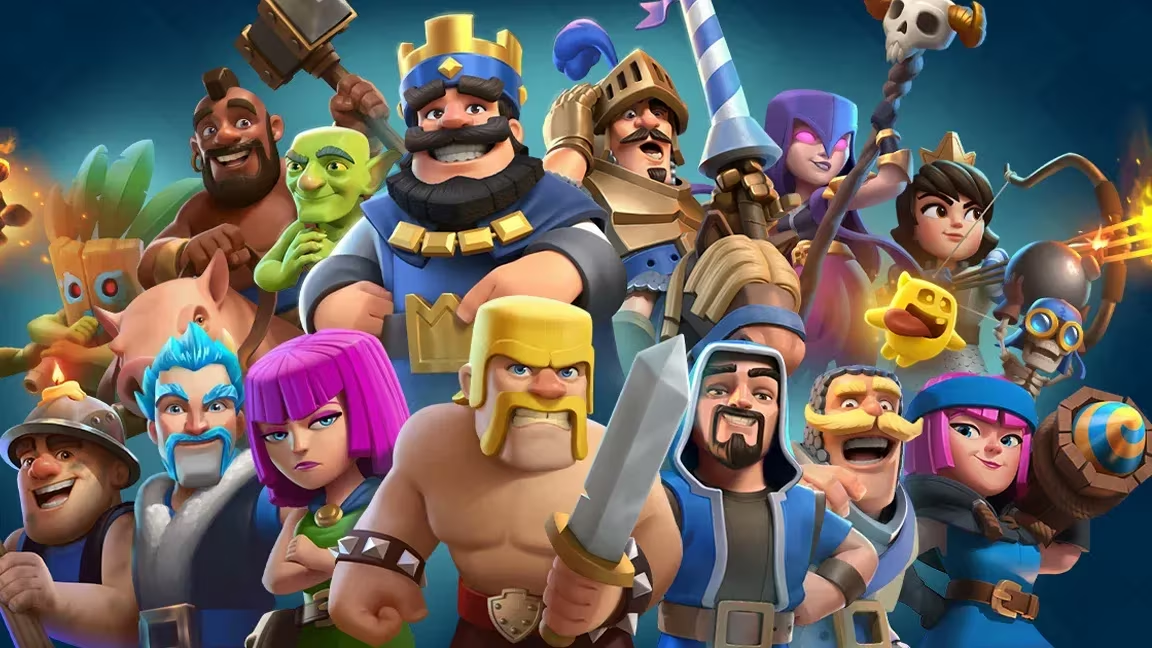
Clash Royale hands out promo codes every so often, and redeeming one usually unlocks a cosmetic reward like an emote, a banner decoration, or a banner frame for your profile. None of these change your gameplay, but they’re a free way to personalize your account if you catch them before they run out.
Working Clash Royale Codes
Here’s every code that’s still redeemable right now, along with what you get for entering it.
HEROVALKYRIE
Hero Valkyrie emote
PRINCESSEVO!
Frozen & Fearless banner decoration and Freeze! banner frame
MINIONHORDE!
Minion Horde emote
ROYALEAFFAIR
Royale Affair Goblin emote
FIREANDICE!!
Ember Escape banner decoration and Firestorm banner frame
TRUSTYTURRET
Hero Musketeer emote
WHENHOGSFLY!
Flying Royal Hogs emote
REINABARRIGA
Snoring Dragon banner set
These codes are case-sensitive, so type them exactly as shown above, punctuation marks included. Most Clash Royale codes also only work once per account, so if a code doesn’t apply, it may already be attached to your Supercell ID.
How to redeem codes in Clash Royale
You won’t find a code entry box inside Clash Royale itself. Instead, codes get redeemed through the Supercell Store on your browser, and the reward syncs back to your account through your Supercell ID. Here’s how to walk through it.
Tip: Enter codes one at a time and check for the confirmation message before moving to the next one. If a code doesn’t go through, double-check the capitalization and punctuation before trying again.
Expired Clash Royale codes
These codes have already run their course, so don’t waste time typing them in.
BLOWTHEMAWAY
Baby Dragon face-lick emote
ANGRYFURNACE
Angry Furnace emote
FIREFIREFIRE
Feral Dragon emote
ONEMAGICGIFT
SHARETHEGOLD
How to get more Clash Royale codes
New codes typically show up through Supercell’s own official channels rather than inside the app, so keeping an eye on their social media accounts is your best bet for catching one early. There’s no fixed release schedule for these, codes tend to pop up around special events, collaborations, or seasonal content drops rather than on a regular calendar.
Since each code usually has limited redemptions or an expiration window, it’s worth redeeming a new one as soon as you spot it rather than waiting.
Why didn’t my code work?
The most common reason is a typo, since codes are case-sensitive and often include punctuation like exclamation marks. The other common cause is that the code has already expired or you’ve already redeemed it on that Supercell ID, since most store codes only work once per account.
Working through the codes above only takes a couple of minutes, and every reward lands straight in your Clash Royale account once the Supercell Store confirms the redemption.






Leave a Reply