
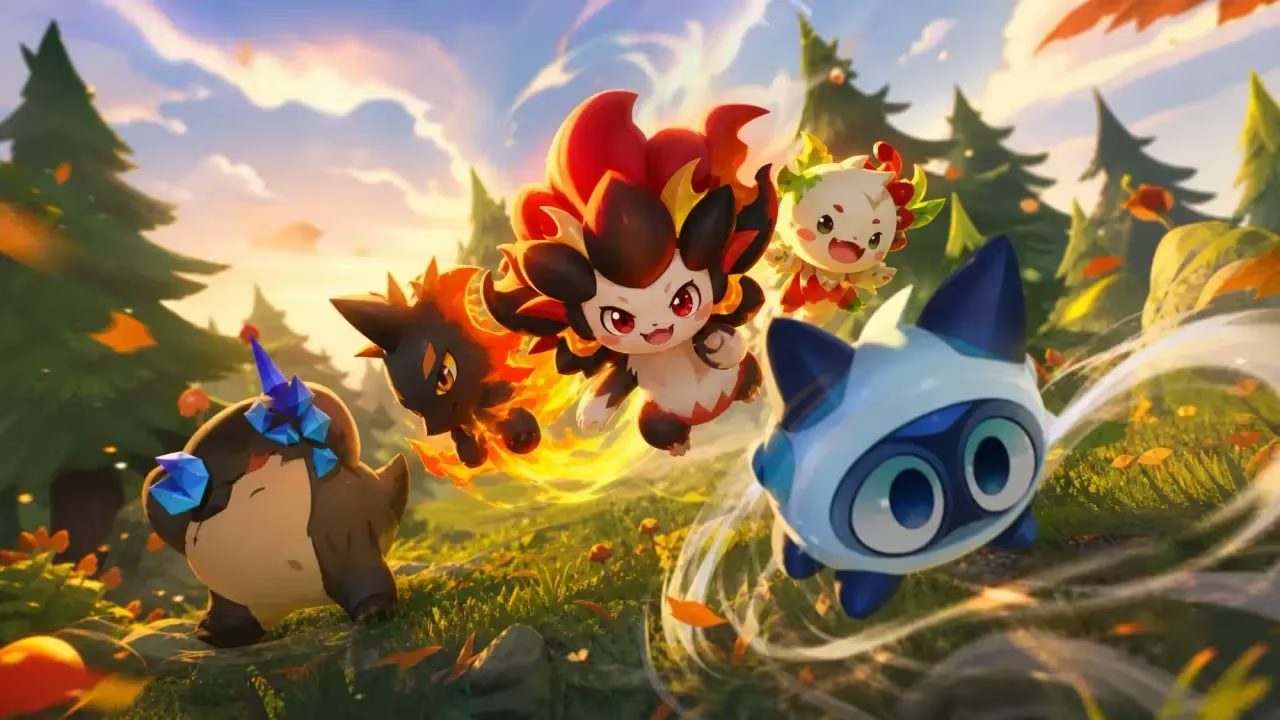
Clash of Critters has you building up a camp, battling with critters, and collecting Tatari capsules to unlock new companions. Codes are the fastest way to stock up on Pinballs, Candy, and capsules without grinding for them, so it’s worth redeeming every one you can before it expires.
Working Clash of Critters Codes
Type these into the game exactly as shown below, since a typo or extra space will keep them from working.
weeklygift
50 Pinballs and 5 Tatari capsules
welcomegift
100 Pinballs, 5 Tatari capsules, and 1 rare Tatari capsule
goonbug
4,000 Candy, 1 lunchbox, and a Goonbug
hellotatari
4,000 Candy, 3 Tatari capsules, and 1,000 Pinballs
How to redeem codes in Clash of Critters
You won’t find a “Codes” button sitting on the main camp screen. Instead, the redemption box is tucked inside the Friends menu, so you’ll need to dig a little to reach it the first time.
You’ll know it worked when a confirmation message pops up on screen and your Pinballs, Candy, or Tatari capsules land in your inventory right away. If you get nothing after hitting Confirm, check the spelling and capitalization on the code and try again.
How to get more Clash of Critters codes
New codes tend to show up around updates, events, or milestones the developers want to celebrate. Your best bet for catching them early is joining the game’s official Discord server, where announcements usually land first.
Check back on this page too, since it gets updated whenever a fresh code goes live or an old one stops working.
Are Clash of Critters codes free?
Yes. Every code redeems free in-game currency and items, and none of them cost real money to use.
Why didn’t my code work?
The most common cause is a typo, since codes are case-sensitive and need to be entered exactly as listed. Retype the code carefully in the Redemption Code field and confirm again.
Redeeming these now stocks up your camp for whatever critters and challenges you take on next.





Leave a Reply