


To get the Chrome Deer Skull Chain, collect 20 corrupted flowers in the 99 Nights in the Forest void, then claim it in The Hollow hub.
The Chrome Deer Skull Chain is an avatar item with a quest display in The Hollow hub. Its challenge takes you into 99 Nights in the Forest, where The Hollow event has brought corruption into the forest.
Completing the void challenge and collecting your chain are separate parts of the quest, so there’s a return trip after you finish gathering flowers. This guide covers entering the game, preparing the campfire, clearing the void, and claiming your reward in the hub.
- How to get the Chrome Deer Skull Chain in 99 Nights in the Forest
- Part 1 – Enter 99 Nights in the Forest and start a match
- Part 2 – Prepare the campfire and reach the void
- Part 3 – Collect the corrupted flowers and claim the chain
- What do the void upgrades do in The Hollow?
- Frequently Asked Questions
How to get the Chrome Deer Skull Chain in 99 Nights in the Forest
Enter a match, prepare the campfire and reach the void, then complete the flower challenge and return for your chain.
Part 1 – Enter 99 Nights in the Forest and start a match
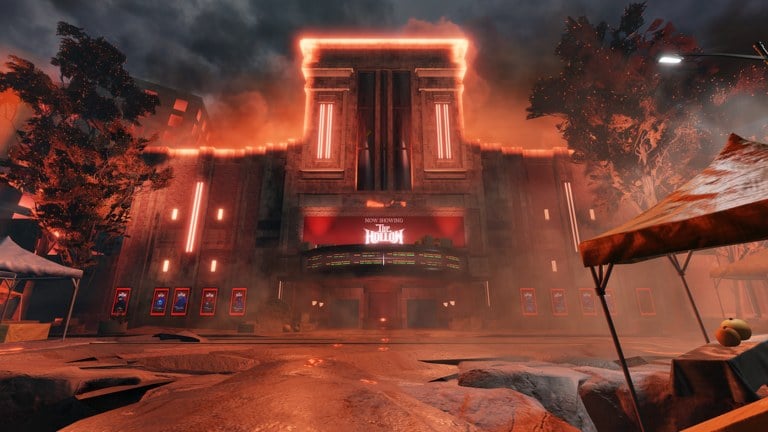
Begin at the chain’s display in The Hollow hub.
Inspect the Chrome Deer Skull Chain
Find the item’s display and inspect it to read its quest information before heading into the game.
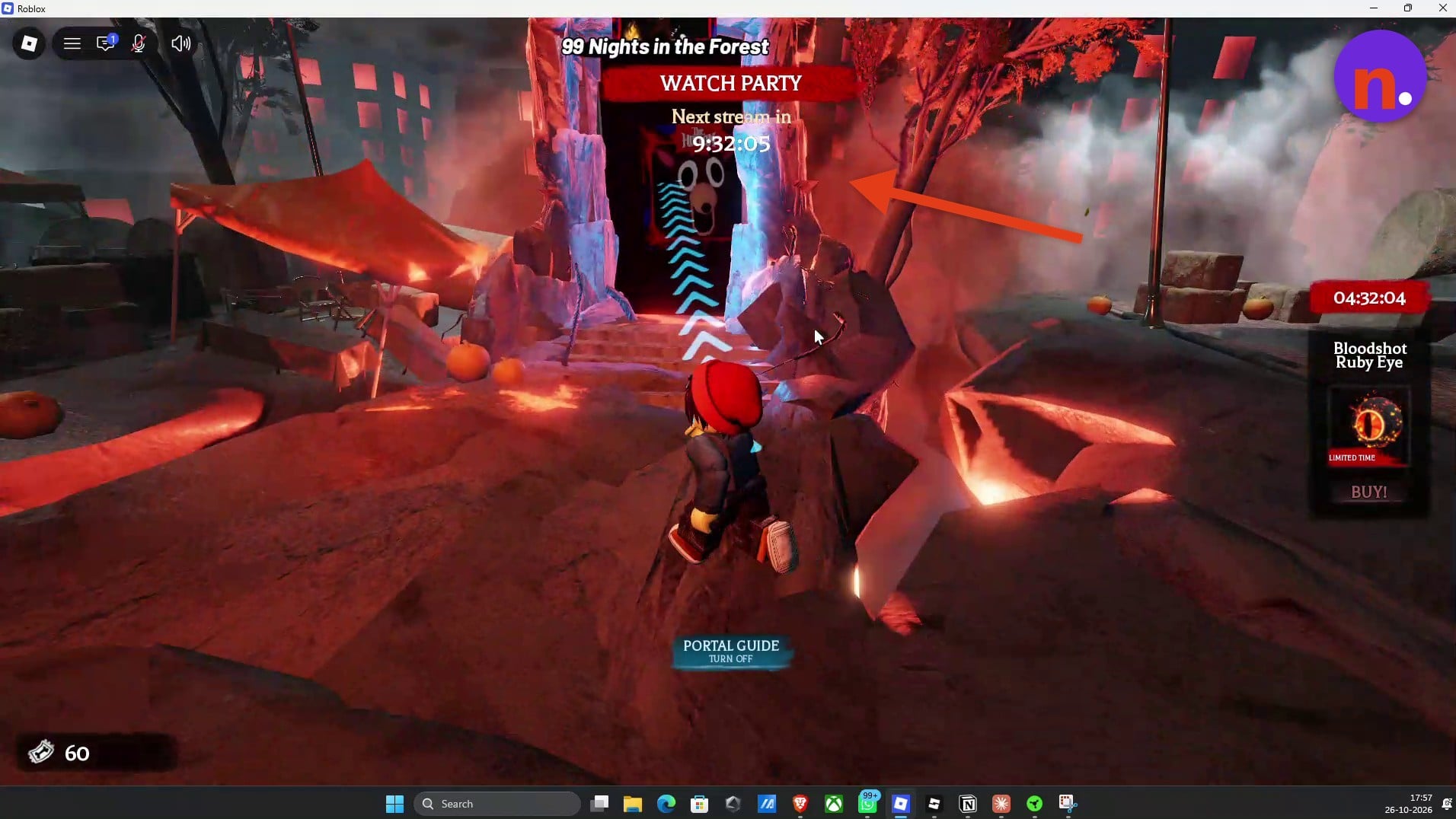
Enter the game portal
Follow the rocky path to the glowing portal labeled 99 Nights in the Forest and walk through it.
Approve the teleport
Select Let's go! on the teleport prompt to travel into the game.
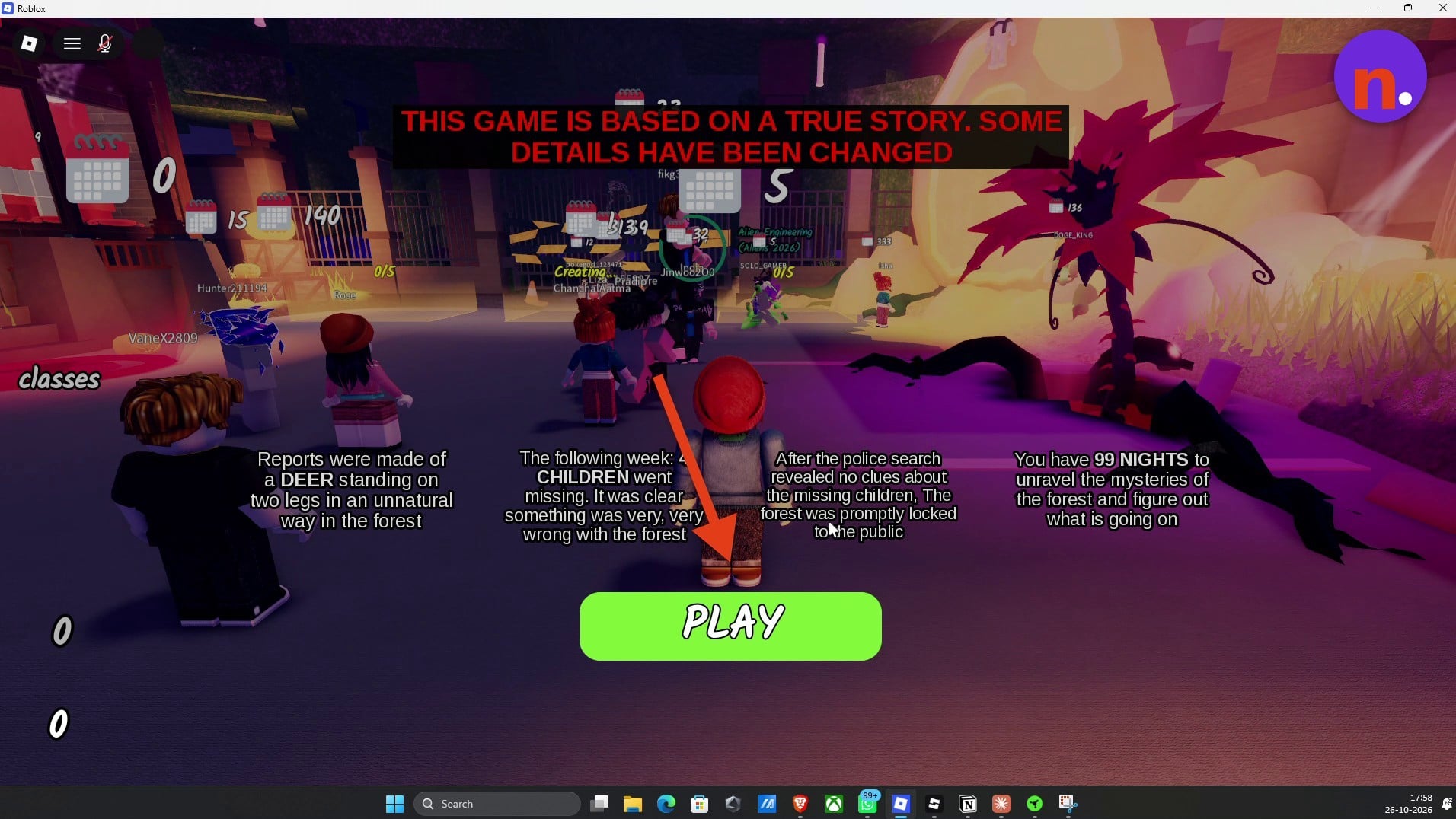
Open matchmaking from the lobby
Select the bright green PLAY button at the bottom of the lobby screen to reach the matchmaking area.
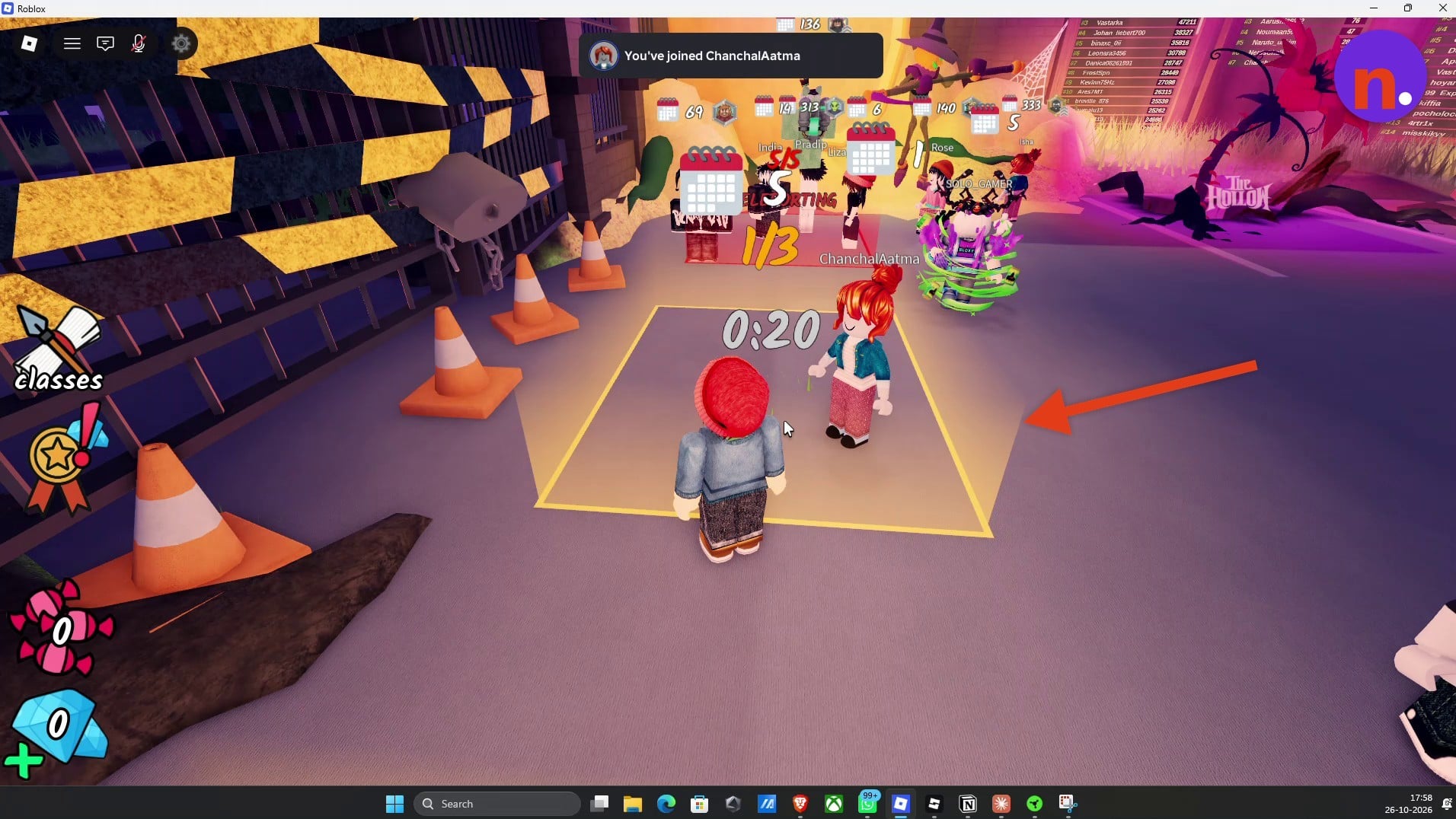
Join an available matchmaking square
Stand inside an open yellow square and remain there until its countdown finishes and the match begins.
Part 2 – Prepare the campfire and reach the void
Your match begins beside an unlit central campfire in a grassy clearing on Day 1.
Read The Hollow event instructions
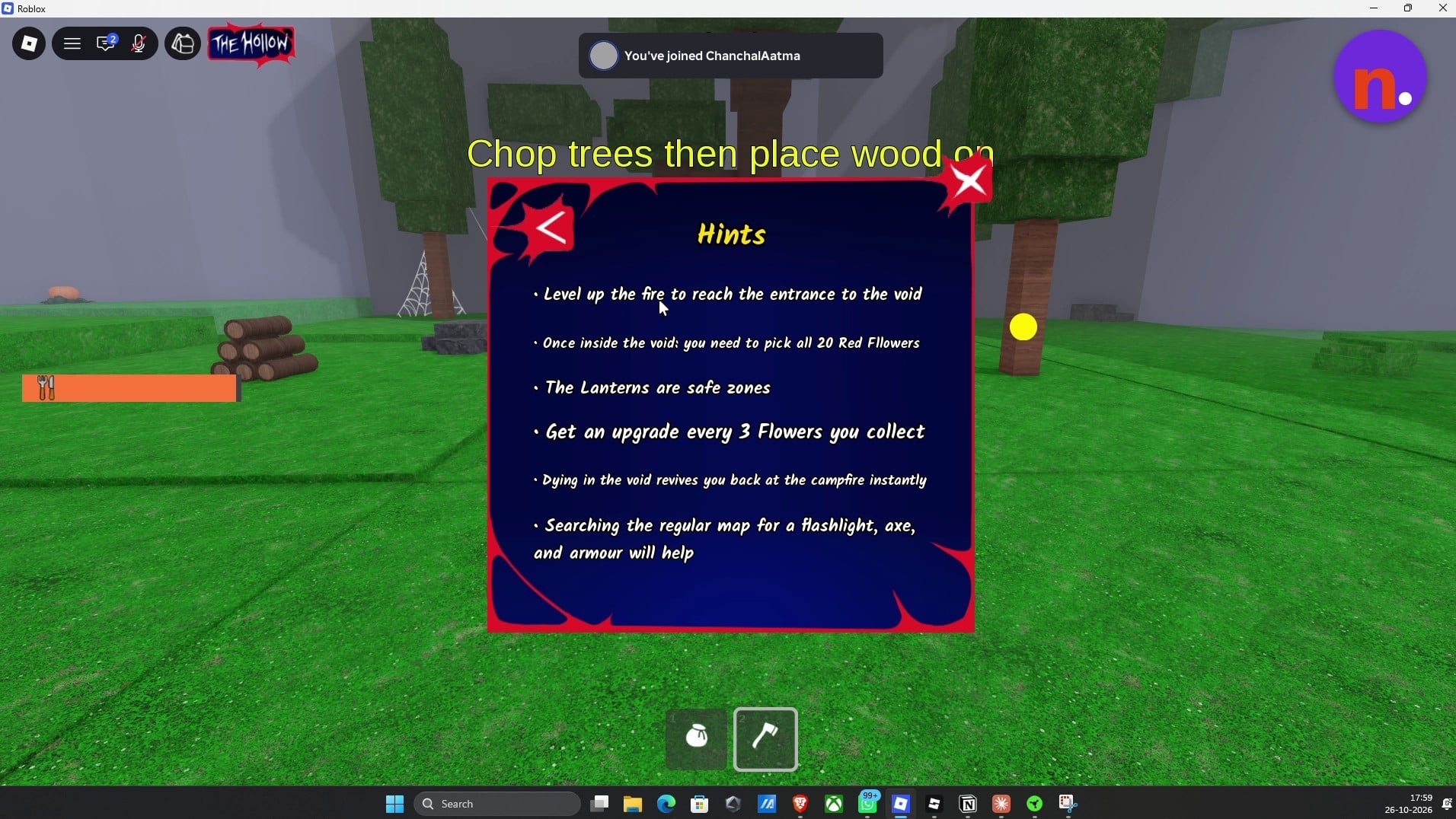
Open THE HOLLOW in the upper-left corner, then select Hints. The hints recommend finding a flashlight, axe, and armor on the regular map to help with the event.
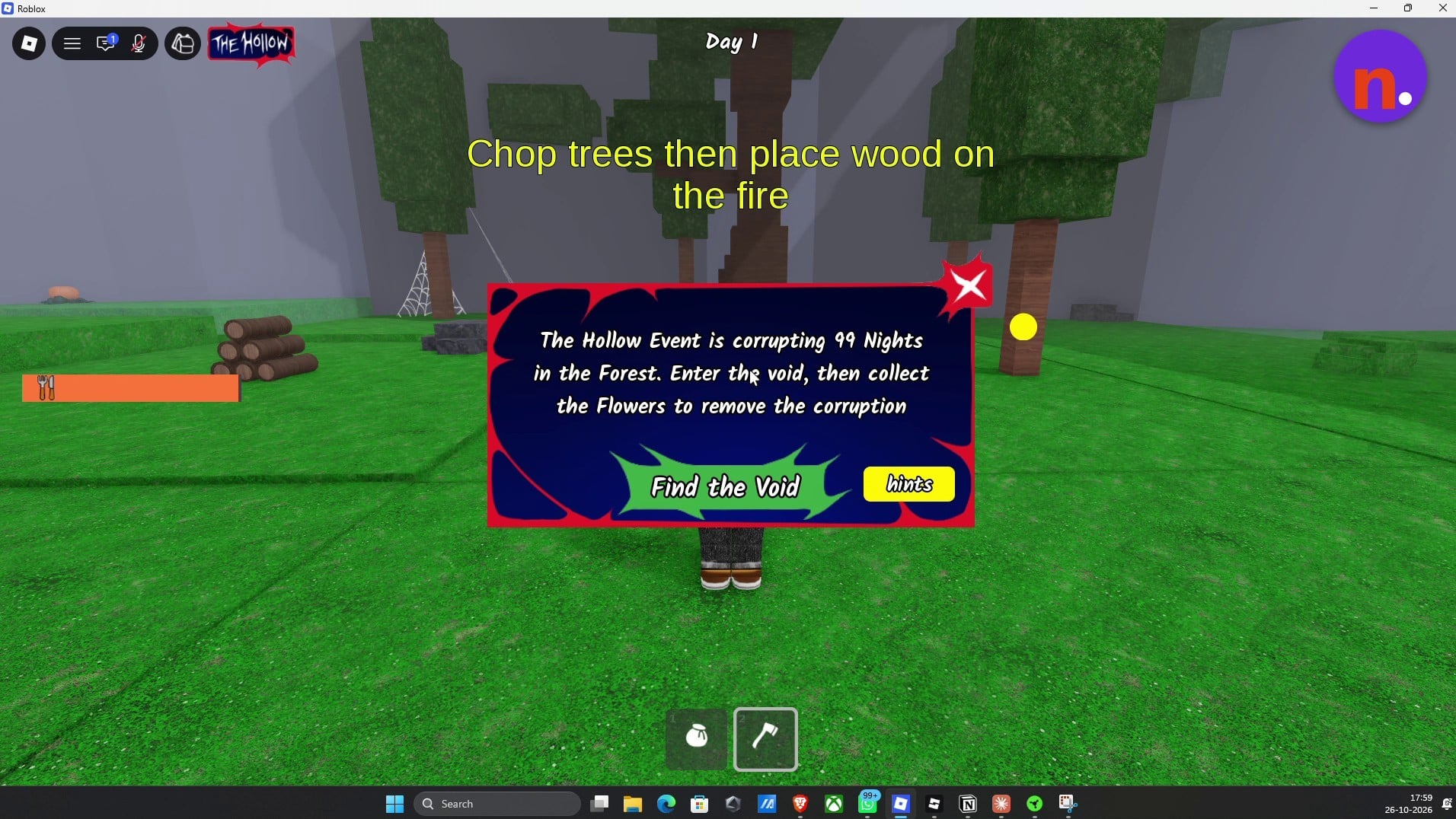
Chop nearby trees
Equip your axe and strike trees around the campsite until they drop wood logs. These logs supply the campfire upgrades you need before heading out.
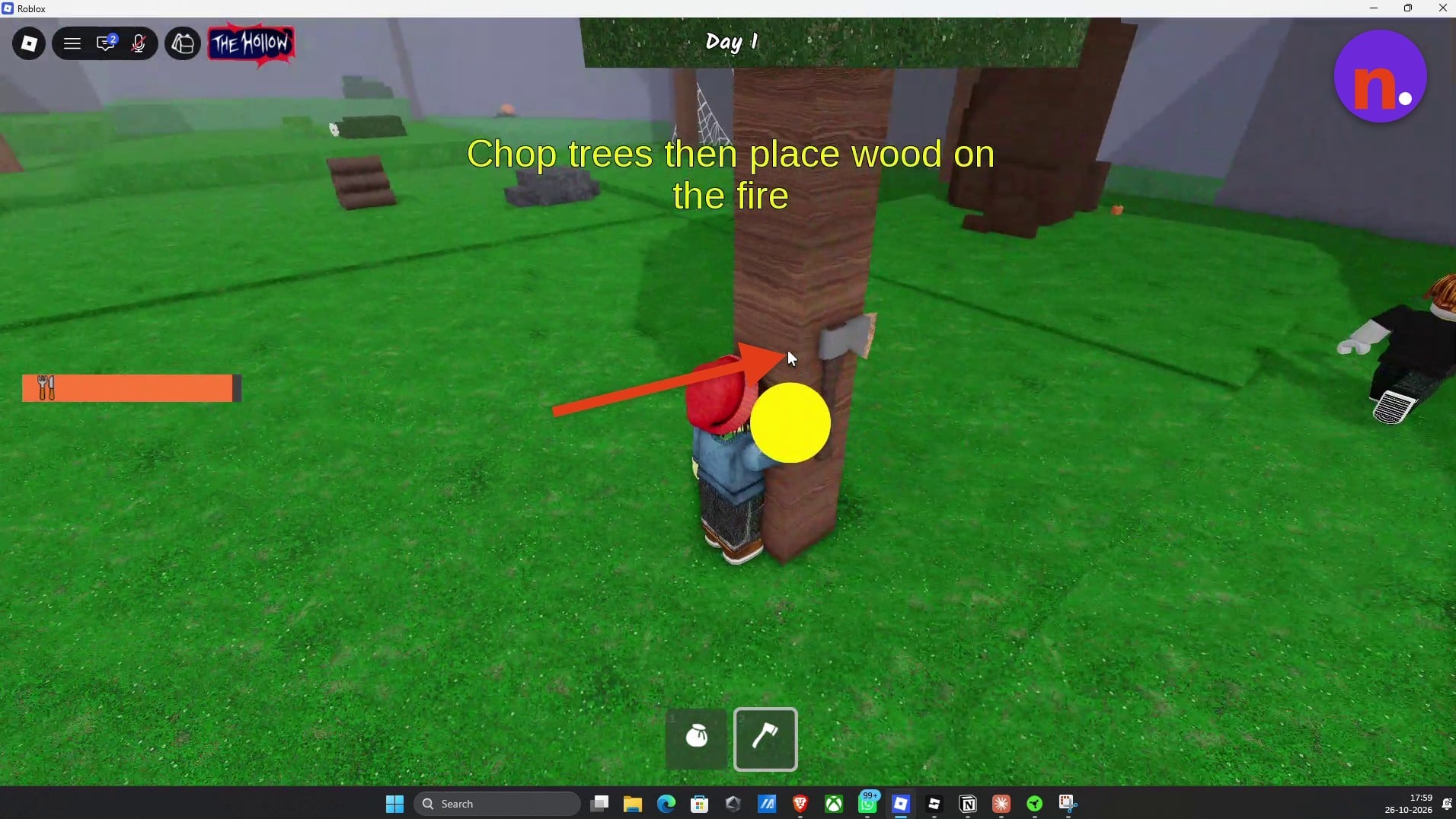
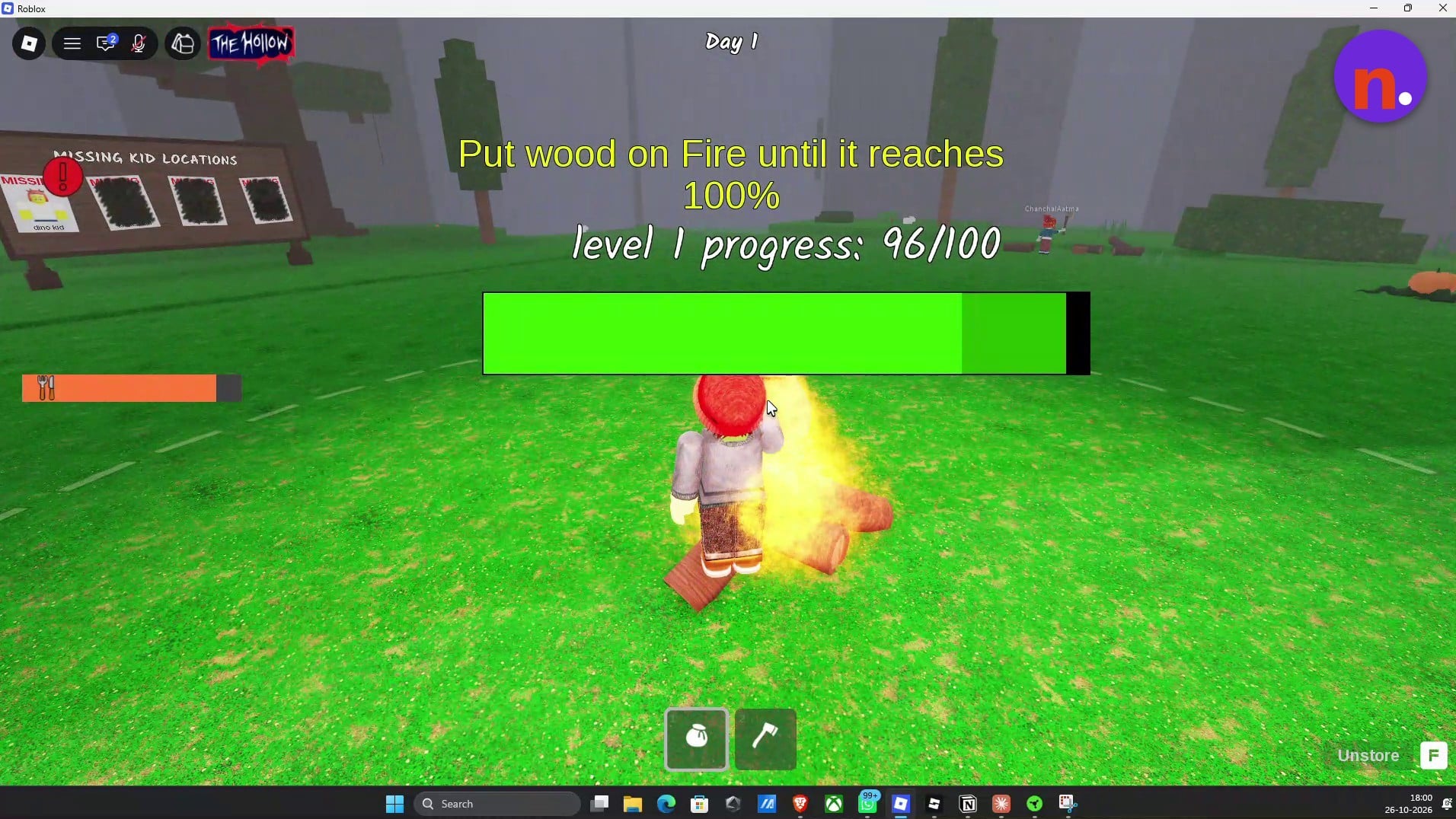
Fuel the fire to its first upgrade
Store the logs in your five-log sack, then place them on the campfire until its upgrade progress reaches 100%. The FIRE LEVEL 2 notification marks the upgrade, while the separate message FIRE REACHED 100%. The Map has grown bigger announces the larger map.
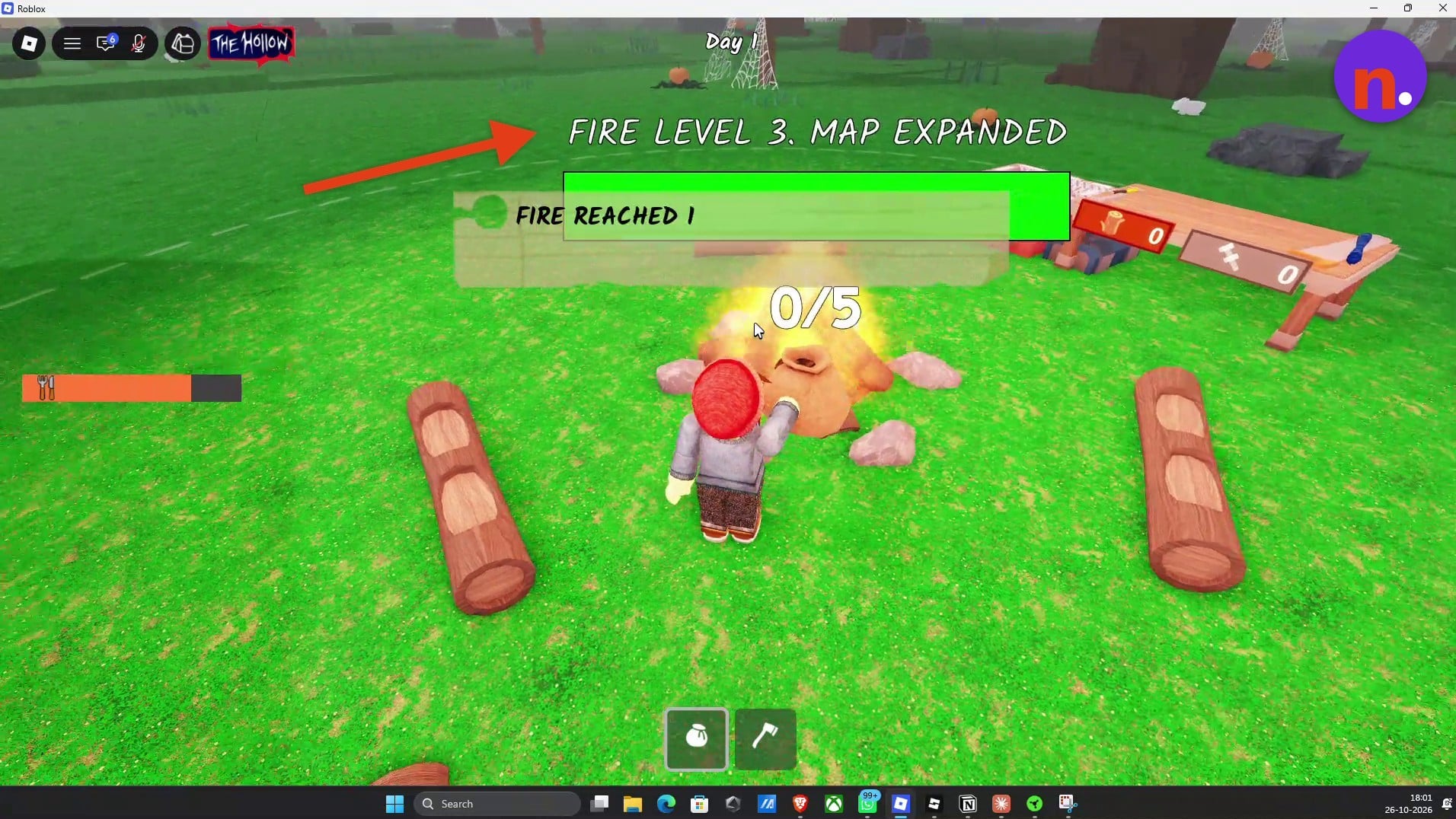
Continue upgrading the campfire
Gather another load of logs and keep feeding the fire before setting out for the void entrance.
Locate the void on the map
Reopen THE HOLLOW and select Find the Void. Look for the purple corruption circle marking the rift’s location.
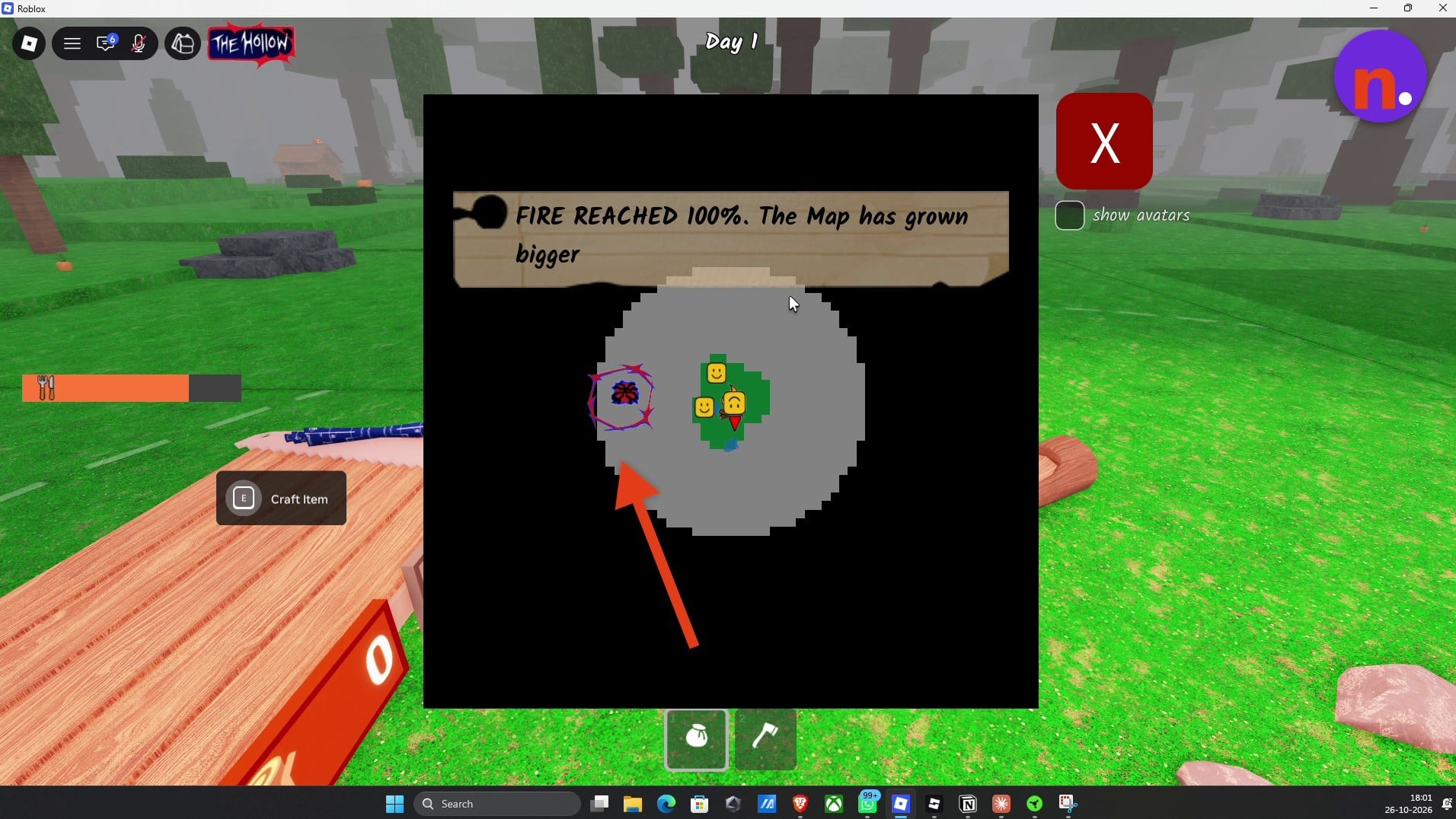
Travel to the corruption zone
Head toward the marked purple rift area. The rift displays a 0:15 countdown.
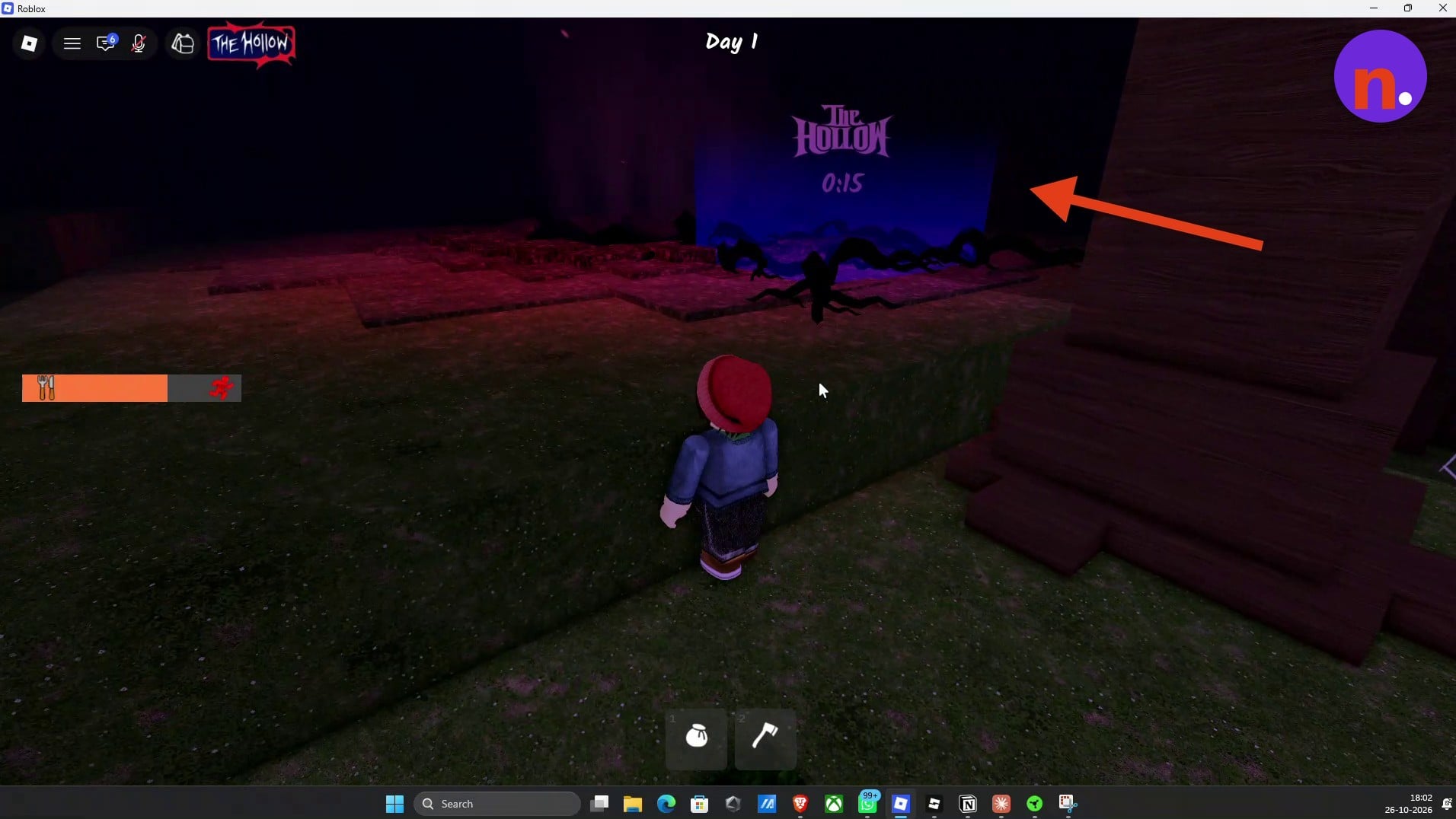
Enter the rift’s center
Walk directly into the center of the dark purple rift to enter The Hollow’s void dimension.
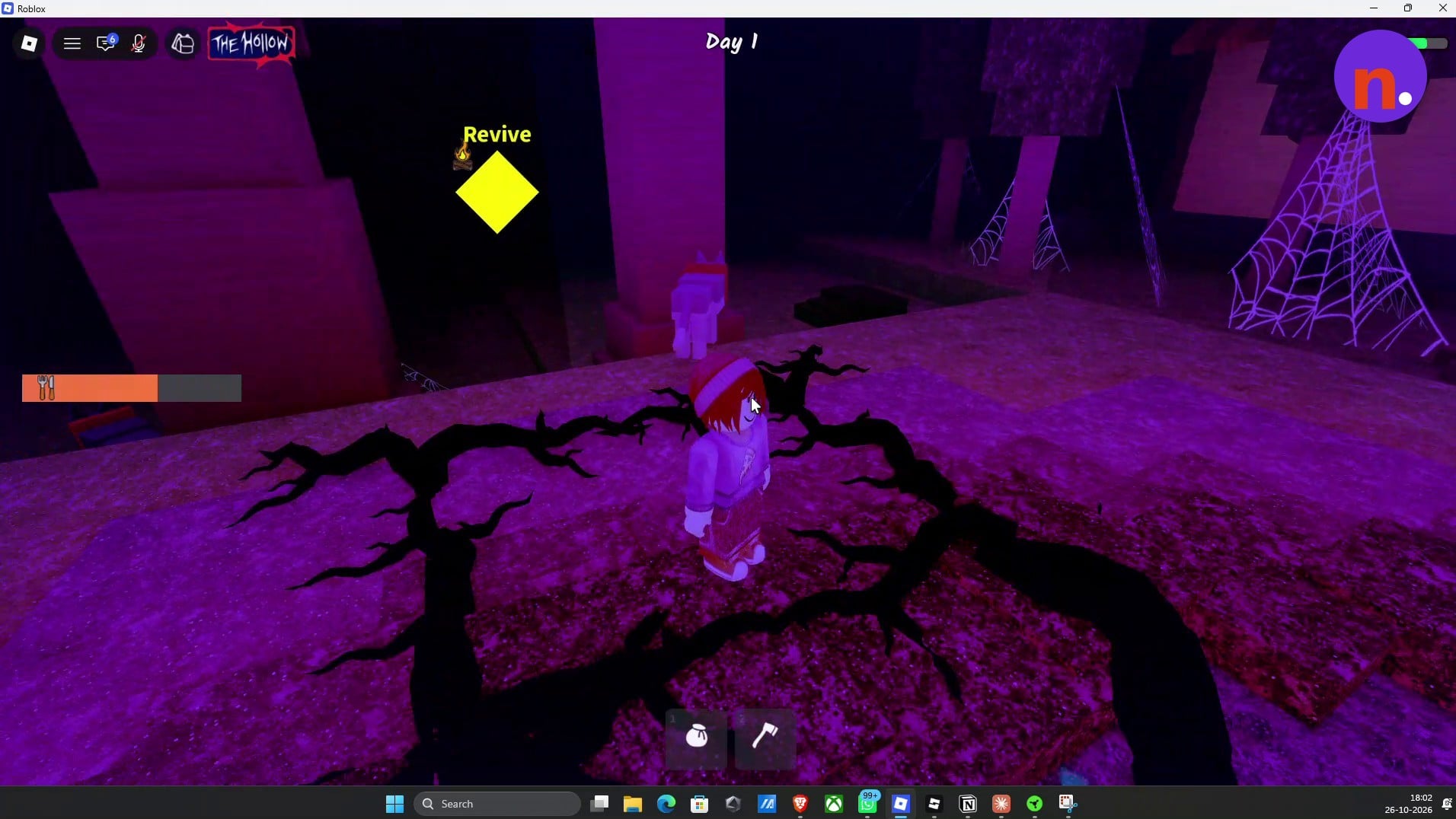
Part 3 – Collect the corrupted flowers and claim the chain
Clear the void’s objective, then return to The Hollow hub for the avatar item.
Pick the corrupted flowers
Read the objective board when you arrive, then search for glowing red corrupted flowers. Use Pick Flower to collect them while avoiding the monsters roaming the void.
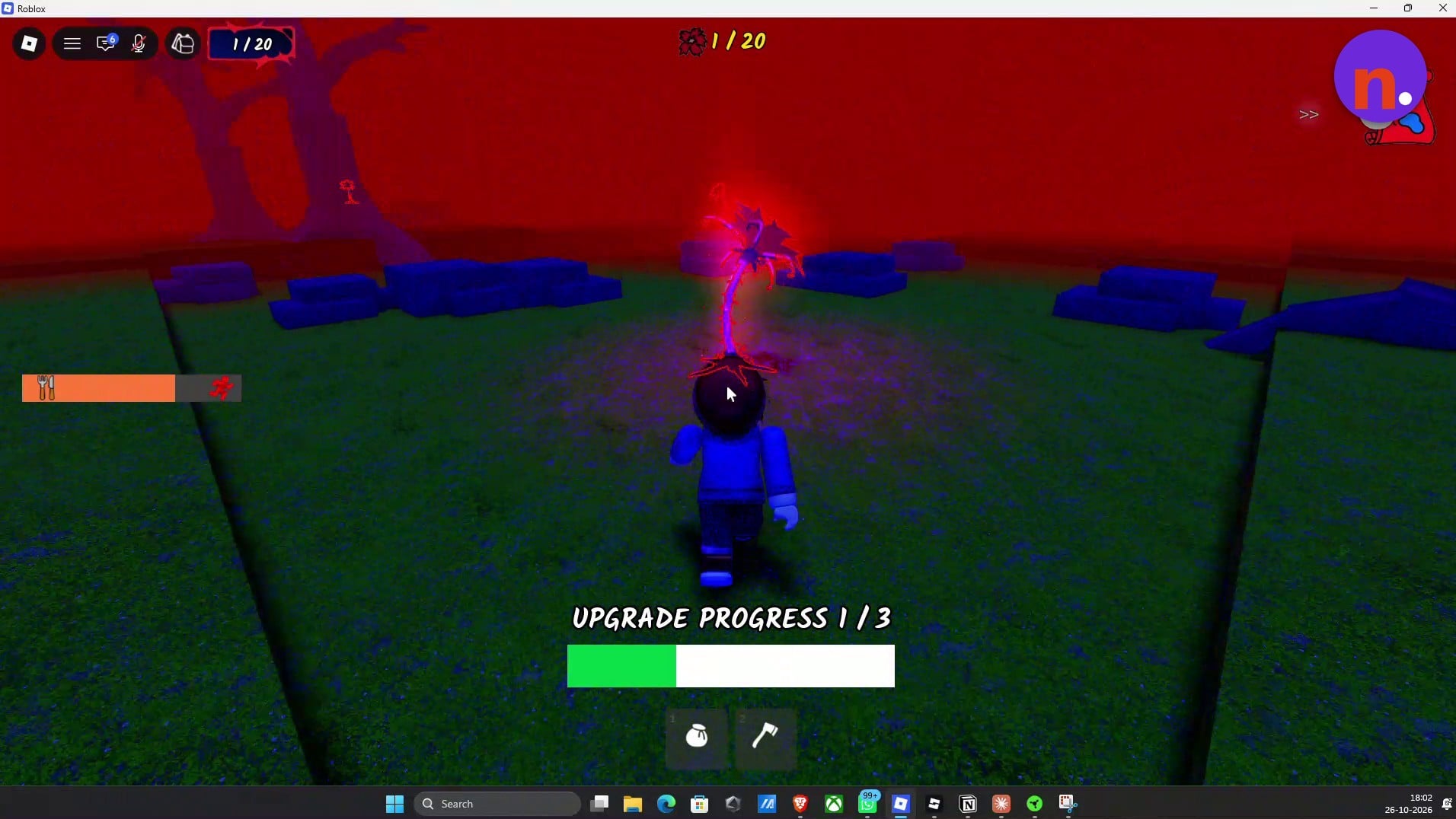
Choose upgrades at lanterns
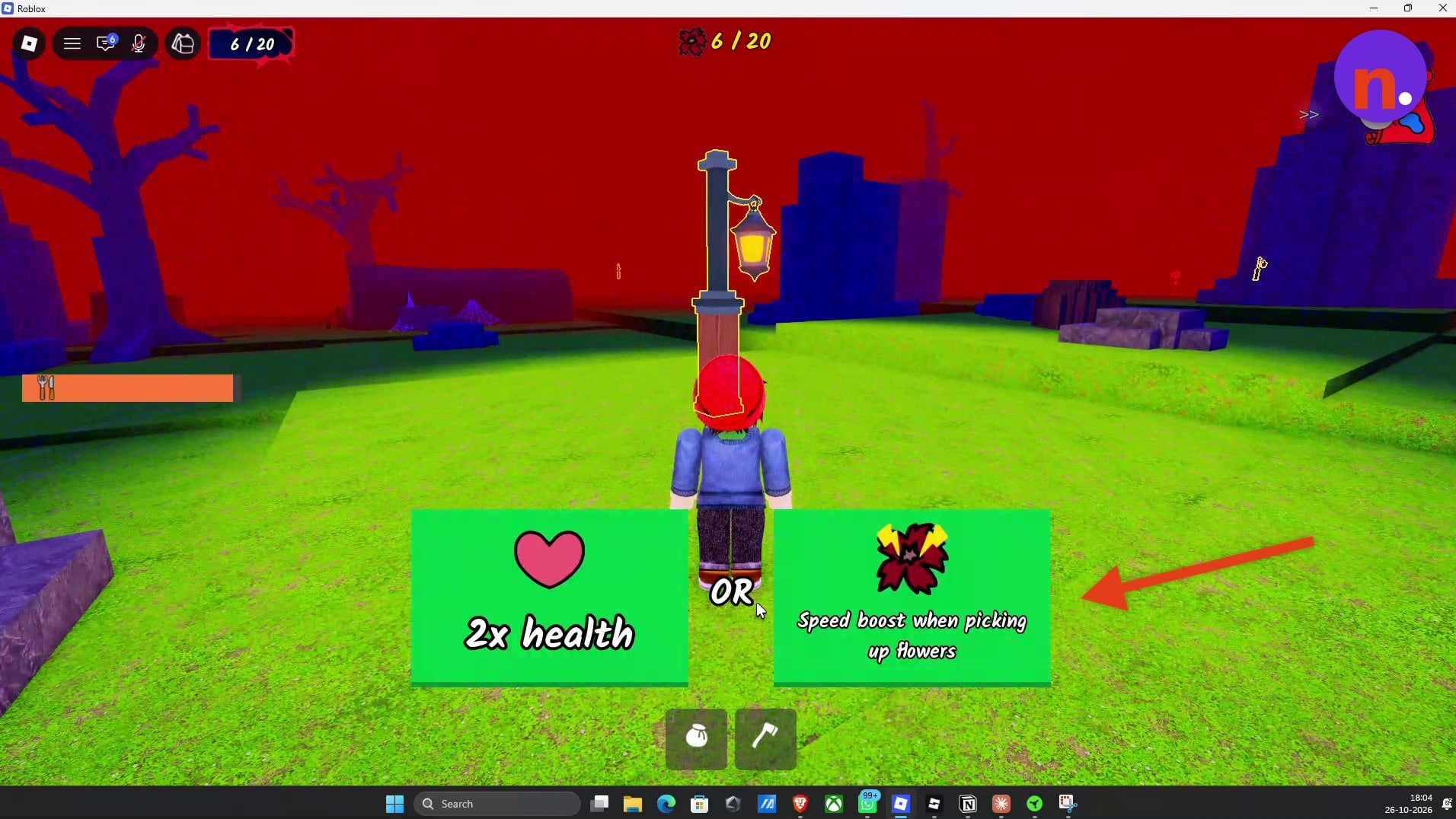
Every three flowers grants an upgrade. Approach a lantern to choose one, and use these safe zones as shelter from monsters while you continue searching.
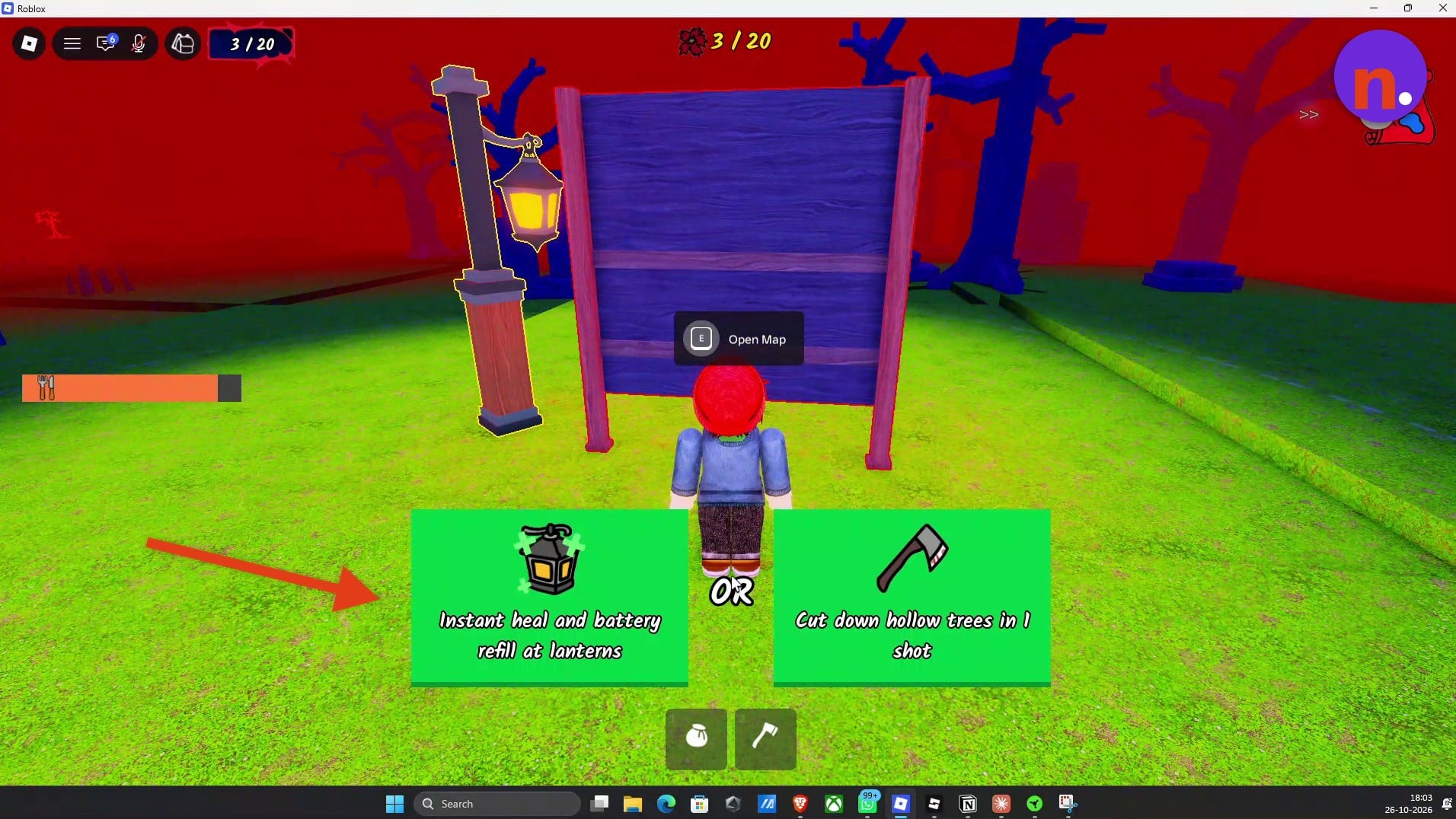
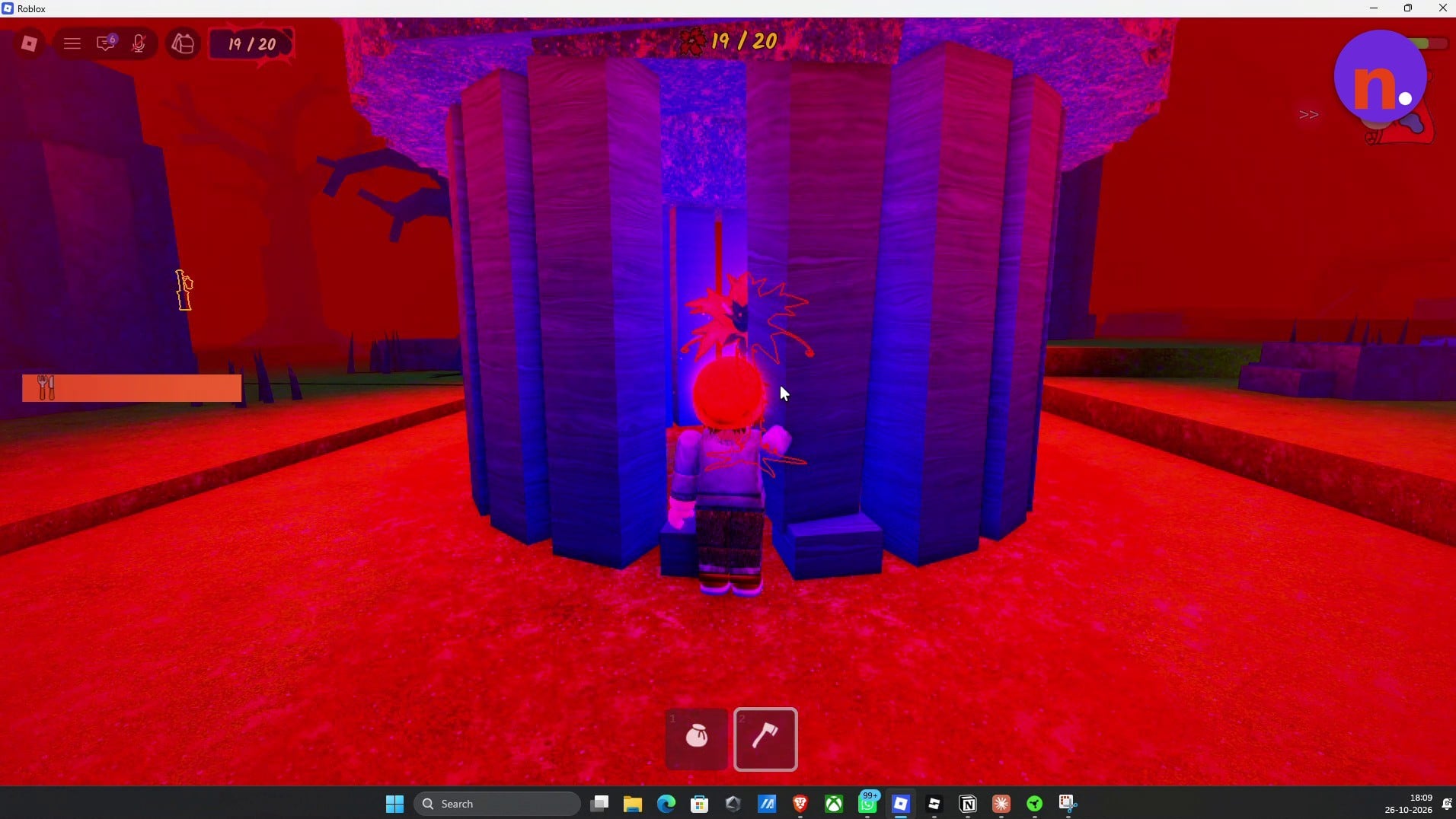
Finish collecting all 20 flowers
Keep searching and picking flowers until the counter reaches 20/20. Collecting the final flower completes the trial and destroys the corrupted void.
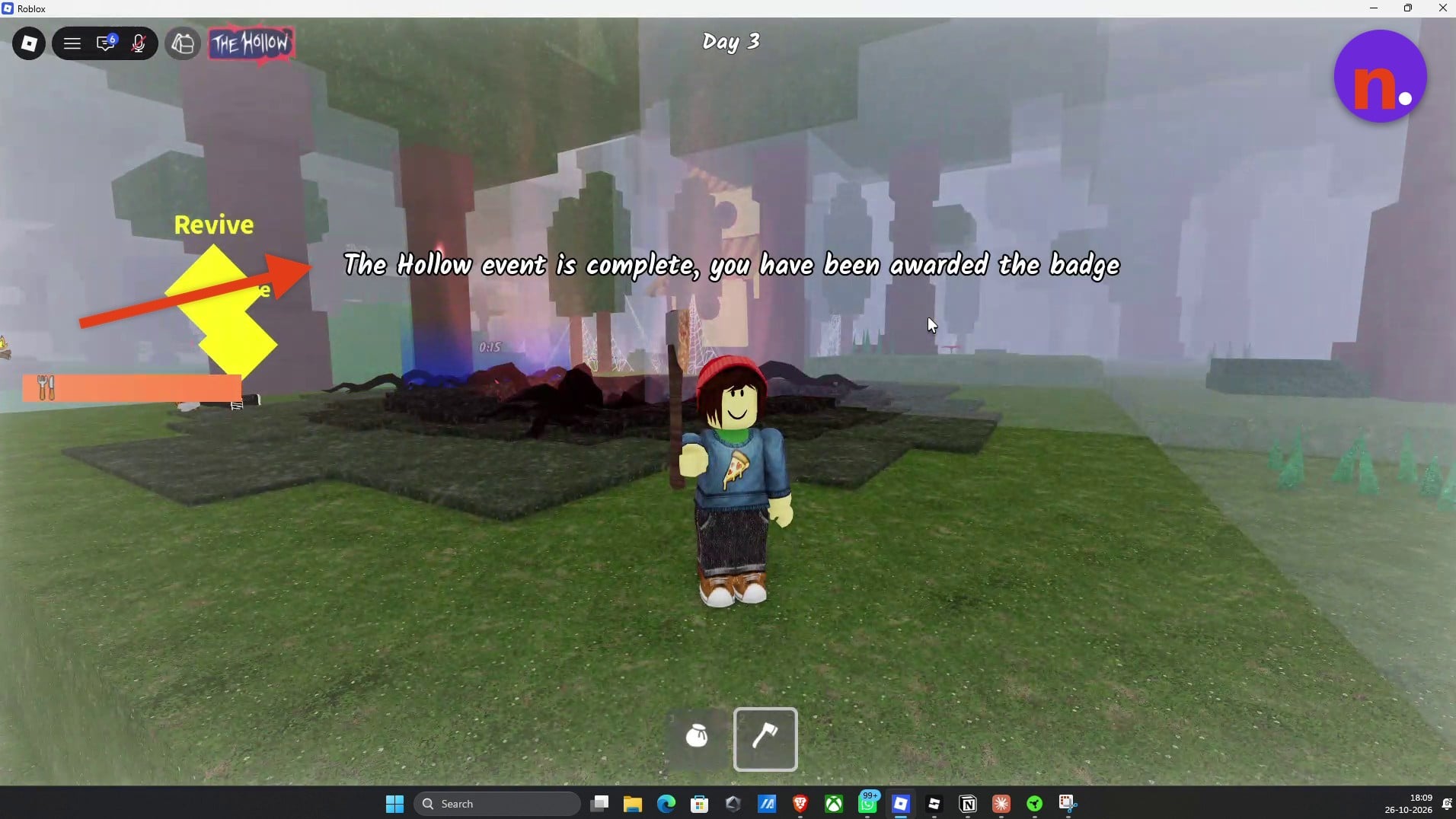
Return to the forest with the completion badge
Let the completion teleport take you back to the forest. The notification announces that The Hollow event is complete and awards the The Hollow 2026 badge.
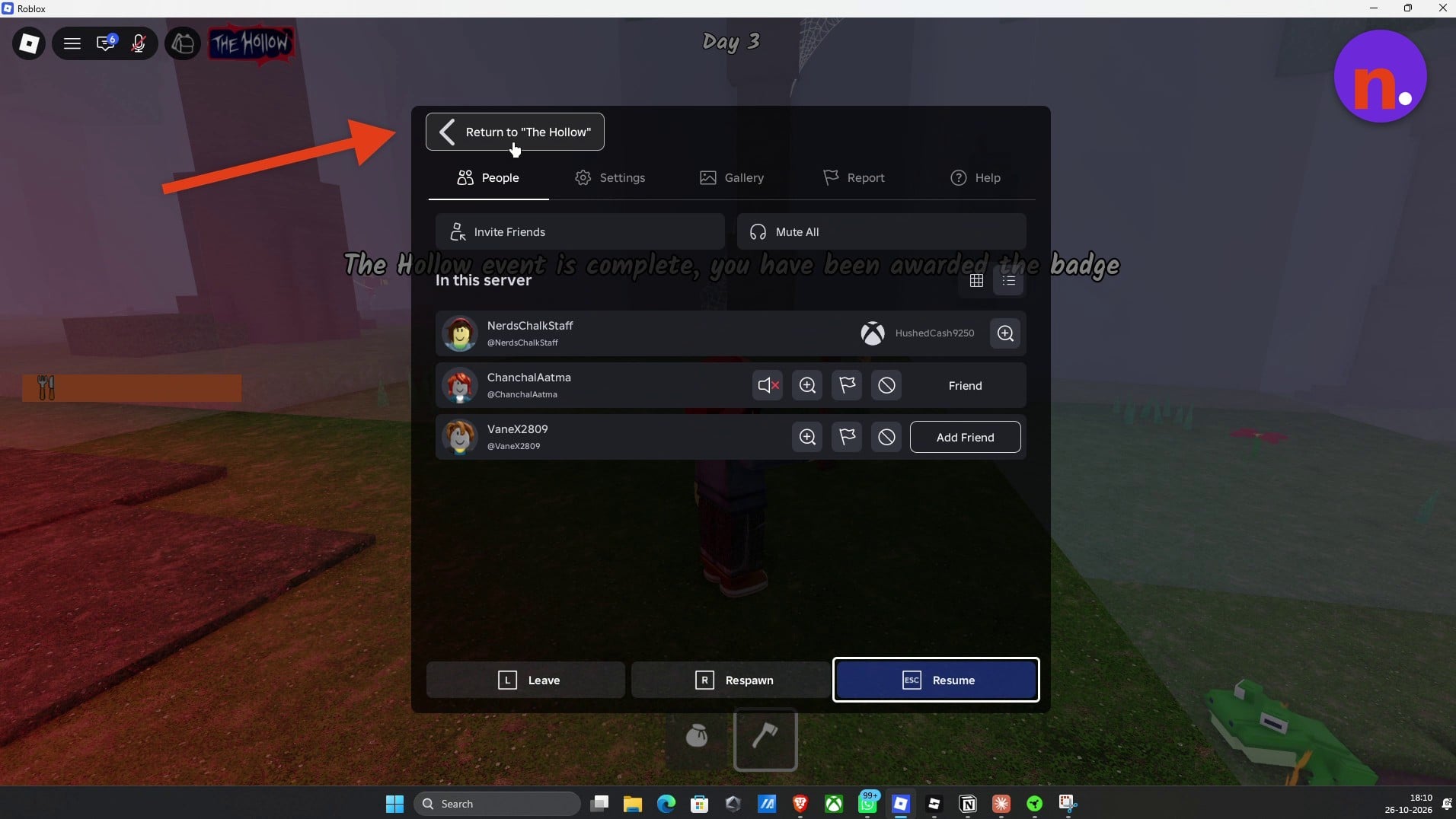
Return to The Hollow hub
Open the Roblox menu and choose Return to "The Hollow" to leave the forest and go back to the event hub.
Claim the Chrome Deer Skull Chain
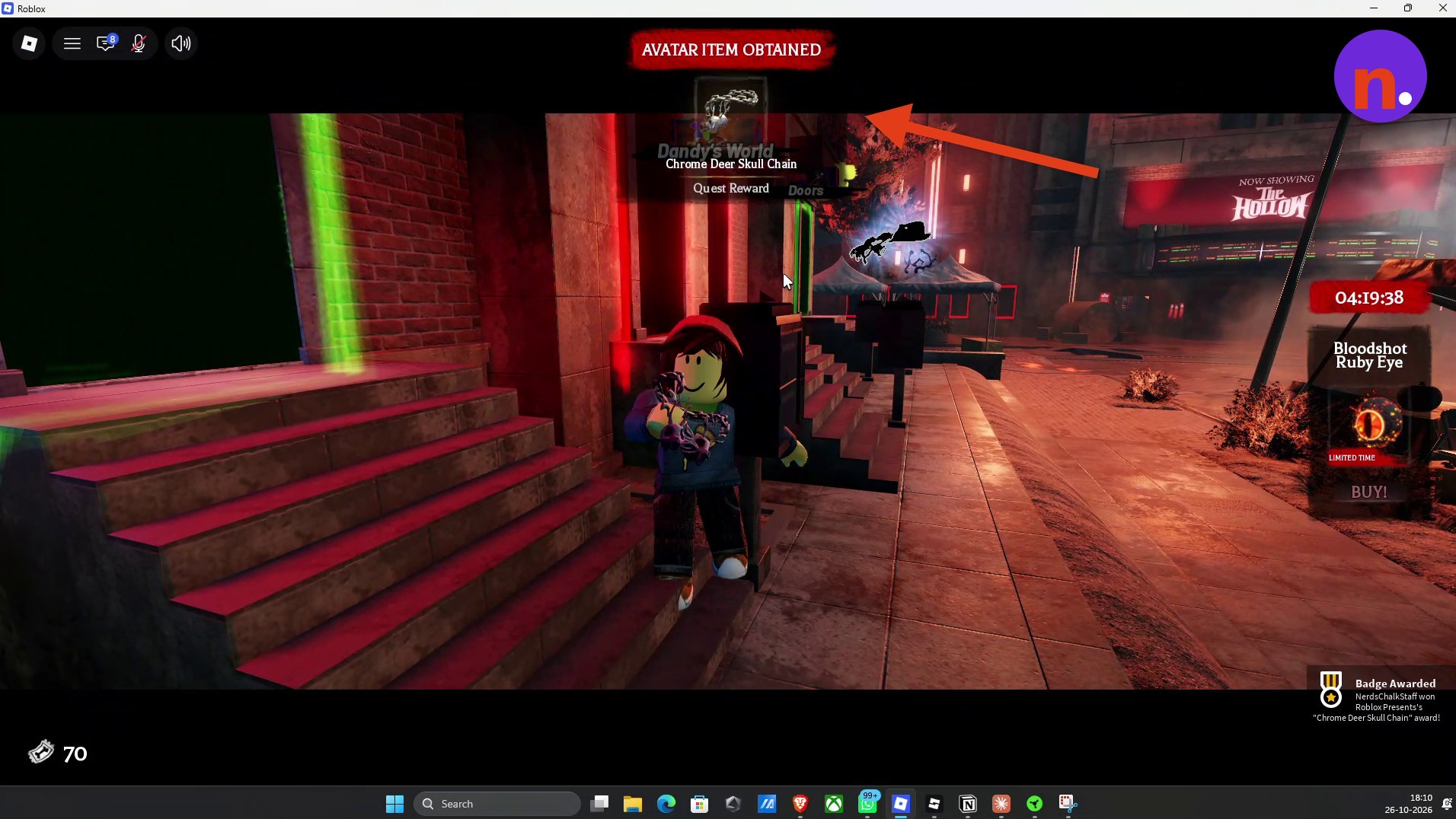
Approach the quest mailbox beside the 99 Nights in the Forest door and use Claim to collect your chain.
Look for the Chrome Deer Skull Chain quest reward popup after claiming. That popup confirms you’ve received the avatar reward.
What do the void upgrades do in The Hollow?
| Upgrade choice | Alternative choice |
|---|---|
| Instant healing and battery refill at lanterns. | |
| Double health. | Gain a speed boost when picking up flowers. |
| Cut down hollow trees in one hit. | Spawn additional lanterns around the map. |
| Reduce cultists spawning on you. | Prevent hunger drain and sprint 10% faster. |
| Reduce cultists spawning on you. | Reduce wolves spawning on you. |
| Gain a speed boost when leaving lantern zones. | Double health. |
The menus offer these upgrades in pairs.
The Chrome Deer Skull Chain is the quest’s avatar reward. The upgrades help you through the void challenge on the way to earning it.
Related 99 Nights In Forest guides
Frequently Asked Questions
What happens if you die in The Hollow void?
Dying in the void immediately revives you at the campfire.

Leave a Reply