
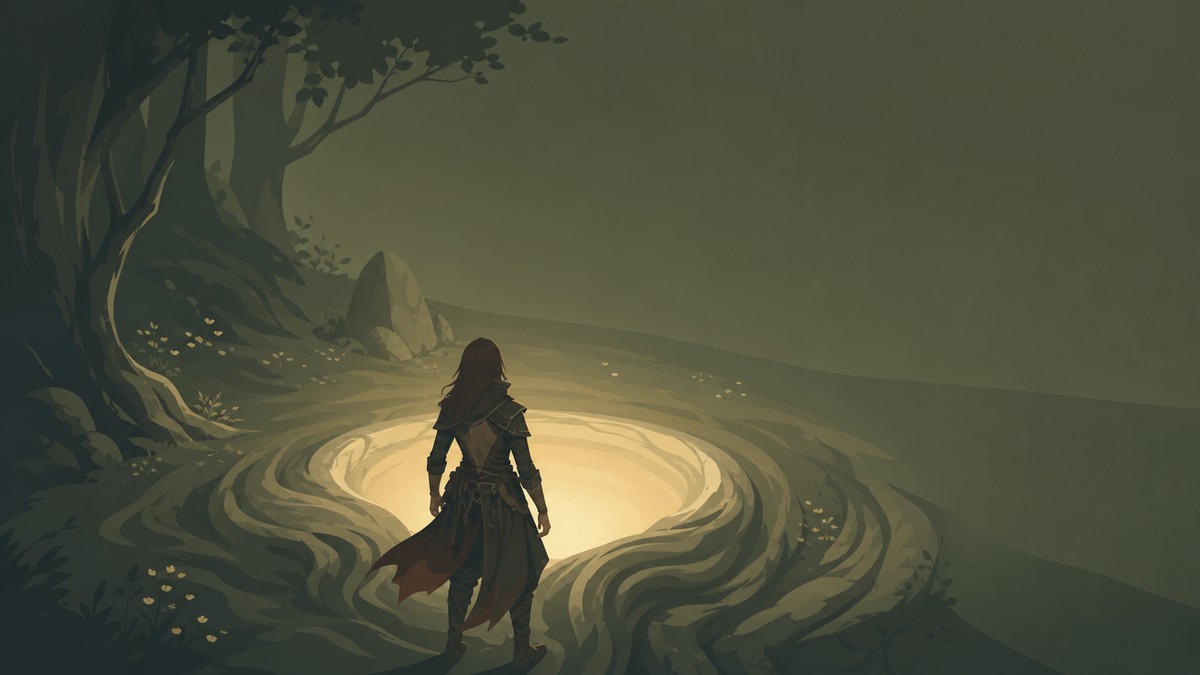
Yes, you can change your appearance and gender/body type in Mistfall Hunter by using the Gyldenblood Pool in the center of the camp hub and choosing Appearance Reset.
Appearance Reset is the full re-customization route, while normal outfit and skin swaps live in the cosmetic menus. The live build’s menu wording can still be easy to miss, so use the pool method when you want the character creator-style screen, not just a new set of clothes.
Appearance Reset versus outfits
| Change | Where to do it |
|---|---|
| Outfits, skins, and cosmetic sets | Warehouse or Outfits |
| Body type, gender, and full appearance | Gyldenblood Pool > Appearance Reset |
KEY!Go to the Gyldenblood Pool when you want to change your hunter’s base look, including body type or gender. Use Warehouse or Outfits only when you are changing equipped cosmetics such as skins or outfit sets.
Check Warehouse first if you only want a skin or outfit change; use the Gyldenblood Pool only for a full appearance reset.
How to change character appearance in Mistfall Hunter
This route sends your hunter back to the character creator-style screen from the camp hub.
STEP 1/4
Open the outfit screen first
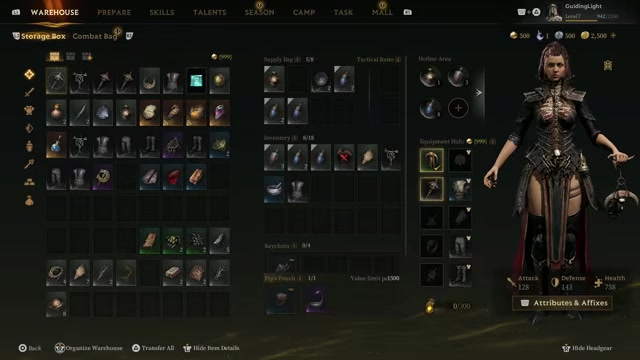
Use Warehouse and Outfits if you only need to swap cosmetics such as the Forsaken Skeleton outfit.
STEP 2/4
Find the Gyldenblood Pool
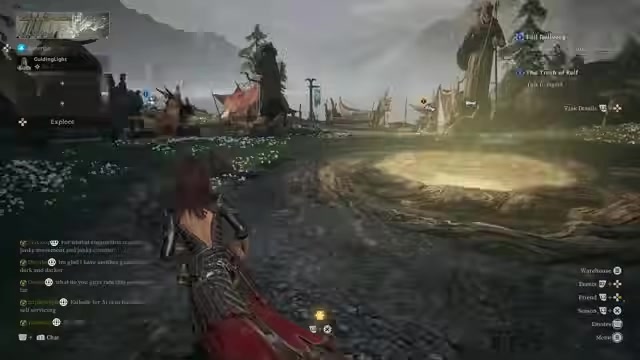
Go to the glowing Gyldenblood Pool in the middle of the camp map.
STEP 3/4
Select Appearance Reset
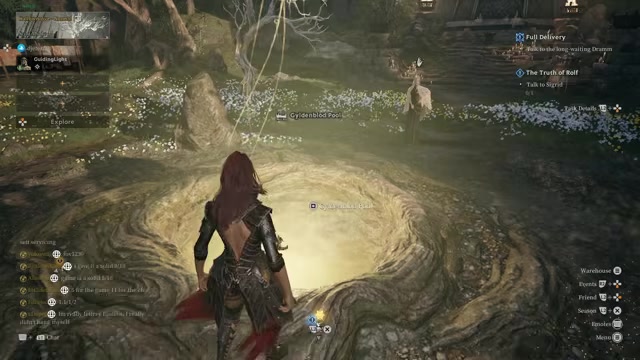
Interact with the pool and choose Appearance Reset from its menu.
STEP 4/4
Adjust your creator settings
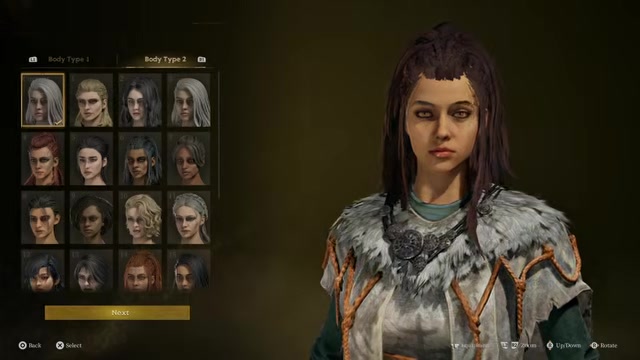
On the Basic Preset character screen, change the available appearance options, including body type or gender.
Video help
When Appearance Reset is available
You can use Appearance Reset from the center hub before starting a game. It is handled from camp, so make the change before heading into a run.
After selecting it, the game brings you back to the original character creator-style screen from when you first made your hunter.
Cosmetic changes without the pool
If you only want to change how your gear looks, stay in the Warehouse or Outfits menu. That is where outfit sets, skins, and other cosmetic swaps are handled without opening the full reset flow.
Frequently Asked Questions
Can you change gender in Mistfall Hunter after character creation?
Yes. Use Gyldenblood Pool > Appearance Reset, then adjust the available body type or gender options on the creator screen.
Where is the Gyldenblood Pool?
The Gyldenblood Pool is in the middle of the camp map, in the central hub area.
Is changing outfits the same as changing appearance?
No. Outfit changes only affect cosmetics, while Appearance Reset reopens the broader customization screen.
When can you use Appearance Reset?
You can use it anytime in the center hub before starting a game.
Does Appearance Reset return you to the character creator?
Yes. It takes you back to the original character creator-style screen, including the Basic Preset screen.






Leave a Reply