
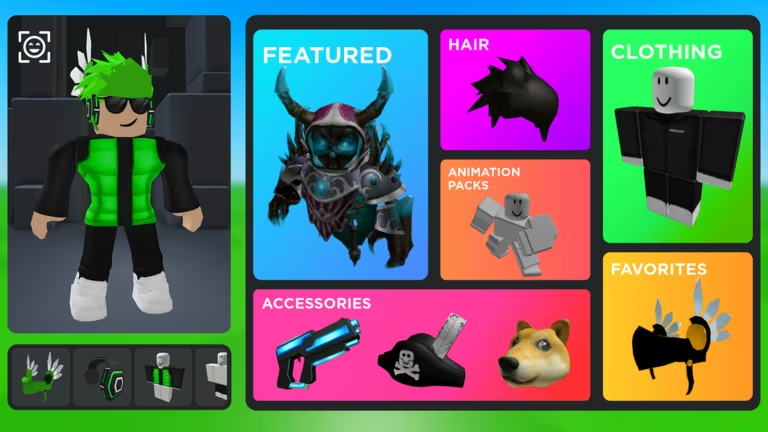
Catalog Avatar Creator lets you build and customize your Roblox avatar, and the codes for it hand out currency and cosmetics you can put to use right away. Redeeming one takes a few seconds if you know where to type it, and you’ll want to grab these before they expire.
Working Catalog Avatar Creator codes
Both of the codes below are working right now, so redeem them before you do anything else.
DAPPER
100 gold coins and 10,000 silver coins
New
MASCOT
Unlocks the exclusive Mascot Wink Face
How to redeem codes in Catalog Avatar Creator
You won’t find a settings menu or a codes button in Catalog Avatar Creator. Every code goes through the chat box instead, so follow these steps exactly.
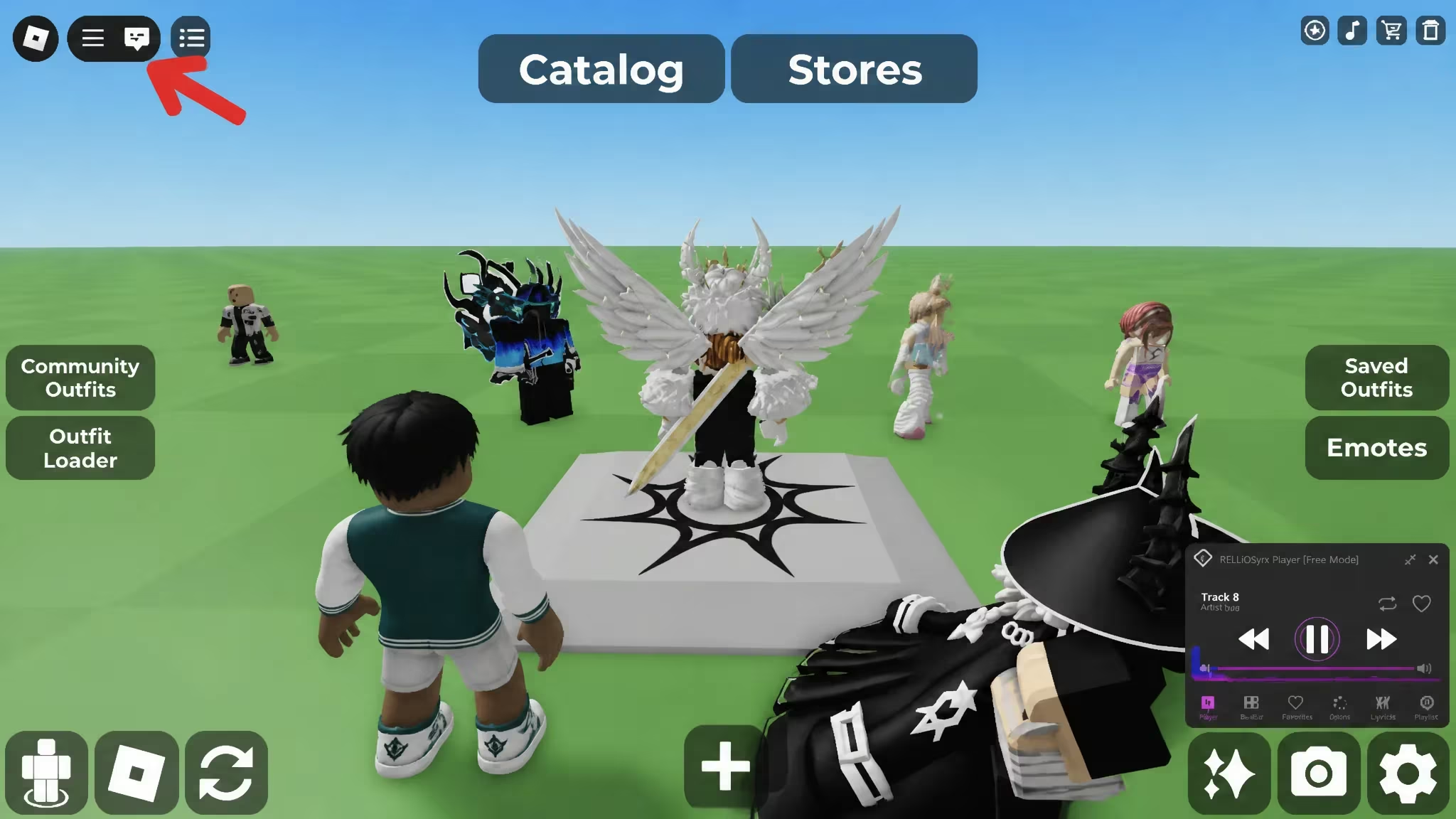
/redeem, add a space, then type the code exactly as shown above. Codes are case-sensitive, so copy and paste it if you can to avoid a typo.Tip: If nothing happens after you press Enter, double-check that you typed /redeem correctly and that the code itself matches the spelling and capitalization above.
How to get more Catalog Avatar Creator codes
New codes for Catalog Avatar Creator tend to show up around updates and community milestones. The most reliable way to catch them as soon as they drop is to join the game’s official Discord server, where announcements go out directly. It’s worth checking back regularly, since codes like these are usually only active for a limited time before they get swapped out.
Why didn’t my code work?
The most common reason is a typo in the code itself or in the /redeem command, since both are case-sensitive. Copying and pasting the code directly from a code list, rather than typing it out by hand, avoids this problem entirely.
Once you’ve claimed both codes, keep your Catalog Avatar Creator chat window handy so you’re ready to type in the next one the moment it’s announced.






Leave a Reply