
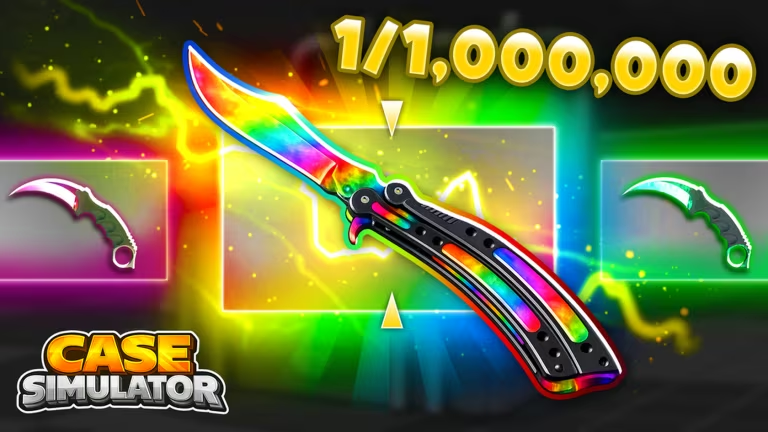
Case Simulator RNG is a Roblox experience built around opening cases to chase rare traits, and the developer hands out codes now and then that give you trait rerolls or a temporary luck multiplier without spending anything. Redeeming a fresh code takes less than a minute once you know where the box is hiding.
Working Case Simulator RNG codes
Type any of these into the redemption box exactly as shown below, since the game treats codes as case-sensitive.
120kLikes
15 Trait Rerolls and 25% Luck for 20 minutes
New
ExtraLuck
15 Trait Rerolls and 25% Luck for 20 minutes
New
Index
15 Trait Rerolls
New
TooMuchLuck
2x Luck for 20 minutes, expires at the end of the weekend
New
JackpotUpdate
Free in-game reward
50kLikes
Free in-game reward
MULTIJACKPOT
25% Luck for 20 minutes plus 25 Rerolls
QUESTS
25 Rerolls
Note: TooMuchLuck is tied to the current weekend, so redeem it before then if you want the doubled luck window.
How to redeem codes in Case Simulator RNG
There’s no external redemption site for this one — everything happens inside the experience itself.
Expired Case Simulator RNG codes
These no longer work, so don’t waste a redemption attempt on them.
TRAITS
100KLIKES
UPGRADER
MARKET
NEWMAP
80KLIKES
60kLikes
40KLIKES
30KLIKES
ThankYouForSupport
EasterLuck
20KLIKES
LUCK25
WeekendBoosts
10KLIKES
5KLIKES
LUCKY
How to get more Case Simulator RNG codes
New codes usually show up around like-count milestones, updates, or seasonal events like the jackpot changes and Easter promotions seen so far. The most reliable place to catch them as they drop is the game’s official Discord server, where the developer posts announcements directly. Checking back after any content update is also worth it, since new codes tend to accompany those.
Why didn’t my code work?
Double-check the spelling and capitalization first, since the redemption box treats codes exactly as they’re written. If it’s spelled correctly and still fails, the code has most likely expired and moved to the inactive list above.
Keep an eye on the Redeem Codes section in the Shop menu whenever you log in, since that’s where any reward you claim will confirm itself instantly rather than through a separate notification.





Leave a Reply