
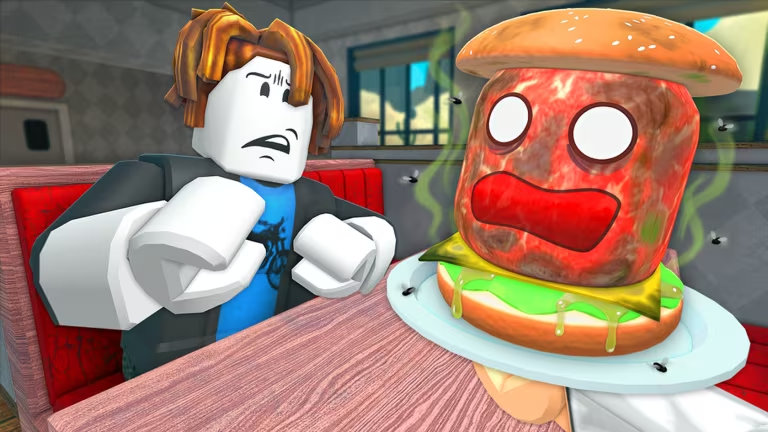
Burgerz is a Roblox cooking game where you flip patties, build orders, and earn Burger Coins to spend on upgrades. Codes like these hand you free coins without making you grind through shifts first.
Working Burgerz codes
Type these into the game exactly as shown, since codes are case-sensitive.
YummyBurgerz
20 Burger Coins
New
How to redeem codes in Burgerz
Redeeming a code takes you through the coin shop rather than a dedicated settings menu, so look for the plus icon rather than a gear icon.
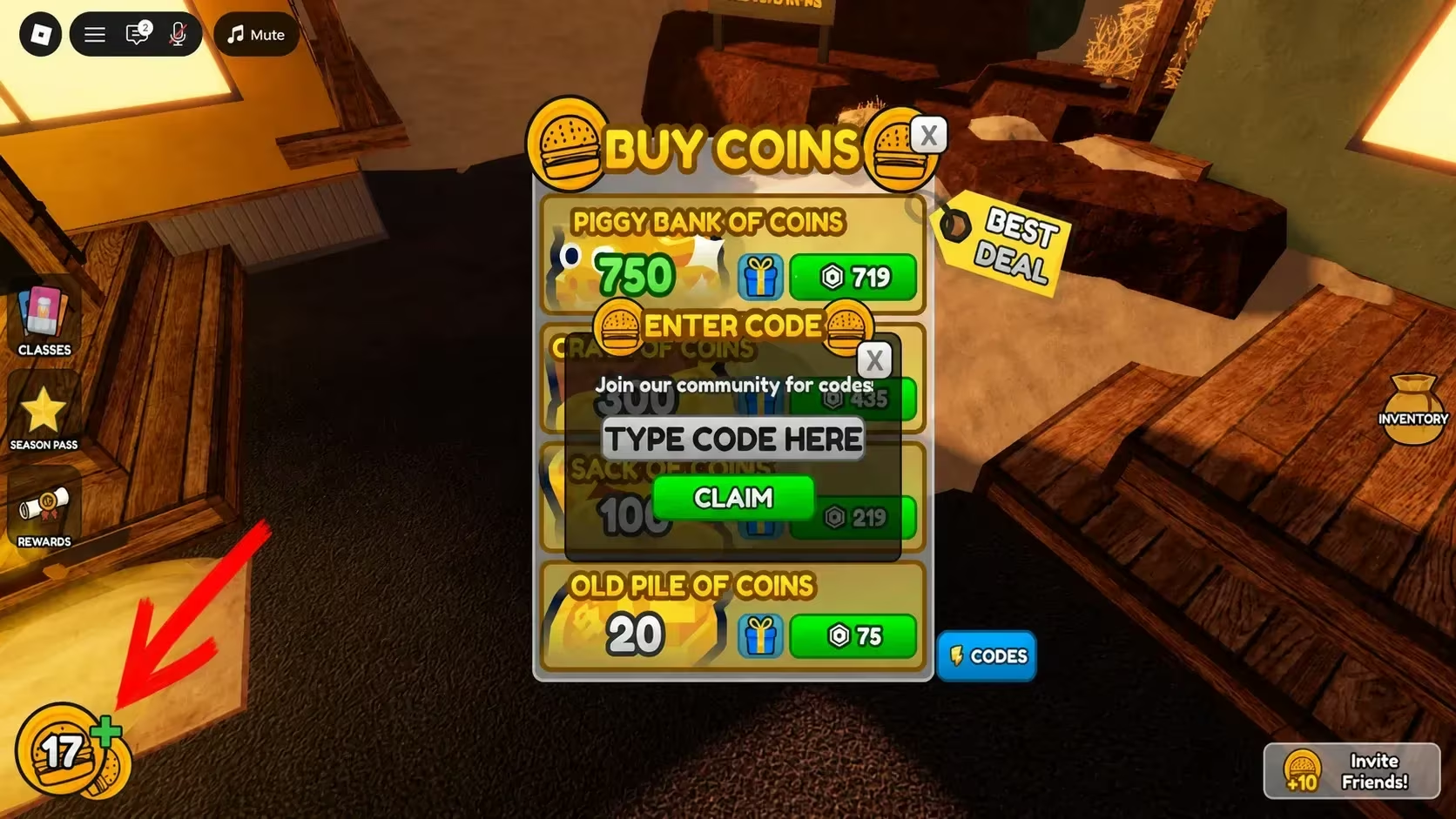
You’ll know it worked when a confirmation message pops up and your Burger Coin total jumps right away. If nothing changes and no message appears, double-check the spelling and capitalization before trying again.
How to get more Burgerz codes
New codes usually show up when the developer hits a subscriber milestone, celebrates an update, or wants to fix a bug affecting players. Your best bet for catching them early is joining the game’s official Discord server, where announcements tend to land first. The Burgerz Roblox community is also worth following, since it’s another place the developer posts updates directly.
Codes don’t tend to stick around forever, so redeem the ones you find soon after spotting them rather than saving them for later.
Are Burgerz codes free?
Yes. Every code the developer releases is free to redeem and gives you Burger Coins at no cost, as long as you enter it before it expires.
Check back on this page whenever you’re low on Burger Coins, and keep an eye on the game’s own channels for the moment fresh codes drop.






Leave a Reply