

The five in-flight events covered here are ice, turbulence, storm, power outage, and engine failure; protect aircraft control first, then use the announcement, comfort item, or repair required by the active warning.
These are random in-flight events, not scheduled live updates that add or change game content. This guide covers the five named flight emergencies; separate cabin interactions, including calming an angry passenger, can also occur, and future builds may expand the set.
- Bumpy Flight event response chart
- Keep passengers warm during the ice event
- Respond to frozen wings during an ice event
- Manage turbulence without disrupting the cabin
- Fly through a storm and handle damage
- Restore power from the rear supply box
- Recover from an engine failure
- Choose between aircraft safety and passenger needs
Bumpy Flight event response chart
| Event | Immediate response |
|---|---|
| Ice | Check the prompt, then give cold passengers a Blanket or clear frozen wings with an IceScraper. |
| Turbulence | Make the passenger announcement and minimize cabin movement. |
| Storm | Make the announcement and stabilize altitude and heading. |
| Power outage | Obtain the prompted repair tool and fix the power supply box near the rear luggage area. |
| Engine failure | Stabilize immediately, then take a wrench onto the wing and repair the damaged engine. |
Read the exact warning before anyone moves. Fetching the wrong item wastes time, and no emergency requires every crew member to abandon the cockpit together.
Map the aircraft before takeoff. Locate the cockpit, refrigerator, Supply Terminal, passenger area, luggage area, rear power supply, and engines before a warning starts.
Keep passengers warm during the ice event
Check who is cold
Watch the CABIN TEMPERATURE readout and passenger indicators for anyone affected by the temperature drop.
Distribute Blankets
Give a Blanket to each passenger who needs protection from the cold.
Resume flight watch
Once passenger comfort is stable, continue monitoring the aircraft and any new warnings.
Respond to frozen wings during an ice event
Key Ice instructions can point to two distinct warnings: cold passengers require a Blanket, while frozen wings require an IceScraper. Follow the wording on the active prompt instead of combining both into one automatic procedure.
Read the warning
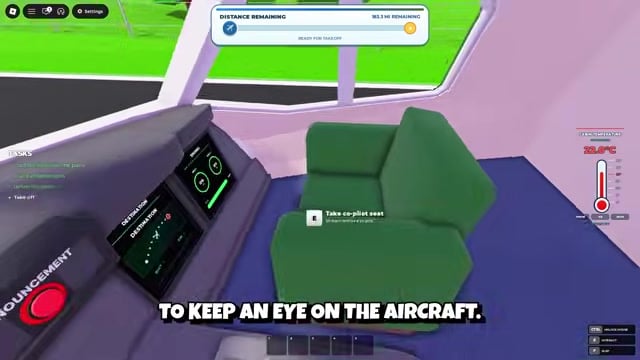
Use the cabin procedure above for cold passengers, but prepare an IceScraper when the warning identifies frozen wings.
Get an IceScraper

Purchase the required item from the Supply Terminal before or immediately after the frozen-wing warning begins.
Clear the wings
Walk onto the wings and use the IceScraper until the game stops flagging them as frozen; you can remain on the wing while scraping.
Manage turbulence without disrupting the cabin
Make the announcement
Use the Cabin PA system to tell passengers to remain in their seats.
Limit cabin movement
Avoid unnecessary trips through the aisle while the pilot concentrates on maintaining control.
Fly through a storm and handle damage
Make the required announcement
Use the Cabin PA system as soon as the storm calls for a passenger announcement.
Hold altitude and heading
Keep the pilot at the controls and watch for drifting or altitude loss.
Use small corrections
Correct the aircraft gently instead of making sudden control movements that can worsen its instability.
Check for engine damage
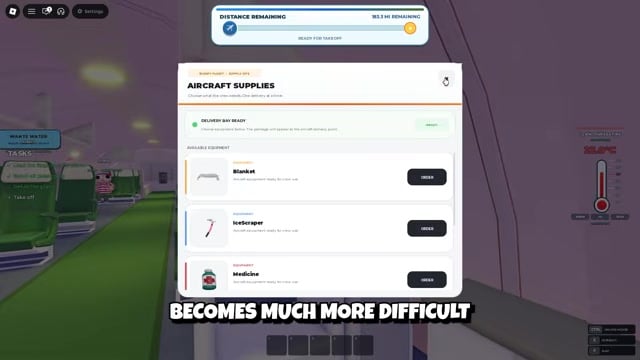
Repair an engine only if a damage prompt appears; with a crew, leave the pilot flying while another player handles that repair.
Restore power from the rear supply box
The visible AIRCRAFT SUPPLIES menu shows Blanket, IceScraper, and Medicine without displaying a wrench. Use the active power-outage prompt to determine the required repair tool instead of relying on a fixed terminal listing.
Identify the repair tool
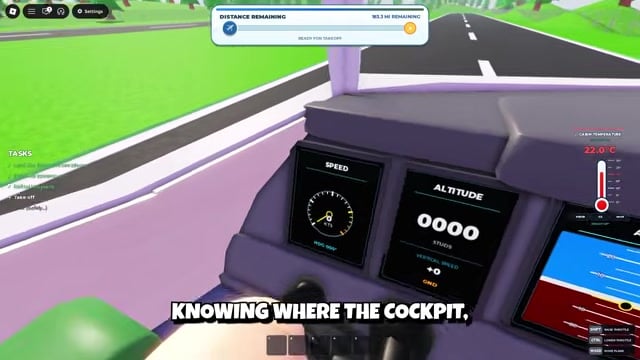
Read the power-outage prompt before leaving so you know which tool the current game build requires.
Check the Supply Terminal
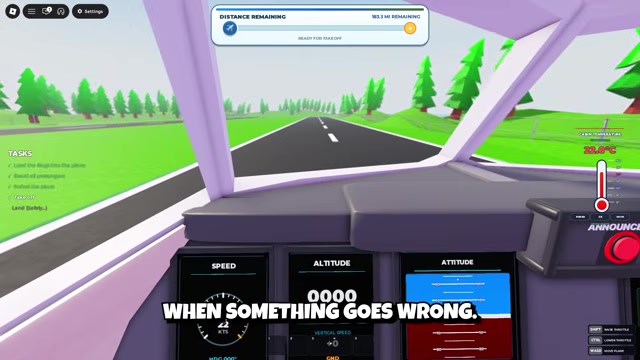
Visit the terminal near the cockpit and refrigerator to obtain the requested repair tool when it is available there.
Move to the luggage area
Continue toward the rear of the aircraft and enter the area near the luggage.
Repair the power supply
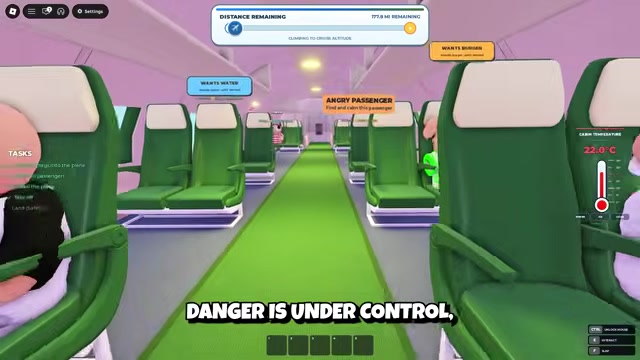
Locate the power supply box and complete its prompted repair interaction.
Recover from an engine failure
Stop the altitude loss
Keep the pilot focused on controlling the aircraft before sending anyone to perform the repair.
Divide the crew roles
Leave one player in the cockpit, send an engineer with a wrench, and let another crew member handle passengers when available.
Reach the damaged engine
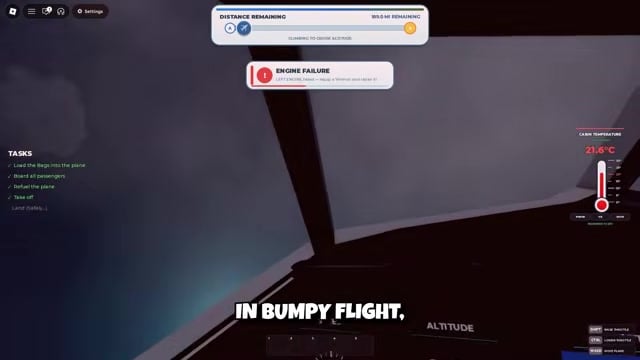
Take the wrench onto the aircraft’s wing and move to the engine identified by the warning.
Complete the repair

Interact with the damaged engine using the wrench while the pilot continues flying the aircraft.
Use the solo priority order
When alone, stabilize the plane, identify the damaged engine, collect the wrench, complete the repair, and return to the controls before handling passenger requests.
Choose between aircraft safety and passenger needs
When the aircraft and passengers need help simultaneously, use one order: stabilize the plane, identify the active prompt, complete the necessary repair, then resume lower-risk passenger tasks. A comfort request can wait while the aircraft is drifting or rapidly losing altitude.
After the warning clears, recheck altitude, heading, and remaining distance before returning to cabin service. This gives the pilot a controlled flight path again before the crew moves on.
Video help






Leave a Reply