
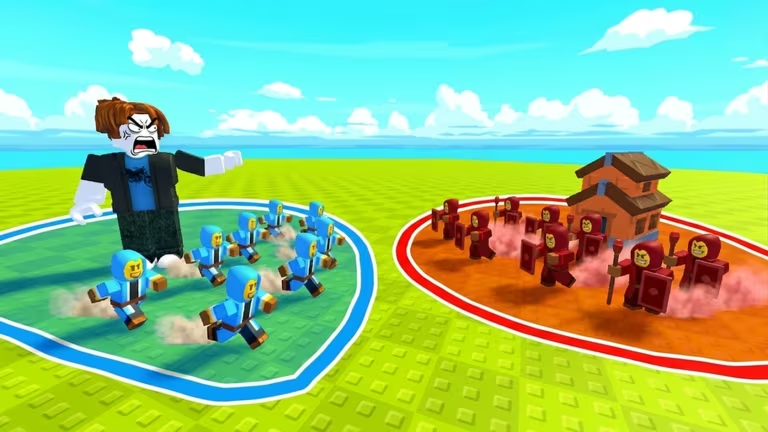
Build an Army has you build up a base and troops on your own island in Roblox, and codes are the developer’s way of handing out free boosts for your resources or army without making you grind for them.
Working Build an Army codes
There aren’t any active codes for Build an Army right now. Keep this page bookmarked, because the list gets updated the moment a fresh code shows up.
How to redeem codes in Build an Army
You don’t need to hunt for the redemption screen since it’s already sitting inside the game’s menu, waiting for the next working code. Here’s how to get to it.
How to get more Build an Army codes
New codes for Build an Army typically get announced through the game’s own Roblox community, so joining it is your best bet for catching one early. You can find the community page and follow along for updates on Tjim’s Battle Game group.
You can also jump straight into the experience itself and check the in-game Codes tab from time to time, since that’s where any new code gets confirmed as soon as it’s added. The experience is live on Roblox at Build an Army.
Are Build an Army codes free?
Yes. Every code is a free reward from the developer, redeemable through the in-game Codes tab, and none of them require any purchase.
Why won’t my code redeem?
A code that has expired or was typed incorrectly won’t apply your reward. Double-check the spelling and capitalization against the exact code, since even a small typo will stop it from working.





Leave a Reply