
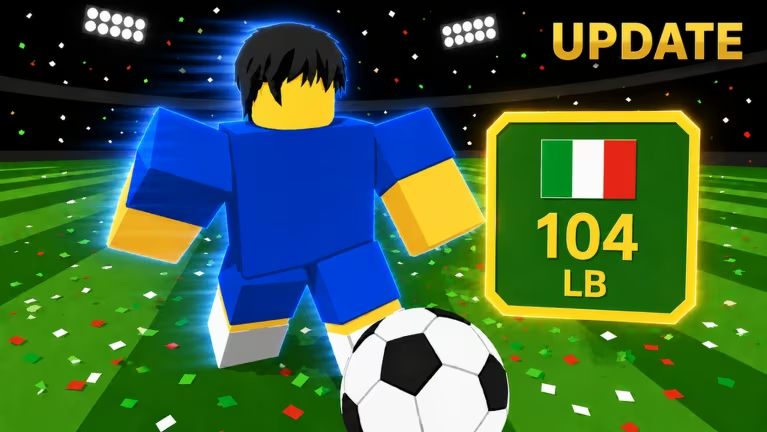
Build A Soccer Squad is a Roblox experience where you pull players, build out a roster, and chase stronger lineups through rerolls and refreshes. Codes are the fastest way to stack up those rerolls, refreshes, coins, and gems without grinding matches for them.
Working Build A Soccer Squad Codes
Here’s every code that’s currently redeemable, along with what each one hands you.
GOAT
50 Rerolls and 50 Refreshes
New
UNIVERSE
50 Rerolls and 50 Refreshes
FUTURE
50 Rerolls and 50 Refreshes
LIMITBREAKER
25 Rerolls and 25 Refreshes
DOUBLE
20 Rerolls and 20 Refreshes
CONSOLE
25 Rerolls and 15 Refreshes
BLXHEAD
2,500 Coins (requires level 10)
RELEASE
1,000 Coins
SOCCER
500 Coins
NEWCODE
Two standard packs
SQUAD2026
Gems
Codes like GOAT, UNIVERSE, and FUTURE give you the biggest reroll and refresh bundles, so type those in first if you’re trying to reshuffle your squad. BLXHEAD only unlocks once your character hits level 10, so hold onto it if you’re not there yet.
How to redeem codes in Build A Soccer Squad
Redeeming a code only takes a few taps once the game is loaded up. Here’s the exact path to follow.
If nothing changes after you hit Enter, double-check your spelling and capitalization since codes need to match exactly. You can play the game directly through the Build A Soccer Squad Roblox page if you need to jump back in.
Expired Build A Soccer Squad codes
This one no longer works, so don’t waste time typing it in.
500kvisitsAND1000ccu
100 Money
How to get more Build A Soccer Squad codes
New codes tend to land around milestones like visit counts, concurrent player spikes, or content updates. Your best bet for catching them early is joining the game’s own Roblox community page, where the developer posts updates tied to the game.
Bookmark this page and check back every so often, since codes get added and swapped out as the developer hits new milestones.
Are Build A Soccer Squad codes free?
Yes. Every code above is free to redeem and only costs you the few seconds it takes to type it into the Codes Tab.
Why didn’t my code work?
Codes are case-sensitive and need to be entered exactly as shown, with no extra spaces. If a code has expired, like 500kvisitsAND1000ccu, the game simply won’t accept it anymore.
Stack up your rerolls and refreshes while these codes are still live, and swing back whenever you’re rebuilding your lineup for a fresh batch.






Leave a Reply