
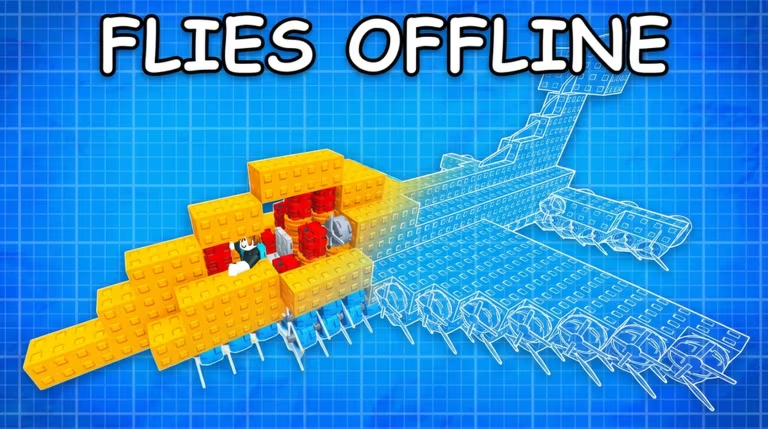
Build A Plane has you designing, building, and flying your own aircraft in the hangar, and codes are the fastest way to stack up free Cash for parts and upgrades without grinding flights.
Working Build A Plane Codes
These codes are confirmed to work right now, so redeem them before they get pulled.
airdrop2026
10,000 Cash
New
clearskies
5,000 Cash
New
BAPISBACK
5,000 Cash
How to redeem codes in Build A Plane
You won’t find a separate codes website for this one — everything happens right inside the game’s Shop menu. Here’s how to get your Cash.
You’ll know it worked when the currency counter on screen jumps up by the Cash amount right away. If nothing happens after you press Enter, double-check your spelling and capitalization before trying again.
How to get more Build A Plane codes
New codes tend to show up around updates and community milestones, so keeping an eye on the game’s own channels is your best bet. Join the official Build A Plane Discord for announcements, and check the Build A Plane Roblox page for updates and news posted directly by the developers. We’ll keep this page current whenever fresh codes go live.
Are Build A Plane codes free?
Yes, every code above is free to redeem and adds Cash straight to your account with no purchase needed.
Why didn’t my code work?
The most common cause is a typo, since the Codes box needs an exact match including capitalization. Retype the code carefully, or copy and paste it straight from this page to avoid mistakes.
Codes stop working once a developer deactivates them, so grab Cash from the working list above while it’s still redeemable.





Leave a Reply