
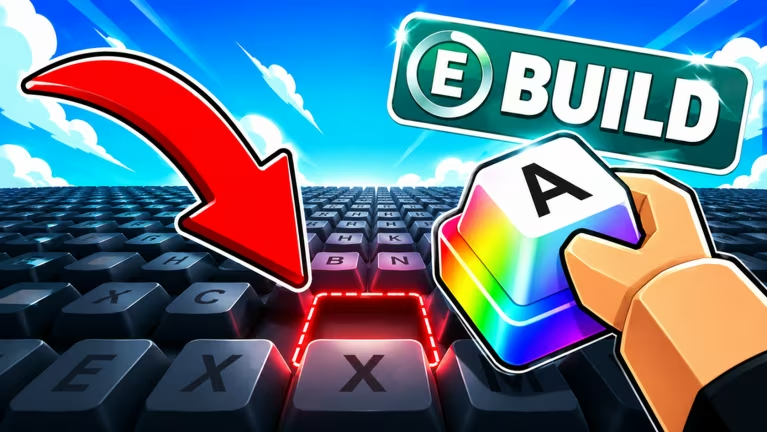
Build A Keyboard is the Roblox experience where you piece together and customize your own keyboard setup, and codes are the fastest way to pad your progress without grinding. Developers hand these out for free XP, in-game currency boosts, and cosmetic-style extras like dumpling boxes, so it’s worth checking in on them regularly.
Working Build A Keyboard codes
Type each code exactly as shown below since redemption is case sensitive, and grab these while they’re still live.
DUMPLINGCRATE
Free Dumpling Box
New
THANK5K
500 XP
New
ILOVEKEYCAPS
2x Money for 5 minutes
New
How to redeem codes in Build A Keyboard
Redeeming a code only takes a few taps once you’re inside the game. Here’s the exact path to follow.
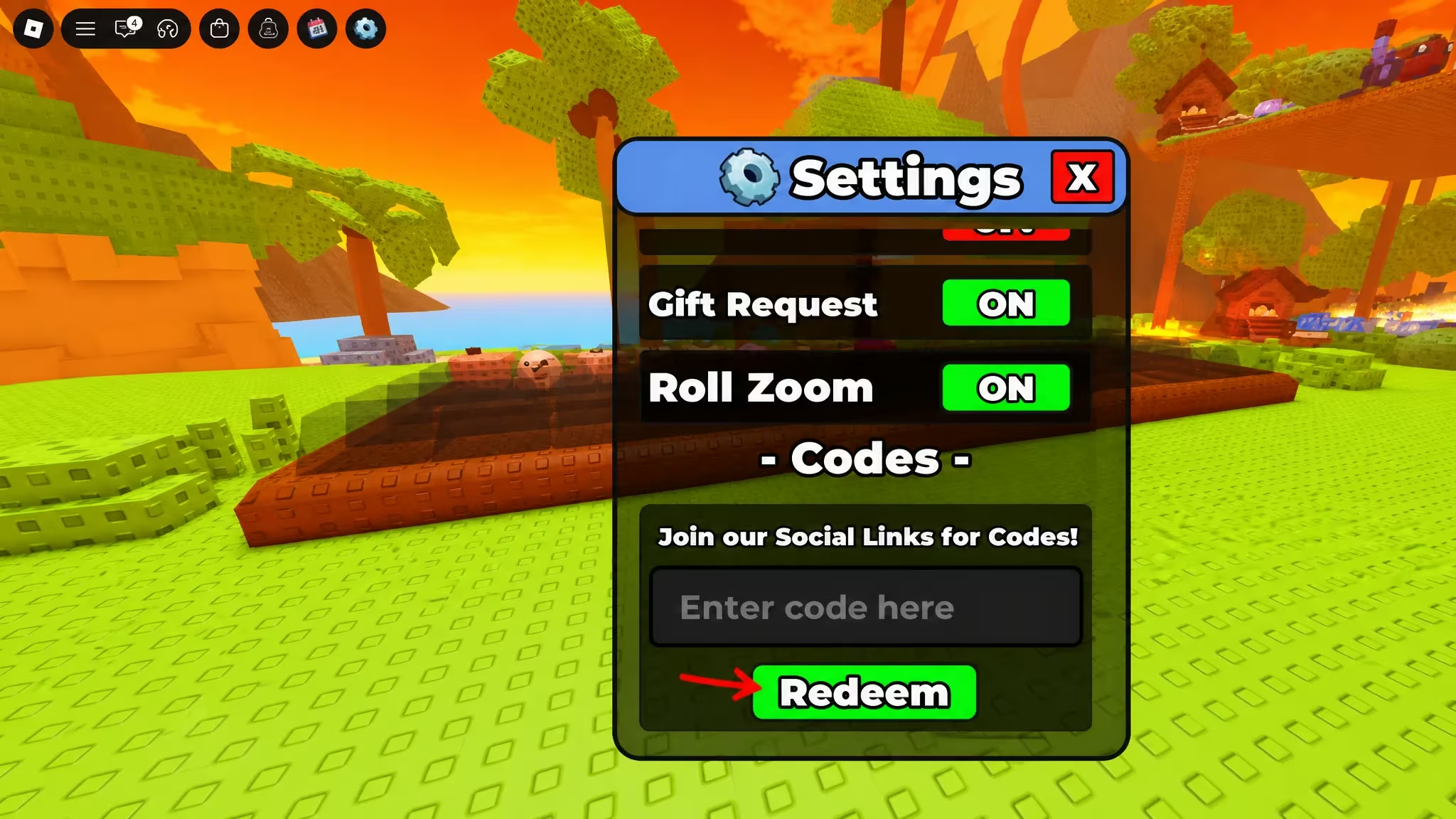
How to get more Build A Keyboard codes
New codes usually show up when the developer wants to celebrate a milestone, mark an update, or say thanks to the community, so there’s no fixed schedule to count on. Your best bet is joining the game’s official Discord server, where drops tend to get posted first. You can also jump into the experience itself through the Build A Keyboard Roblox page to check for in-game announcements.
Why didn’t my code work?
Double-check your spelling and capitalization first, since the redemption box won’t accept a code that’s off by even one character. If it still doesn’t go through, the code may have expired or reached its use limit.
Keep this page bookmarked so you can swing by whenever you’re low on cash or want a quick XP boost. Codes like these don’t stick around forever, so redeeming them as soon as you spot them is the safest move.






Leave a Reply