
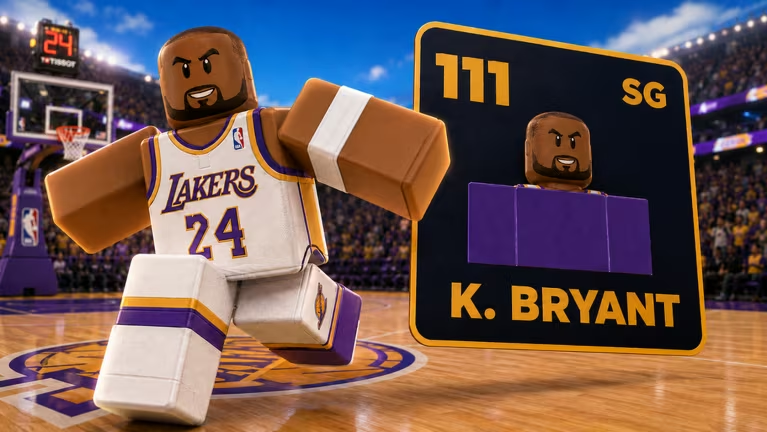
Build A Basketball Team is a Roblox experience where you assemble a roster of players and try to put together the strongest lineup possible. Codes here hand you Rerolls and Refreshes, the two resources you’ll lean on most when you’re trying to land better players without grinding for hours.
Working Build A Basketball Team codes
Type these into the game exactly as shown below, since the redemption box is case-sensitive.
surprise
25 Rerolls and 15 Refreshes
New
whoops
50 Rerolls and 15 Refreshes
New
600k
50 Rerolls and 15 Refreshes
thx
20 Rerolls and 10 Refreshes
Update
10 Rerolls and 15 Refreshes
You’ll know a code worked the moment your Reroll and Refresh counts jump in your inventory, so there’s no waiting around or guessing.
How to redeem codes in Build A Basketball Team
Redeeming codes only takes a few taps once you know where the button lives. Here’s the exact path to follow inside the game.
Expired Build A Basketball Team codes
These codes no longer work, so don’t waste a redemption attempt on them.
300k
tuff
Previously gave 15 Rerolls and 10 Refreshes
Update3
Previously gave 10 Rerolls and 15 Refreshes
How to get more Build A Basketball Team codes
New codes tend to show up around updates or milestones, so keeping an eye on the developer’s own channels is your best bet. Join the game’s Discord server for announcements, and follow the Bloxive Studios community page on Roblox for the same updates. Checking back in the in-game Codes tab every so often also works, since that’s where redeemed and active codes are confirmed directly.
Why didn’t my code work?
The most common reason is a typo or mismatched capitalization, since the entry field reads codes exactly as they’re written. The other reason is that the code has already expired, which happens once the developer retires it after a set period.
Redeem the working codes now while they’re still active, and check back after future updates since that’s usually when fresh ones get added.






Leave a Reply