
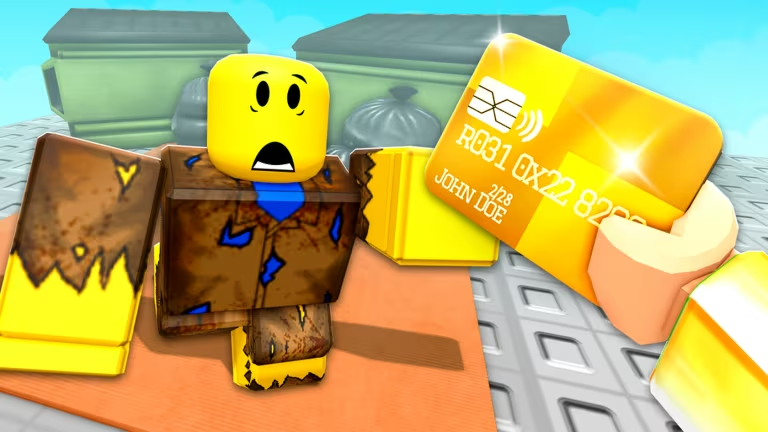
Become a Billionaire is a Roblox tycoon experience where you build up a business empire and chase rare items through an RNG roll system. The codes below hand you free RNG rolls, tier rolls, and cash, so you can grab extra rolls without grinding for them first.
Working Become a Billionaire Codes
These codes are confirmed to work right now. Redeem them in order since some give more value than others.
UPDATELOG
10 RNG Rolls
New
CommunityServer
10 RNG Rolls
New
FREEROLLS
10 RNG Rolls
New_Update
5 Tier Rolls
FREE83
3 RNG Rolls
GULLIBLE
1 Cash
How to redeem codes in Become a Billionaire
You redeem codes from inside the Shop menu, not through a separate codes button, and the whole thing takes seconds once your base has loaded.
How to get more Become a Billionaire codes
New codes tend to show up around game updates, so keep an eye on the shop’s redeem box after any patch. You can also check the game’s official Roblox community for announcements tied to new codes.
The Become a Billionaire Roblox community page is a good place to bookmark, since it’s run directly by the developers.
Why didn’t my code work?
Double-check that you copied the code exactly, including capitalization, since a single wrong letter or extra space will stop it from redeeming. If the code has expired, the redeem box won’t add anything even if you type it correctly.
Working through the list above only takes a minute or two, and it’s worth doing before you start rolling for anything rare, since every free roll and bit of cash stacks toward your next big pull.






Leave a Reply