
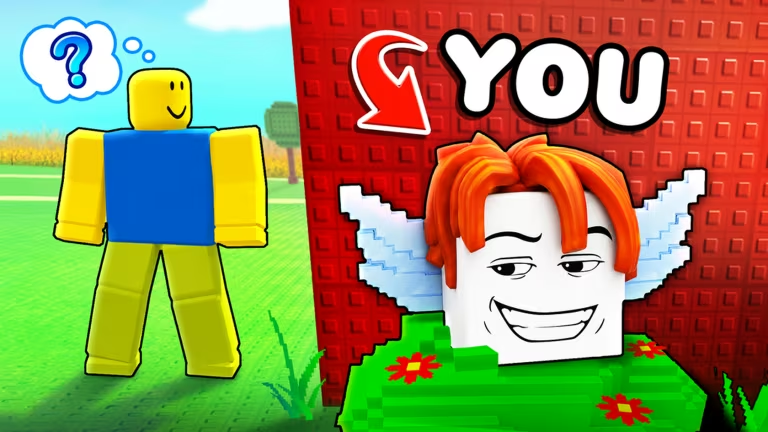
Be a Lucky Block hands you free Spin Coins, brainrot characters, and block skins through codes the developer drops from time to time. You just need to know which ones are still live and where to type them in, so let’s get you sorted.
Working Be a Lucky Block codes
Here’s everything that’s redeeming successfully right now. Punch these in soon since codes in this game tend to get pulled without much warning.
Meow
100x Coraluke Spin Coins
917358
Ballerina Cappuccina Brainrot
806247
Tung Tung Sahur Brainrot
147392
Angel Block skin
258413
Blood Moon Block skin
TR9MP1238
Two bunny blocks and two everything blocks
How to redeem codes in Be a Lucky Block
You can’t redeem these from a browser page or a website box. Everything happens inside the Roblox client once you’ve actually loaded into the game, so pull it up and follow along.
You’ll know it worked when the game confirms the claim on screen and your Spin Coins or item show up in your inventory right away. If nothing pops up after you hit Verify, that code has already expired.
Expired Be a Lucky Block codes
These no longer trigger anything if you type them in, so don’t waste a Verify click on them.
R5M93
RADIOACTIVE
BEE
DinoByte
CORALUKE
BIRD
M2ZF4KYR
EASTER
FIX31
R81KM461
GOD
DEVIL
ZEUS
RELEASE
MAGIA
How to get more Be a Lucky Block codes
New codes for this game show up alongside updates and milestones, so keeping an eye on the developer’s official channels is your best bet for catching them early. The official Discord server is where announcements tend to land first, and the Roblox community group tied to the game is worth following too.
You can also jump straight into the Be a Lucky Block experience page on Roblox to check for any in-game announcements the developer might have posted directly.
Are these codes free?
Yes. Every code listed above is free to redeem and only requires an active Roblox account with Be a Lucky Block loaded up.
Why didn’t my code work?
A code that produces no response after you hit Verify has almost always expired. Double-check you’ve typed it exactly as shown, since a missing character or extra space will also stop it from going through.
Bookmark this page and swing back whenever you’re low on Spin Coins. Fresh codes get added here the moment they start working, and dead ones get pulled just as fast.






Leave a Reply