
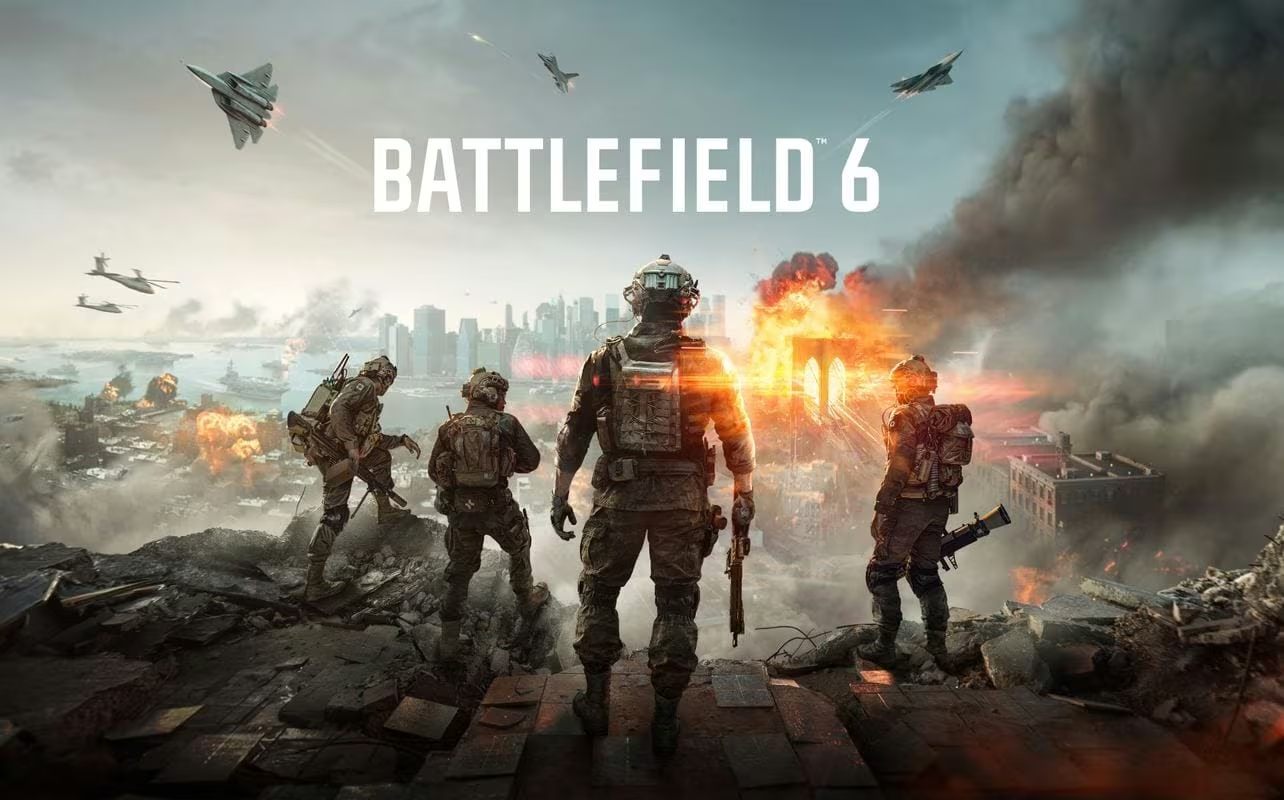
Battlefield 6 hands out free codes every so often that unlock cosmetic extras and gameplay boosts you’d otherwise have to grind for. You’re looking at playercard stickers, titles, uniform patches, a helicopter skin, and XP boosters that shave time off your next few matches.
Working Battlefield 6 Codes
These are redeemable right now. Punch them in exactly as shown below, since even a stray space will get the code rejected.
ACE
“Buzz the Tower” playercard sticker
New
PHOENIX
“Phoenix Flight” attack helicopter skin
New
AVIATOR
“Top Aviator” playercard title
New
GHOSTRIDER
“Ghostrider” uniform patch
New
TAKEOFF
XP booster
BATTLEDADS4
“Battledad” playercard title
ILOVEPORTALS4
“Built Different” playercard title
SKILLISSUES4
“Skill Issue” playercard title
AKAJOHNS4
“AKA John” playercard title
WELCOMES4
60-minute hardware XP boost
How to redeem codes in Battlefield 6
Redemption doesn’t happen inside the game itself. It runs through EA’s own website, so you’ll want to have the platform you play on, whether that’s PC, Xbox, or PlayStation, already linked to your EA Account. Skip that step and your reward has nowhere to land.
Expired Battlefield 6 codes
These no longer redeem anything, so don’t waste time typing them in.
X8XC
Match completion bonus for the Exfil experience
YT6XX
Match completion bonus for the Snipers vs Runners experience
XGS9
Match completion bonus for the Empire State Zombies experience
ZX45F
Match completion bonus for the Chaos Climb experience
X7QA
Match completion bonus for the Friday Night Battlefield experience
762S-G45G-NJSP-LCJT
No longer active
2ZMX-XNDU-C7D2-4Z9V
No longer active
How to get more Battlefield 6 codes
New codes tend to show up around live events, community celebrations, and promotional pushes tied to Battlefield 6. Your best bet is to keep an eye on the game’s official social media accounts and any in-game announcements, since that’s typically where fresh codes get shared first. Check back here regularly too, since this list gets updated as new codes appear and old ones stop working.
Are these codes free?
Yes. Every code listed above is free to redeem through your EA Account, and none of them require a purchase.
Why didn’t my code work?
Double-check that you typed the code exactly as shown, with no extra spaces, and that the platform you’re redeeming on is properly linked to your EA Account before submission.
Codes for Battlefield 6 don’t stick around forever, so redeem the working ones while they last and swing back for updates as new rewards roll out.





Leave a Reply