
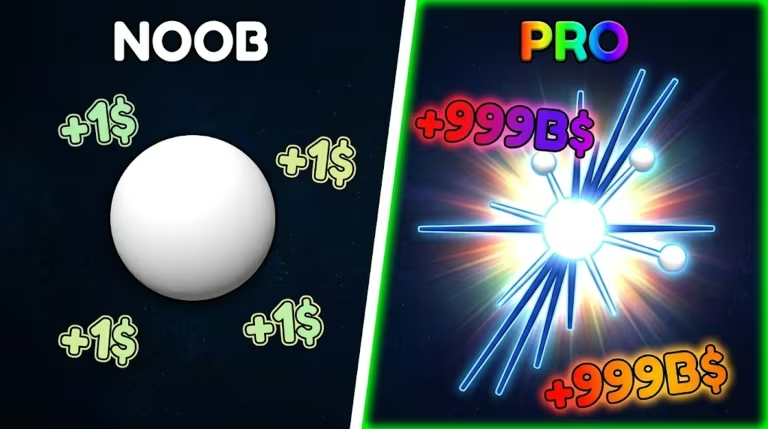
Ball Game is a Roblox experience built around collecting potions and luck boosts to get ahead in the map. The codes below hand you free potions and luck boosts just for typing them into the in-game shop, so it’s worth running through the list before you start playing.
Working Ball Game Codes
Here’s every code that’s currently redeemable in Ball Game, along with what each one gives you.
wearesoback
Rewards
BALL
One of every potion
2xluck
One double luck boost
BOSSFIGHT
A luck potion
2xluxk
A double luck boost
Codes are case-sensitive, so type them in exactly as shown above, including the lowercase letters. Note that 2xluck and 2xluxk look almost identical but are two separate codes, both worth redeeming for their own double luck boost.
How to redeem codes in Ball Game
You redeem codes right from the in-game shop rather than a menu on the main screen, so give the game a moment to load before you start looking for it.
If a code goes through, you’ll see the potions or luck boost show up in your inventory right away. That instant inventory update is your confirmation the code worked, so there’s no separate pop-up or message to wait for.
Expired Ball Game codes
This code no longer works, so don’t waste time trying to enter it.
1k
How to get more Ball Game codes
New codes for Ball Game typically show up through the developer’s official Discord server, so joining it is your best bet for catching fresh drops as soon as they’re announced. You can join the community at discord.com/invite/sFfFMWN7Vb.
Are Ball Game codes free?
Yes. Every code listed here is free to redeem and gives you potions or luck boosts at no cost, as long as the code is still active.
Why didn’t my code work?
The most common cause is a typo since codes are case-sensitive, so double-check spacing and capitalization before trying again. If the code still fails, it’s likely expired.
Check back on this page for updates, since codes get added and retired as Ball Game continues to grow.

Leave a Reply