
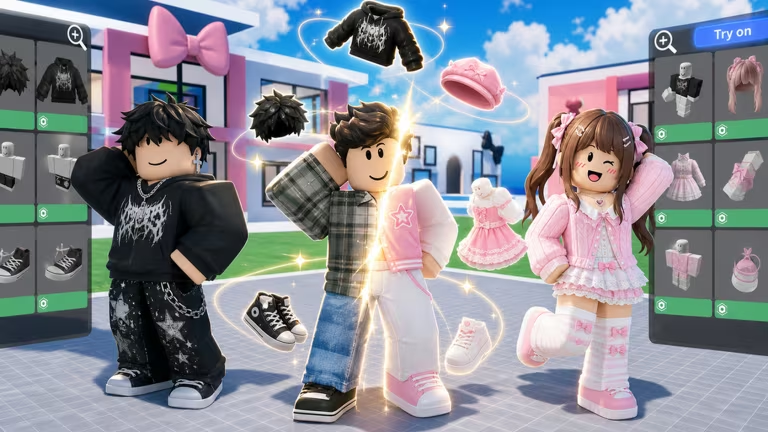
Avatar Simulator is a Roblox experience where you collect coins and gems to unlock new looks for your character, and the game’s codes hand you a shortcut to extra currency and exclusive cosmetics you won’t get any other way.
Working Avatar Simulator Codes
There’s one code live right now, and it’s worth grabbing before it expires since it comes with a limited-time avatar you can’t earn through regular play.
SorryForLongWait
500 Coins, 100 Gems, and an Exclusive (Event) Celebrator Avatar
New
How to redeem codes in Avatar Simulator
Redeeming a code takes less than a minute once you know where the button is hiding. Follow these steps in order.
If your coin and gem totals don’t move after confirming, double-check the spelling and capitalization before trying again.
How to get more Avatar Simulator codes
New codes for Avatar Simulator tend to show up around updates, milestones, or events, so keeping an eye on the developer’s official channels is your best bet for catching them early. The game’s Discord server is where announcements usually land first, and it’s worth checking in every so often if you don’t want to miss a reward before it expires.
Are Avatar Simulator codes free?
Yes. Every code is released by the developer at no cost and redeeming one simply adds coins, gems, or cosmetics to your account without any purchase required.
Why didn’t my code work?
The most common reason is a typo, since the redemption box treats codes as case sensitive. Retype the code carefully, without extra spaces, and try again before assuming it has expired.
Once you’ve claimed the current code, check back on the Codes button occasionally so you don’t miss the next reward as soon as it drops.





Leave a Reply