

Shashwat
-

How to Launch Apps as Admin in PowerToys Workspaces
What to know Open your workspace via Workspace Editor (Win+Ctrl+`). Click on an app and select Launch as admin from its dropdown menu. In v0.84.0,…
-

How to Launch a Workspace Using PowerToys
What to know Launch your workspace from PowerToys > Workspaces > Launch Editor. Alternatively, press Win+Cltr+`. Click on Launch next to a workspace. A workspace…
-
How to Block People From Commenting on Your Instagram Story
What to know Block users from commenting on your Instagram Story from Settings and privacy > Comments > Stories > Blocked. Decide who gets…
-
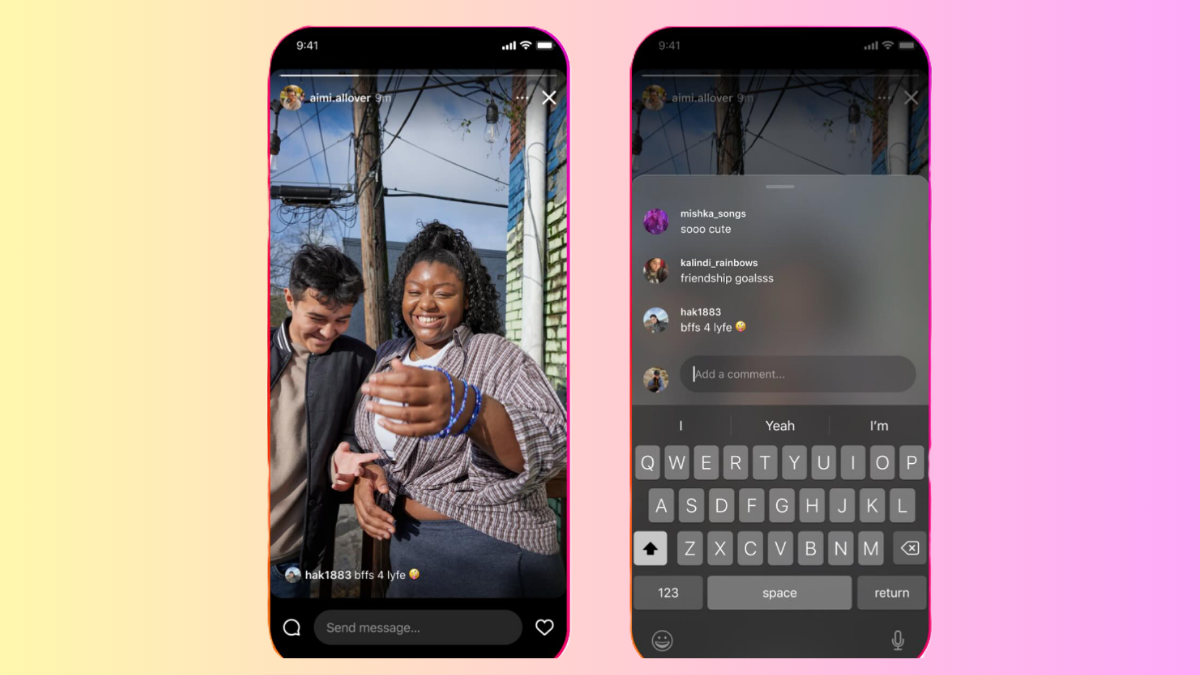
How Do Story Comments Work on Instagram (And How to Use It)
What to know Your Instagram Stories can now get comments from others. The Story Comments feature is enabled by default. Anyone who can see…
-

Bluetooth 6.0 Is Here With Enhanced Tracking Precision and Security
What to know The new version of the Bluetooth Core Specification – Bluetooth 6.0 – has been announced by the Bluetooth Special Interest Group…
-

WhatsApp Will Soon Let EU Users Send Messages to Other Apps
What to know Meta reveals big changes to WhatsApp that will allow EU users the ability to send and receive messages from third-party messaging…
-

How to Edit a PowerToys Workspace in Windows 11
What to know Open the Workspaces Editor (Win+Ctrl+`) and click on a workspace to start editing it. Alternatively, click on the three-dots next to…
-

How to Enable and Create a New Workspace in Windows 11 With PowerToys
What to know PowerToys new feature ‘Workspaces’ lets you set up and save apps in custom layouts so you can later open them all…
-
4 Best Ways to Record Audio on Windows 11
What to know Windows has a built-in Sound Recorder app for recording audio on your computer in multiple formats and audio quality. For additional…
-

How to Add a Song on Your Instagram Profile
What to know Instagram’s ‘Music on Profile’ feature lets you add 30-second song clips on your profile. Go to your Instagram profile, tap on…
-
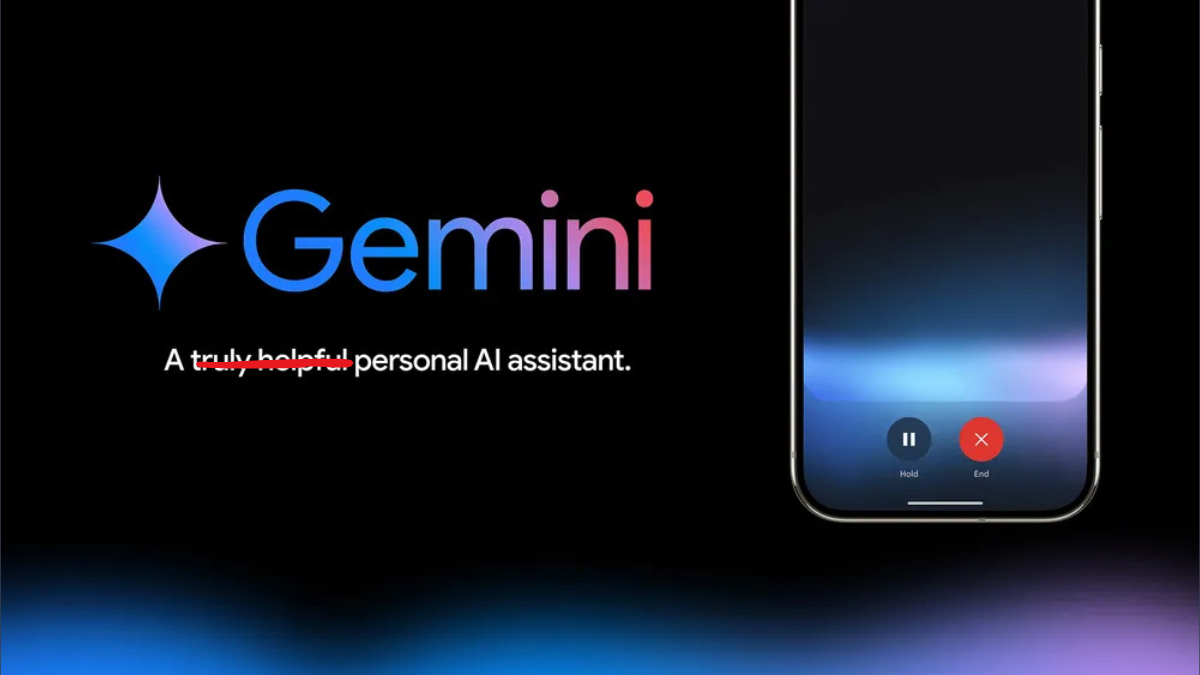
Gemini Live Review: An Improved Assistant Stymied by Its AI Model
What to know Gemini Live is an impressive digital assistant voice mode feature with 10 different voices, quick conversational responses, and chat transcripts. Unfortunately,…
-
Microsoft Confirms Option to Uninstall Recall Using ‘Windows Feature’ Was a Bug
What to know Windows senior product manager Brandon Leblanc has said that the Recall feature’s listing on ‘Windows Features’ is a bug that will…
-

How to Add Collaborator on Instagram After Posting
What to know Instagram lets you add collaborators to Reels even after you post them. Open the posted Reel, tap on the three-dot icon,…
-
How to Delete windows.old in Windows 11
What to know The Windows.old folder in the C: system drive stores old system files from previous Windows versions. Delete the windows.old folder from…
-
How to Open Clipboard in Windows 11
What to know The clipboard is a temporary storage space that is used to cut, copy, and paste items between programs and applications. Being…
-
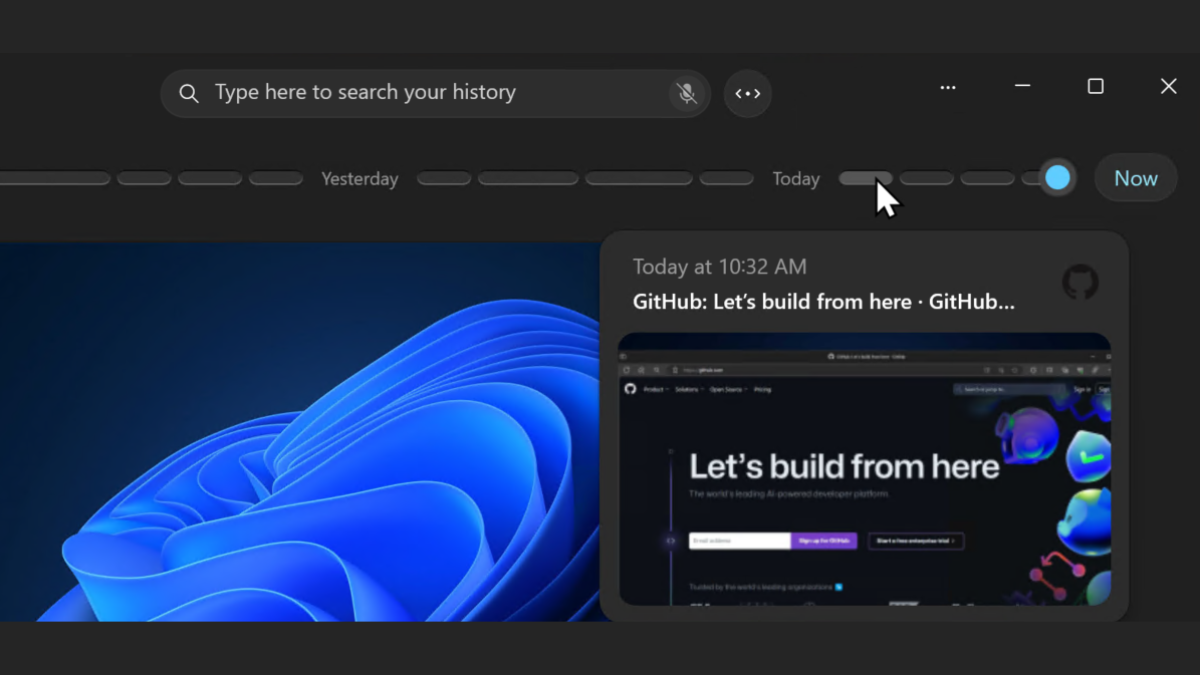
Can You Uninstall Windows Recall?
What to know Yes, you can now uninstall Windows Recall completely. Search for and open ‘Turn Windows features on or off’. Uncheck Recall and click…
-
Gemini Now Lets You Ask Questions About Your Gmail Inbox on Android
What to know You can now ask Gemini questions about your Gmail inbox. The feature is available only on Android and requires a paid…
-

Zoom Docs Is a Worthy Google Docs Alternative
What to know Zoom Docs is a new online document editor with several features that place it as a worthy alternative to Google Docs.…
-
ElevenLabs AI Reader Turns Any Text Into Realistic Speech: Everything You Need to Know
What to know ElevenLabs is a free text-to-speech app with highly realistic voices, including those of deceased celebrities like Sir Laurence Olivier. ElevenLabs is…
-
How to Transfer YouTube Music to Apple Music
What to know You can now transfer your YouTube Music playlists to Apple Music using Google Takeouts. Go to Google Takeouts and follow the…