

Shashwat
-
How to Automatically Activate a Calendar Set on Fantastical on Windows
What to know Fantastical lets you automatically activate calendar sets based on time and location. From Fantastical’s Settings, select Calendars & Lists, select your…
-

Step-by-step Guide to Use ChatGPT in Windows Terminal
What to know Windows Terminal (Canary) lets you access ChatGPT and other AI services directly within the app. Click on the down arrow next…
-
How to Connect Existing Calendar Accounts to Fantastical on Windows 11
What to know Fantastical lets you connect existing calendar accounts from File > Settings > Accounts. You can connect your Google, iCloud, Exchange, Microsoft…
-

How to Add Interesting Calendars to Fantastical on Windows 11
What to know Interesting calendars are curated calendars that you can subscribe to on the Fantastical app. Once subscribed, these calendars appear in your…
-

How Does ChatGPT Search Fare Compared to Traditional Google, Bing Search
What to know ChatGPT Search provides contextually aware, real-time updates and search results, along with sources and citations. With ChatGPT Search, OpenAI has firmly…
-
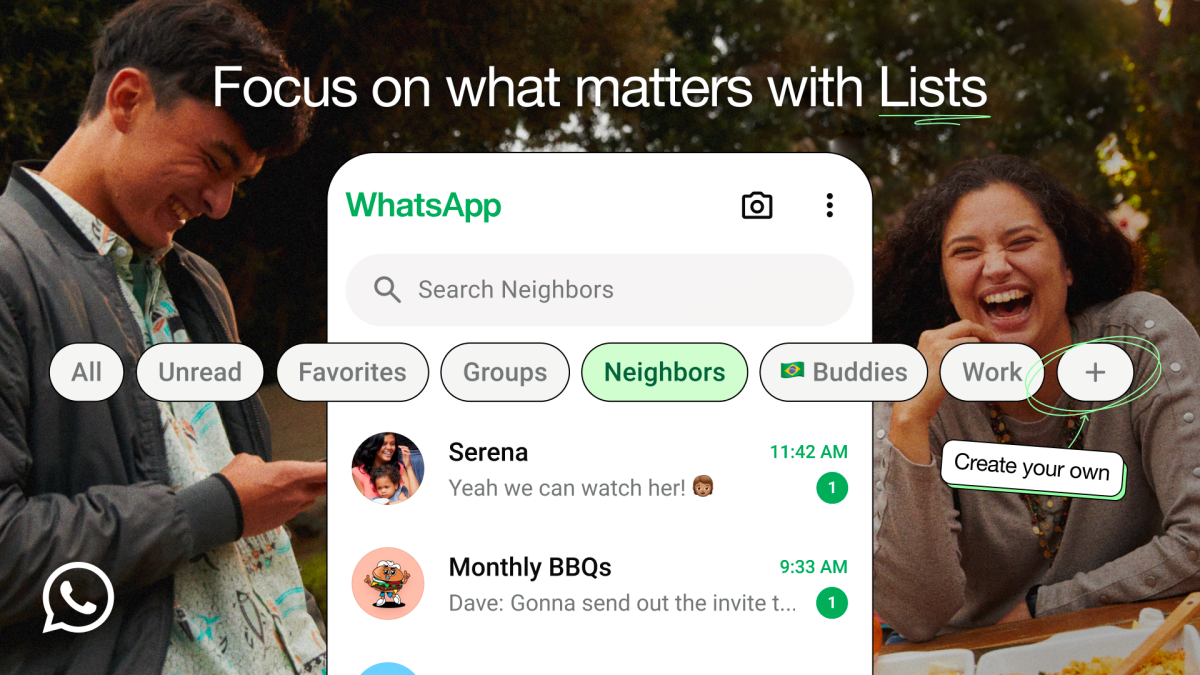
WhatsApp Gets Custom Lists. Here’s How to Create Them
What to know WhatsApp now lets you create your own custom lists and filters to help you categorize your chats better. On WhatsApp’s ‘Chat’…
-
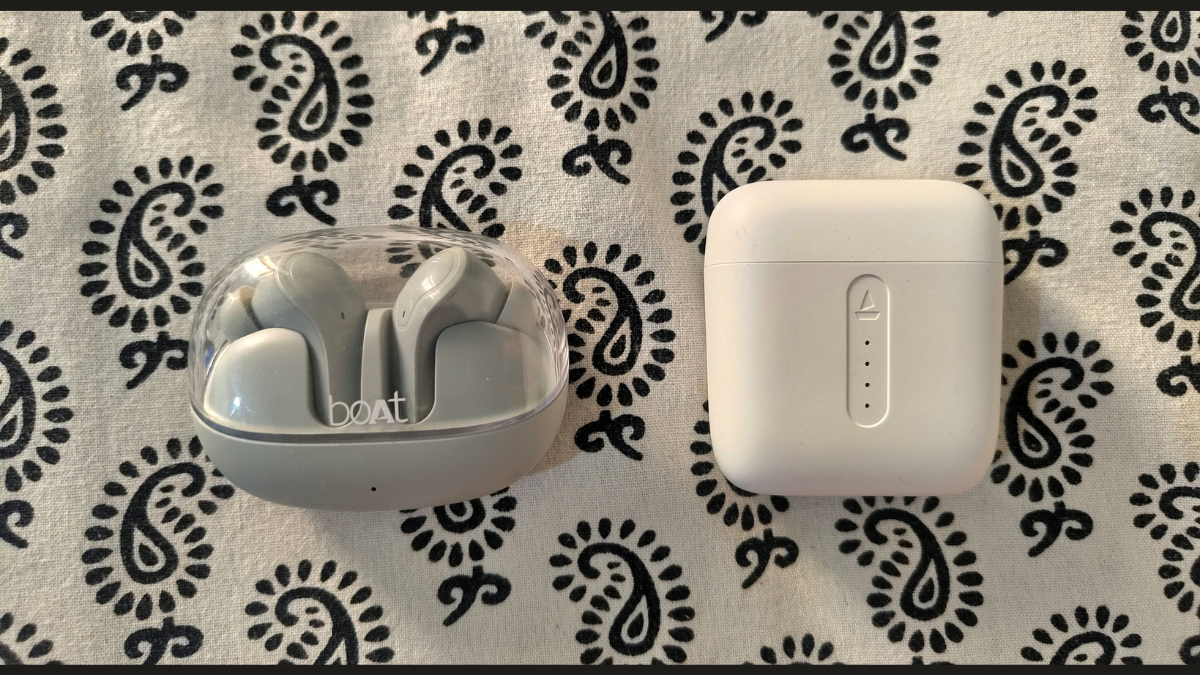
Boat Airdopes 311 Pro vs Boat Airdopes 141: Whatever Floats Your Boat
What to know Boat Airdopes 311 Pro and Boat Airdopes 141 are very similar TWS earbuds available under a thousand rupees. The main differences…
-
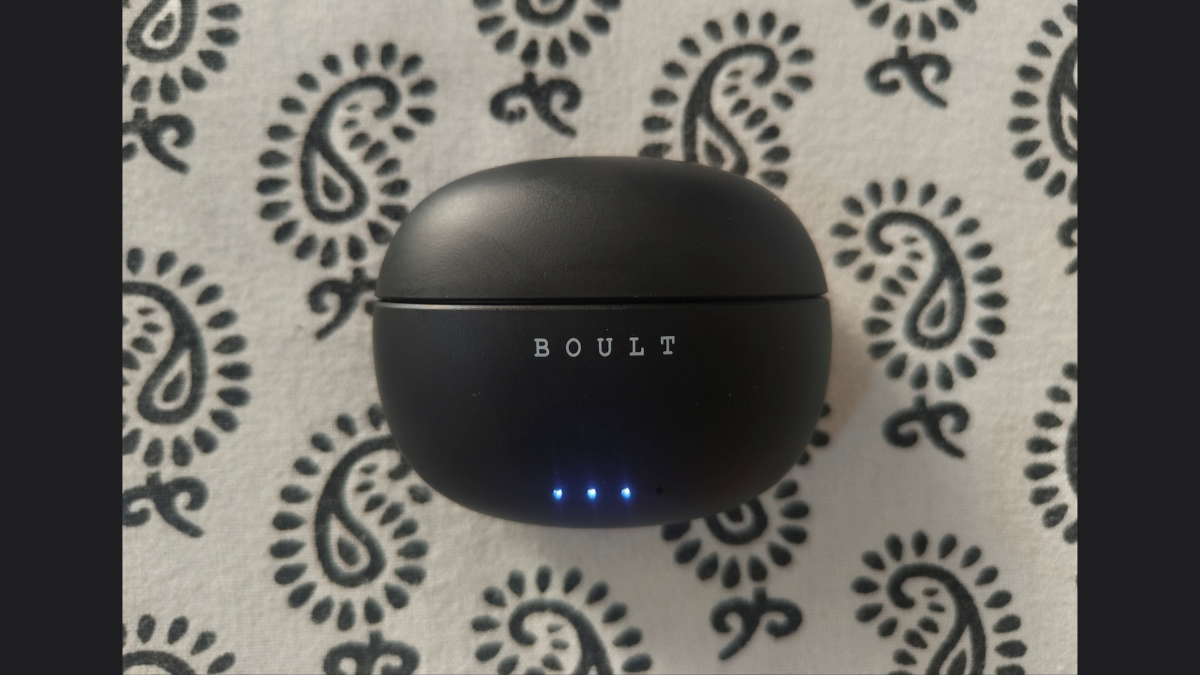
Boult W20 Review: A Beautiful, All-round Performer
What to know Boult W20s are among the most well-rounded earbuds in the budget TWS category. With a balanced sound profile, a minimal, sleek…
-
How to Access Your Android Phone’s Storage in Windows File Explorer Wirelessly
What to know You can access your Android phone’s storage on File Explorer on Windows without a USB cable. Install Link to Windows app…
-

Fantastical comes to Windows!
What to know Fantastical, once an Apple-only calendar app, is now available on Windows natively as part of the app’s 4.0 update. Fantastical can…
-
How to Hide System Tray Icons on Windows 11 Using Windhawk
What to know Windhawk has a new mod that lets you hide all the system tray icons. You can remove the Wi-Fi, volume, battery,…
-
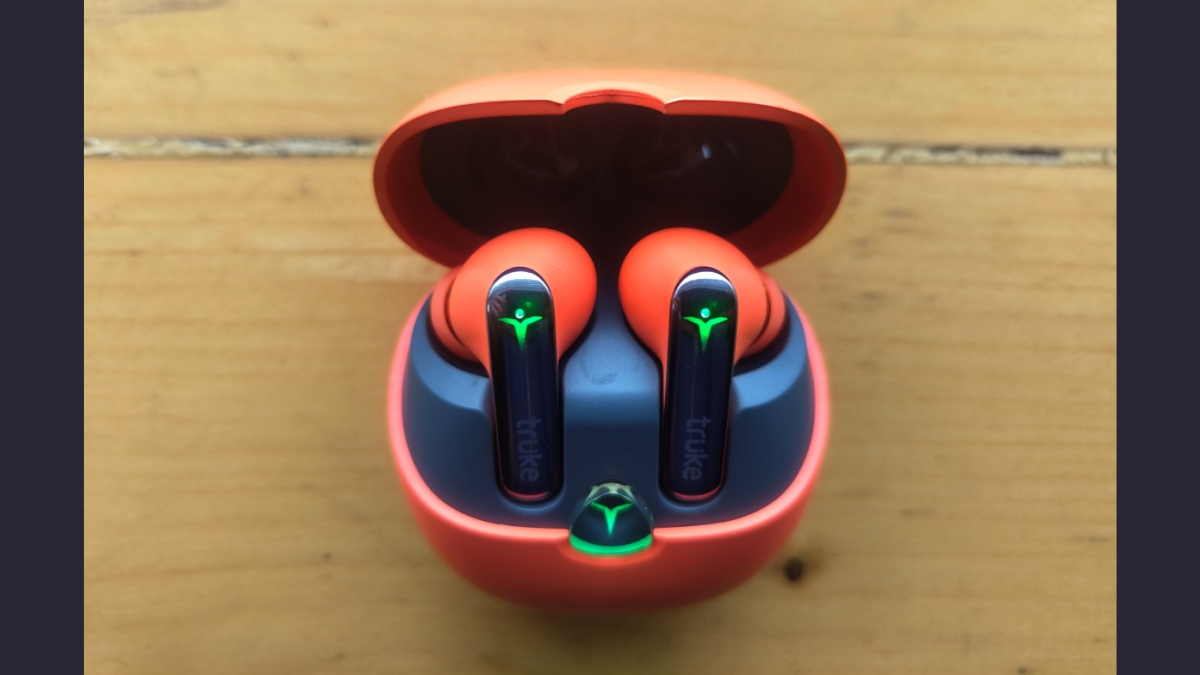
Truke BTG Flex Review: Where’s the Flex?
There are no winners in the land of budget TWS earbuds, only compromises. As your budget lowers, you have to start considering which features…
-

Meet Files, Your New File Explorer App For Windows 11
Let’s face it! – The File Explorer on Windows 11 isn’t perfect. Its modern look has neutered the top ribbon and culled many useful…
-

5 Reasons Why You Should Skip the Kindle 2024 Upgrade
What to know Recently launched Kindles add some splash to the lineup, but they also take away key features. Sideloading e-books on new Kindles…
-

ChatGPT Advanced Voice Mode Review: Overpromised, Underdelivered
What to know ChatGPT Advanced Voice Mode is missing many important features, such as multimodal capabilities and a hold-to-speak button, and is censored to…
-
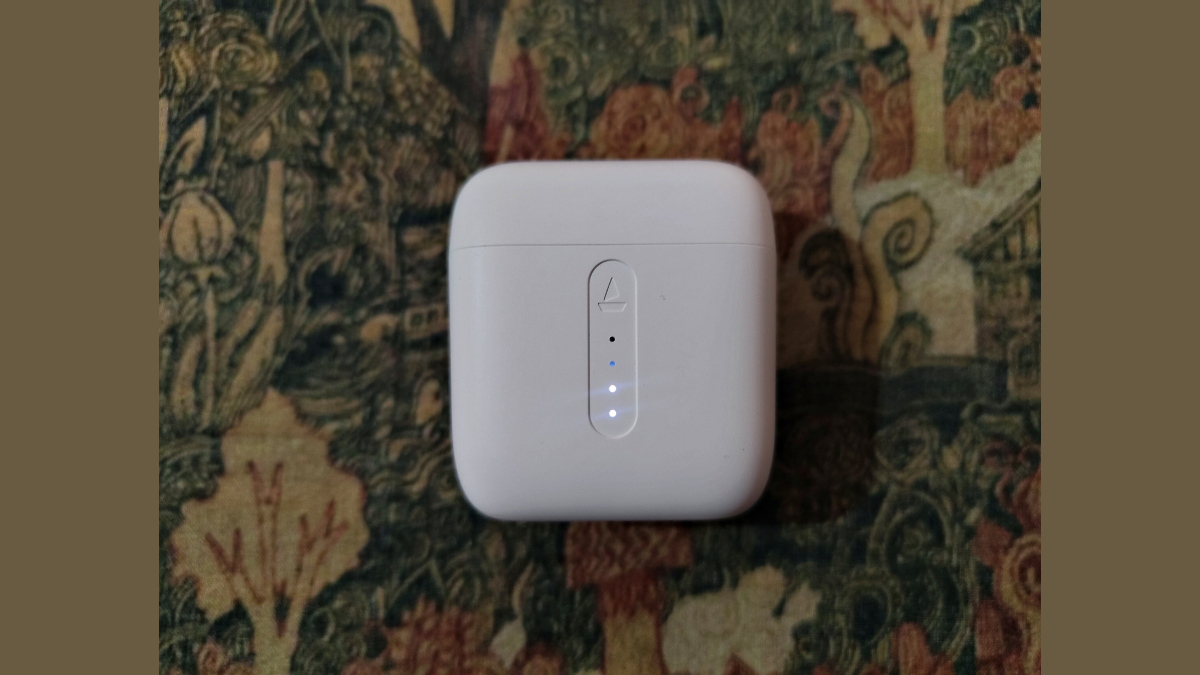
Boat Airdopes 141 Review: Old, but Not Obsolete
What to know Boat Airdopes 141 is an old pair of earbuds that have outlived their glory days. The earbuds have a loud sound…
-
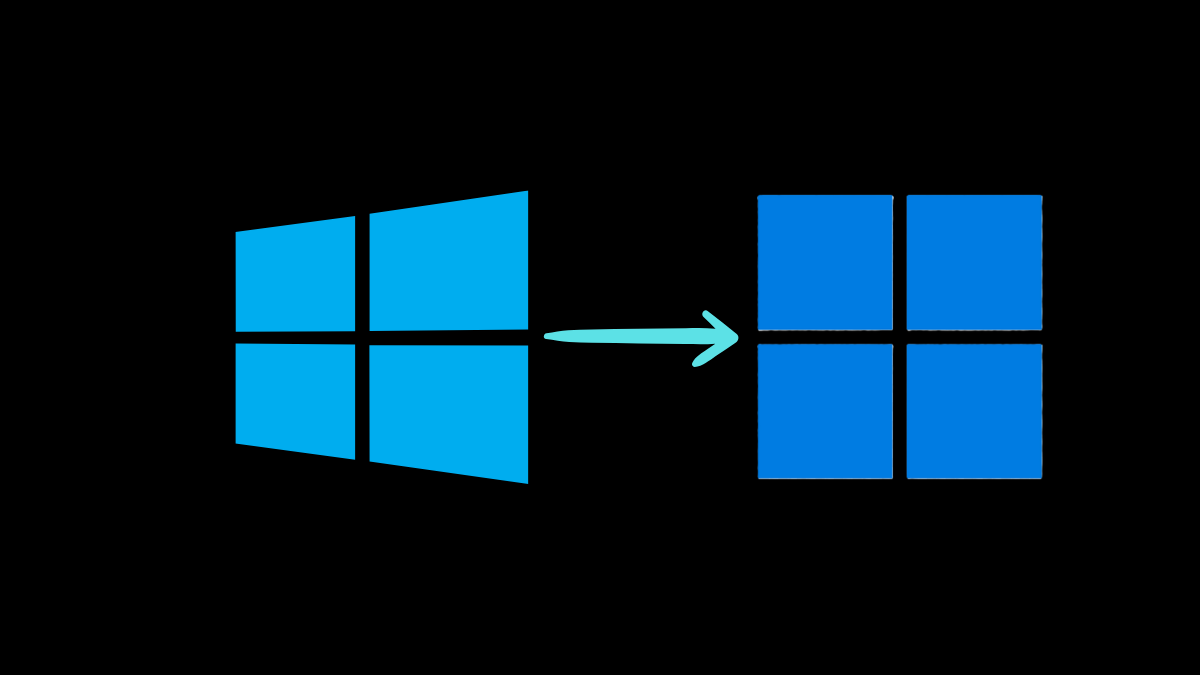
How to Use Flyby11 to Force Install Windows 11 Update on a Windows 10 PC With Unsupported Hardware
What to know Windows 10 users can use the Flyby11 tool to bypass checks while upgrading to Windows 11, allowing PCs with unsupported hardware…
-
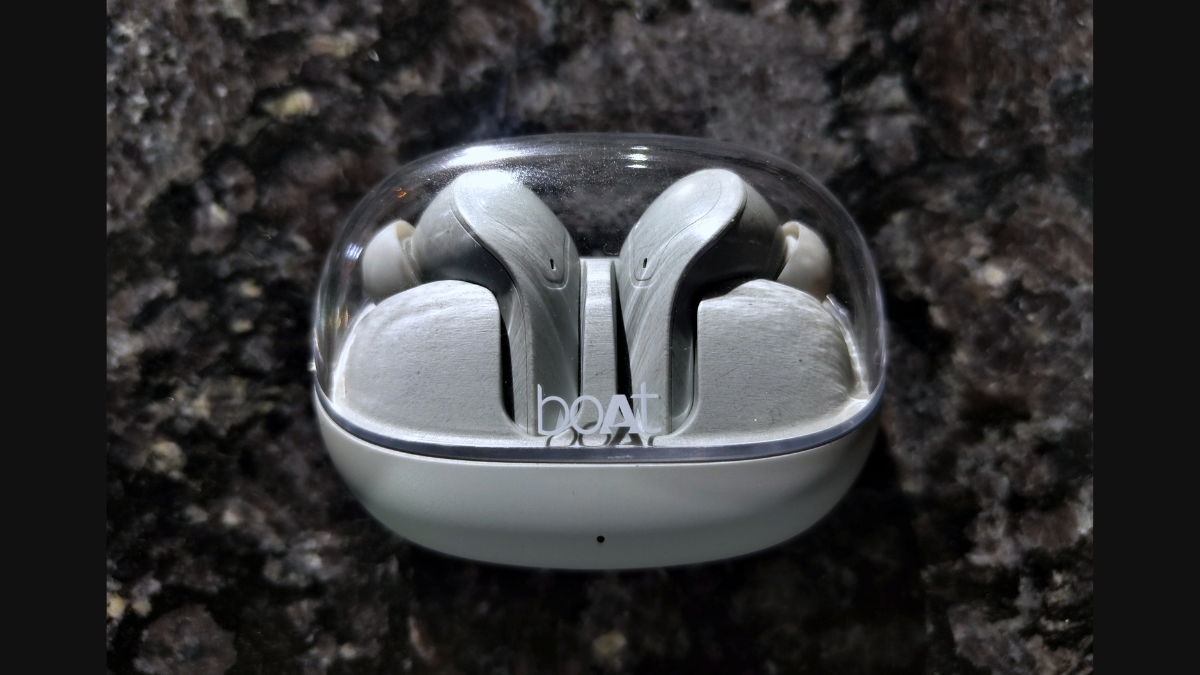
Boat Airdopes 311 Pro Review: Premium Looks, Average Sound
What to know Boat Airdopes 311 Pro look incredibly premium and stylish. The earbuds offer 6-7 hours of playtime; a total of 45 hours…
-
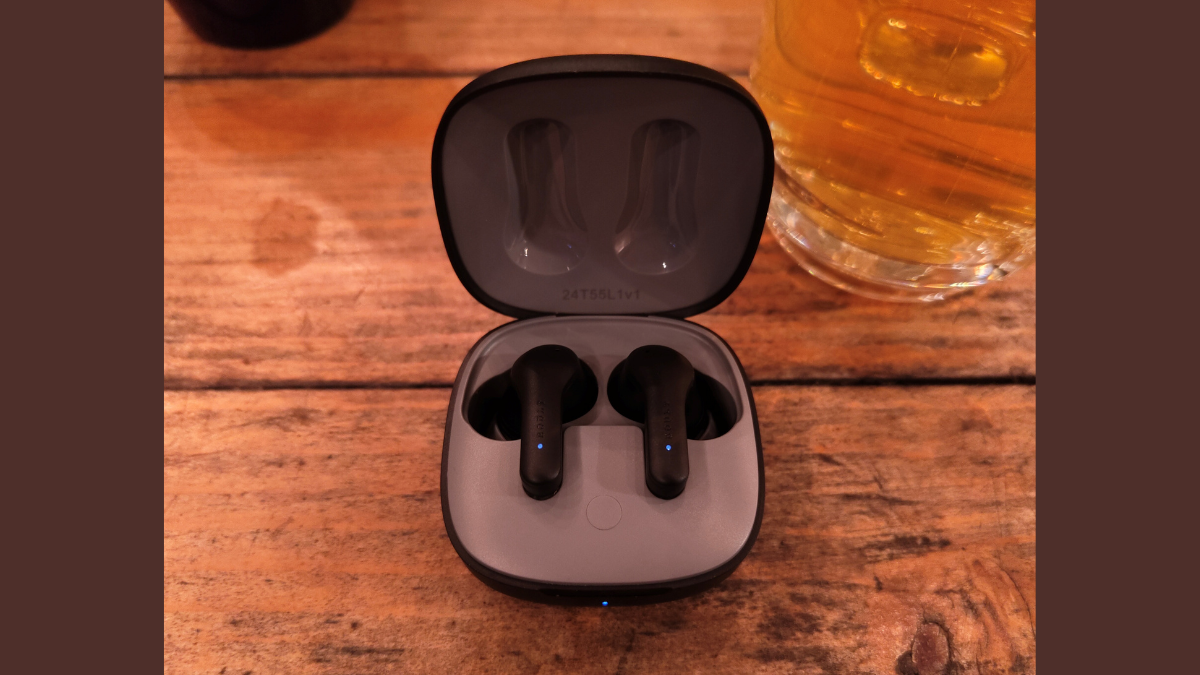
Boult K10 Review: Best TWS Earbuds Under Rs 1000 for Bass Lovers
What to know Boult K10 is the one of the best deals in town for audio buffs on a budget. The sound profile is…
-

How to Move Chrome’s Address Bar to the Bottom on Android
What to know Chrome Canary on Android lets you move the address bar to the bottom. Enable the flag ‘Bottom toolbar’ from chrome://flags on…