
To complete the Medal Event Quest in Anime Astral Simulator, link your Roblox account in the Medal desktop app, stay in the game for 15 minutes, record and post an Anime Astral clip on Medal, then rejoin if the quest does not update.
Complete the Medal Event Quest by linking Anime Astral Simulator to the Medal capture app, playing for 15 minutes, and posting a clip from your session. All three tasks — link, play, and post — must register together. Rejoin afterward so the quest board updates and delivers your reward.
What the Medal Event Quest asks for
| Requirement | What |
|---|---|
| Connect Roblox to Medal | Link your Roblox account inside Medal’s Connected Accounts page |
| Play for 15 minutes | Stay in Anime Astral Simulator for 15 minutes of playtime |
| Post an Anime Astral clip | Record with Medal, then publish the clip to your Medal profile |
| Refresh the quest | Leave and rejoin so the quest board updates |
Clear the three tasks, then complete the refresh step. Connect your Roblox account to Medal, play for 15 minutes, and post a clip of the game through Medal. Completing all three unlocks a one-time reward bundle, but the payout arrives after you leave and rejoin to update the board. Treat the rejoin as part of the quest, not an afterthought.
How to finish the Medal Event Quest in Anime Astral Simulator
Key Complete these steps in order. Finish all three tasks, then rejoin to refresh the board and register the quest completion.
STEP 1/7
Go to the Medal website
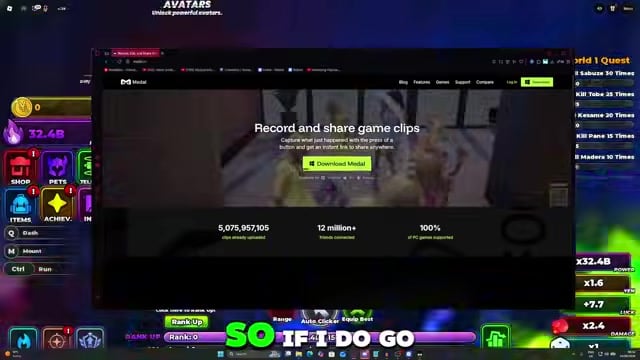
Open <a href=”https://medal.tv”>medal.tv</a> in your browser and download the capture app.
STEP 2/7
Download and set up Medal
Install and open the Medal desktop app, then create an account and log in.
STEP 3/7
Link Roblox in Connected Accounts
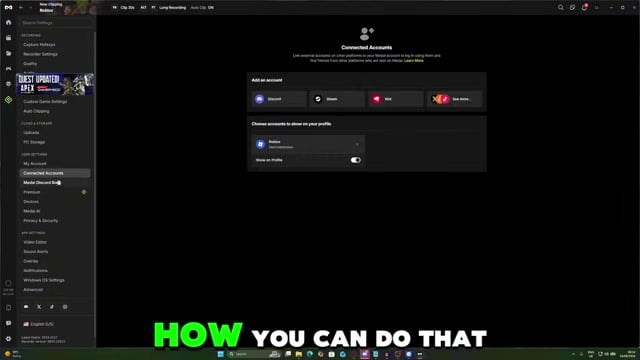
In Medal, open Settings, select Connected Accounts, and link your Roblox account. This clears the first task.
STEP 4/7
Record an Anime Astral clip
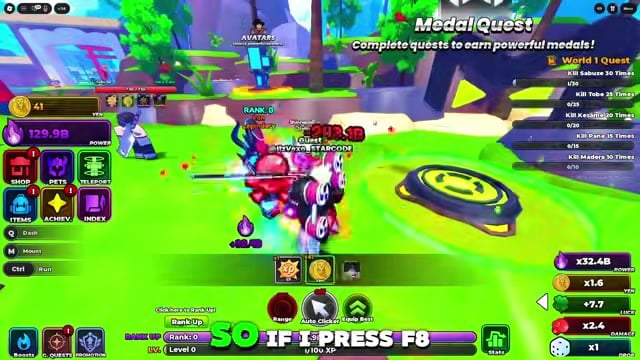
Return to the game and press your Medal clip hotkey. The Medal setup shown here uses F8; if it does not capture, check your own hotkey binding.
STEP 5/7
Post the clip to Medal
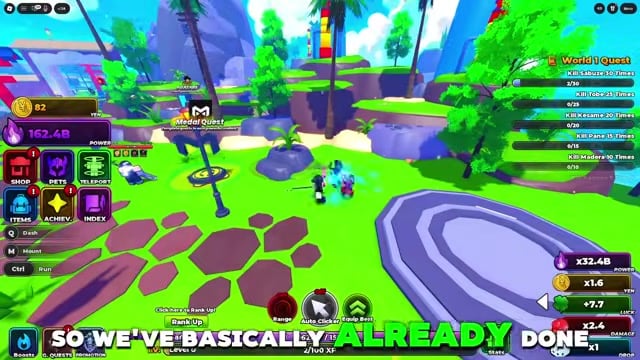
Upload and publish the recorded clip to your Medal profile. Saving it locally will not complete the post objective.
STEP 6/7
Stay in the game for 15 minutes
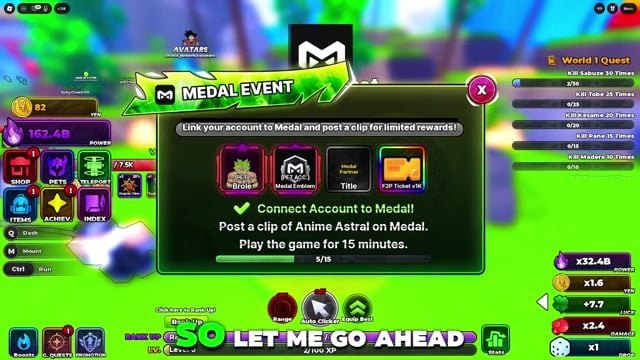
Keep playing without closing Roblox until you have completed the full 15 minutes of playtime.
STEP 7/7
Leave and rejoin to refresh
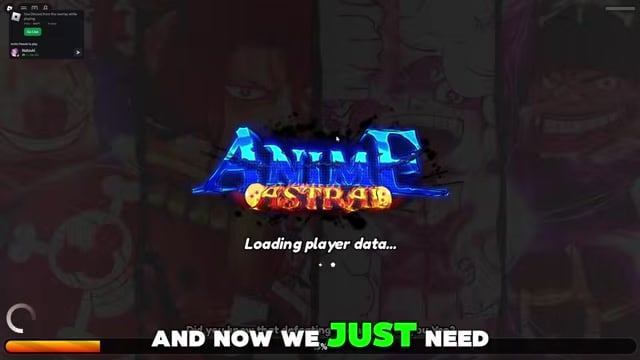
Exit Anime Astral Simulator and rejoin — if the board did not load your progress, this is what makes it catch up.
Link Roblox inside Medal’s Connected Accounts, not on the Roblox website. Linking it on the Roblox website will not clear the first task.
Video help
Fixing tasks that will not register
| Problem | Fix |
|---|---|
| Roblox linked on the website, not in Medal | Link it in Medal’s Settings, under Connected Accounts |
| Clip recorded but never posted | Publish the clip to your Medal profile, not just save it locally |
| Left the game too early | Stay for the full 15 minutes without closing Roblox |
| Board not updating | Leave and rejoin to force the refresh |
Each task tracks separately, and the board does not update instantly. If the quest looks stuck, one requirement did not count. Link Roblox through Medal’s Connected Accounts, publish the clip instead of only recording it, and stay in the game for the full 15 minutes. After completing those requirements, leave and rejoin to refresh the board.
What lands after you reconnect
Once all three tasks are green and you have rejoined, check the quest board, then open your inventory and titles area for the payout. The one-time bundle contains the Broke pet, the Medal Emblem title, and 1,000 F2P Tickets in a single claim. If the reward has not appeared, leave and rejoin again to refresh it. Equip the Medal Emblem title from the Titles section in the Lobby Arena to activate its buff.
Related Anime Astral guides
Frequently Asked Questions
Do you need Medal, or can the quest be done inside Roblox alone?
Medal is required. The quest uses the Medal app to link your Roblox account and post a gameplay clip, so you cannot complete it entirely inside Roblox.
What should you do if F8 does not record a clip?
Make sure the Medal desktop app is running in the background, then open its settings and check the capture hotkey. If the key has been rebound or conflicts with another app, assign a working key and record the clip again before posting it.
Does the clip need to be public, or just posted to your Medal profile?
Post the clip to your Medal profile to register the objective; leaving it saved only on your PC will not count. If the task still does not clear after a rejoin, upload the clip again and make sure it appears on your profile.






Leave a Reply