
After an unexpected disconnect, check the disconnect screen first and press Reconnect when the option is there. If it is missing or fails, open Animal Hospital through Roblox and rejoin the same server your squad is still using.
When you disconnect during a night shift, your fastest way back is the in-game Reconnect prompt. Use that before closing Roblox. If the prompt is not available, rejoin through the Animal Hospital Roblox page and aim for the server your squad is still in. Those are the two clean routes back into the shift.
How to rejoin shift in Animal Hospital Roblox
KEY!
When a connection drops mid-shift, the fastest route back is the reconnect screen that shows after an unexpected disconnect. If you see it, the Reconnect option sends you straight back toward the same server without going through Roblox menus. Check that screen before you do anything else, because closing the app removes that shortcut.
The Reconnect prompt will not show every single time. If it never shows up, or the attempt fails, use the normal Roblox flow: reopen the Animal Hospital page and manually rejoin, ideally into the exact server your squad is still working. Both paths get you back; the reconnect screen just skips the menus.
Keep playing the shift normally
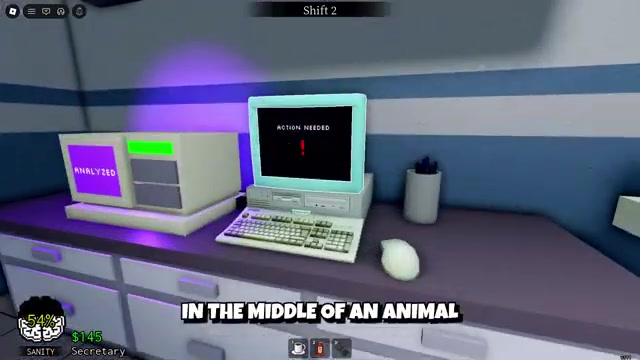
Continue your current shift normally and treat a disconnect as an interruption, not a reason to quit out.
Wait a moment when the connection drops
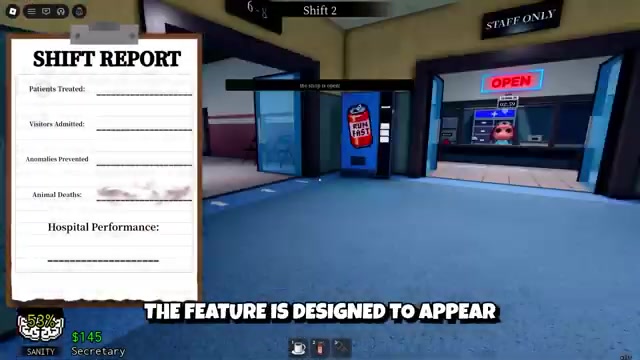
When you lose connection, pause for a moment so the game can bring up the reconnect screen.
Look for the reconnect screen
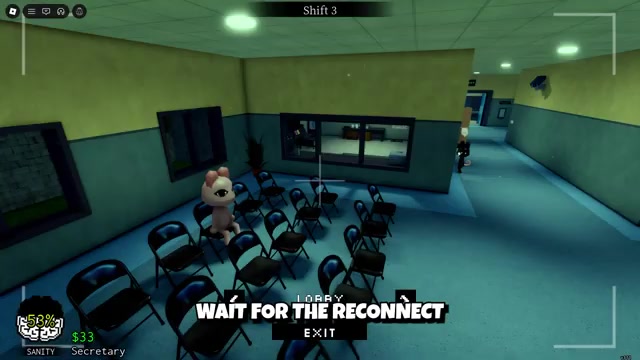
Watch the disconnect screen for the Reconnect button.
Select Reconnect
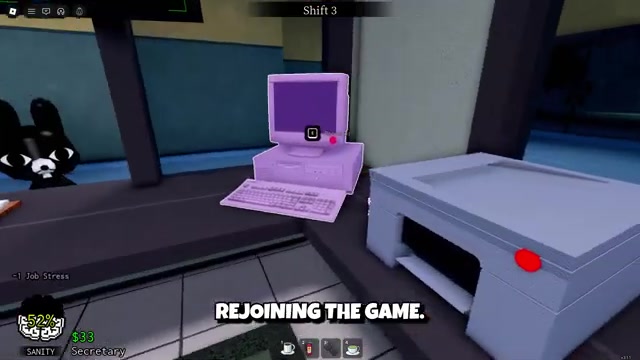
Choose Reconnect and let the game return you to the server you were in.
Wait for it to load you back in
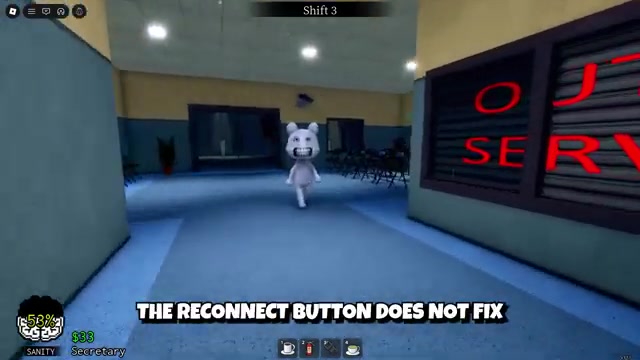
Once it lands, you drop back into the shift and continue without manually rejoining.
The second you lose connection, check the disconnect screen for a Reconnect option before closing anything — restarting Roblox right away throws away your fastest route back into the shift.
What to do when Reconnect is missing
No reconnect screen, or a reconnect attempt that keeps failing, points at your connection rather than the game. Work through these fallbacks and you can still get back to your squad through Roblox’s normal server list.
Check your internet
Make sure your Wi-Fi or mobile data is working before you try anything else.
Wait a few seconds and retry
Give an unstable connection a few seconds to settle instead of pressing the button over and over.
Restart Roblox if it is frozen
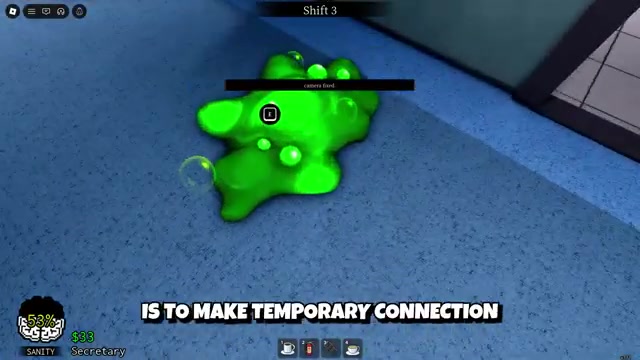
If the app stops responding, close and reopen it so you are no longer stuck on a dead session.
Reopen the Animal Hospital page
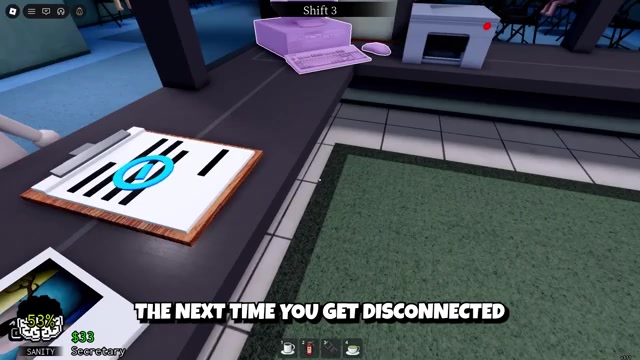
Go back to the Animal Hospital game page in Roblox and line up a fresh join.
Join your squadmate’s server
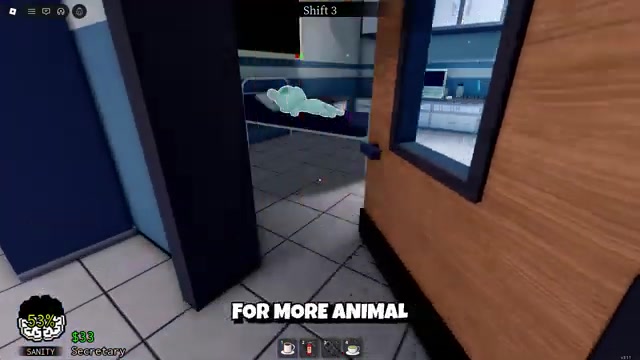
Use the Servers or Friends Playing section and press Join on the server your host or friend is still in.
Press Play for a fresh lobby
If that shift has already ended or the server is gone, hit Play to start a new lobby and regroup from the Lobby or Check-In Room.
What rejoining does and does not restore
| Situation | What |
|---|---|
| Reconnect button appears | Select it and wait for the server to load you back in. |
| Reconnect fails or stalls | Check your connection, wait a few seconds, then rejoin manually. |
| No reconnect screen shows | Reopen the Animal Hospital page in Roblox and rejoin. |
| Squadmate still in the shift | Use Servers or Friends Playing and join their server. |
| Shift ended or server crashed | Press Play and start a fresh shift from the Lobby. |
A successful reconnect drops you back into an active server, but it only handles the server return. It does not fix your connection. If your Wi-Fi is still unstable, the attempt can fail or refuse to land, and no button on screen will stabilize the line for you.
Rejoining an active night sends you back in through the Lobby rather than restoring your exact position or sanity from the moment you dropped. Some situations cannot be recovered: if the host was kicked or the whole server crashed, that instance is gone and the group has to start a new shift. Leaving on purpose or closing Roblox yourself also changes the outcome, because the reconnect path is built for accidental drops during a normal shift, not intentional exits.
Common mistakes after a disconnect
The biggest mistake is closing Roblox the instant you drop, before checking the disconnect screen. That is when you lose a possible one-tap return. Keep your expectations grounded too: there is no guaranteed Rejoin Shift button waiting inside hospital rooms like the Check-In Room or Staff Only Room, so skip the room search.
Two more mistakes cost players time. Make sure you are rejoining Animal Hospital and not the separate game Animal Hospital Escape, which runs its own unrelated systems. Also, repeat the farm for more rolls if the shift progress does not survive. A forced exit can leave a shift incomplete even with the Journal system tracking your night, so a clean disconnect never promises that everything picks up right where you left it.
Video help
Related Animal Hospital guides






Leave a Reply