
When you first start Aniimo, expect to download the client, pick a region-locked server, create and name your character, play a short opening stretch, choose your starter, then learn Twine before the game opens up.
Aniimo is a free-to-play, open-world creature-catching RPG set on the continent of Idyll, where you play a Pathfinder who befriends and raises creatures called Aniimo. Before you plan out your first session, it helps to know the exact order of decisions the game puts in front of you — a couple of them stick, so the earlier you understand them, the fewer regrets you’ll have an hour in.
When Aniimo launches
Aniimo is scheduled to launch worldwide in Q3 2026. Much of the detail we have so far comes from the game’s closed beta, so a few finer points can still shift between now and release.
Where to download Aniimo and on what
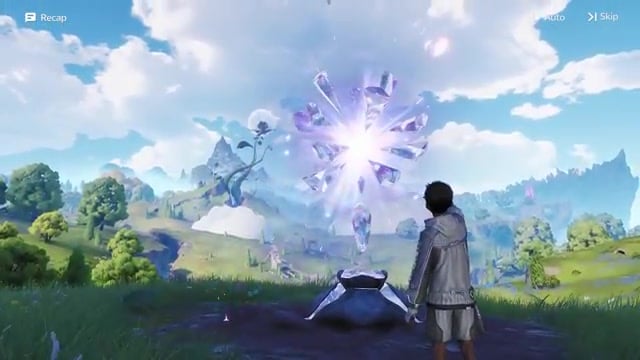
Aniimo is built to be widely accessible, and how you get it depends on your platform. On PC, it will have its own dedicated client, but you won’t be forced to use it — you’ll also be able to grab it through Steam or the Epic Games Store. There’s an Xbox PC option alongside the standard console versions.
Mobile is covered too, with an app expected for iOS and Android devices capable of running the game. Whichever route you pick, the download itself is the easy part — the first real decision comes the moment you’re actually in.
Picking your server before anything else
| Choice | What it means |
|---|---|
| Three servers: America, Europe, APAC | Each region is locked; pick the one where you actually intend to play. |
| Playing with friends | Everyone must make their characters on the same server to play together. |
| Moving to another server | You can join it, but you start a fresh character and progression there. |
| Your original character | Stays intact on its server — nothing is deleted when you play elsewhere. |
The very first meaningful choice you make is also the most consequential: your server. Servers are region-locked, and right now there are three — America, Europe, and APAC. This matters most if you’re planning to play with other people, because your character lives only on the server you make it on.
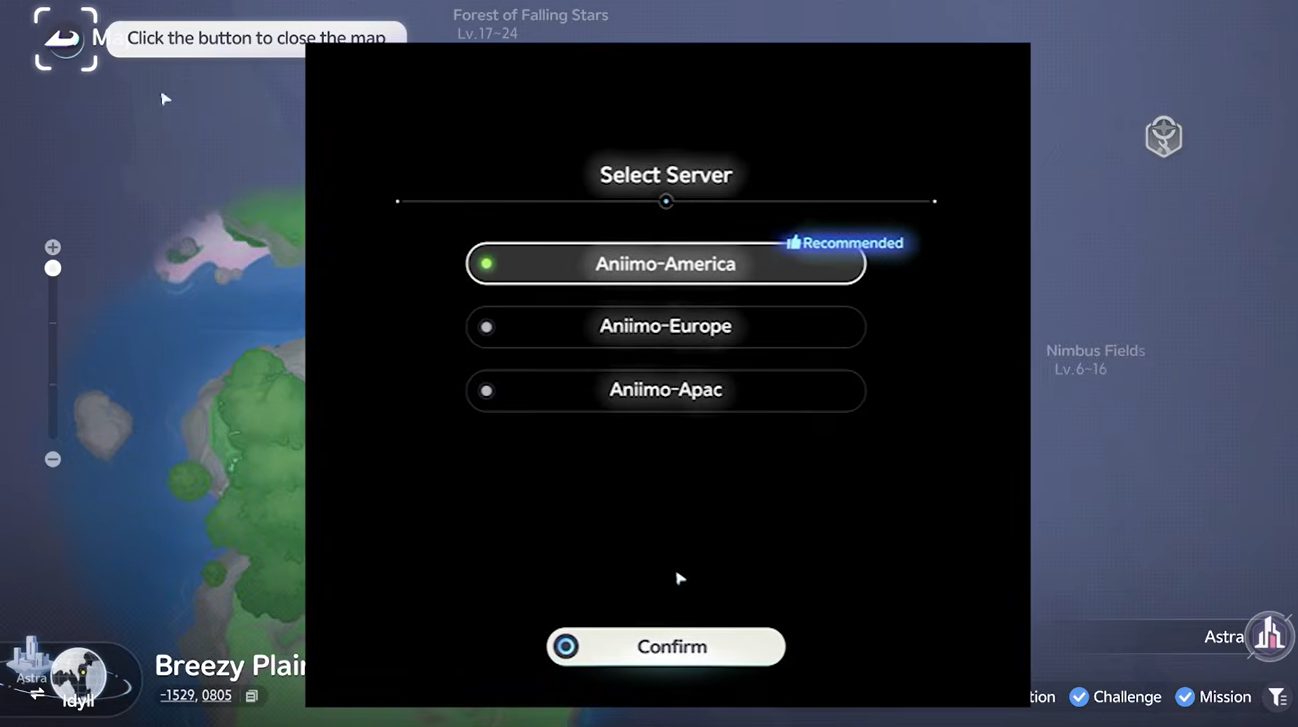
If you create a character on America and then discover your friends are all on Europe, you can’t carry that character over. You’re free to go play on the European server, but you’ll be starting a brand-new character and progressing from scratch there. The upside is nothing gets deleted — your original character and its progress stay waiting on the American server, so you can genuinely maintain two separate characters across two servers if you want.
Agree on one server with everyone you plan to play with before anyone hits create — a character made on the wrong region can’t follow you, and redoing your progress elsewhere is the only fix.
Creating and naming your character
Once your server is locked in, you go straight into character creation, and there’s a lot to customize here — enough that it’s easy to lose an hour before you ever load into the world. After you finish building your look, you get to choose your name, and this is where a little strategy pays off: names are unique. If there’s a specific name you really want, especially a common one, it’s worth stepping out of the editor to claim it rather than risking someone else taking it while you fine-tune your cheekbones.
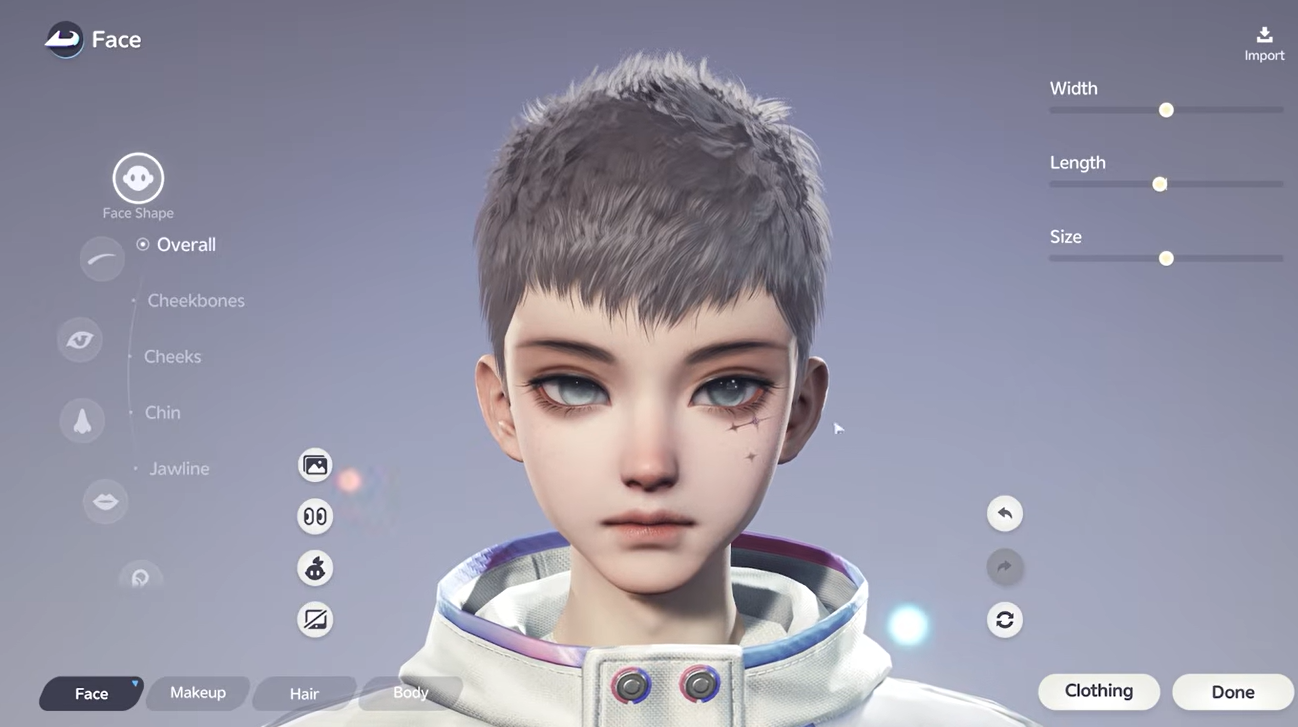
None of your appearance choices are permanent, though. You’ll be able to edit your character again later, with some changes costing resources, and even your name can be changed down the line using name-change vouchers. The one thing to get right the first time is your character’s sex — as of now there’s no way to change it afterward, so double-check that selection before you lock it in.
Your first stretch before the starter choice
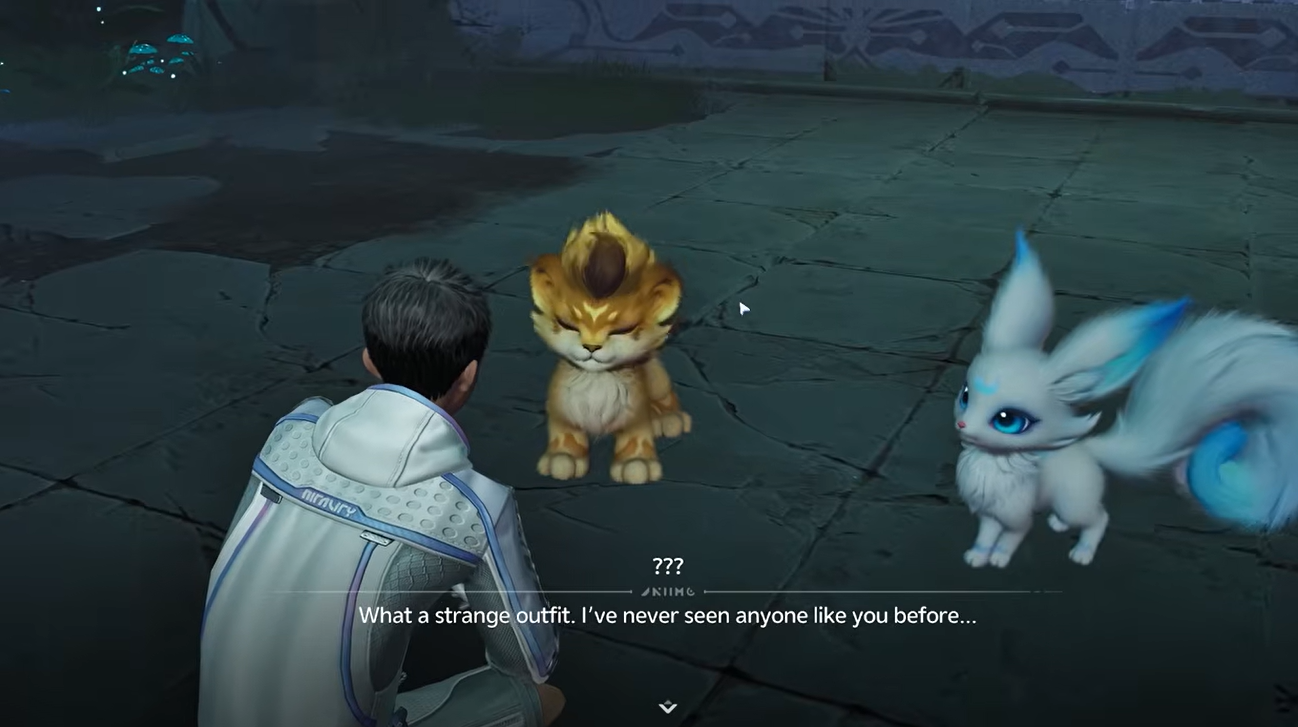
Here’s where Aniimo does something a little different from a lot of creature-collectors: you’re not immediately made to choose a starter. Instead, you actually play for a bit first. The game introduces you to the world, lets you get a feel for movement and catching, and has you catch a few Aniimo of your own along the way.
Only after that opening stretch do you reach the point where you’re asked to pick your real starter. By then you’ve already got hands-on time, so the decision doesn’t come cold.
Choosing your starter
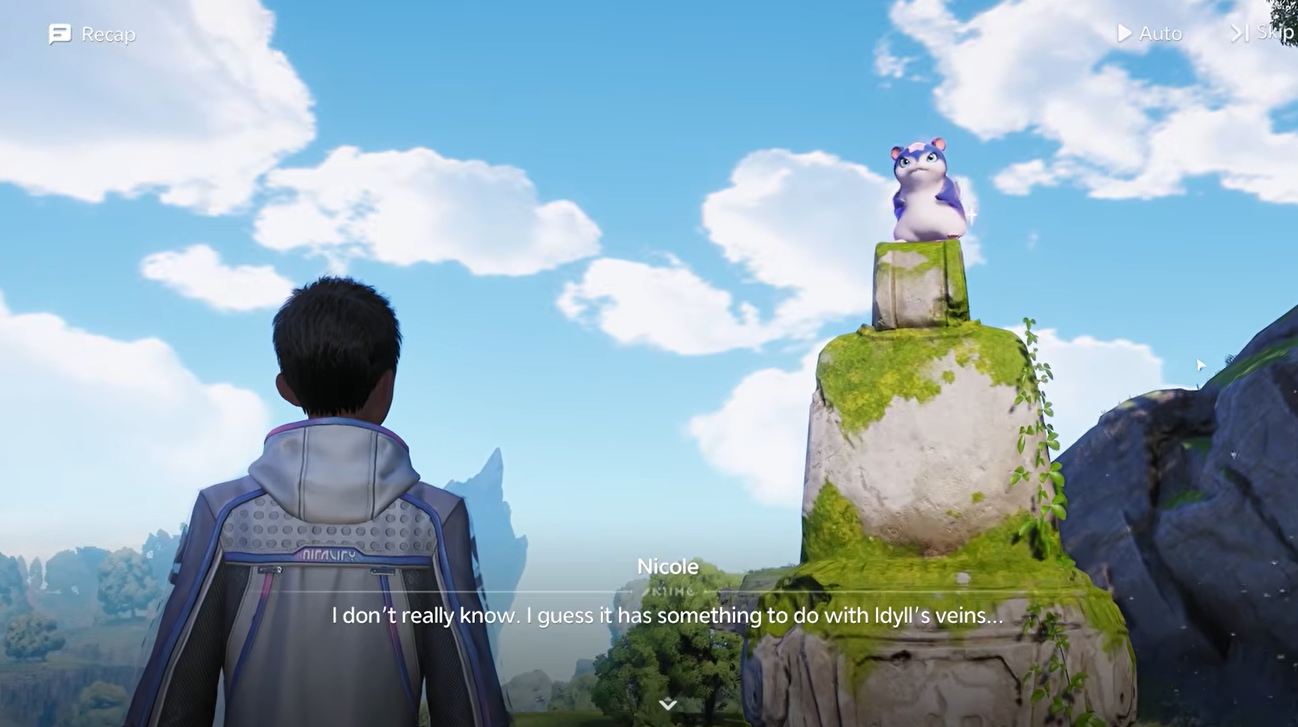
Key Choose the starter whose design and playstyle suit you best. Your starter is locked to your account and cannot be traded to another player or moved between your own accounts.
Learning Twine and the early loop
After you’ve settled on your starter, the game teaches you Twine, and it’s the mechanic that gives Aniimo its own identity. Twining lets you merge with one of the Aniimo on your team and play as it directly, controlling its body and abilities in combat rather than only commanding from the outside.
Once Twine clicks, the game essentially hands you the reins. From here the loop opens up: you explore Idyll, catch more Aniimo, fight through real-time combat, and start shaping a team around the creatures and roles you like. Everything after Twine is your own path — this whole opening sequence, from download to your first Twine, is roughly the first 30 minutes to an hour of play.
Getting your first hour right
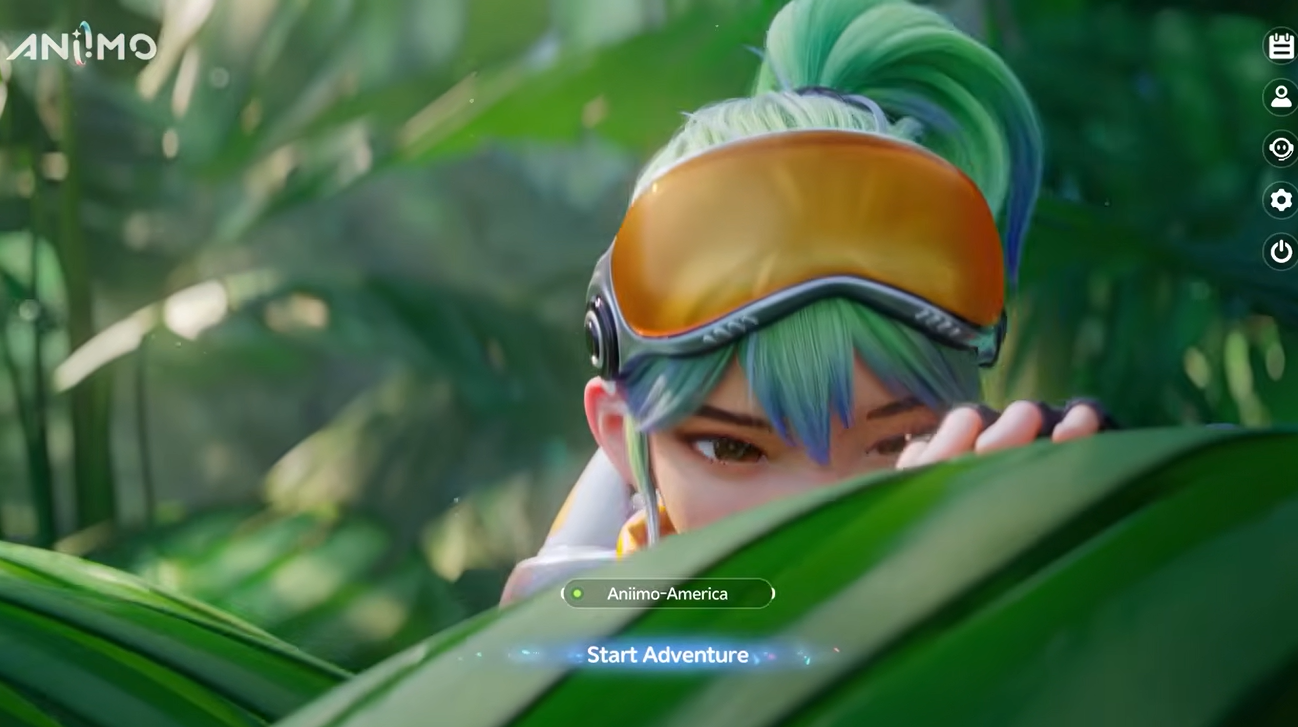
The biggest early mistake is rushing. Aniimo rewards exploring each area carefully rather than sprinting between objectives — plenty of valuable items, hidden paths, and rarer Aniimo sit off the main route, and you’ll miss them if you tunnel on quests. Take the opening slow enough to actually learn how the world works.
As you catch, aim for variety rather than grabbing the first things you see. Catching different Aniimo teaches you elemental strengths and weaknesses early, and a team that mixes roles — melee attackers, ranged damage, and at least one support — with a spread of elements is far more flexible than one built around a single type. Keep an eye on your stamina while you’re moving through the world, and follow the early tutorial prompts as they appear, since they’re what unlock the systems you’ll lean on later. Early mistakes are normal, so experiment.
Frequently Asked Questions
Can you change servers after starting?
You can play on a different server, but you can’t move an existing character to it — you’ll create a new character and build your progression up again there. Your original character stays safe on its own server, so switching is really about running a second, separate save rather than relocating your first one.
Can you trade your starter to another account?
No. Your starter is locked from trading entirely — you can’t pass it to another player, and you can’t move it between two of your own accounts either.
How long does the first-start sequence take?
Expect roughly 30 minutes to an hour to get from downloading the game through server choice, character creation, the opening play stretch, your starter pick, and learning Twine — after which the game is open-ended and paced by you.
Video help





Leave a Reply