
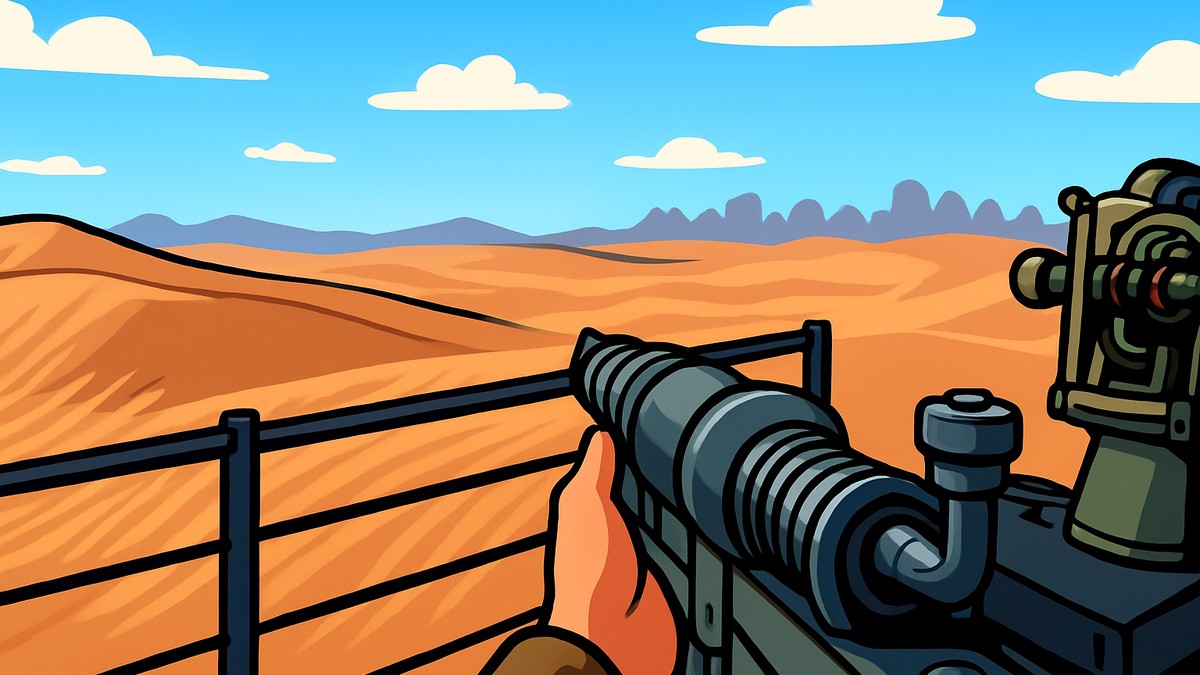
To aim down sights in SAND: Raiders of Sophie, hold Right Mouse Button to ready your weapon, then press Shift while still holding Right Mouse Button to toggle from hipfire into ADS.
SAND: Raiders of Sophie does not handle aiming like a standard shooter where right click always means ADS and left click always fires. The weapon first needs to be readied, and in the default-feeling Smuggler flow, Shift changes from sprint to aim-mode toggle while Right Mouse Button is held.
Why ADS feels different in SAND: Raiders of Sophie
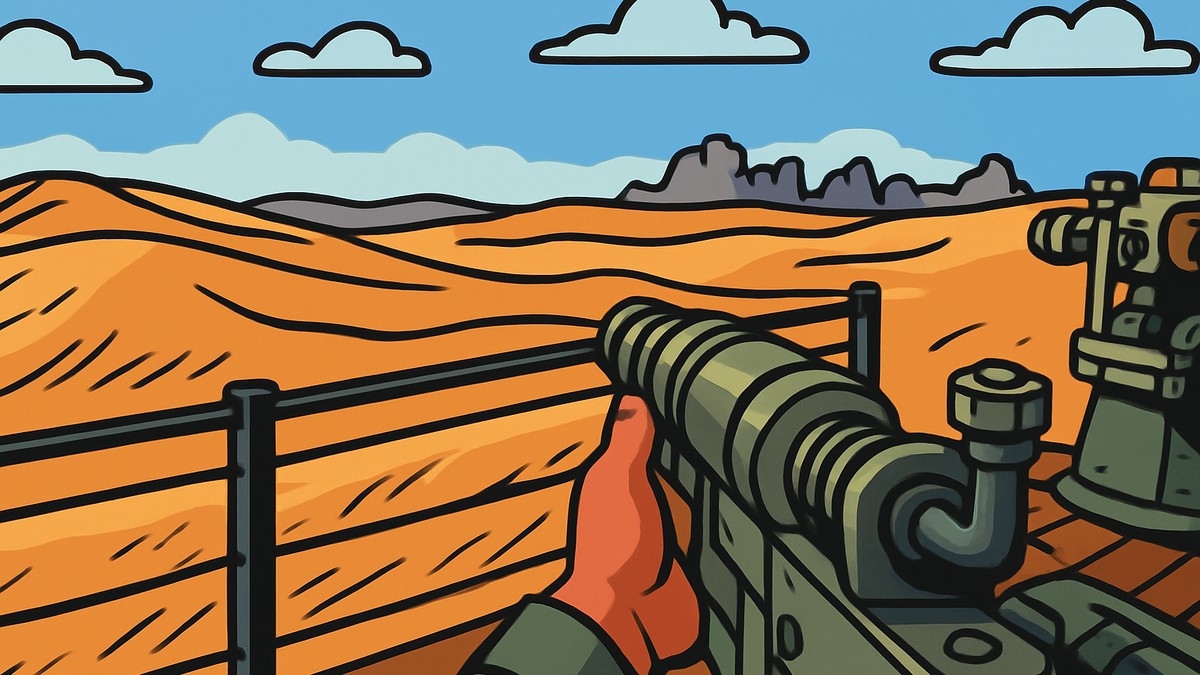
The exact keyboard-and-mouse input is: hold Right Mouse Button, then press Shift while still holding it. That raises your weapon first, puts you into hipfire by default, and then switches you into aiming down sights.
The confusing part is Left Mouse Button. If your weapon is idle, pressing it can perform a melee attack instead of firing, so it can look like shooting or ADS is broken when the character was simply not in the right weapon state.
Once you understand that SAND separates idle, hipfire, and ADS, the controls make more sense. Hipfire is your close-range ready stance, while ADS is the more precise sight picture for longer-range fights.
Raise the weapon with Right Mouse Button before pressing Left Mouse Button; from idle, the fire input can trigger melee instead of shooting.
How to aim down sights in SAND: Raiders of Sophie
Use this flow when your Weapon Handling Mode behaves like Smuggler and ADS is toggled from a readied hipfire stance.
STEP 1/5
Ready your weapon
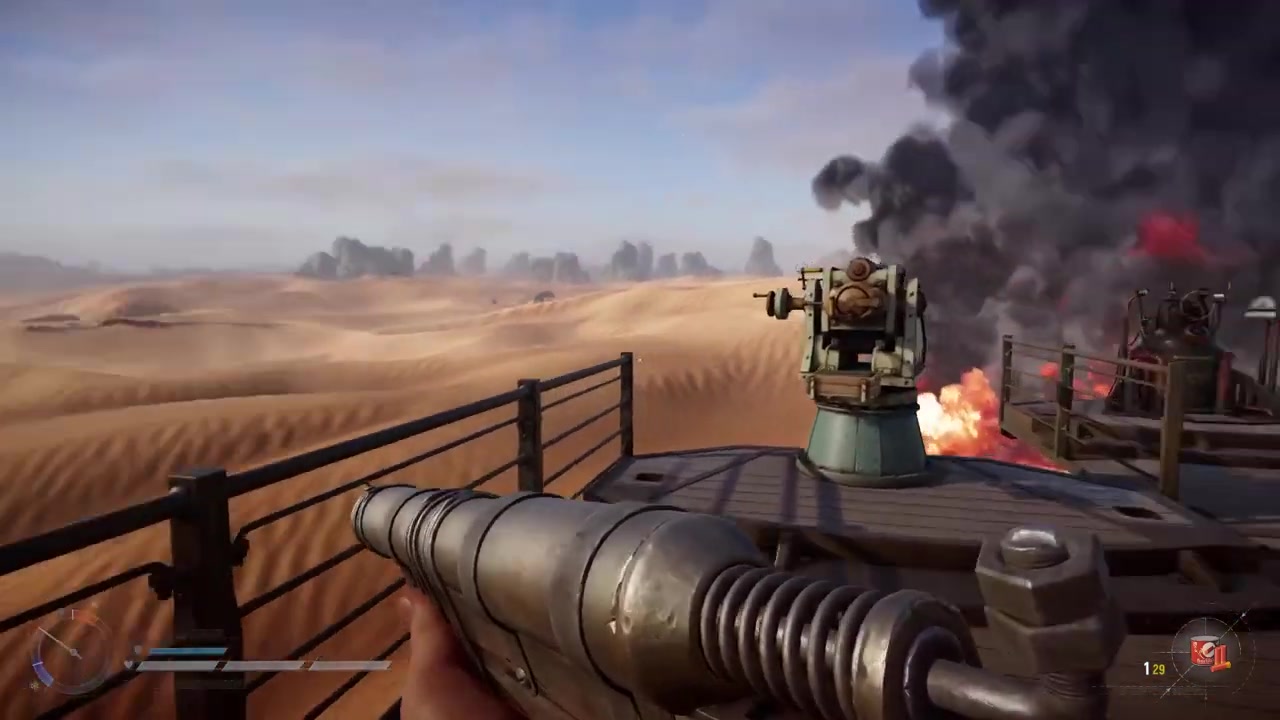
Hold Right Mouse Button to raise your weapon before trying to shoot.
STEP 2/5
Start in hipfire
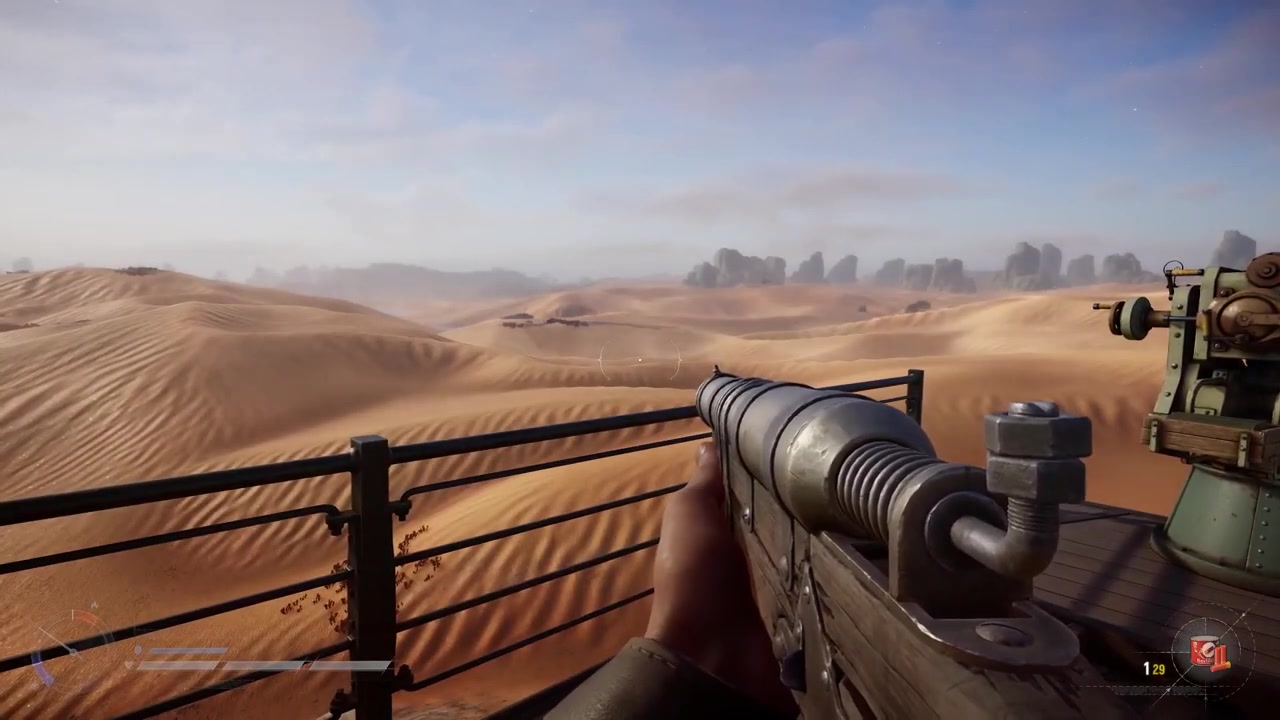
Keep holding Right Mouse Button; the weapon readies into standard hipfire first.
STEP 3/5
Toggle into ADS
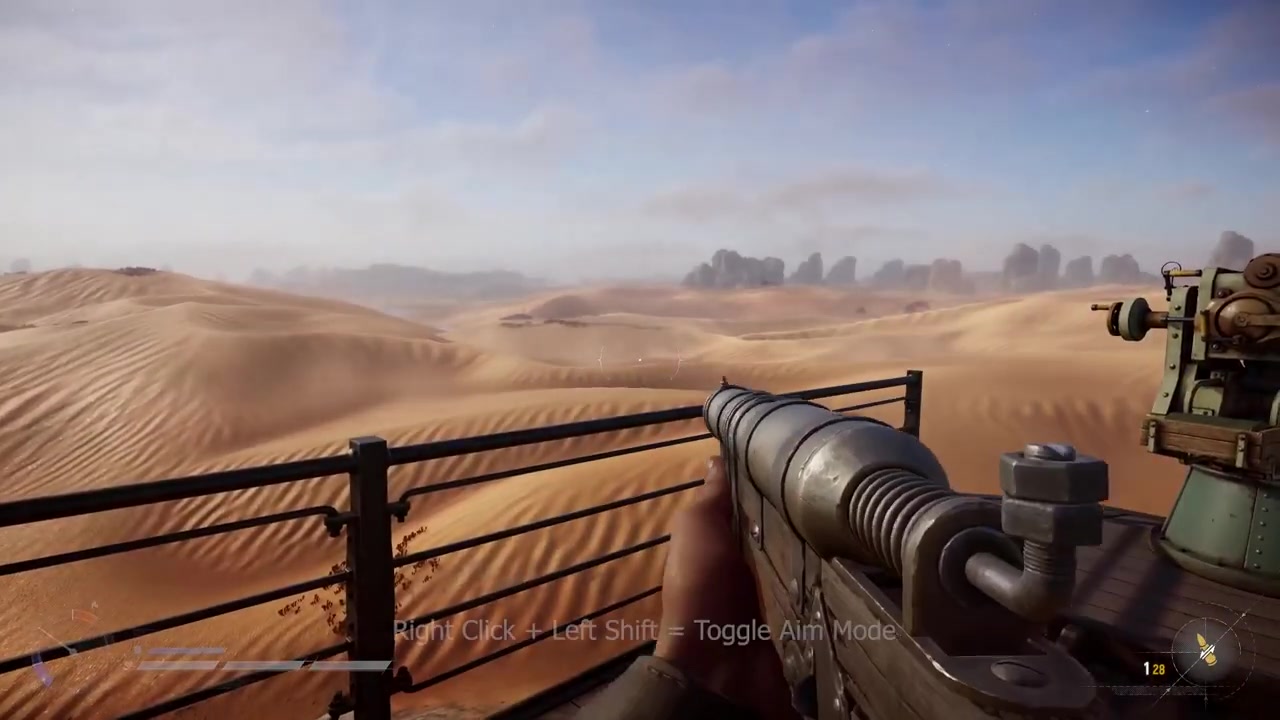
While still holding Right Mouse Button, press Shift to switch from hipfire into ADS.
STEP 4/5
Return to hipfire
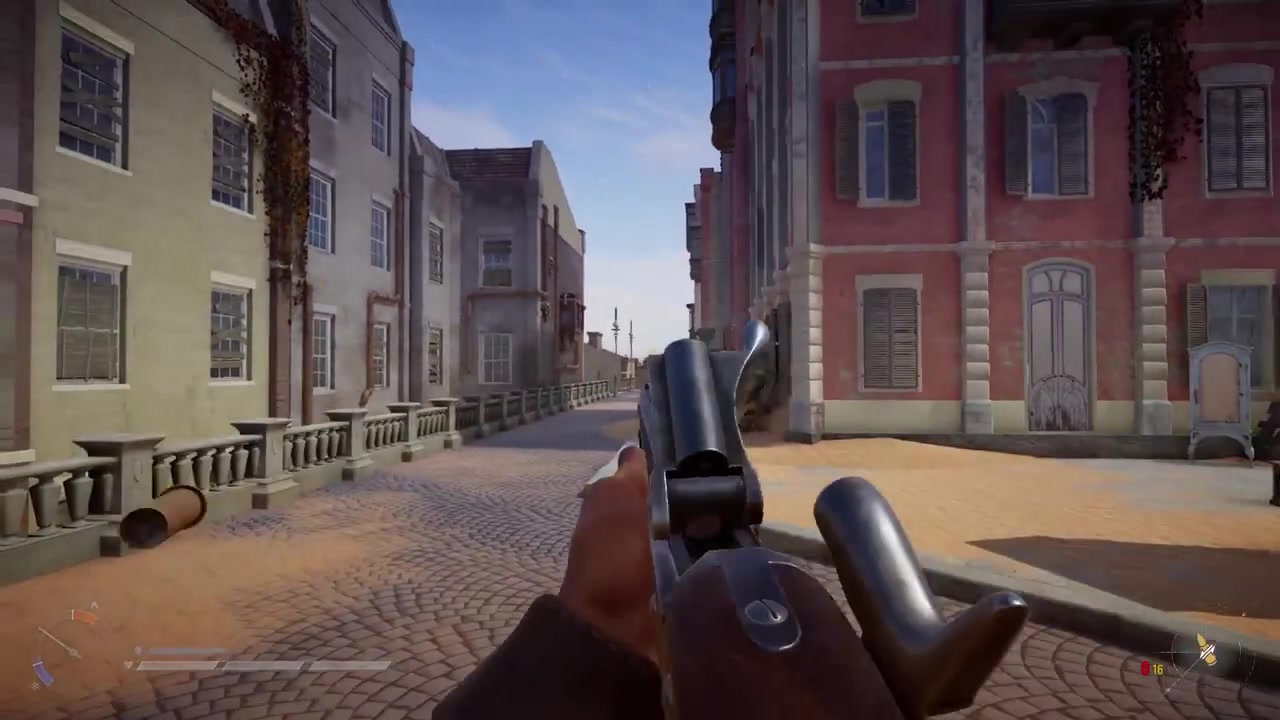
Press Shift again while holding Right Mouse Button to swap back to hipfire for close-range fighting.
STEP 5/5
Lower before sprinting
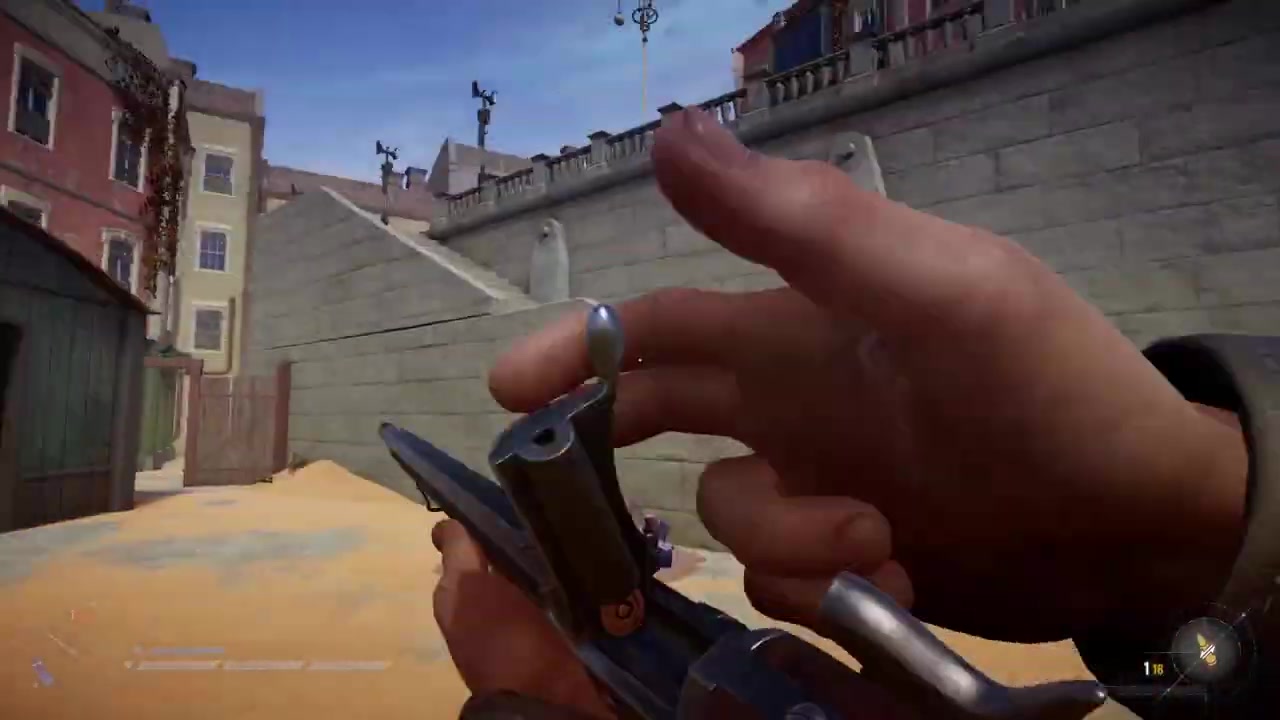
Release Right Mouse Button to lower your weapon before using Shift to sprint again.
Video help
Hipfire, ADS, melee, and sprint controls
| Input/state | What happens |
|---|---|
| Right Mouse Button | Readies the weapon and starts you in hipfire. |
| Shift while readied | Toggles between hipfire and ADS. |
| Left Mouse Button while idle | Can perform a melee attack instead of firing. |
| Left Mouse Button while ADS | Fires the weapon from the sighted stance. |
| Sprinting after lowering the weapon | Release Right Mouse Button, then use Shift to sprint again. |
KEY!
The main rule is that Shift changes jobs while your weapon is readied. With Right Mouse Button held, Shift toggles between hipfire and ADS instead of sprinting.
Use ADS when you need a cleaner sight picture at mid to long range. Stay in hipfire when a fight is close enough that speed and wider awareness matter more than precision.
Weapon Handling Mode changes ADS behavior
| Mode | ADS behavior |
|---|---|
| Smuggler | Hold Right Mouse Button to ready into hipfire, then press Shift to toggle ADS. |
| Outlaw | Right Mouse Button goes directly into ADS, and Left Mouse Button fires immediately with default-style bindings. |
The Controls menu includes Weapon Handling Mode, with Smuggler and Outlaw modes changing how ADS and shooting feel. Smuggler is the Right Mouse Button plus Shift flow covered above.
If your inputs do not match that behavior, check whether you are using Outlaw or custom keybinds. Outlaw changes the ADS flow so Right Mouse Button goes directly into ADS and Left Mouse Button fires immediately with default-style bindings.
When ADS or firing feels broken
If Left Mouse Button keeps meleeing, your weapon is probably still idle. Ready it first with Right Mouse Button, then use the appropriate aim state before firing.
If Shift will not sprint, check whether you are still holding Right Mouse Button. While the weapon is raised in Smuggler-style handling, Shift is being used for the hipfire-to-ADS toggle.
If ADS will not switch, remember that it is a toggle from hipfire in Smuggler mode: hold Right Mouse Button, press Shift once for ADS, and press it again to return. For custom controls, open the keybinds and confirm that your ADS, sprint, and weapon handling bindings have not been changed.
Frequently Asked Questions
Can you aim down sights in SAND: Raiders of Sophie?
Yes. In the Smuggler-style control flow, hold Right Mouse Button to ready your weapon, then press Shift while still holding it to toggle into ADS.
Why does Left Mouse Button melee instead of shooting?
Left Mouse Button can melee when your weapon is idle. Ready the weapon first with Right Mouse Button, then fire from the proper readied or sighted stance.
Why does Shift stop sprinting when my weapon is raised?
While Right Mouse Button is held, Shift is used to toggle between hipfire and ADS. Lower your weapon before using Shift to sprint again.
How do I switch back from ADS to hipfire?
Press Shift again while still holding Right Mouse Button. The same input toggles you back from ADS to hipfire.
What is the default controller ADS button?
The default controller ADS button is not clear from the current control details. Check the in-game controls menu for your active controller layout, especially if you have changed bindings.
Leave a Reply