
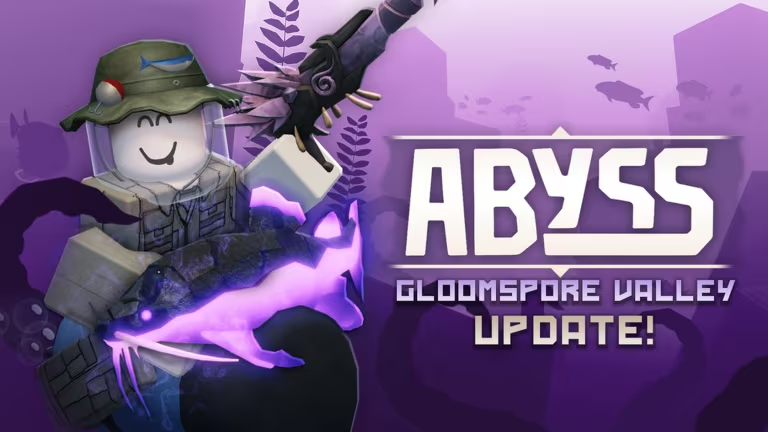
Abyss is a Roblox experience where star shards act as the main currency, letting you pick up gear and progress faster without grinding for every last shard yourself. The codes below hand you free stacks of star shards just for typing them in, so it’s worth checking them before you dive back into the game.
Working Abyss Codes
Both codes below are confirmed to work right now, so punch them in before they get pulled.
SPORE
400 star shards
SORRYDELAY
800 star shards
How to redeem codes in Abyss
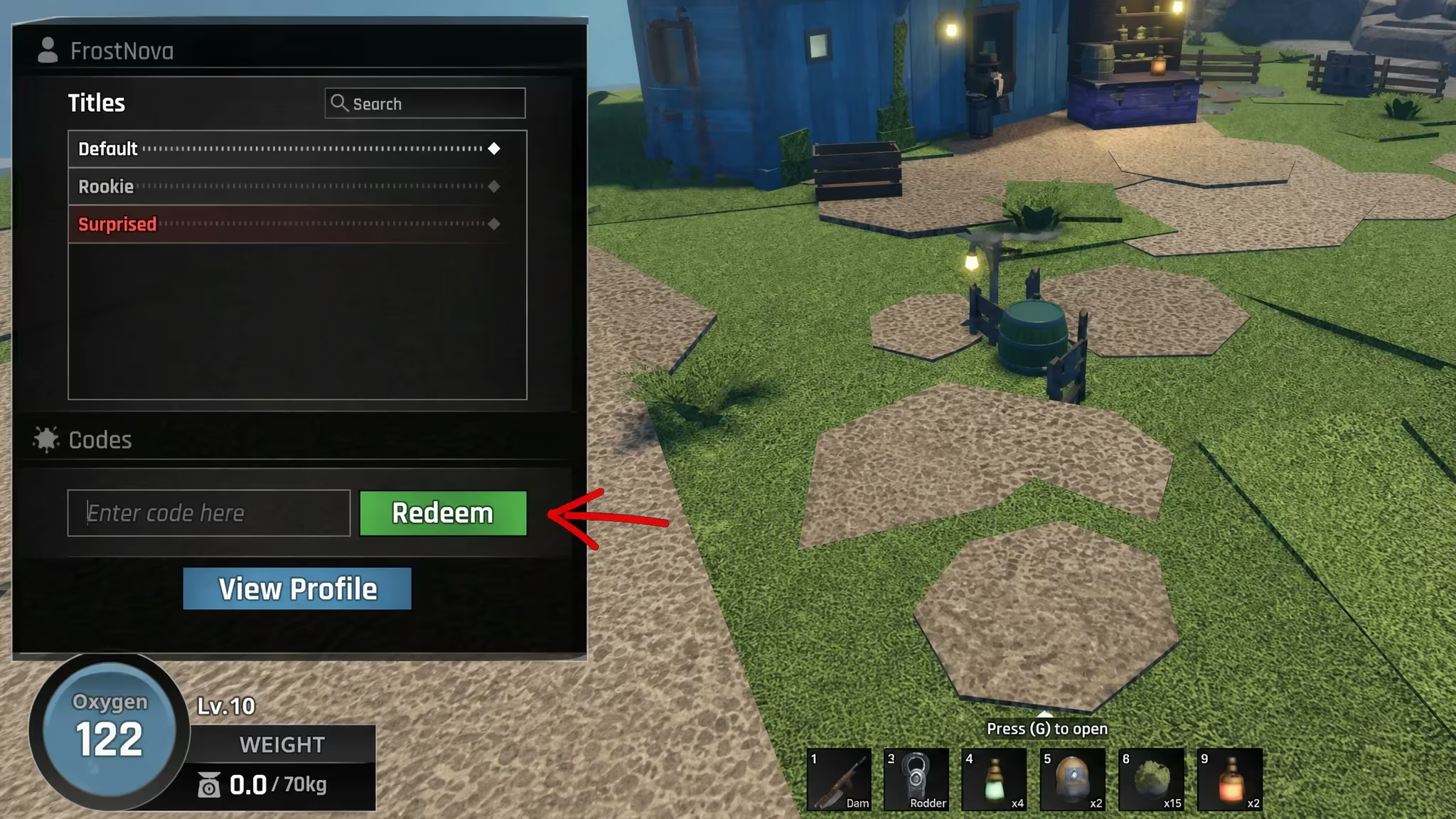
Redeeming a code in Abyss only takes a few taps once you’re actually in the world, and you’ll know it worked because your star shard total updates instantly.
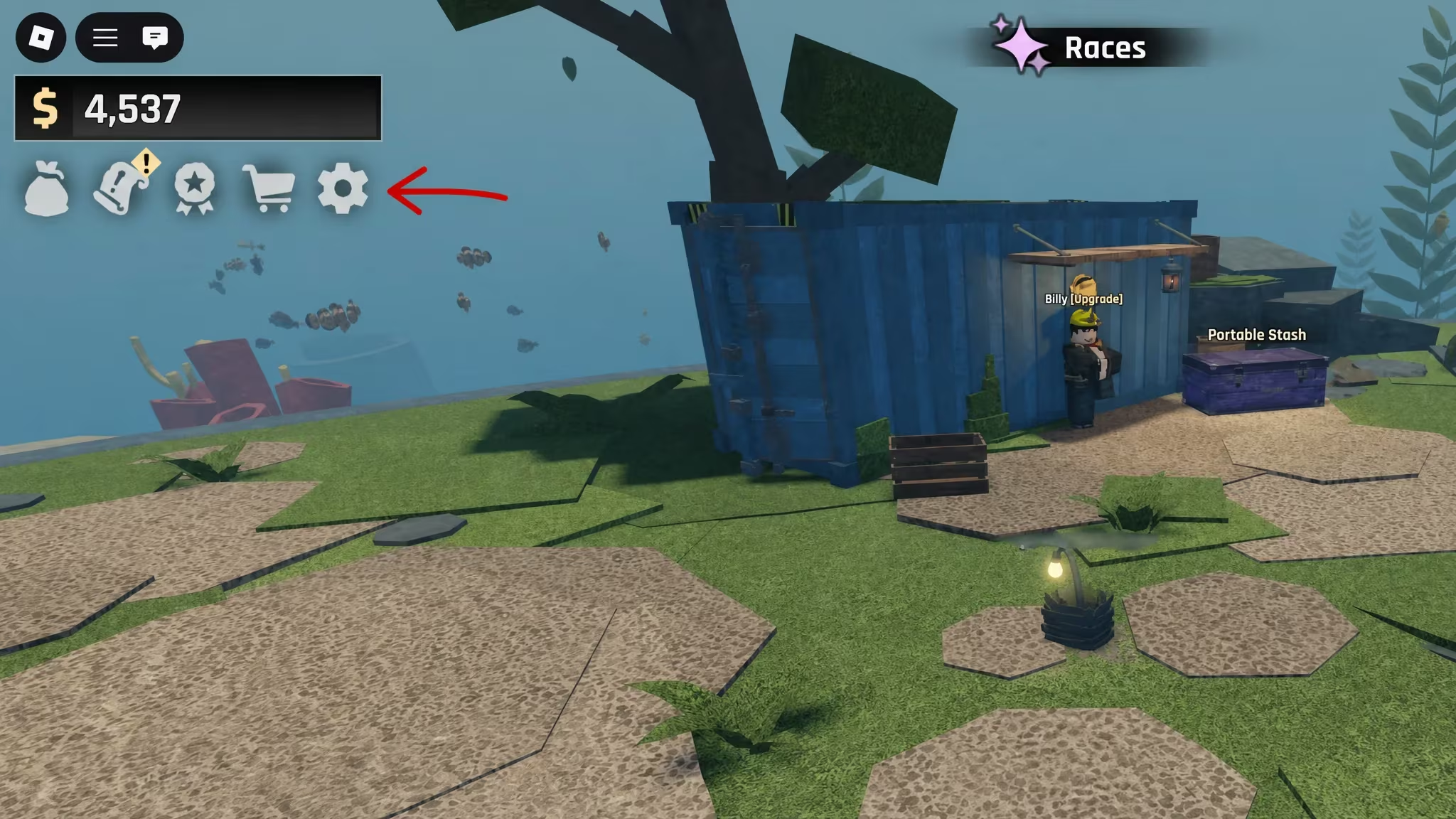
Note: If nothing shows up after you press Redeem, double-check your spelling and capitalization before assuming the code has expired.
Expired Abyss codes
These codes have stopped working, so don’t waste time trying them.
FISHPOND
MONKE
LOVE
BUGFIX01
RELEASE
How to get more Abyss codes
New Abyss codes typically come from the developer’s own official channels rather than in-game announcements, so keeping an eye on those is your best bet. The official Abyss Discord server is where the developer, Deep Spirit Games, tends to post updates and new codes as they roll out. You can also follow the Deep Spirit Games community group on Roblox for the same announcements.
If you haven’t jumped into the game yet, you can find Abyss directly on the Roblox experience page.
Why didn’t my code work?
The most common reason is a typo or mismatched capitalization in the code field. Since Abyss codes are case-sensitive, retyping the code carefully usually solves it. If the code has simply expired, it will no longer show up as a working option in this list.
Check back periodically since star shard codes tend to rotate as Deep Spirit Games pushes updates to Abyss.






Leave a Reply