Learn how to use Transport Drones in Solarpunk to automate ore delivery from remote Drills, keep your base stocked, and avoid repeated resource runs across distant islands.
In Solarpunk, once you have Drills chewing through ore on some far-off island, walking back and forth to empty them gets old fast. Transport Drones are the fix: place one, point it at a Drill, and it flies the round trip for you. The whole system is simple once you get the one rule that trips most people up, so let’s start there.
Transport Drones haul ore from a remote Drill (or an open-air chest) back to wherever you place the drone — craft one, set it down and name it at your delivery point, power it, then travel to the Drill and assign that named drone to it.
- What Transport Drones do and where to place them
- Where to find the blueprint and craft a drone
- How to assign a Transport Drone to collect resources in Solarpunk
- Drone carry capacity and the Circuitboard upgrade
- Power draw and rules that stop a drone
- Common mistakes that keep drones grounded
- What to build after your first drone
- Frequently Asked Questions
What Transport Drones do and where to place them
The single most important thing to understand: you place the drone where you want the loot delivered — usually your base — not at the mine. The drone is the receiving end. After it’s down, you go to the distant Drill and assign that drone to it, and the drone then flies out to the Drill, collects what it can carry, and comes back to its placement spot.
When it returns, it drops the haul into its own inventory, ready for you to grab and stash. Placing the drone at the Drill instead of at your delivery point is the number-one mistake, and it’s why a perfectly crafted drone can look like it’s doing nothing.
Set the drone down where you want the ore to arrive, then walk to the Drill to assign it — the placement spot is the delivery point, never the mine.
Where to find the blueprint and craft a drone
The Transport Drone is unlocked at the Energy Workbench, which sits in the tradebot’s shop on the island just north of the starting island — it’s the blue console opposite the bot’s counter. Unlocking the drone there costs a Blueprint at Tier 2.
Once it’s unlocked, you actually build the drone at an Energy Crafting Table back in your base. As for materials, Cobalt x8, Iron x16, Copper x16, Silicon x16. Stock up on a bit of each before you commit and you’ll be fine.
How to assign a Transport Drone to collect resources in Solarpunk
Confirm the drone is active
Once your placed drone platform is powered and running, it’s ready to be sent out to pick up loot.
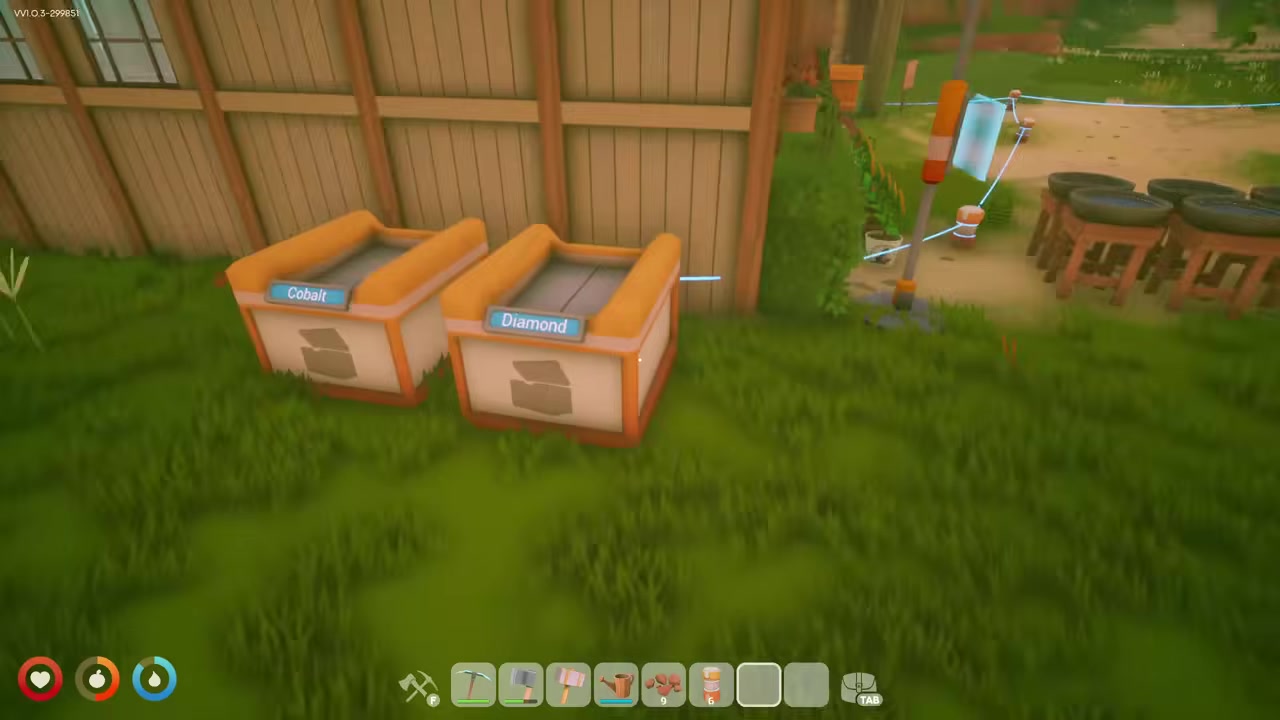
Slot in a Circuitboard upgrade
Drop a Circuitboard into the upgrade slot first if you want the drone hauling a bigger load.
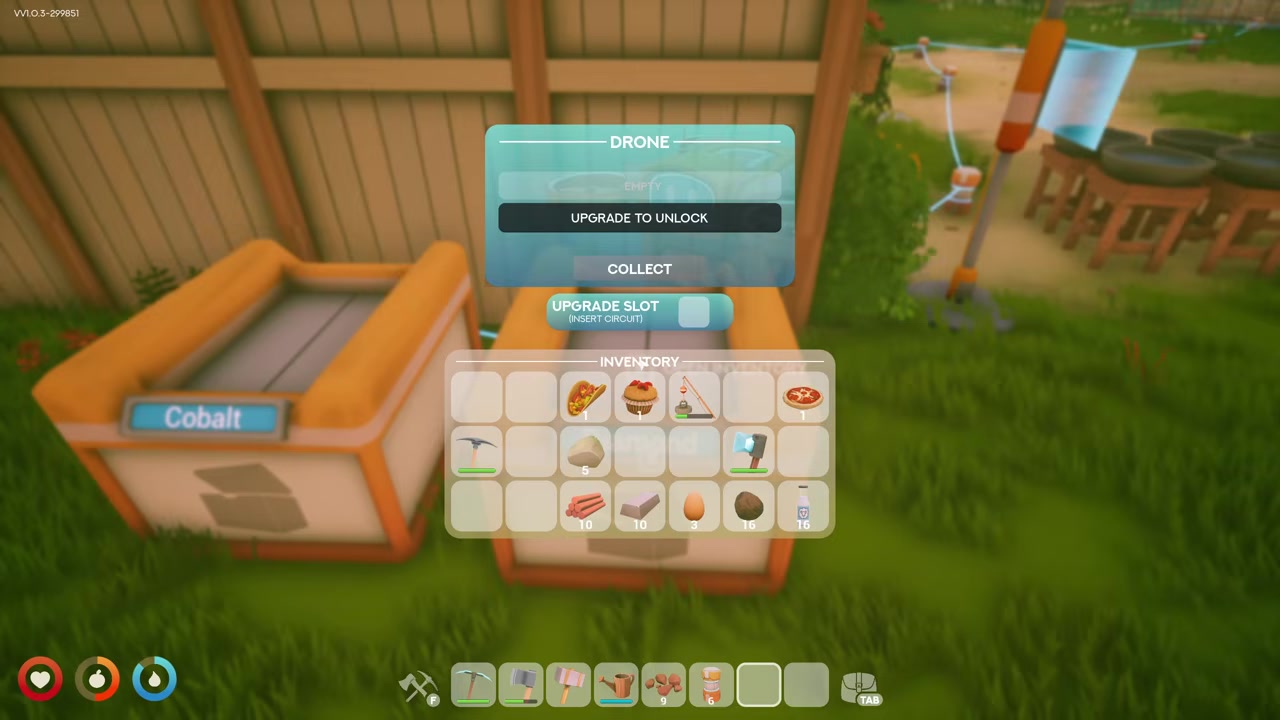
Open the Drill or station
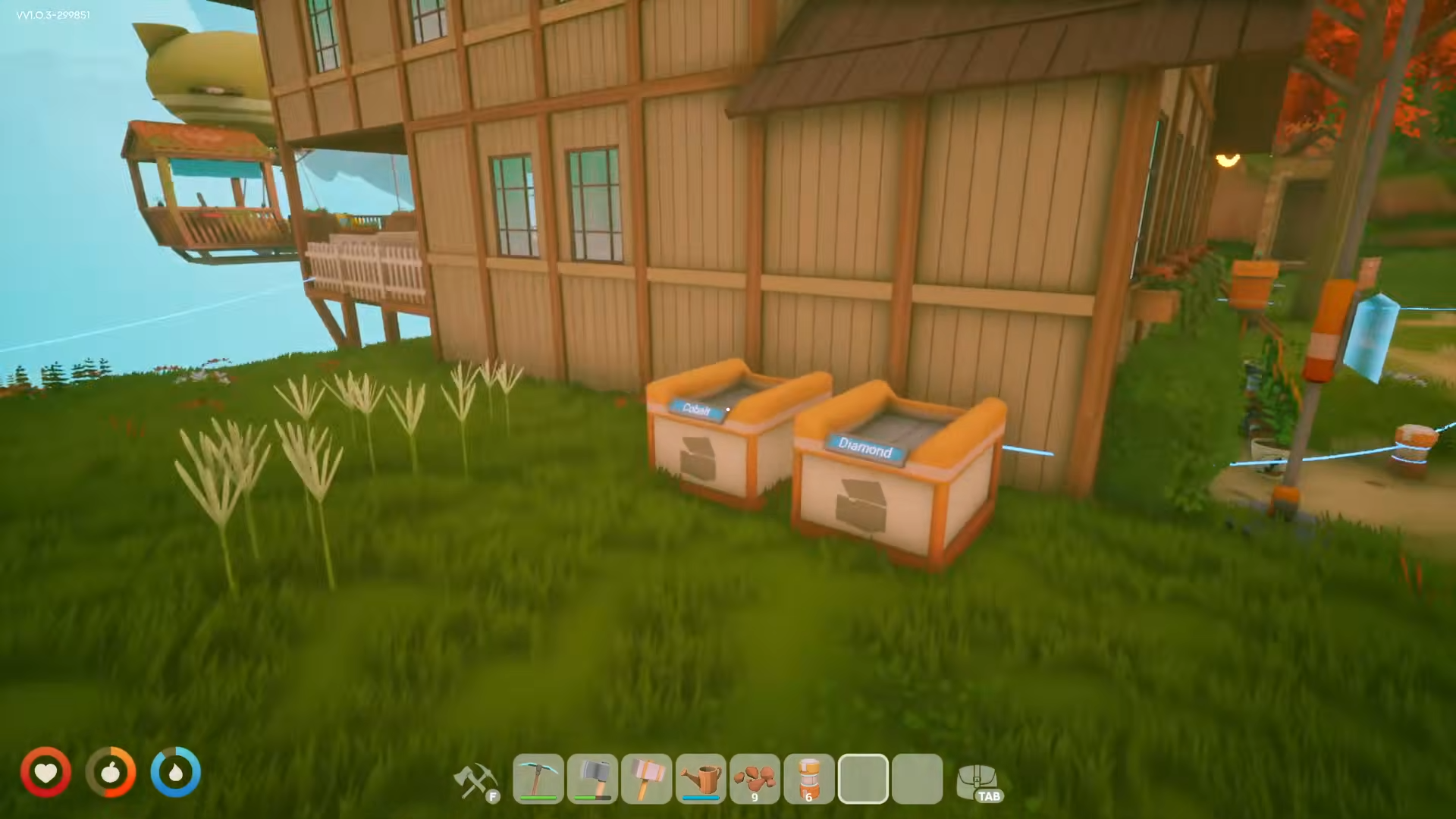
Walk up to the Drill, algae or forestry station you want emptied and interact with it.
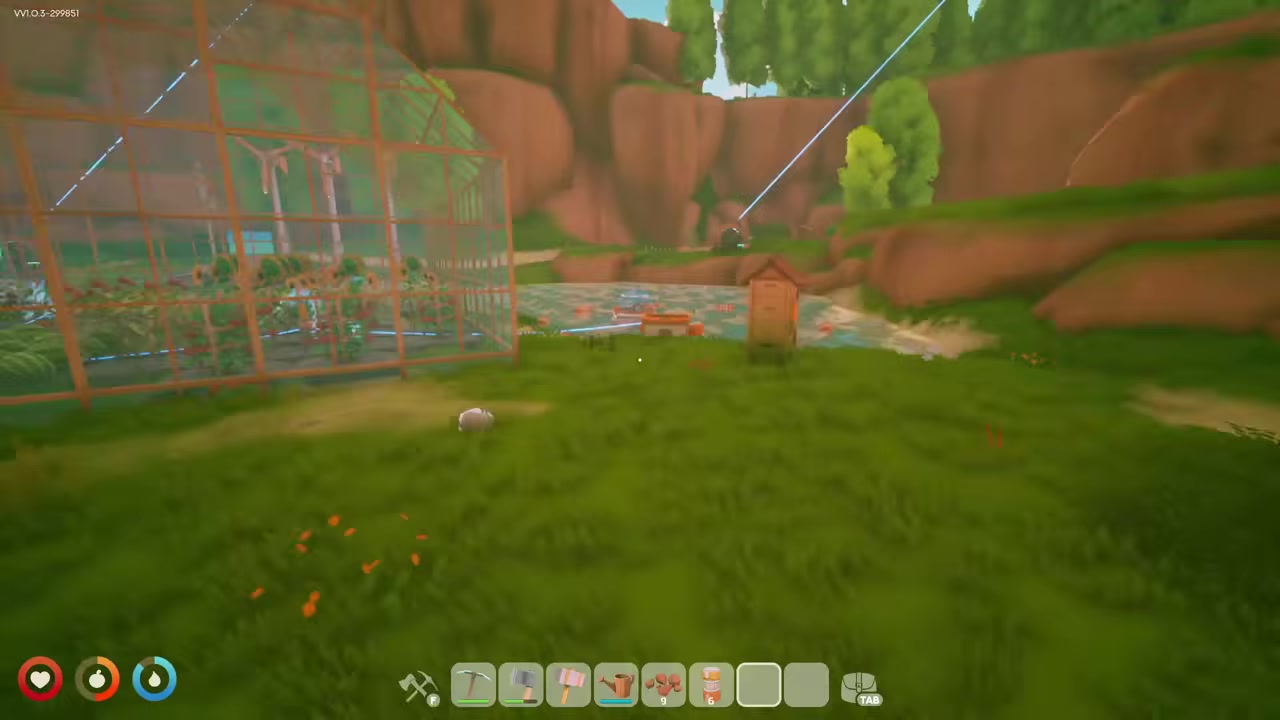
Assign your named drone
Select your drone from the station’s menu so it flies out to collect the resources.
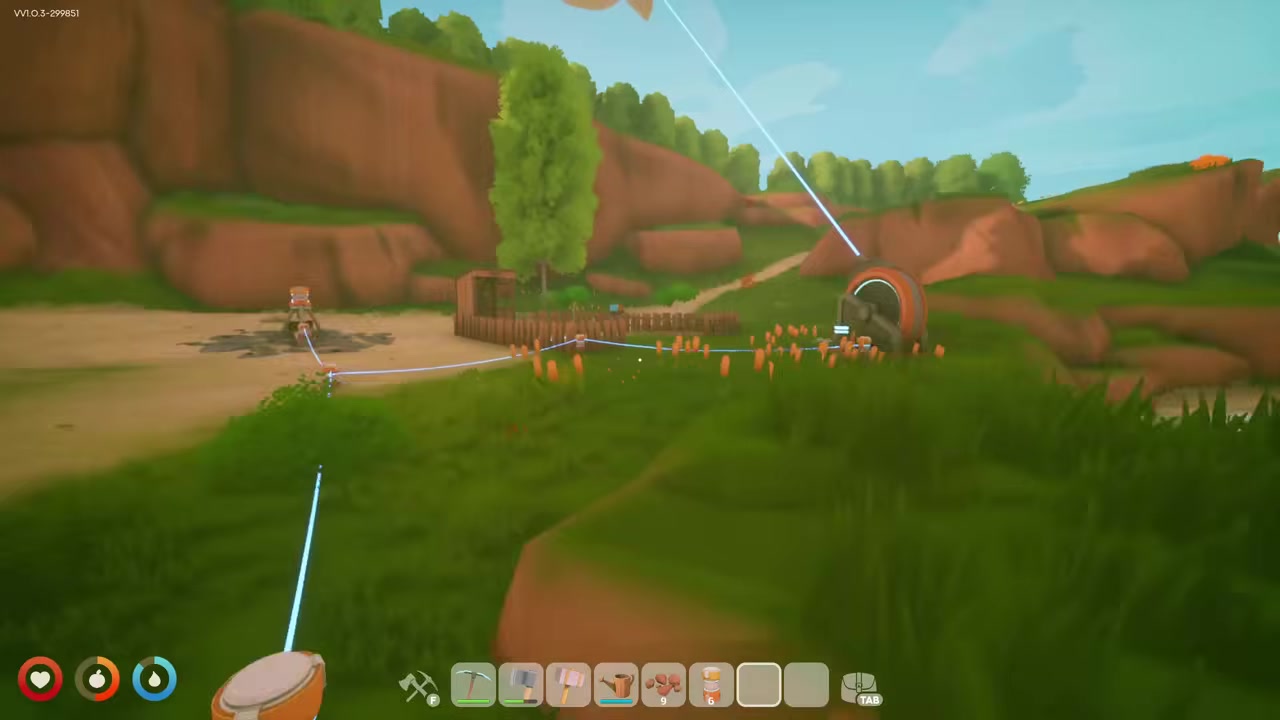
Send it to distant nodes
The same assignment works for far-off finds like diamonds — the drone makes the trip out and back on its own.
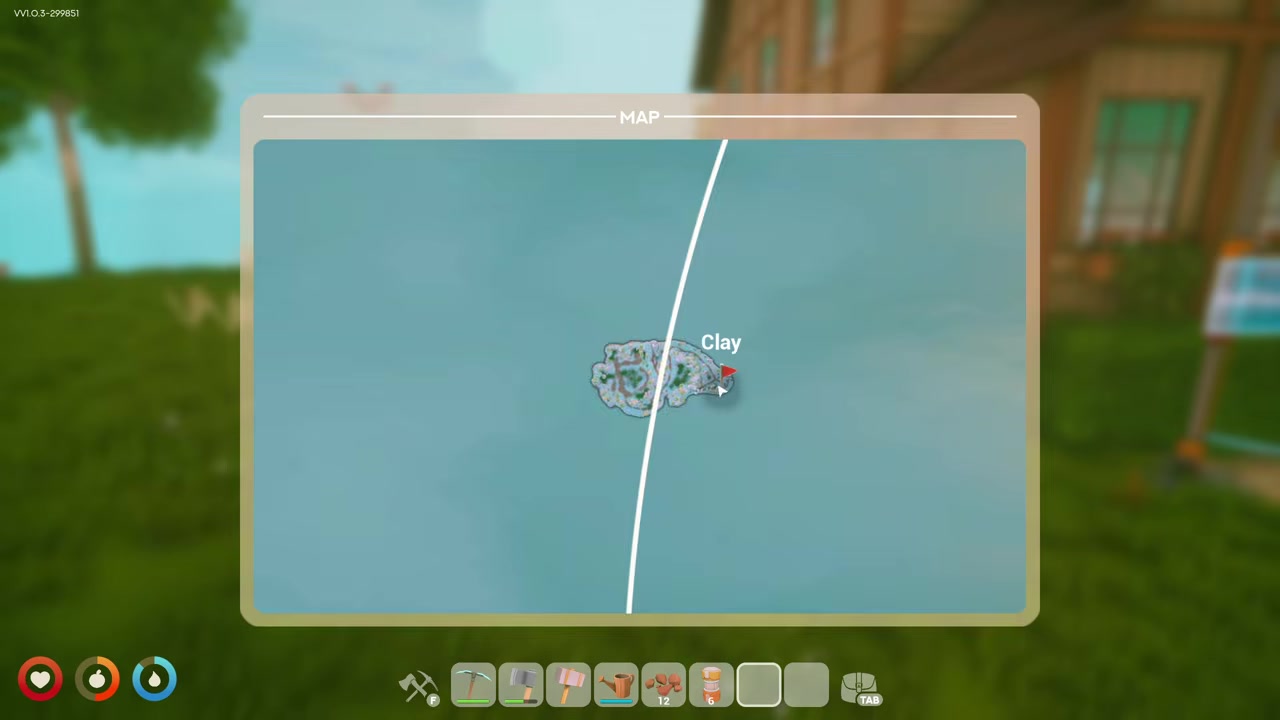
Grab the loot and stash it
When the drone returns to its placement point, take the haul from it and move it into storage.
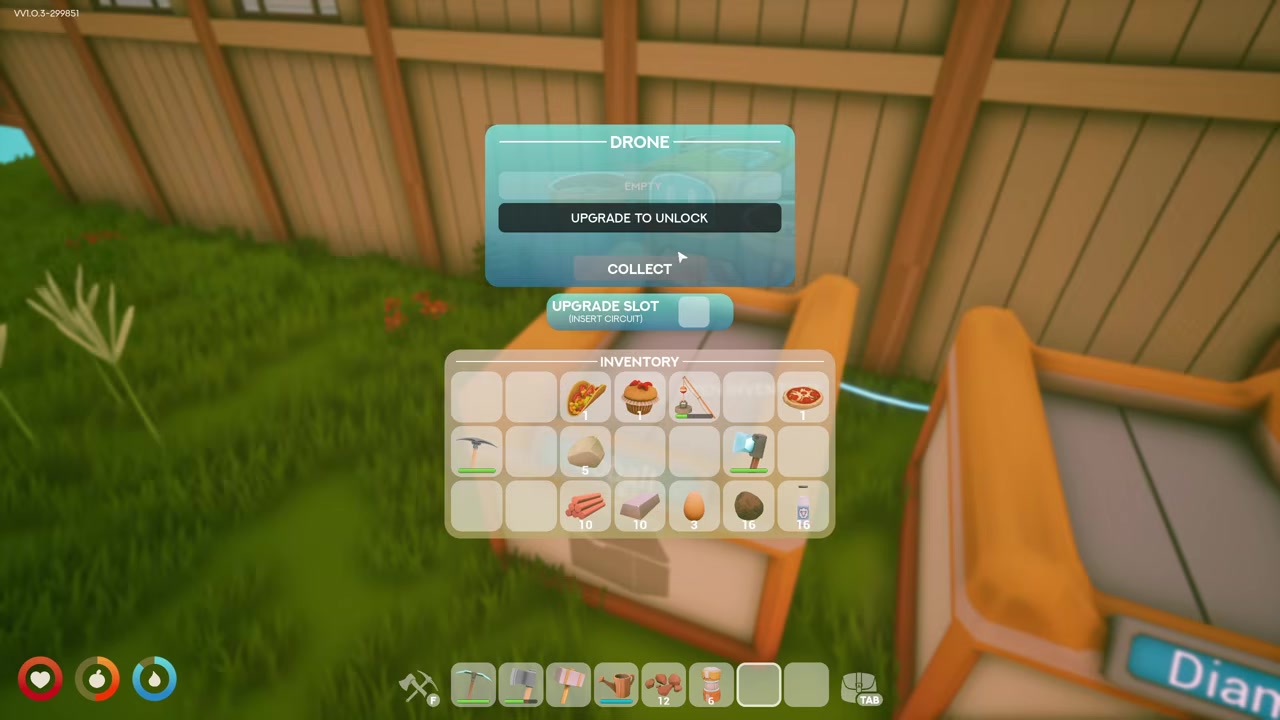
Drone carry capacity and the Circuitboard upgrade
A basic Transport Drone carries one stack — 16 ores per trip. Since that’s only half of a full Drill’s 32-ore output, a busy Drill will need two trips to fully clear, so don’t be surprised if a single drone leaves some behind on the first run.
To fix that, slot a Circuitboard into the drone’s upgrade slot — it doubles capacity to 32, enough to empty a full Drill in one go, and you can pull it back out later to reuse elsewhere. The Circuitboard is itself a Tier 4 Energy Workbench Blueprint; its recipe is reported as Algae x10, Copper x5, Cobalt x5, though that’s single-sourced, so verify it in-game before farming the parts. You may also see the platform described as having two slots — in practice you just need the one upgrade slot for the Circuitboard.
Power draw and rules that stop a drone
The biggest gotcha by far is power: a Transport Drone draws 300 power, and if your network can’t supply that, it simply won’t launch. Run a cable from the base of the drone to your grid and make sure the whole setup is generating enough headroom.
| Device | Power draw |
|---|---|
| Transport Drone | 300W |
| Windmill | 210W |
| Drill | 120W |
| Basic Generator | 120W |
| Solar Panel | 70W |
| Sprinkler | 40W |
These figures are a planning reference rather than gospel, but they’re enough to size a grid: a single Windmill or a couple of Solar Panels won’t cover a drone plus its Drill, so budget generation accordingly. A few rules will also stop a working drone cold — one drone serves only one Drill, a full receiving storage halts operation, and if you move a Drill you have to reassign the drone to it. Keep those in mind and most “it stopped” problems explain themselves.
Common mistakes that keep drones grounded
Most drone trouble comes down to a short list. Placing the drone at the mine instead of your delivery point is the classic one. Close behind: forgetting to name the drone, which leaves you unable to pick it out in a Drill or chest menu, and underpowering it below the 300 it needs to launch.
The rest are about expectations. Don’t expect one drone to feed several Drills — each Drill wants its own. If you’ve relocated a Drill, reassign the drone or it’ll keep flying to nothing. And remember a drone stops when its receiving storage is full, so keep that container clear if you want a steady flow.
What to build after your first drone
With one drone running, the natural next steps are about scale. You’ll want a reliable Cobalt source for crafting more drones and Circuitboards, and unlocking the Circuitboard at the Tier 4 Energy Workbench lets you double up every drone’s haul.
From there, the real payoff is a self-sufficient remote outpost: a Drill paired with Solar Panels and a Battery so the mine keeps powered and the drone keeps flying while you’re off doing something else. Tie your generators and consumers into one unified grid and a handful of drones can quietly stock your base.
Frequently Asked Questions
Why won’t my drone launch or move?
Almost always power. The drone needs 300 and a properly connected cable to your network — if the grid can’t supply that, it never leaves the platform. The other common cause is a full receiving storage, which stops the drone until you clear space.
Can a drone pull from a chest instead of a Drill?
Yes, but only from open-air chests. Open the chest’s menu and select the drone the same way you would at a Drill. Chests tucked inside houses or held in a Storage Shelf can’t be serviced by a drone.
How many Drills can one drone serve?
Just one. A single drone is locked to a single Drill, so set up a separate drone for each Drill you want hauled.
How do I increase how much a drone carries?
Put a Circuitboard in the drone’s upgrade slot. That takes it from 16 to 32 per trip, enough to empty a full Drill in one run, and you can remove the Circuitboard later to use elsewhere.
Do drones work across islands?
Drones can haul over long distances and even between islands, so distant nodes are fair game.