
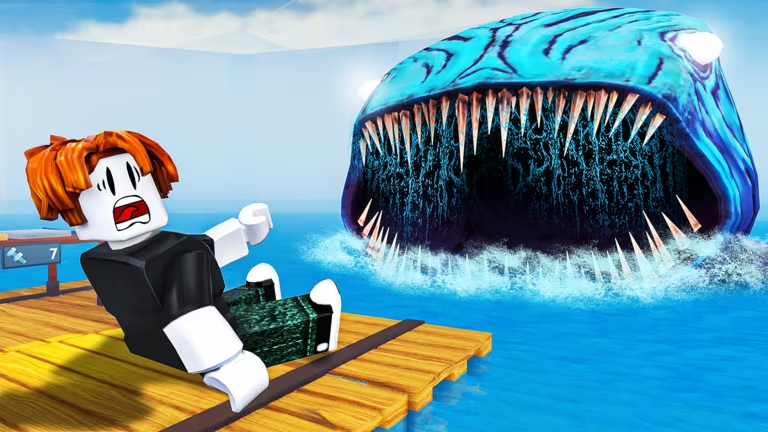
50 Days on a Raft drops you in the middle of the ocean with nothing but scraps, and codes are one of the few shortcuts to building up your survival kit faster. Redeeming them gets you Wheel Spins, which you can cash in at the spin wheel for raft parts, tools, and cosmetic extras without grinding for them first.
Working 50 Days on a Raft Codes
Both of these codes are redeemable right now and each one hands you a couple of Wheel Spins, so it’s worth punching them in before you head out to sea.
DONOTREDEEM
2 Wheel Spins
FREESPIN
2 Wheel Spins
How to redeem codes in 50 Days on a Raft
You don’t need to leave Roblox or log into any outside site to use these codes. Everything happens through a menu built right into the game itself.
Expired 50 Days on a Raft codes
These codes have already been used up or pulled by the developer, so typing them into the Codes window won’t get you anywhere.
175klikes
Free rewards
deepsea
Free rewards
ISLANDS
Wheel Spins
50MVISITS
Bloop Sack skin, caps, turret, and party balloon starter items
TRADER
Wheel Spins
WATCHTOWER
Wheel Spins
KNIFE
Wheel Spins and caps
TUNNELS
Wheel Spins
VALENTINE
Free rewards
WINTER
Free rewards
snow
Free rewards
50KMEMBERS
Free rewards
How to get more 50 Days on a Raft codes
New codes tend to show up around milestones, like hitting a big visit count or a like goal, and sometimes around seasonal events. The developer’s official Discord server is the most reliable place to catch announcements as soon as they go out. Joining the Ocean Survival Roblox community also puts you closer to any in-game or group-wide announcements tied to new codes.
You can jump into the game directly through the 50 Days on a Raft experience page on Roblox whenever you’re ready to check the Codes menu for yourself.
Are 50 Days on a Raft codes free to redeem?
Yes. Every code listed above costs nothing to use and only requires typing it into the in-game Codes window.
Why didn’t my code work?
A code that’s already expired won’t be accepted, and extra spaces typed into the text field can also cause a valid code to fail. Double-check the spelling against the working list and make sure nothing is being entered before or after the code itself.
Check back on the Codes button in-game every so often, since that’s where any new entries will actually work once they’re added.






Leave a Reply