
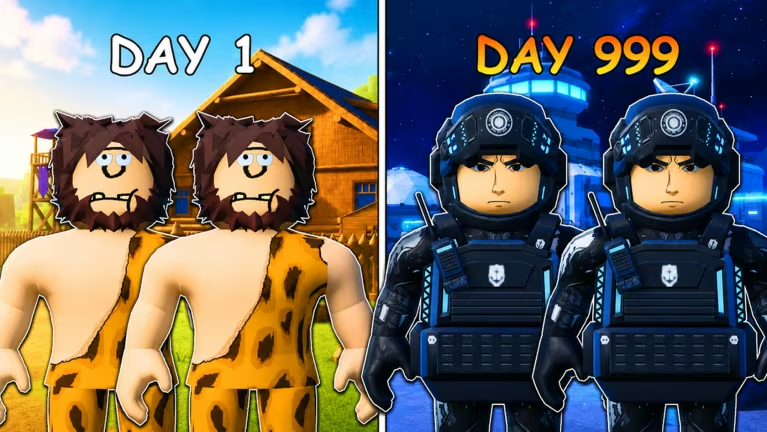
2 Player Evolution Tycoon is a Roblox tycoon experience where you and a partner build up a base together, and codes here are your shortcut to a temporary income multiplier that speeds up how fast your cash piles up.
Working 2 Player Evolution Tycoon Codes
Both of these codes are redeemable right now and stack an income multiplier on top of your normal earnings, so it’s worth punching them in as soon as you’ve got a base running.
UPD1
2x income for 10 minutes
New
20k
2x income for 2 minutes
Codes in this game aren’t tied to your base progress, so you can redeem them even before you’ve claimed a plot. That said, the multiplier only does something once you actually have income flowing in, so set up your base first if you want to see the full benefit.
How to redeem codes in 2 Player Evolution Tycoon
Redeeming a code only takes a few taps once you know where to look. Here’s the exact path to follow inside the game.
You’ll know it worked because your income rate ticks up right away, since the multiplier applies the moment redemption goes through. If nothing changes on your earnings display, go back and check the code for typos or wrong capitalization before trying it again.
How to get more 2 Player Evolution Tycoon codes
New codes tend to show up around updates, so keeping an eye on the developer’s official channels is your best bet for catching them early. The game’s official Discord server is where announcements like this typically land first, so joining it means you won’t miss a fresh code when one drops.
It’s also worth checking back on the settings menu itself every so often, since that’s the same spot you’ll use to redeem anything new you find.
Why didn’t my code work?
The most common cause is a typo or mismatched capitalization in the code field. Retype it carefully, paying attention to whether letters are uppercase or lowercase, then confirm again.
Redeem both codes while they’re still active, and check back on the Discord every so often since that’s where the next batch is likely to be announced first.






Leave a Reply