
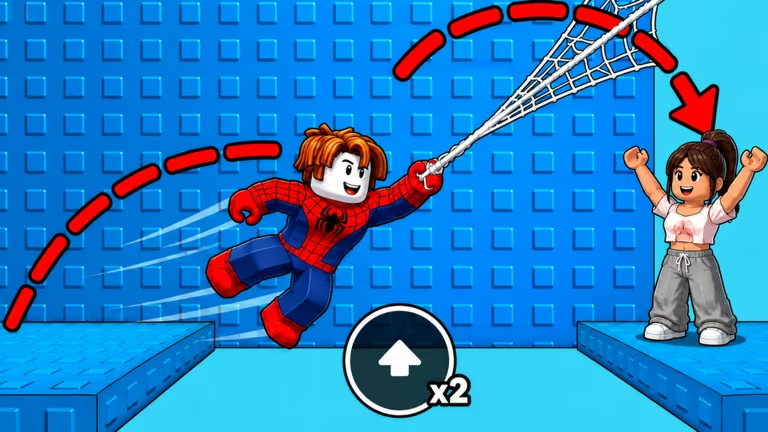
+1 Web Swing Escape is a Roblox obstacle game where you swing, dash, and race your way through a city course, and the developer hands out codes now and then that give you a head start with extra Speed or Wins.
Working +1 Web Swing Escape Codes
Here’s every code that’s currently redeemable, along with what you get for typing it in.
BOOST
15,000 Speed
New
SUMMER
150 Wins
New
SWING
10,000 Speed
SPEED
5,000 Speed
WELCOME
100 Wins
Type each one in carefully, since a stray space or a wrong letter will stop it from working.
How to redeem codes in +1 Web Swing Escape
Redeeming codes here happens through the in-game Shop rather than a separate button, so give the game a moment to load before you start.
Expired +1 Web Swing Escape codes
These codes have stopped working, so don’t waste time punching them into the Shop menu.
WINNER
Previously gave 8,000 Speed
CITY
Previously gave 500 Wins
LAUNCH
Previously gave 300 Wins
RACE
Previously gave 200 Wins
How to get more +1 Web Swing Escape codes
New codes for +1 Web Swing Escape tend to show up around milestones like player count goals or seasonal updates. The most reliable place to catch them is the game’s own Discord server, where the developer posts announcements directly. You can also keep the +1 Web Swing Escape page open, since new codes sometimes appear in the game’s description or update notes.
Why didn’t my code work?
Codes are case-sensitive and need to be typed exactly, so double-check for typos or extra spaces before assuming a code has expired. If it still won’t redeem after that, it’s likely no longer active.
Check back on this page whenever you want a quick Speed or Wins boost, since codes are the fastest way to jump ahead in +1 Web Swing Escape without grinding for it.






Leave a Reply